Participant
September 23, 2022
Answered

Grabbing design from one part of a file to place in another

  • September 23, 2022
  • 2 replies
  • 391 views

So i'm using a template made up of paths for a Canam X3 what im trying to figure out is if there is a faster way of applying the design to every path and then moving the shape to something more compact for cutting. What its coming down to is i make a copy of the design and mask it to the shape, apply it, then move the shape to a more compact space for cutting in another program. I have to do this for every shape and every new design, is there a more efficient way of doing it? can i make a separate file or layer where i place the design and the compact file can just grab the design from a certain spot? i'll add a sample to hopefully help explain what i need help with! thank you!
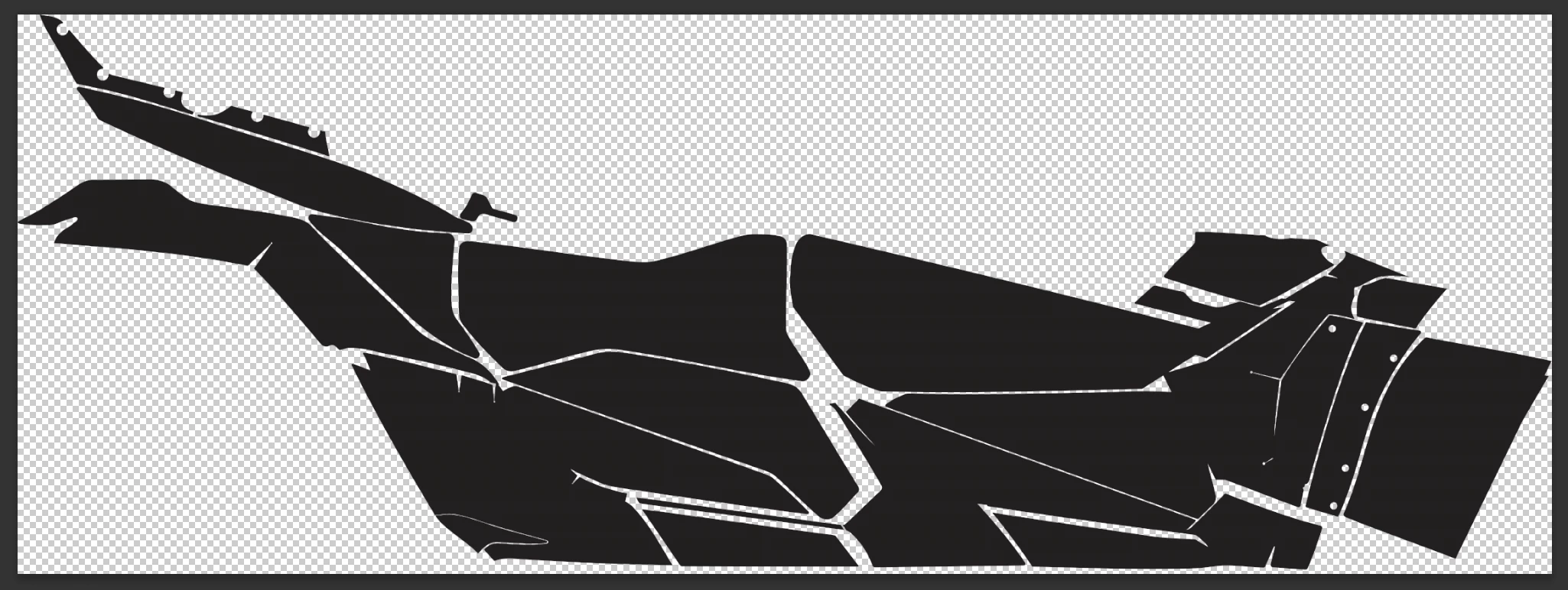
Blank Template
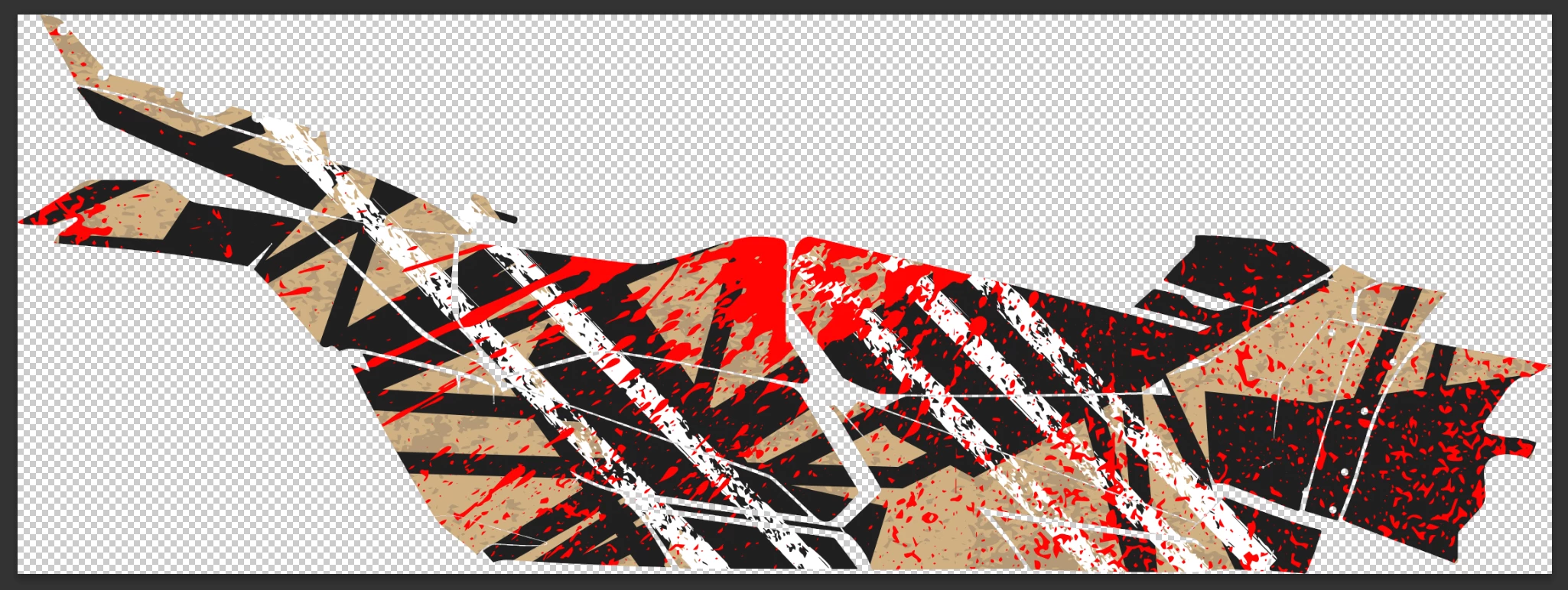
 

Template with a bunch of layers and masks
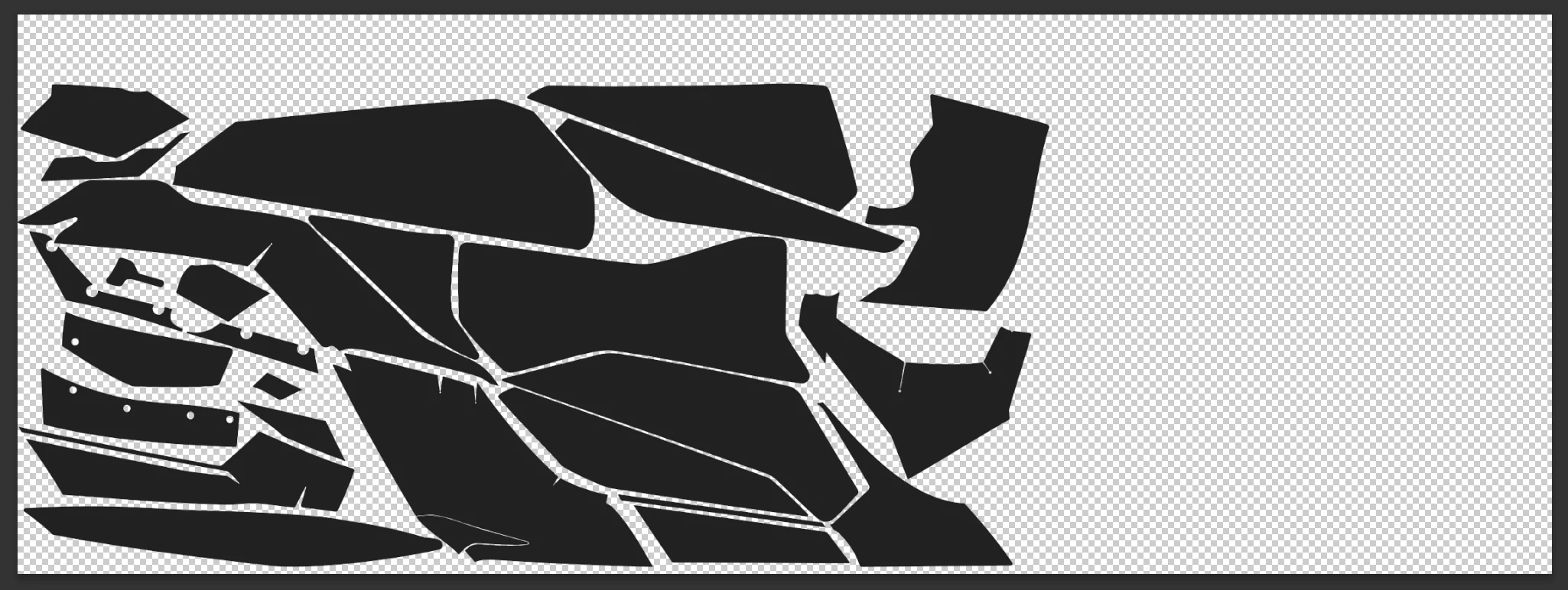
 

Blank Compact Paths
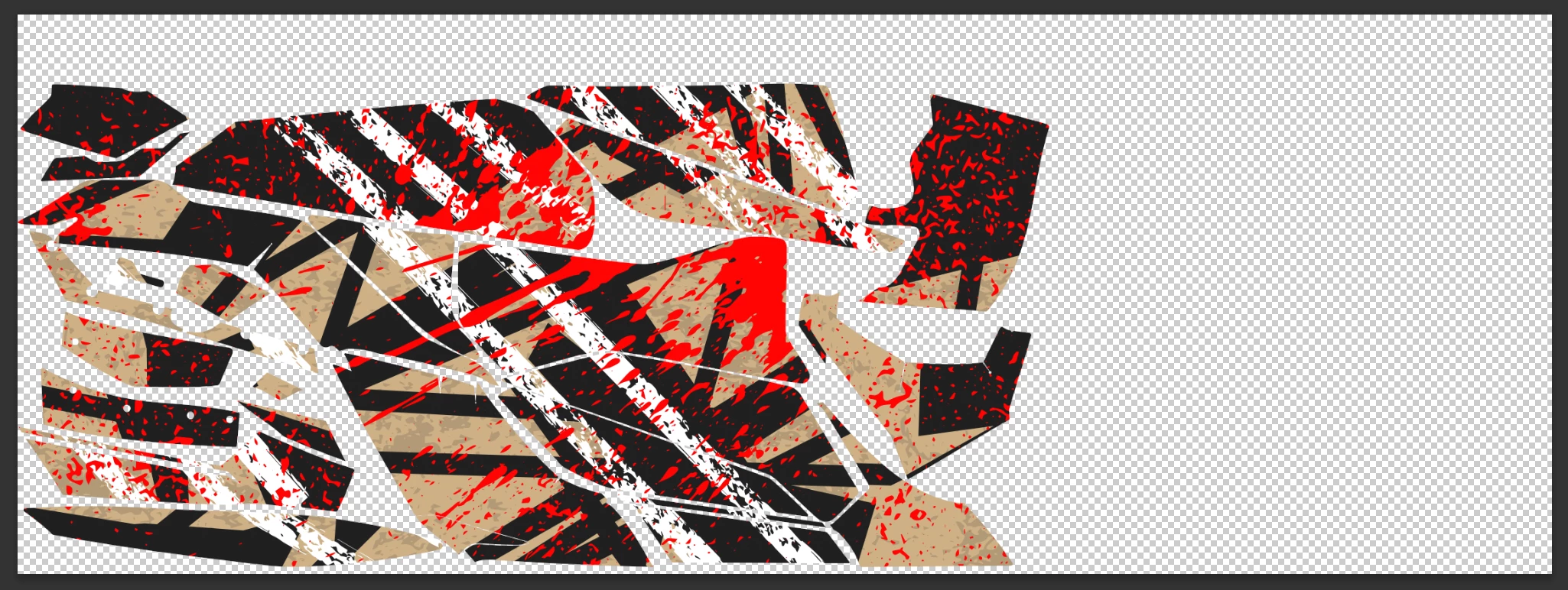
 

Compact template with all the layers and masks applied
This topic has been closed for replies.
Correct answer Trevor.Dennis

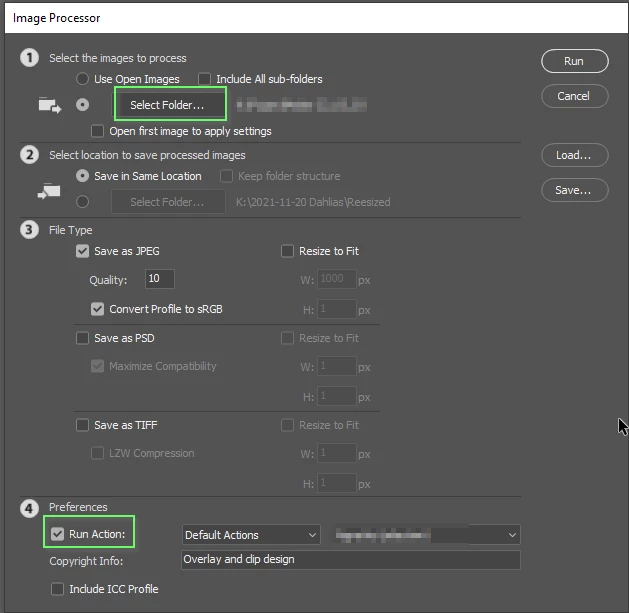
If I am understanding you correctly, you could create an action that loads the design, clips it to the template, and saves it.  You could then use File > Scripts > Image Processor  to batch process a folder with the all template files, and have Image P{rocessor run your action on each of the template files.


2 replies

Trevor.Dennis
Community Expert
Trevor.DennisCommunity ExpertCorrect answer
Community Expert
September 24, 2022

If I am understanding you correctly, you could create an action that loads the design, clips it to the template, and saves it.  You could then use File > Scripts > Image Processor  to batch process a folder with the all template files, and have Image P{rocessor run your action on each of the template files.


Participant
September 26, 2022

ahhhh i completely forgot about scripts, i have used them before so i will try that out!! thank you!

Bojan Živković11378569
Community Expert
Community Expert
September 24, 2022

I am afraid most of us do not understand what is your problem. Can you take screenshots of entire window with Layers panel expanded and visible so we can understand what are you doing and what is actual request?

Participant
September 26, 2022

Yes I can! hopefully this explains a bit more of the process im trying to speed up!

This is the blank template, paths and compound paths


This is the template basically previewing the design (it is originally a group but i make it into a smart object before i begin making copies of it)


All the paths with their own copy of the design as a clipping mask (this process takes the longest)


All the masks applied to the paths to make them one layer instead of a bunch of paths with masks


The final step which is making it as compact as possible for exporting


Hopefully this helps!