Participant
January 6, 2017
Answered

Gradient and text on multiple layers - text and vector

  • January 6, 2017
  • 3 replies
  • 2011 views

Hi everybody.

I'm not usually one to ask many questions, because I find that you develop skills trying to figure your problem out yourself.
This, however, I can't seem to figure out.
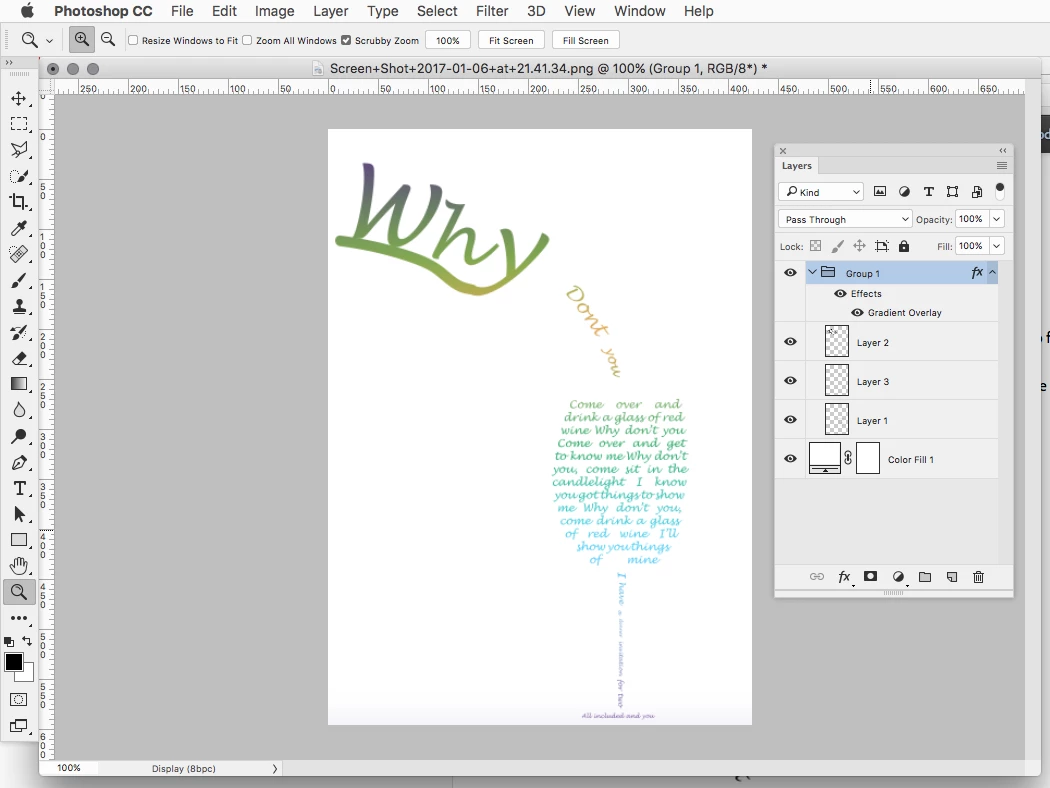
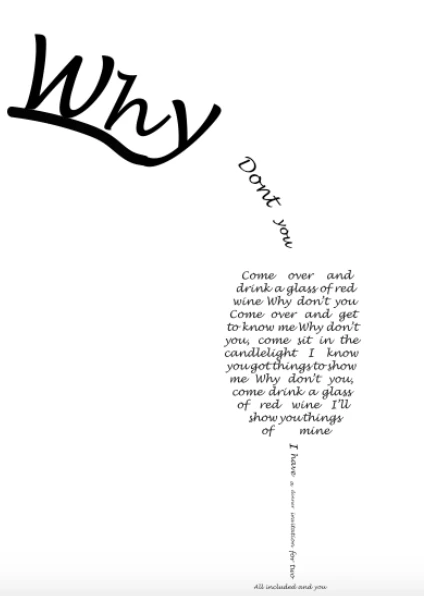
I have a photoshop with multiple layers - some are text, and some are vector layers made in illustrator.
Now, I would like to use a gradient to color all of the shapes and text.

How do I do this?
I'm going mad.


Thanks!
    This topic has been closed for replies.
    Correct answer Jeff Arola

    You could put the layers into a Group and then add a Gradient Overlay Layer Style to the Group

    3 replies

    Semaphoric
    Community Expert
    Community Expert
    January 6, 2017

    Put a Gradient Fill layer on top, and set the blending mode to Screen.

    davescm
    Community Expert
    Community Expert
    January 6, 2017

    Haha - That's three ways to achieve the same thing in a few minutes. One day we should have a competition to see how many different ways we can come up with to achieve a single goal. There are always several  ways in Photoshop

    Dave

    davescm
    Community Expert
    Community Expert
    January 6, 2017

    Try something like this:

    Put a gradient Fill layer above your layers

    Right click on the layer and set "Blend if" as below, so that the gradient is only used when the underlying layers are darker than 140:

    Dave

    Participant
    January 6, 2017

    Thanks for your answer!

    Jeff Arola
    Community Expert
    Jeff ArolaCommunity ExpertCorrect answer
    Community Expert
    January 6, 2017

    You could put the layers into a Group and then add a Gradient Overlay Layer Style to the Group

    Participant
    January 6, 2017

    Thanks, that works perfectly.
    Can't believe I missed that.

    Thanks!