Question
gradient layer changes position and look after reopening file
Hi everyone,
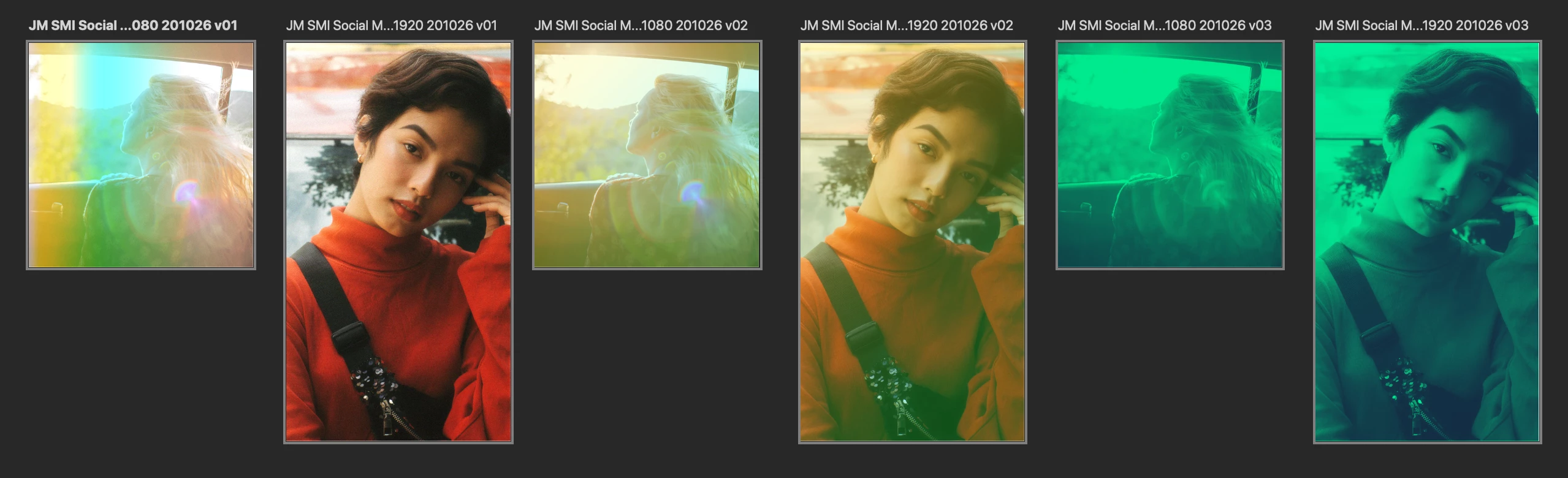
what you see in here are two screenshots of the same psd. The first one shows how my Mac previews the file and that is exactly what it looked like when I closed it yesterday.

The second screenshot however shows what the file looks like after I reopen it. The gradient layers on the first and second picture are not where they are supposed to be and they changed completely how they look.
I don't know what to do, I haven't found anyone posting about a similar issue. I created the file using the newest Photoshop Version. I appreciate help of any kind. Thank you!
 AdChoices