Participating Frequently
July 6, 2021
Question

Gradient on 3d extrusion

  • July 6, 2021
  • 2 replies
  • 3262 views

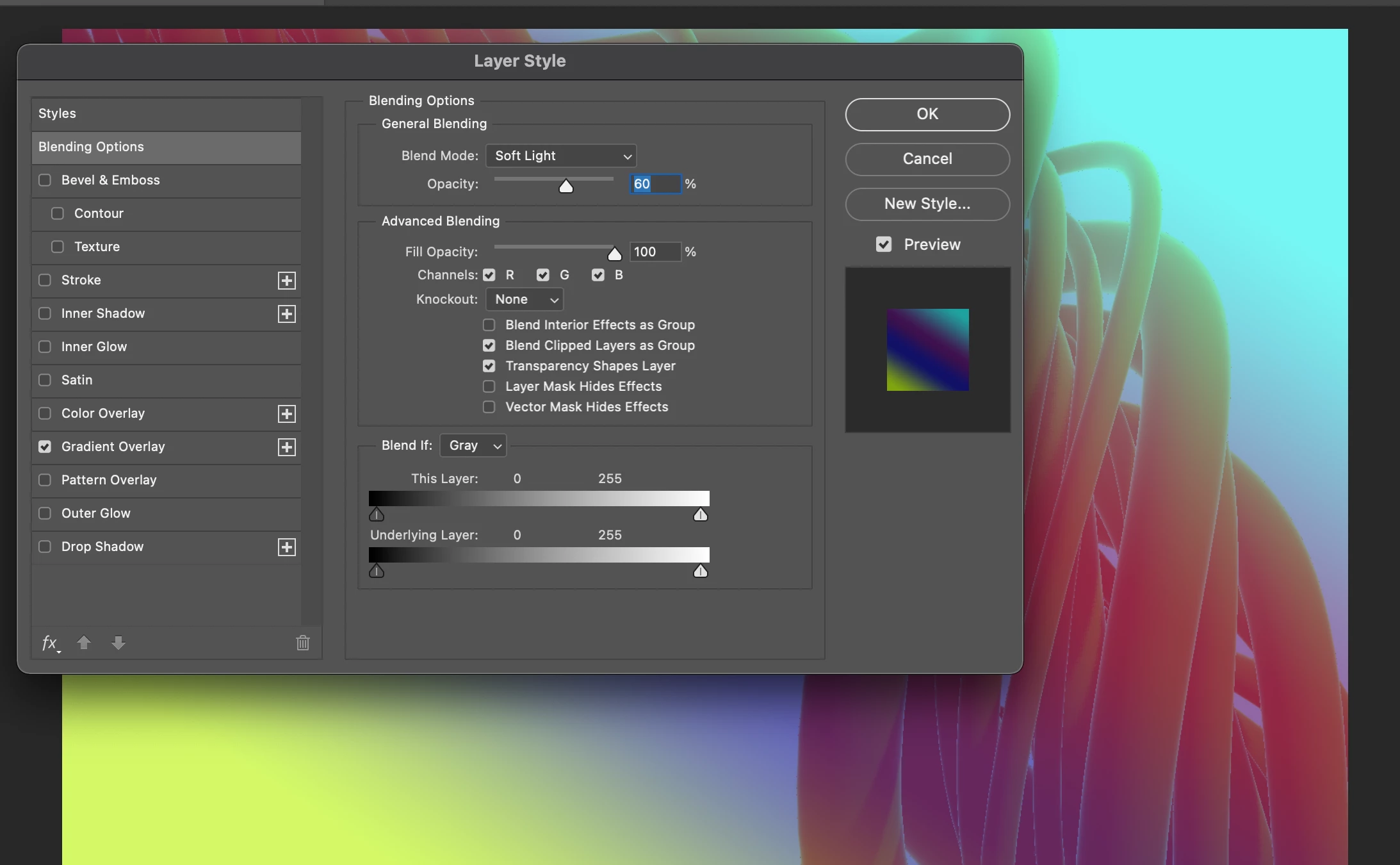
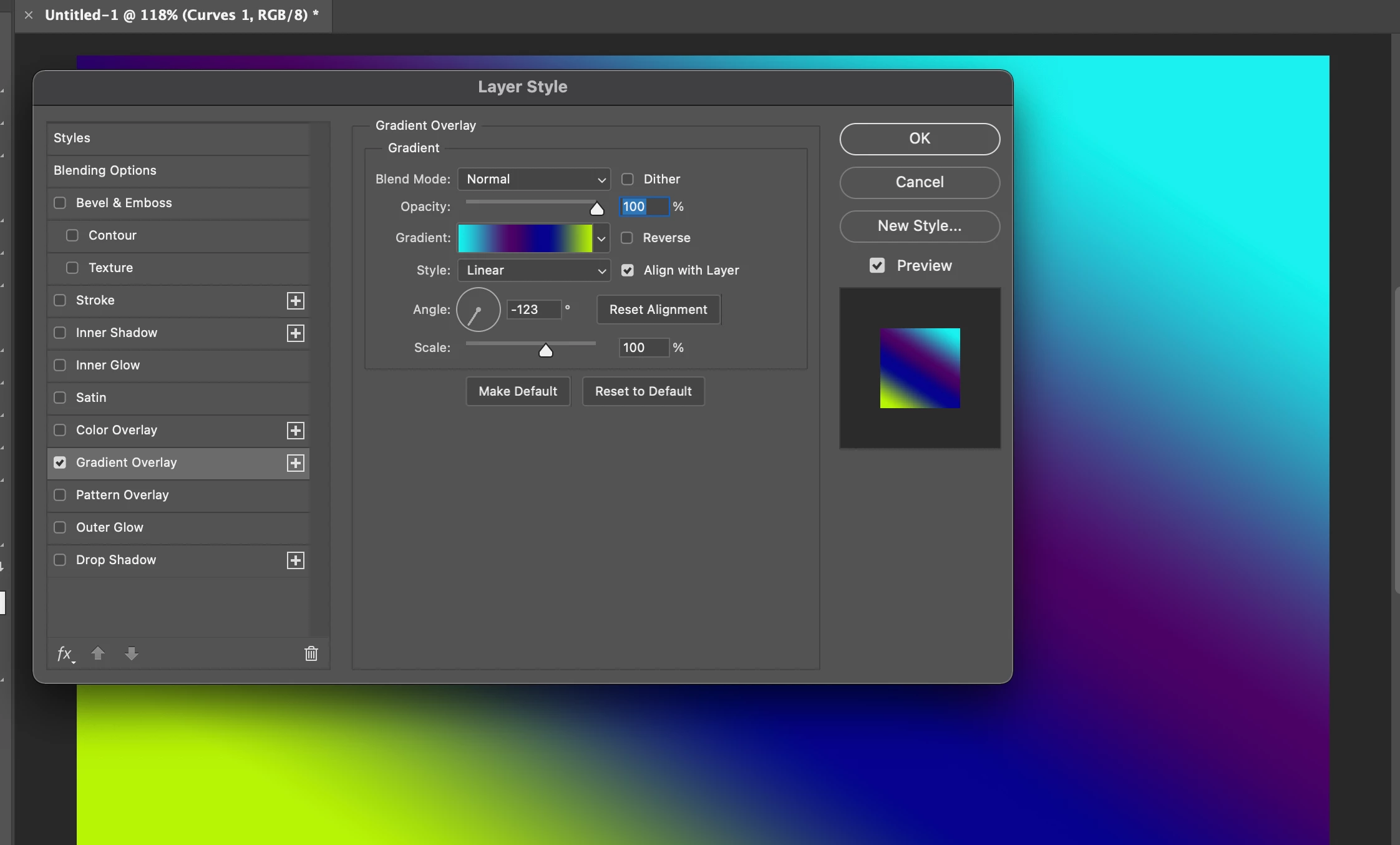
Hi! I'm trying to get a gradient on my 3d model but it wont map onto the 3d model. Do i have something turned off? Also, how do I map layers? Attached are photos, I'd appreciate any help.

This topic has been closed for replies.

2 replies

davescm
Community Expert
Community Expert
July 6, 2021

Hi

It is not clear exactly which of these two you are trying to do:


1. You want the gradient on the models material surface, which you can then light and render. For this, in the 3D panel, choose the material and in Properties click on the small folder icon next to "Base Color" and choose "Edit Texture". A PSB document will open containing the flattened surface texture. You can add your gradient to that texture as a new layer.

When done, close and Save the PSB (not Save As just Save) and the 3D view will update.

2. You already have a rendered layer and just want the gradient over the rendered area. In this case just add a gradient layer, with a mask in the shape of  rendered object. (If your render is against transparency i.e. only the object is rendered with the rest transparent, you could add your gradient as a layer style BUT any soft shadows in the "transparent" area will also take on the gradient and become visible).


Dave

Isaak5EEFAuthor
Participating Frequently
July 6, 2021

Thanks for the help. I tried the options you gave, but I still wasn't able to do what I've been trying to do. Here are pics from the Creatnprocess tutorial on youtube I am following. This is where the problem occurs. The video is called 3D Abstract Design in Adobe Photoshop | 3d Extrusion, Gradient Map ,Ellipse tool | Graphic Design


davescm
Community Expert
Community Expert
July 6, 2021

From your screenshots it looks like he/she has used a gradient map adjustment layer to turn the rendered image into a grayscale then added a gradient overlay in layer styles to that gradient map in order to add further color. Did you do the same? Please show your layers panel

Dave


Trevor.Dennis
Community Expert
Community Expert
July 6, 2021

Our @davescm is your best bet for an answer to this.  He'll be tagged and hopefully be along later.