Participant
December 30, 2020
Question

Gradient Repetitively
  • December 30, 2020
  • 1 reply
  • 145 views

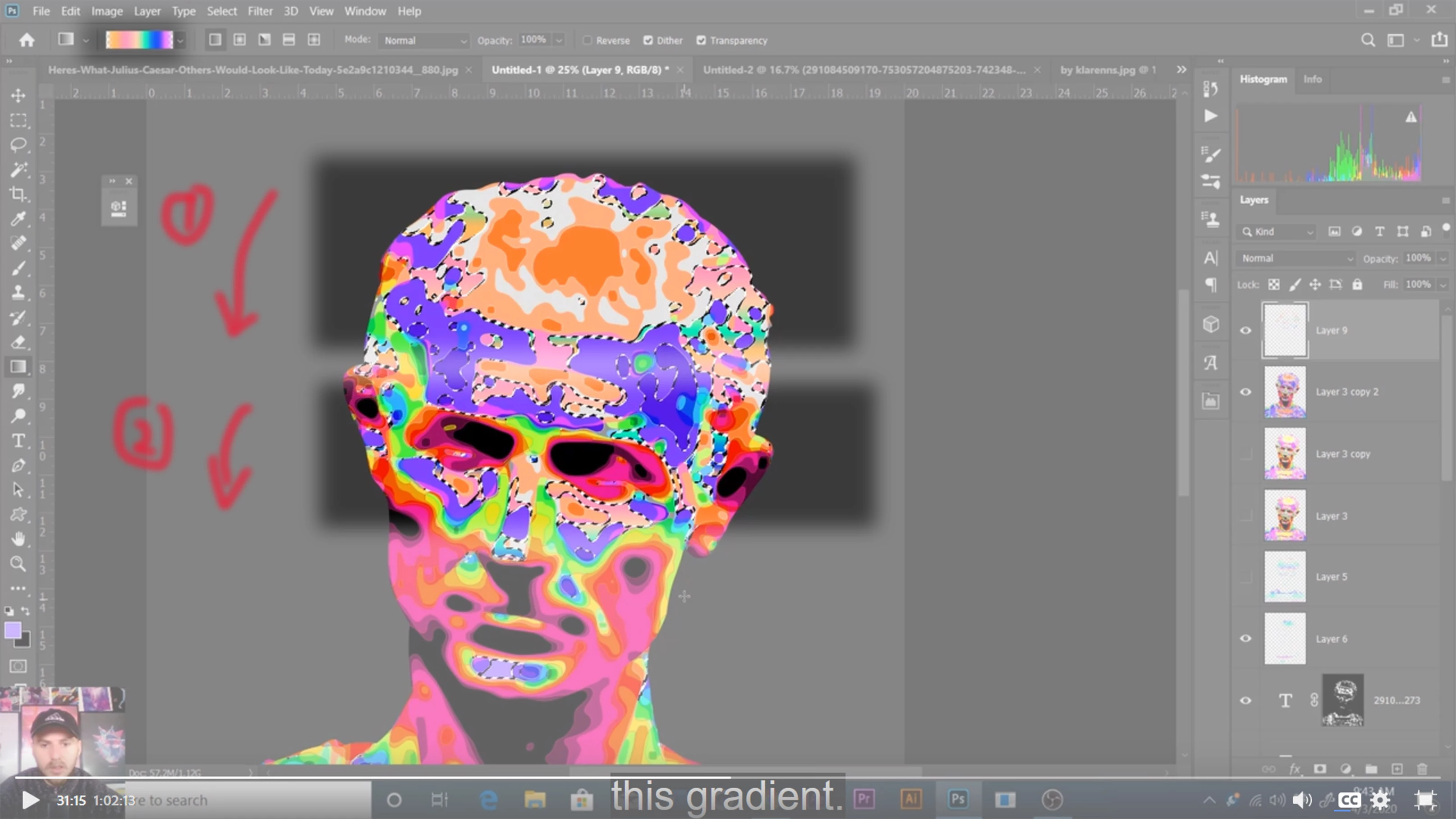
 Hi all, I'm wondering how to add the gradient repetitively in the selected area as shown in the image. I can only add the gradient once to the selected area as a whole, rather than applying it several times in the selected area.

This topic has been closed for replies.

1 reply

Bojan Živković11378569
Community Expert
Community Expert
December 30, 2020

Create smaller selection or divide selection into several smaller pieces and apply gradient to selection only once, another will overwrite existing pixels.

Here is what I mean:

Create selection then save it. Load selection then subtract to smaller area. Apply gradient. Repeat.


You can also create more gradient stops in Gradient editor dilogue to achieve same result.