
Known Participant
May 30, 2023
Question

Gradient Tool Bug in Photoshop 24.5

  • May 30, 2023
  • 7 replies
  • 809 views

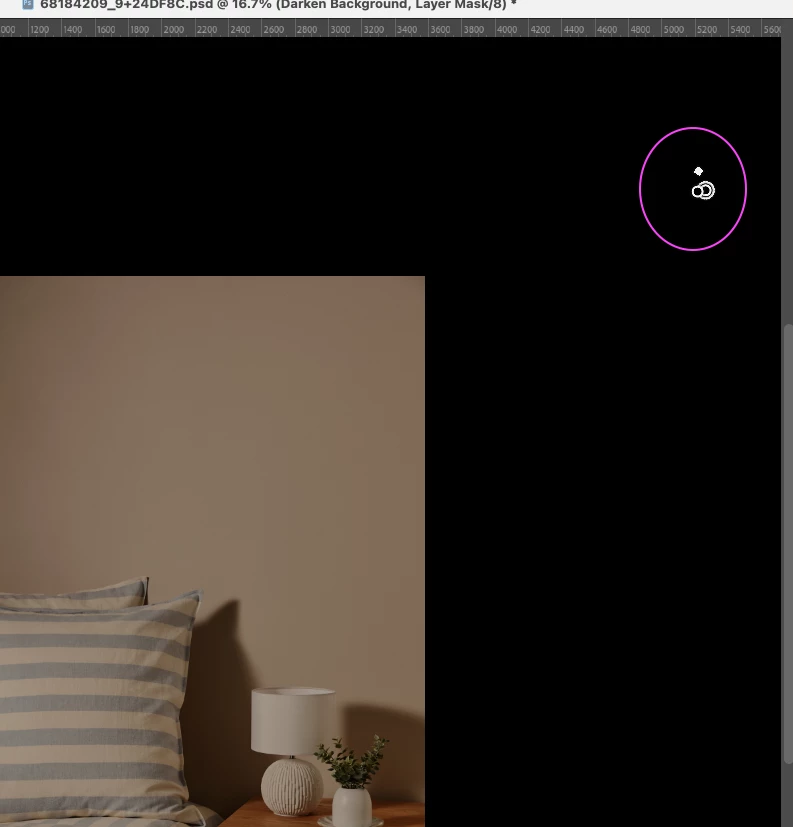
I am having an issue where it's not possible to draw a gradient in a Layer Mask if your starting point is off the canvas; it glitches out immediately. It works OK as a standard Gradient Layer, just not when in a Layer Mask.


Adobe Photoshop 25.4 on an Apple M1 Pro running Mac OS 12.6.5
 

This topic has been closed for replies.

7 replies

Kevin Stohlmeyer
Community Expert
Community Expert
September 28, 2023

@orangefizz I removed it for you. 🙂

Participating Frequently
September 28, 2023

Wish I could edit recent replies...actually I got this working by first un-selecting the gradient tool, just using the pointer tool, and then adjusting the gradient in the FX panel. Seems odd that the tool selection would cause this behavior.

Known Participant
May 30, 2023

Oh yes, that's what I meant, I have updated the topic. Thanks!

Jeff Arola
Community Expert
Community Expert
May 30, 2023

Are you drawing the Gradient on a Layer mask?


Known Participant
May 30, 2023

That's what I'm doing in the mean time, but it will need to be addressed anyway. I'm not a fan of the new gradient tool at all, but there must be a good reason for the update so I want to try and get used to it.

Jeff Arola
Community Expert
Community Expert
May 30, 2023

Did you switch to Classic Gradient in the tool options bar before drawing your gradient on the mask?


Known Participant
May 30, 2023

I'll also add, if you accidentally move the gradient start and end points off the canvas it will also bug out.