
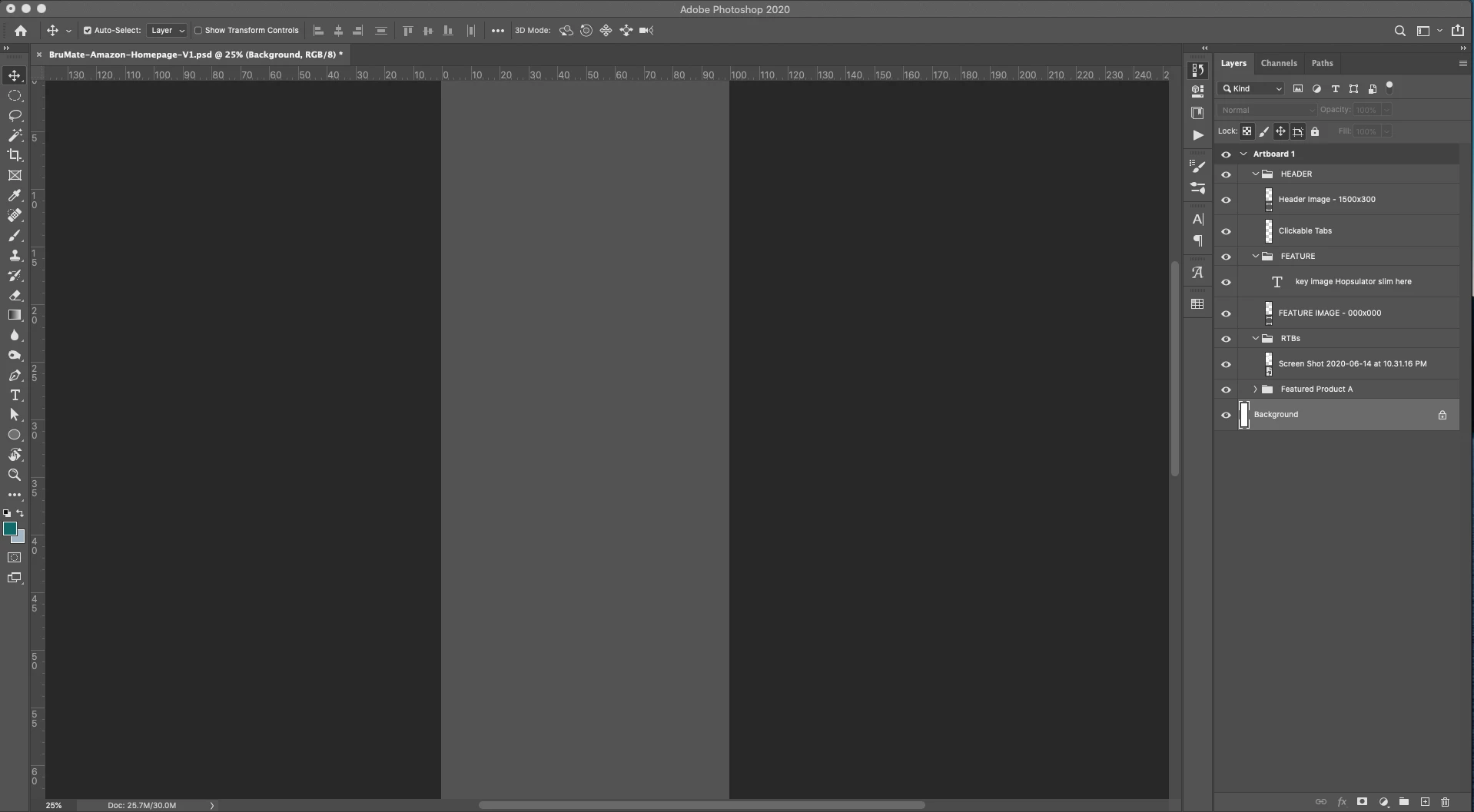
Greyed out canvas when clicking out of Photoshop 2020
Hello Community -
My adobe auto-installed overnight to the newest version. I was having a problem with the Graphics Processor when it first opened when I moved objects - the canvas would flicker. This problem was solved when I unchecked this in the preferences.
Still, however, I am dealing with a grey canvas when I click out of the application. I have a dual monitor and I reference images and resources on one side, so when I click on chrome, finder, etc. my photoshop on the other side greys out the entire canvas (as pictured below). It returns when I click back into the workspace. Not a critical issue, but definitely annoying.
I have tried:
*Unchecking graphics processer
*Unchecking Save in Background
*Adding a background layer from Layer>New>Background From Layer
*I do have PLENTY of storage space
 AdChoices