Participant
July 16, 2022
Answered

Guide lines for lighting won't show up. Even with tech prefrences

  • July 16, 2022
  • 3 replies
  • 175 views

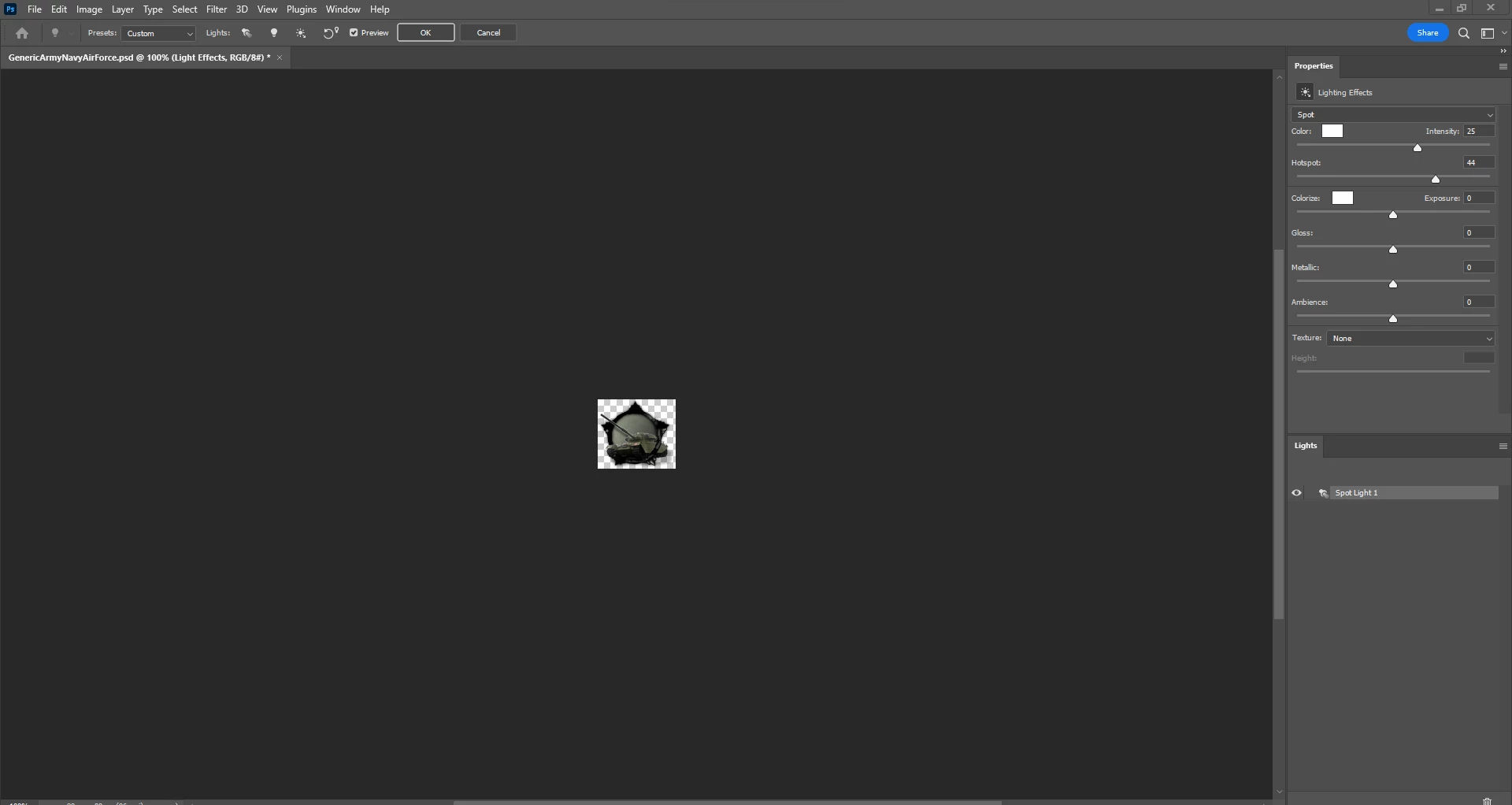
I'm trying to create icons with lighting effects in Photoshop. However when I open up lighitng effects I do not see any of the guidline's appear. As shown below.


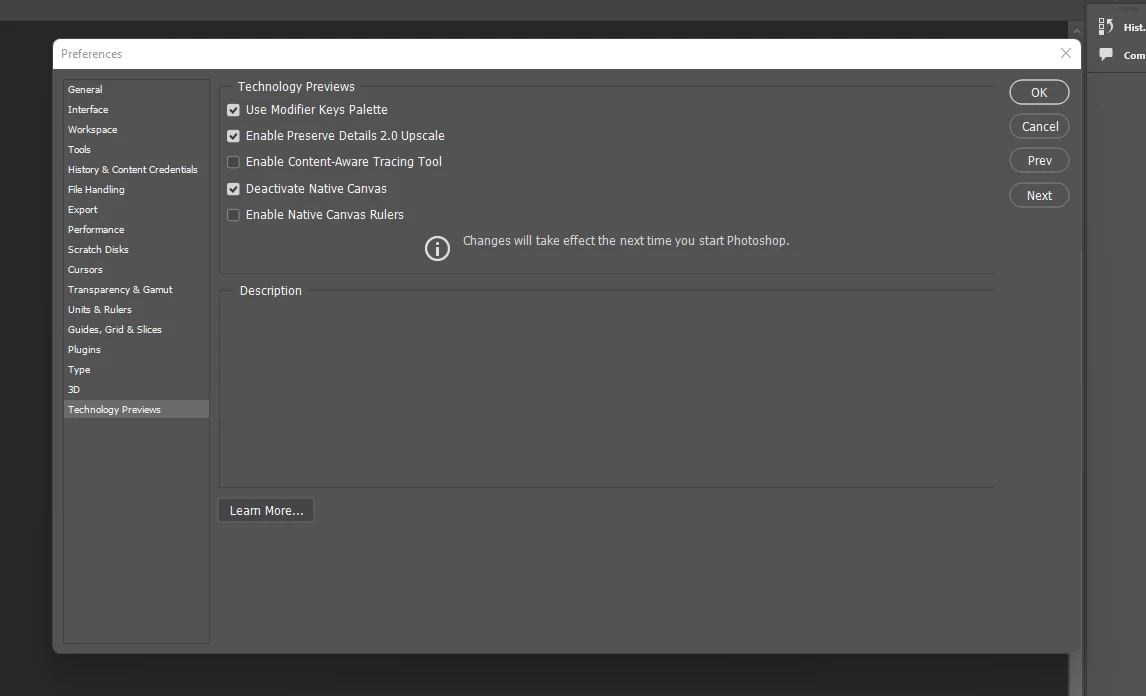
I have also gone into technology prefrences and checked "Deactivate native canvas" and unchecked "Enable Native canvas rulers"


At first I assumed that it was another problem with Windows 11. However I tried with on my Mac and I still had the same problem. The version of Photoshop that I am using is 23.4.1
This topic has been closed for replies.
Correct answer davescm

Lighting effects uses the 3D engine which is now deprecated and being removed from Photoshop. You might be able to get it working by checking Deactivate Native Canvas but you would be better off re-installing v 22.2 for 3D features (it can be installed alongside the current version)


https://helpx.adobe.com/photoshop/kb/3d-faq.html


Dave

3 replies

Participant
July 18, 2022

Hey thought I'd let you know that v 22.2 works.


Thank you

Participant
July 17, 2022

Thanks I'll go ahead and download that.

davescm
Community Expert
davescmCommunity ExpertCorrect answer
Community Expert
July 16, 2022

Lighting effects uses the 3D engine which is now deprecated and being removed from Photoshop. You might be able to get it working by checking Deactivate Native Canvas but you would be better off re-installing v 22.2 for 3D features (it can be installed alongside the current version)


https://helpx.adobe.com/photoshop/kb/3d-faq.html


Dave