jameskenney
Participant
January 26, 2017
Answered

Guides

  • January 26, 2017
  • 2 replies
  • 542 views

Newbie here and first post. My guides will show show up. I try to go to View - Show - Guides but you can't select it. Any suggestions?
    This topic has been closed for replies.
    Correct answer davescm

    James - sorry if this sounds a silly question.

    Have you created a guide by clicking on the ruler and dragging over the document? Shows guides will only work if there is a guide to show.

    Dave

    2 replies

    Benjamin Root
    Legend
    January 26, 2017

    You may find this Adobe help file useful: Using grids and guides in Photoshop

    Let us know if you have questions

    barbara_a7746676
    Community Expert
    Community Expert
    January 26, 2017

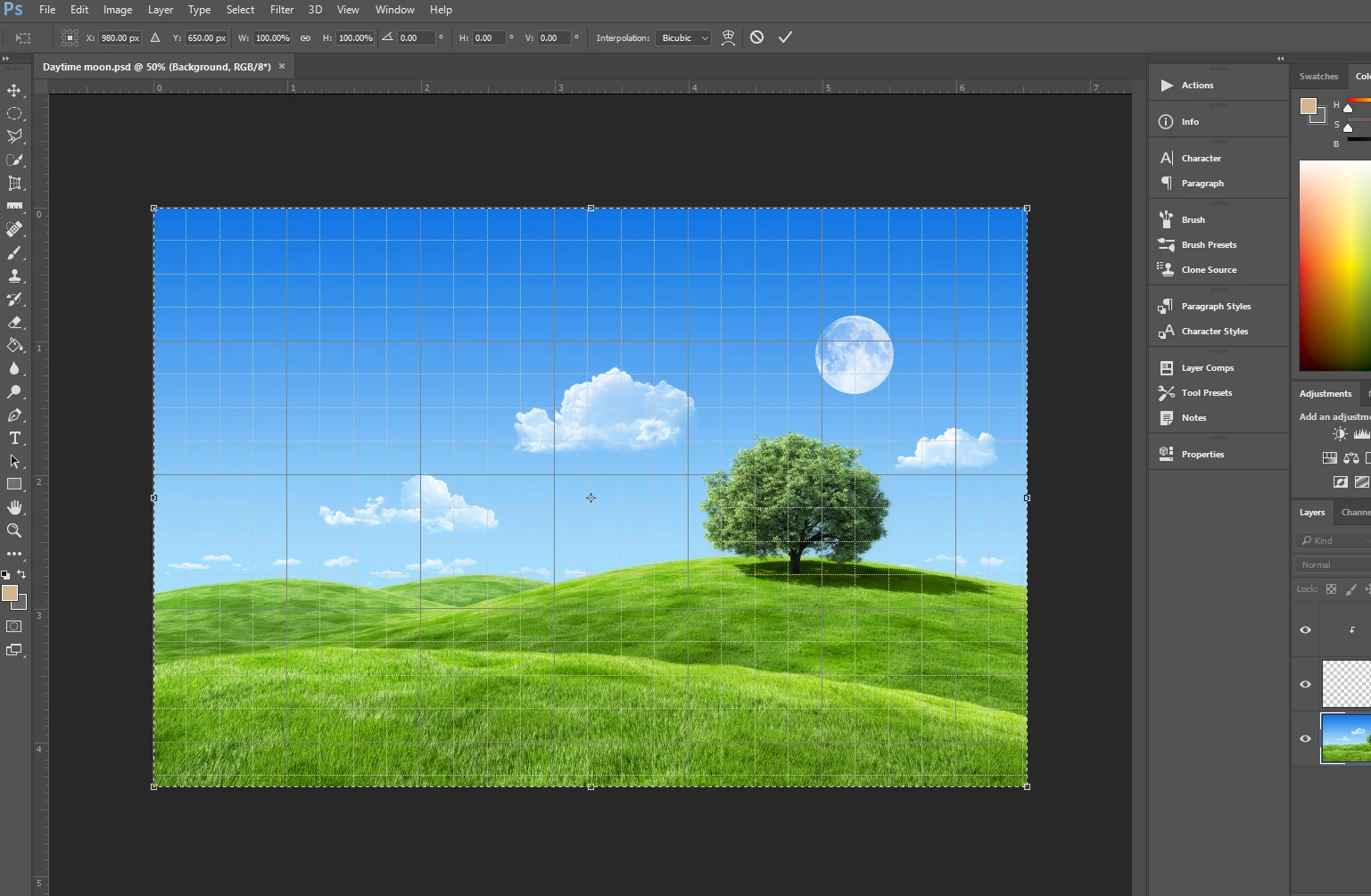
    Thanks for the screen capture. It shows a grid (not guides). To hide the grid choose View > Guides and Grids > Hide Document Grid.

    jameskenney
    Participant
    January 26, 2017

    Barbara, the guides will not display. Do I have to hide the grid in order to show guides? I've tried showing the guides but it's greyed out so you can't select it.

    davescm
    Community Expert
    davescmCommunity ExpertCorrect answer
    Community Expert
    January 26, 2017

    James - sorry if this sounds a silly question.

    Have you created a guide by clicking on the ruler and dragging over the document? Shows guides will only work if there is a guide to show.

    Dave