JonathanArias
Legend
July 8, 2022
Answered

hair color edits issue

  • July 8, 2022
  • 1 reply
  • 1199 views

hello,

i am having an issue trying to change the hair color in this image below. this is the original:
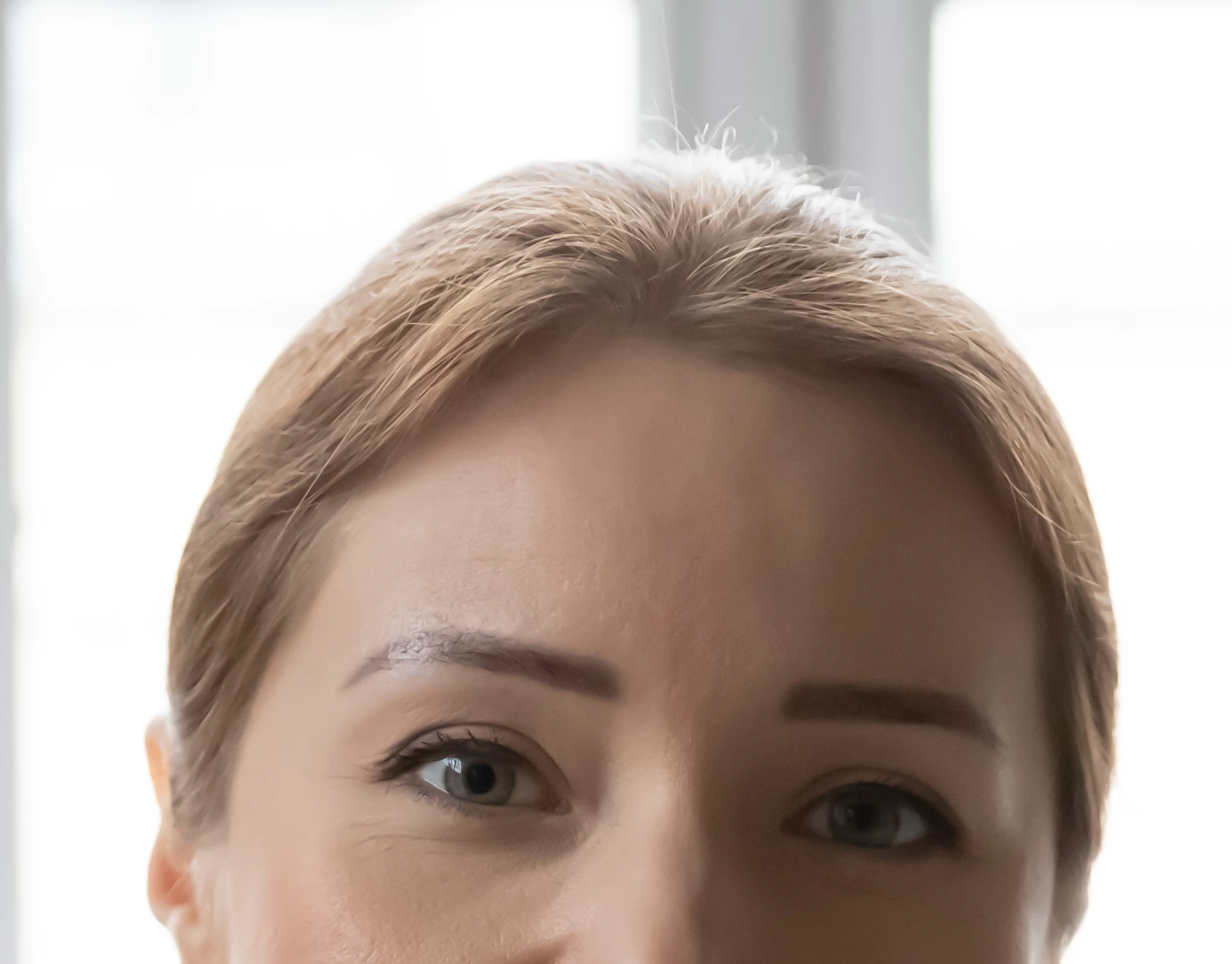
I used a hue/saturation layer with a mask and this is the result:
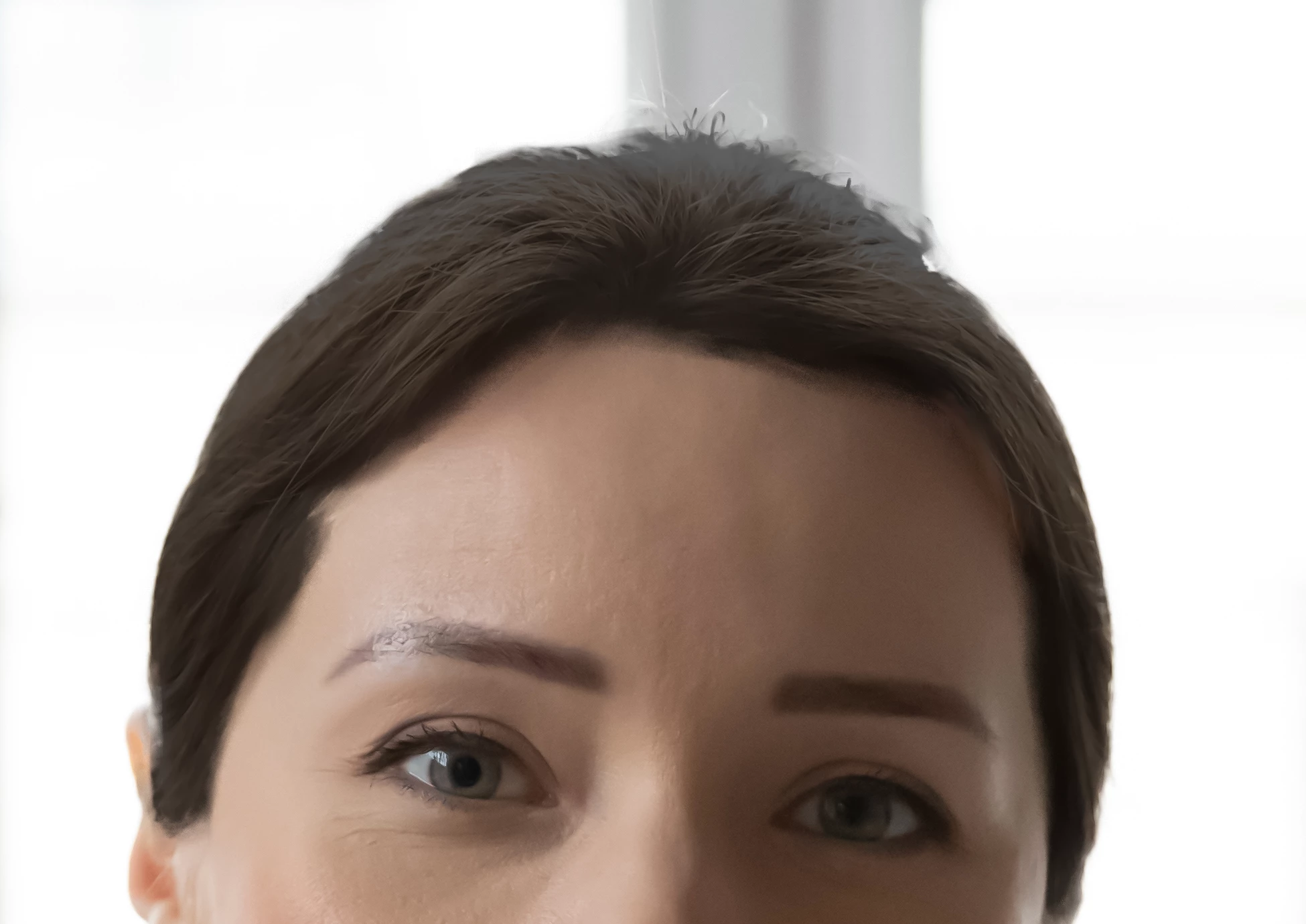
Customer says it looks like a helmet and not natural. any help on how to make this adjustment in a better way?


thanks

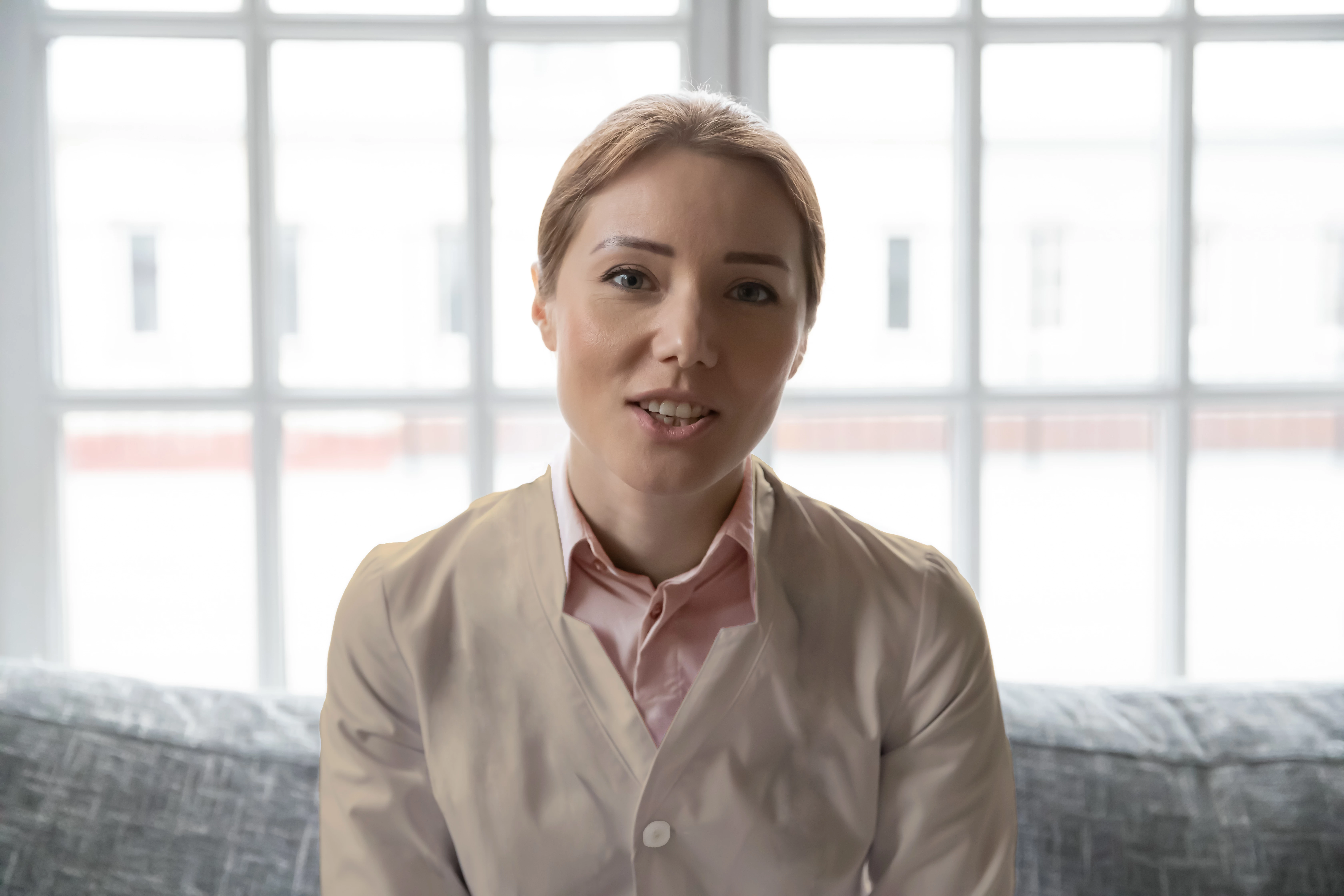
here is the full image:
This topic has been closed for replies.
Correct answer c.pfaffenbichler

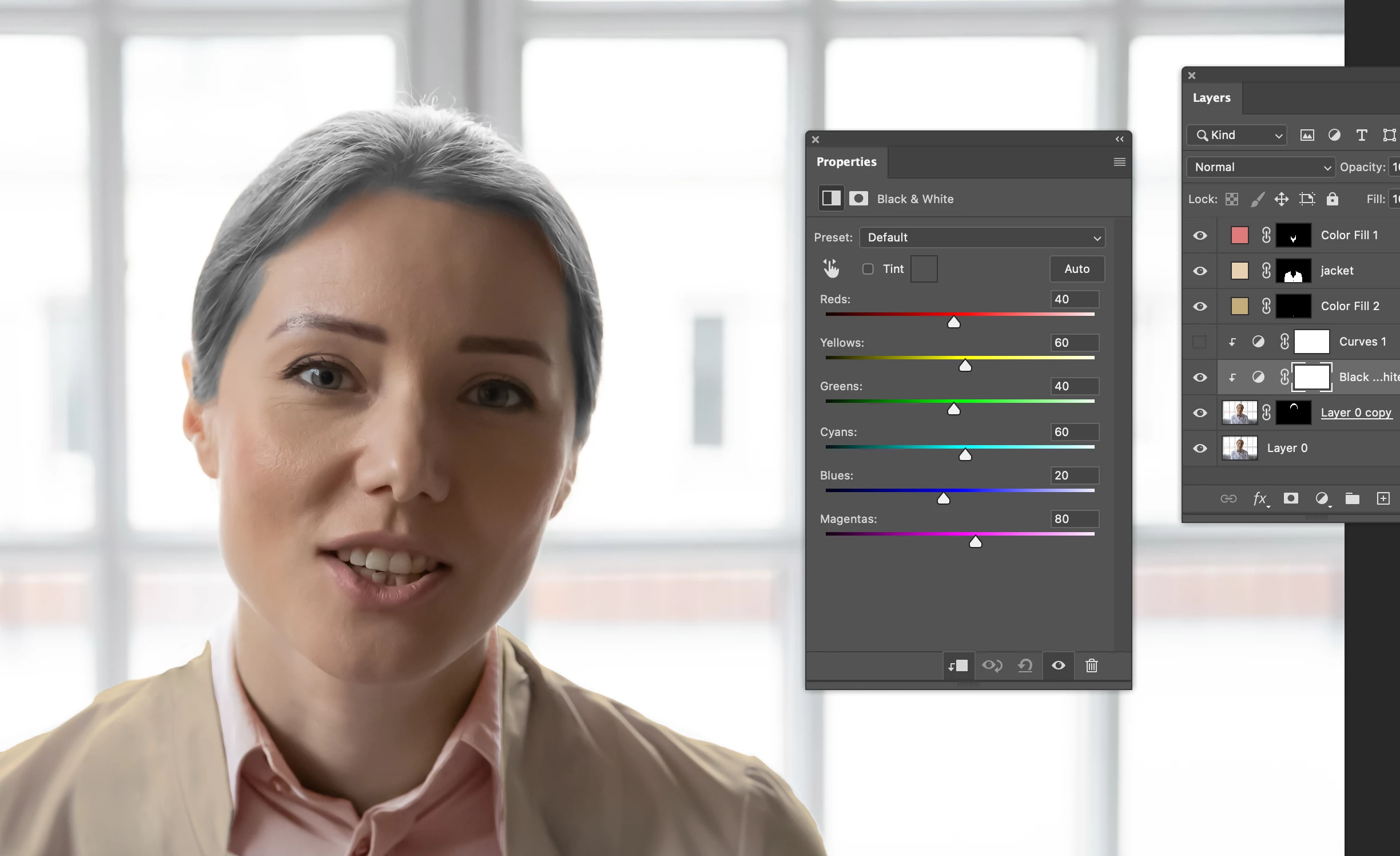
what would be the difference if i used a black and white adjustment layer first:

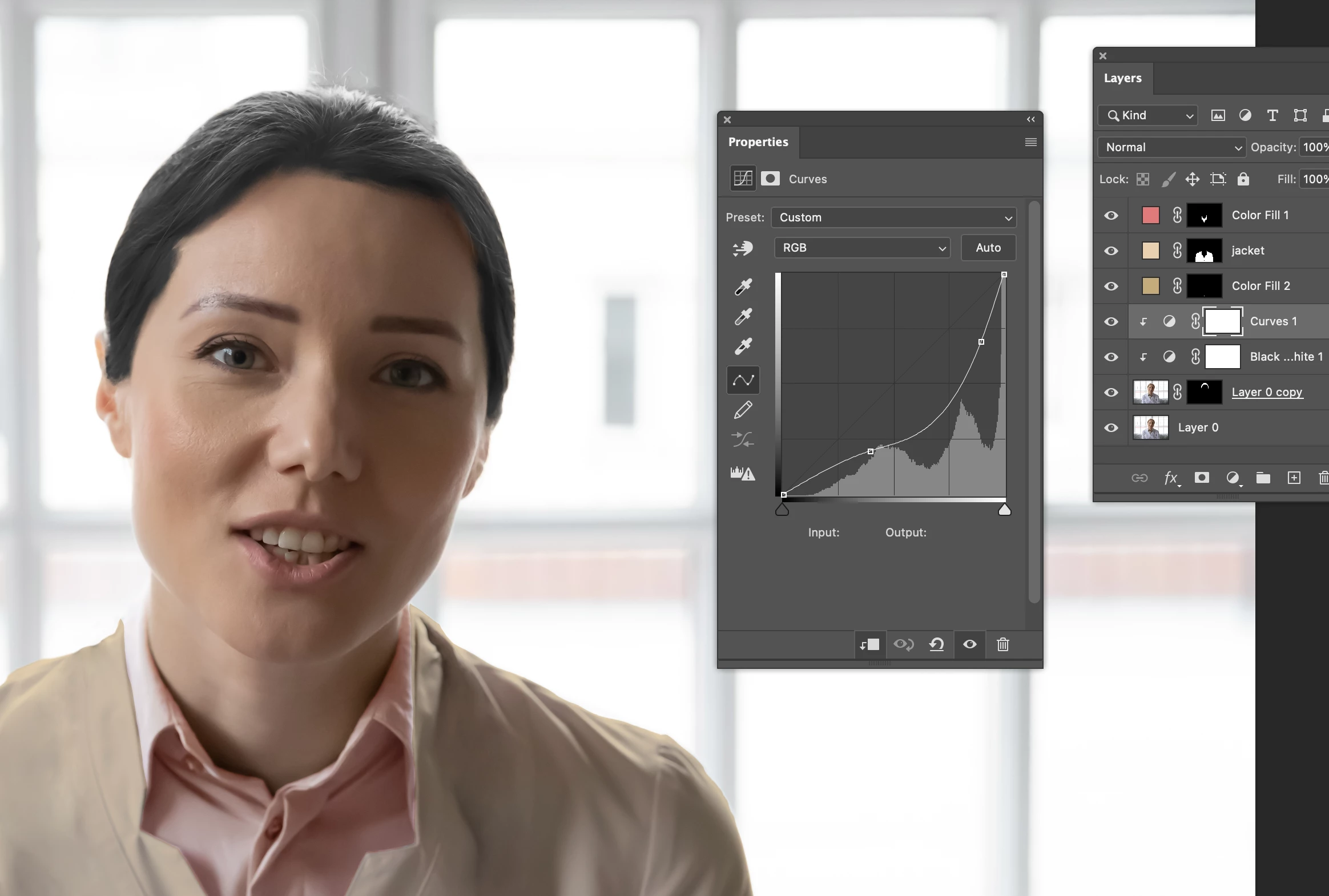
followed by the curves layer:

thanks

jonathan


what would be the difference if i used a black and white adjustment layer first:

It’s another method of desaturating an image; whether you use that, a Hue/Saturation Layer, a neutral Solid Color Layer set to the Blend Mode Color, copy the L-Channel from a Lab-copy of the image, … is up to you. 


But applying the desaturation first and then a steep Curve might cause more noticable posterization than the other way around. 

1 reply

c.pfaffenbichler
Community Expert
Community Expert
July 9, 2022

I suspect you used a Hue/Saturation Layer to edit the color and the luminance. 

Try editing the luminance separately with a Curves Layer; even black hair can feature bright reflections. 


Edit: I may have gone overboard in this example, but I hope it illustrates the concept nonetheless. 

JonathanArias
Legend
July 11, 2022

Hello, Thank you for your reply.

Ok, just to show my work, this is the original with adjustment layers off


I added a hue and saturation layer:

I added the curves layer as you mentioned:

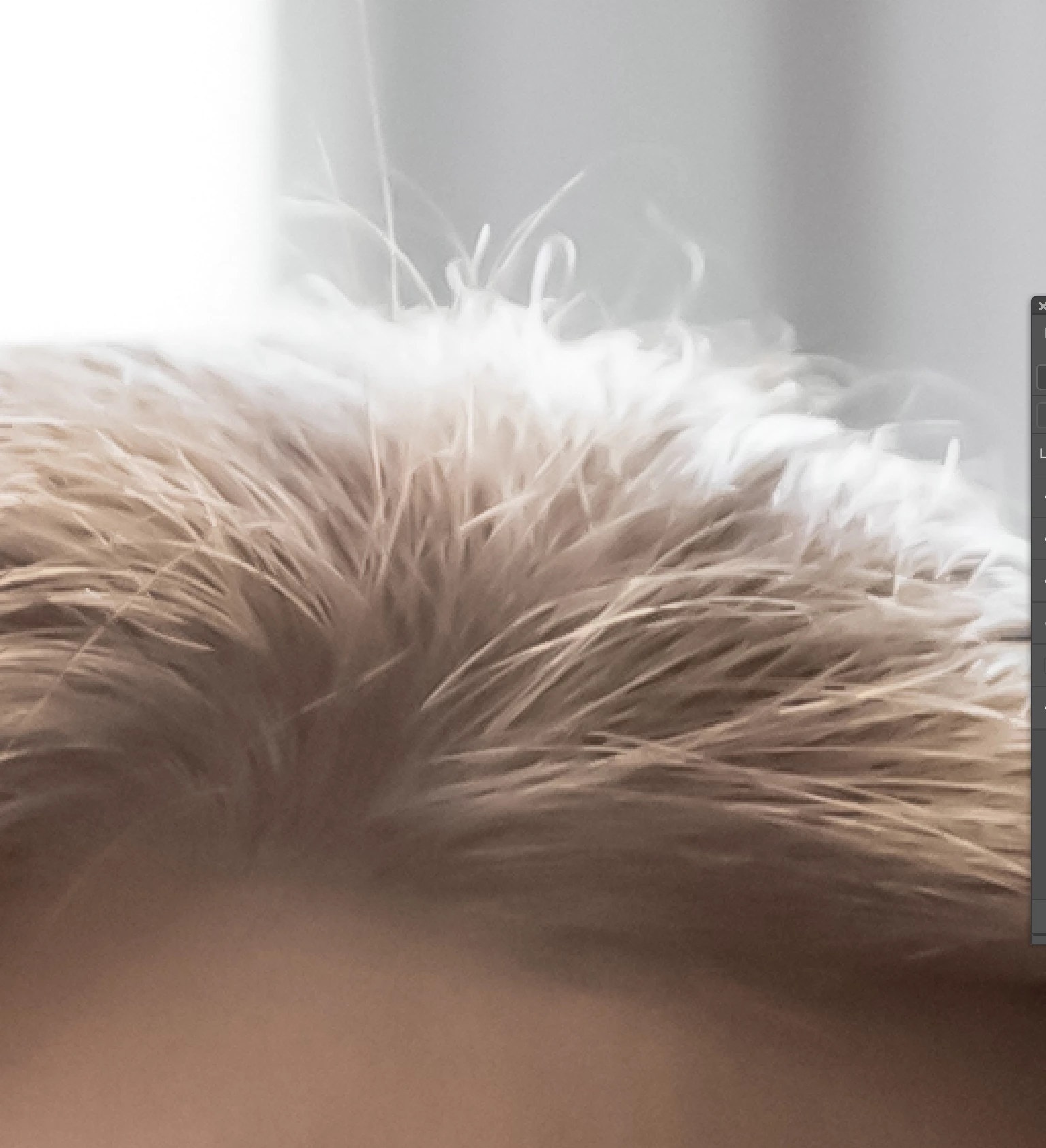
I still section that does not look right, this is the original:

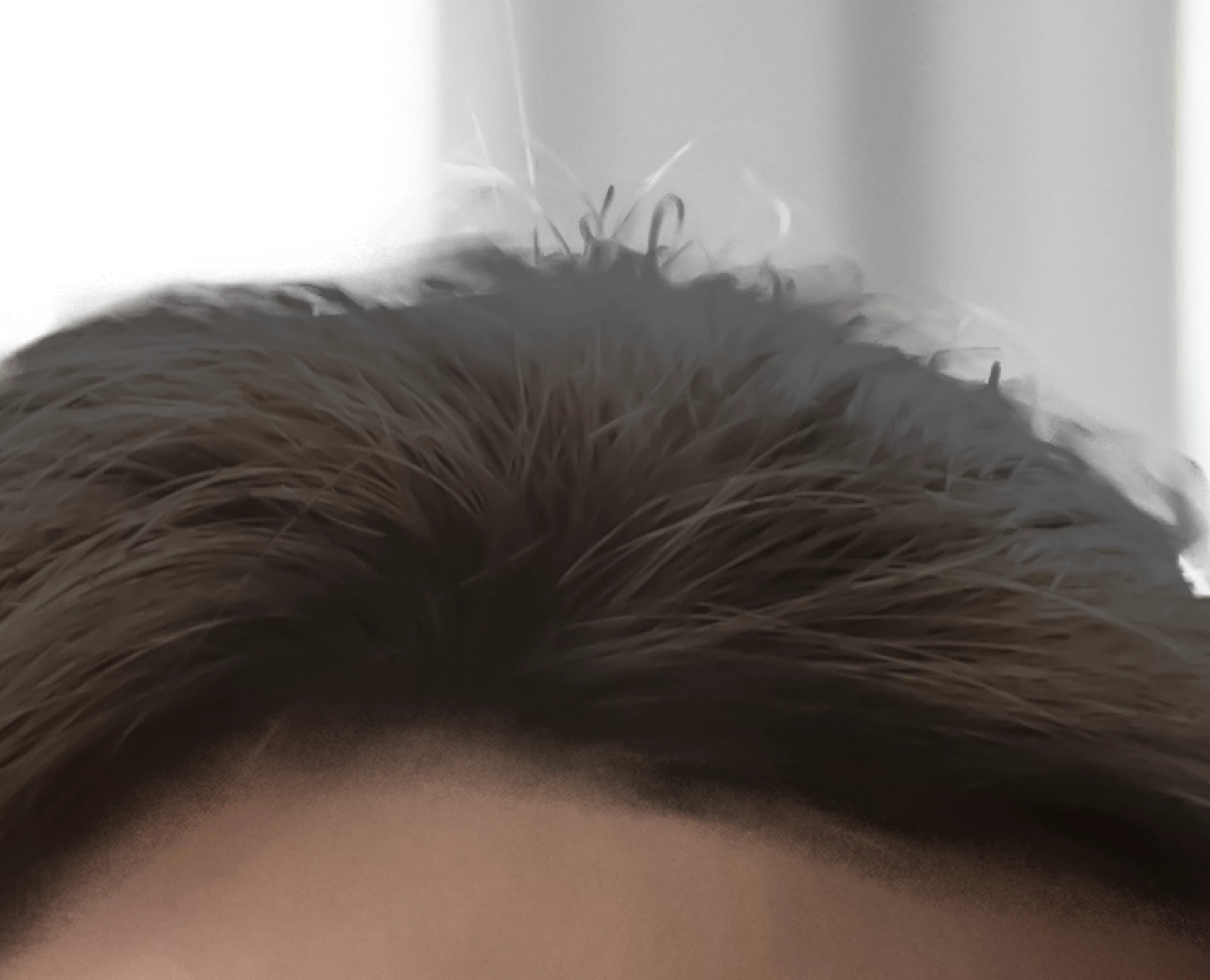
and this is what that sections looks like now with the adjustments above:

 Why is this happening? what is the fix?

thanks

jonathan

c.pfaffenbichler
Community Expert
Community Expert
July 11, 2022

You edited the luminance (»Lightness«) in the Hue/Saturation Layer again.