Vinnie_Yard
Participant
January 8, 2020
Question

Have some trouble with photoshop launch

  • January 8, 2020
  • 1 reply
  • 227 views

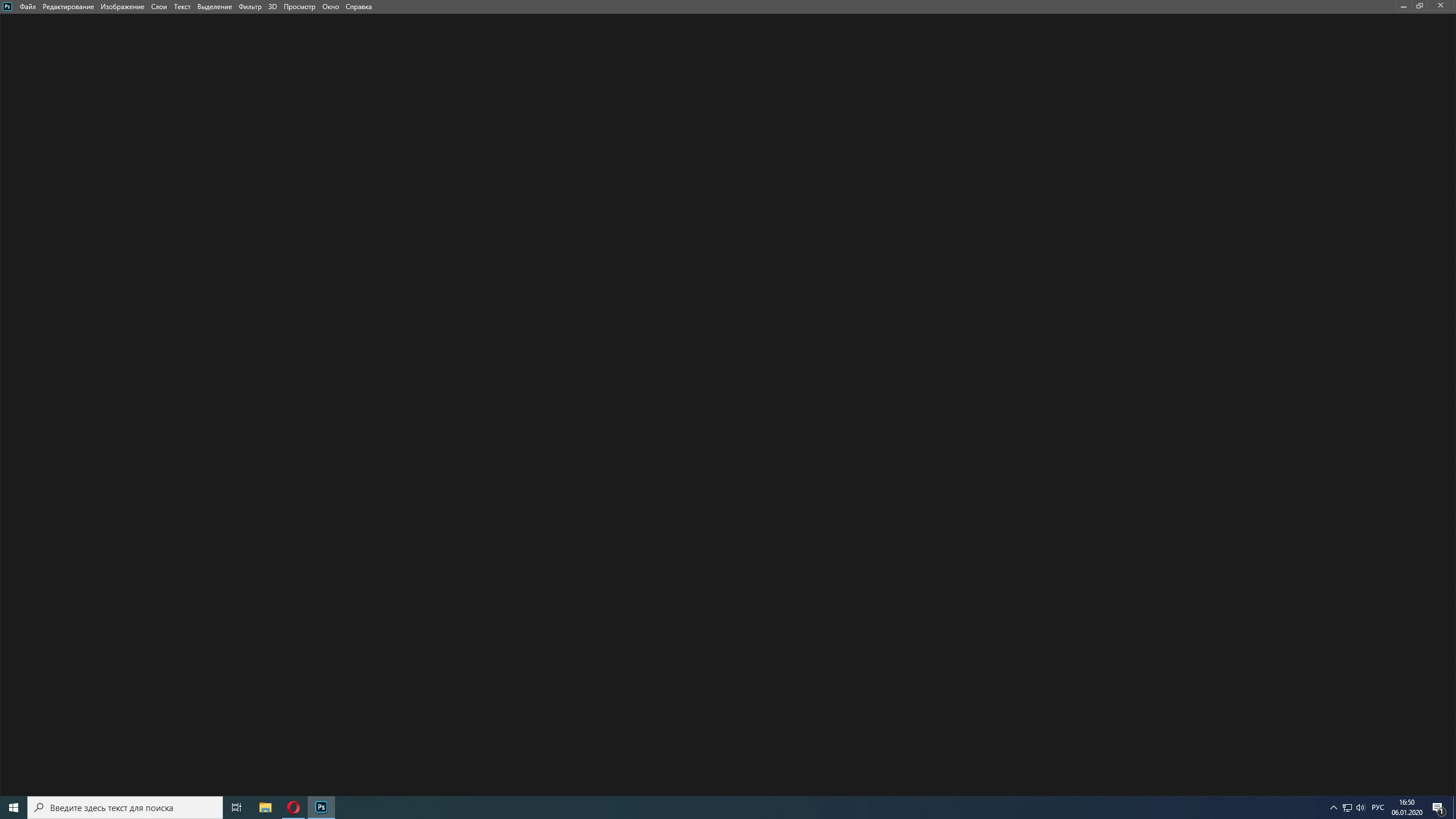
Well... When I launching photoshop I can see grey starter screen and after this is nothing. I can't create new file or load something. Buttoms on the instumental panel is working.  Can someone help me?

Windows 10 64-bit.

16gb ram.

AMD Radeon 5700XT.

AMD Ryzen 5 3600 6 core
This topic has been closed for replies.

1 reply

PECourtejoie
Community Expert
Community Expert
January 8, 2020

Hello, do you get the start screen? Which version of photoshop is it?

Did you try to hit TAB to get the tools and the panels back, in case they are hidden ?

Participant
January 9, 2020

I have the same problem. What you see on the screenshot is how photoshop opens - in my case, the latest version.

There is no file open as its the launch-screen, but you also can't create a new file - you can click on the button or press the shortkeys, but nothing happens.

The only thing you can do is opening an old file and work on it. You can't even use "Save as", again you can click the buttons but nothing happens afterward.