
Having a hard time editing shapes on a vector mask...
Hi all.
I've encountered a hassle trying to perform routine operations on paths on a vector mask.
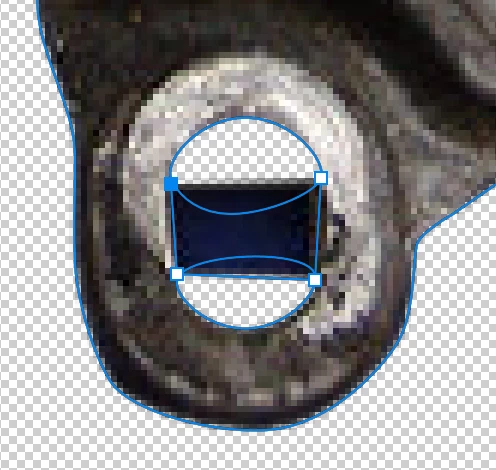
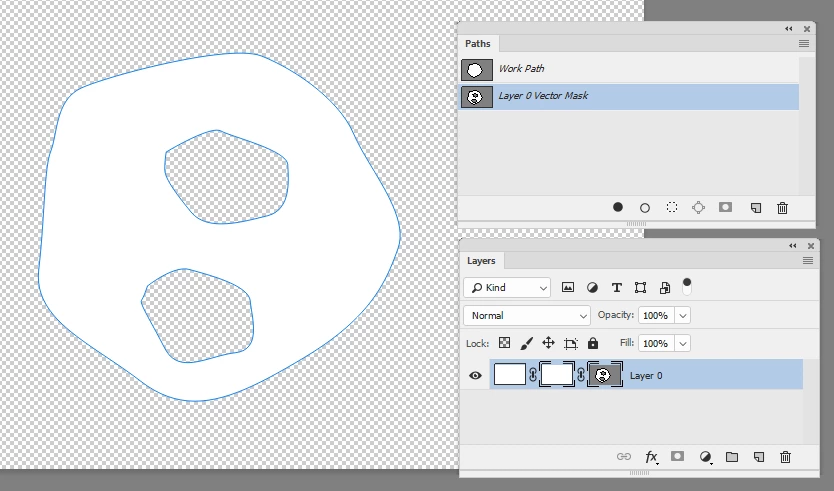
I have an image of a car part that I'm cleaning up with a vector mask. I've encountered two major problems:
1. If I use a shape tool (like the Ellipse tool, to draw a perfect circle), the shape isn't added to the mask; it goes on its own layer and I can find no way to change this behavior. How do you draw particular shapes on a vector mask?
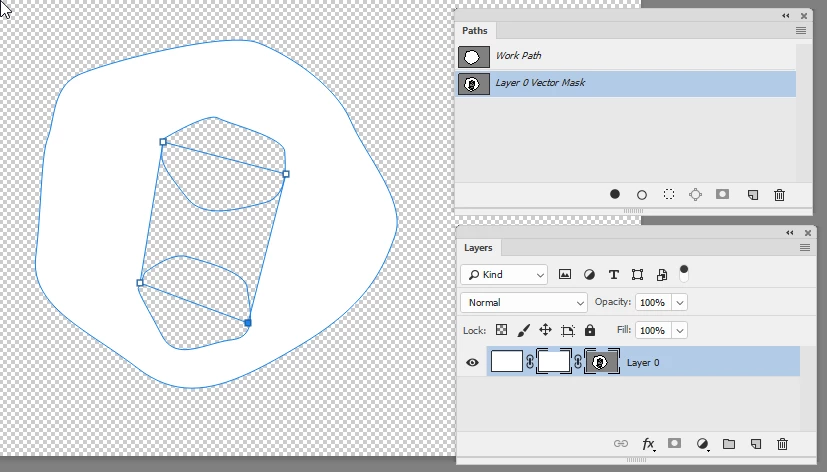
2. If I draw two paths and want to combine them to create a larger area, I can't find any way to do it. I found the "Combine Shapes" operation under a toolbar button, but if I select both paths and select this option, I still can't break the shapes open and join them at any particular nodes. How do I join the shapes to create one filled (masked) area? In the example below, I want to join the two irregular shapes so I can fill in the area between them.
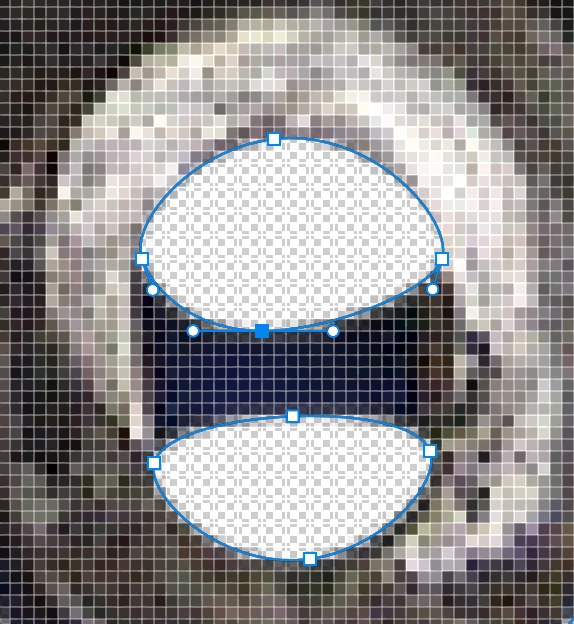
Thanks for any insight.

 AdChoices