Having issues where "File > Export As" creates a shifted image?
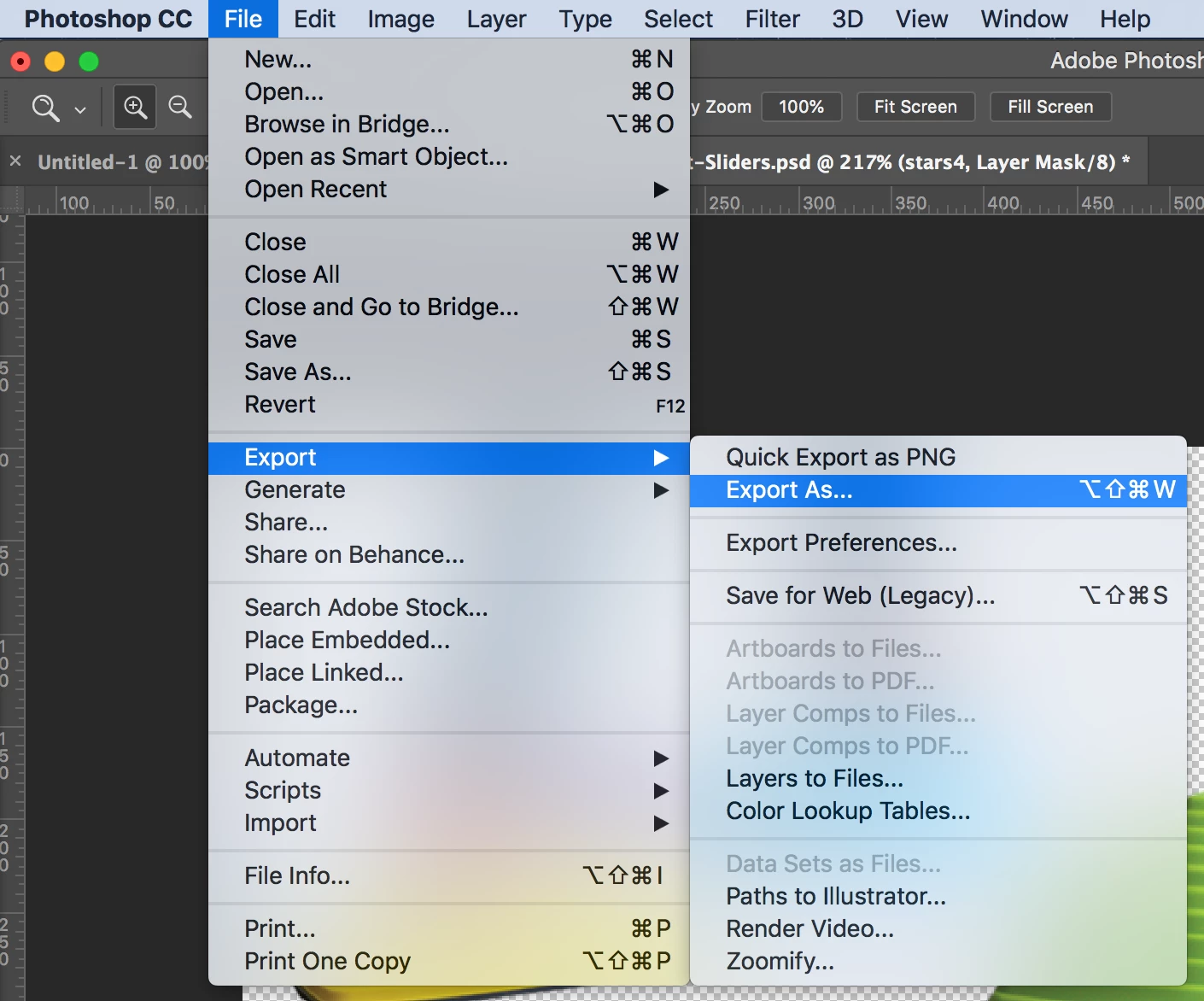
I'm creating transparent images, and somehow when I save different layers from the same file, some layers stay in place while one specific layer always "shifts" considerably to the left, as well as adding additional pixels seemingly at random? The image is supposed to be 720x380, but it keeps jumping to (741, 753, other random numbers when I make changes) x380. For some reason the "canvas size" also claims to be that new random size, but I'm not sure why that would change on its own like that? I've attached screenshots to better explain.
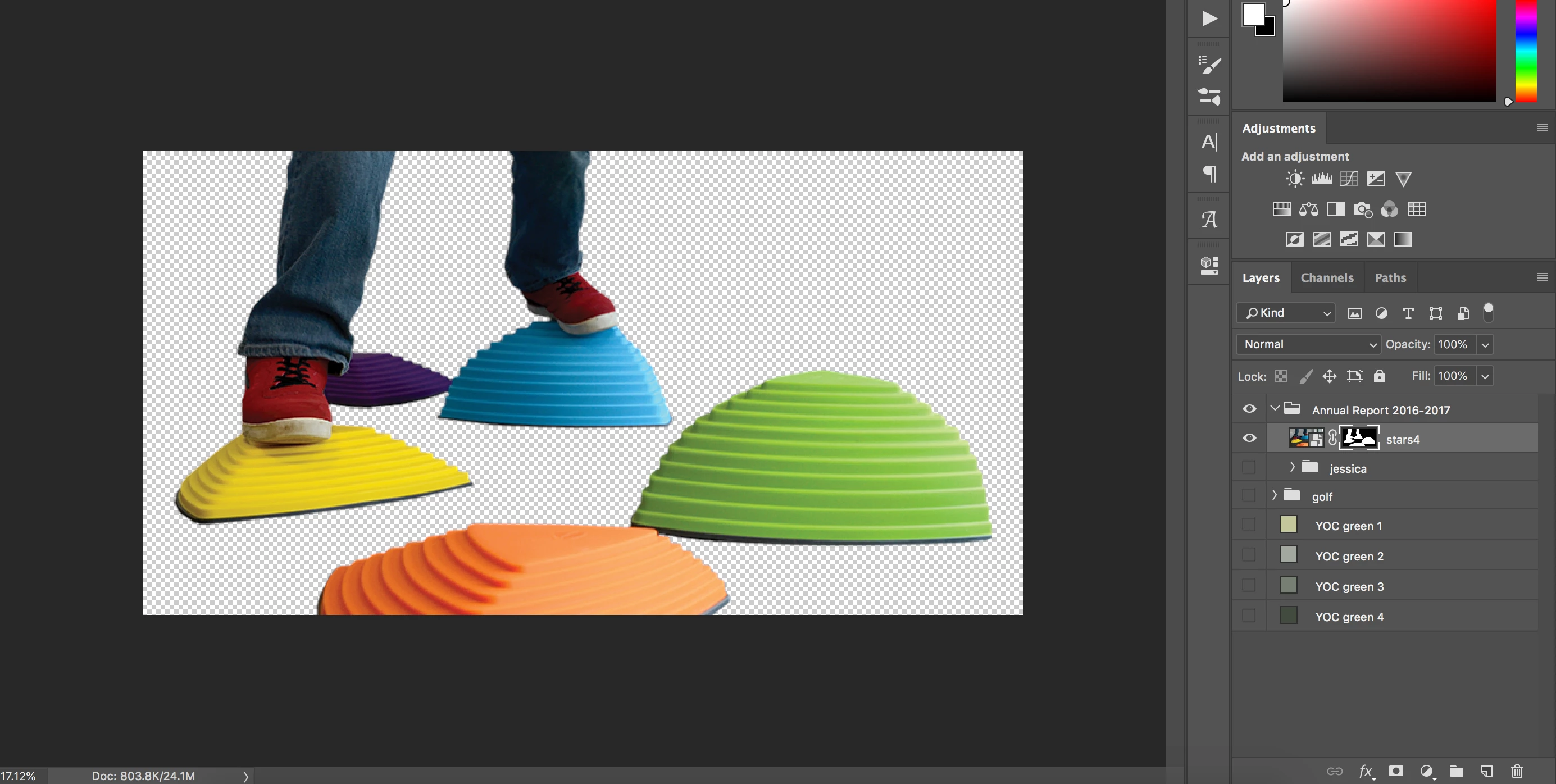
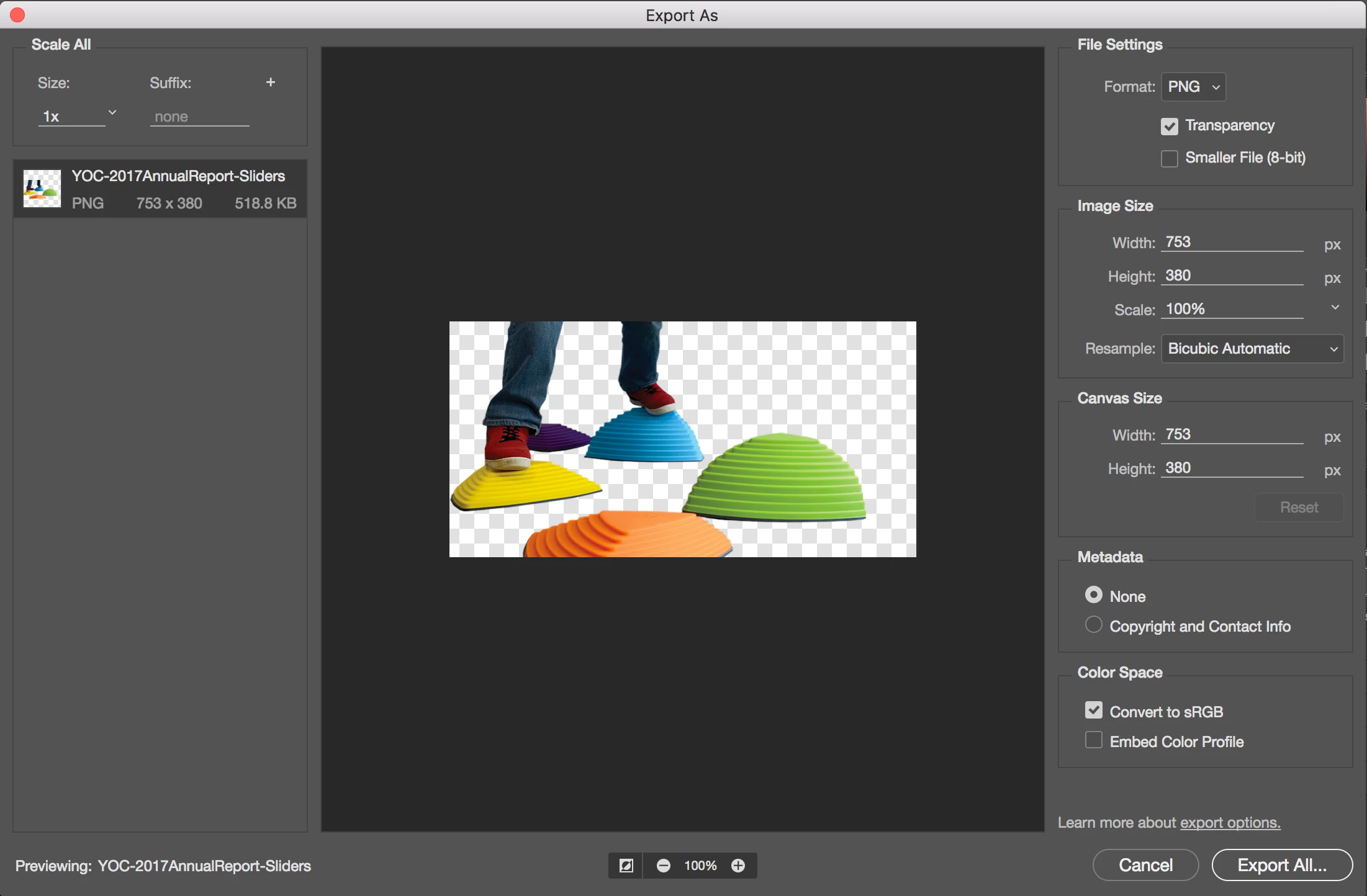
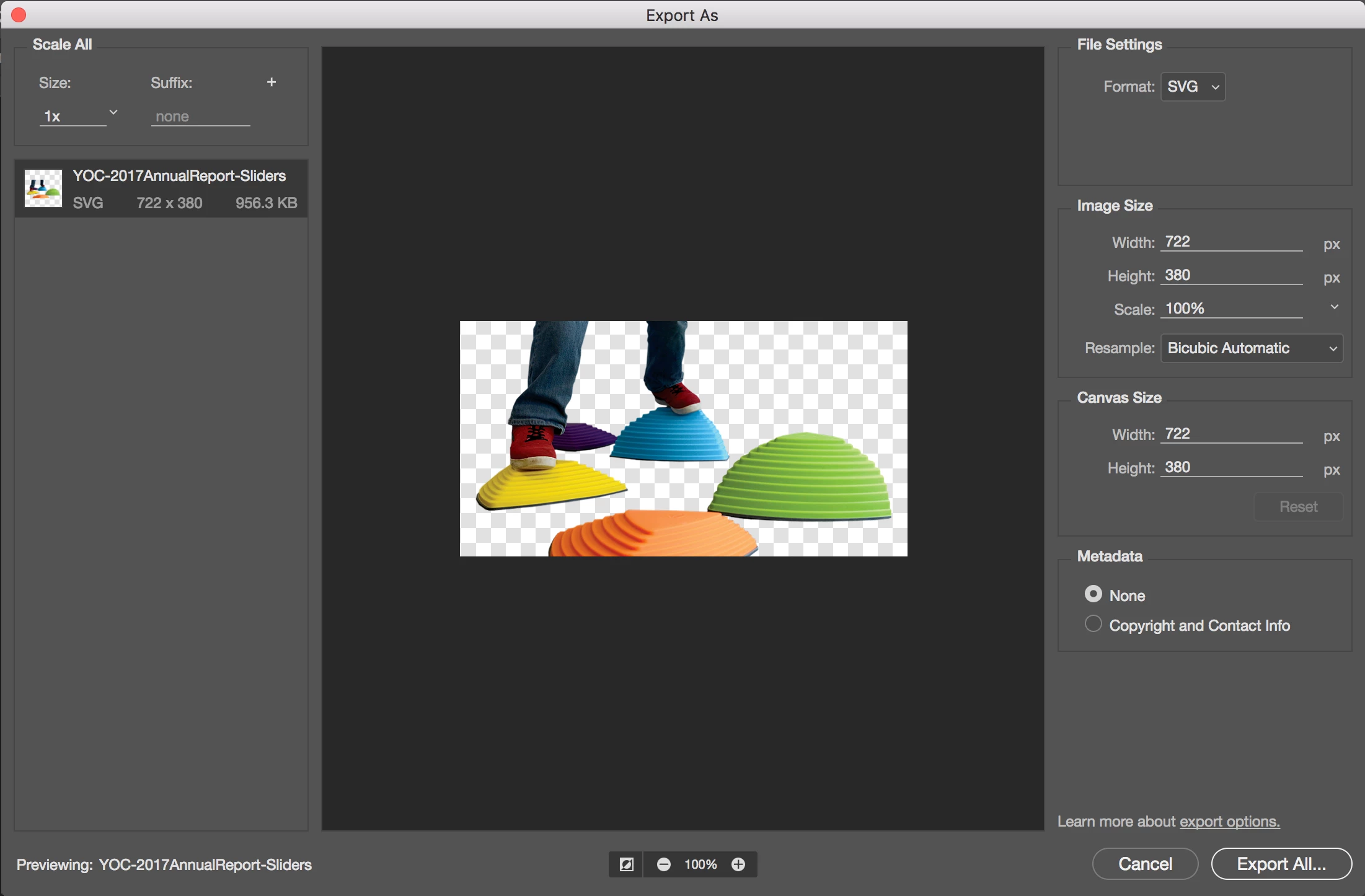
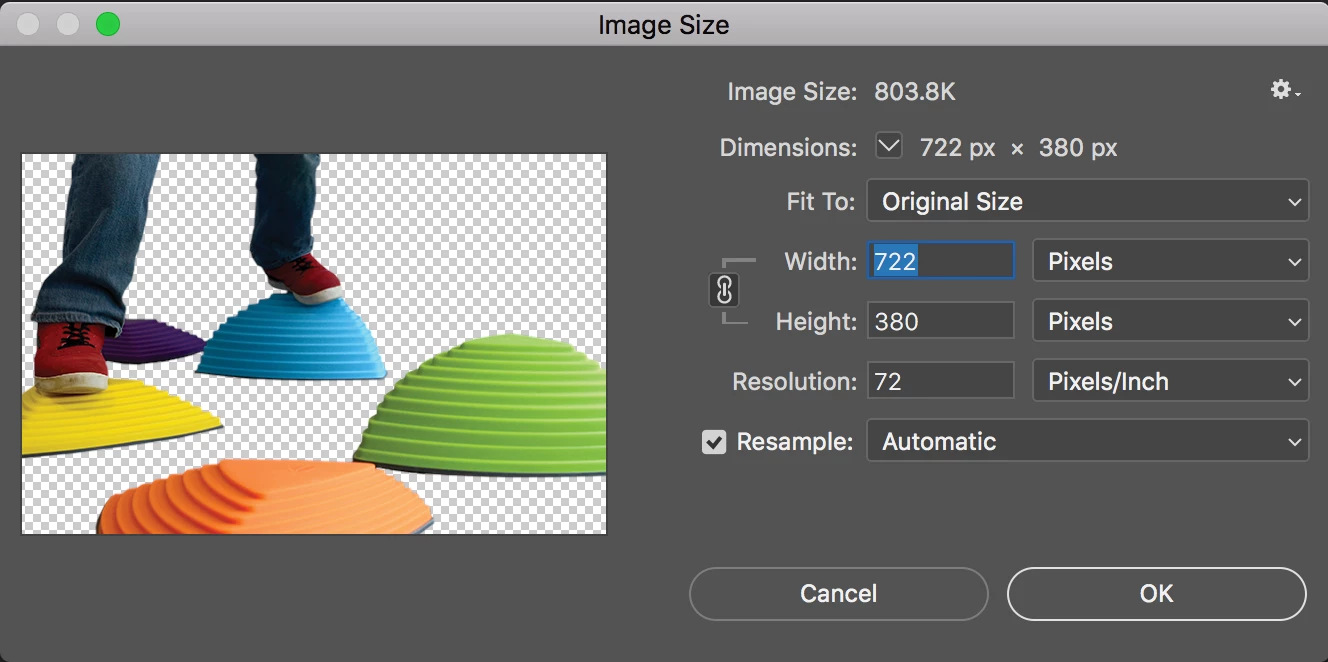
This photo is slightly off the canvas, but not in a way that it would obviously crop...if anything, it should be cropping the other way.
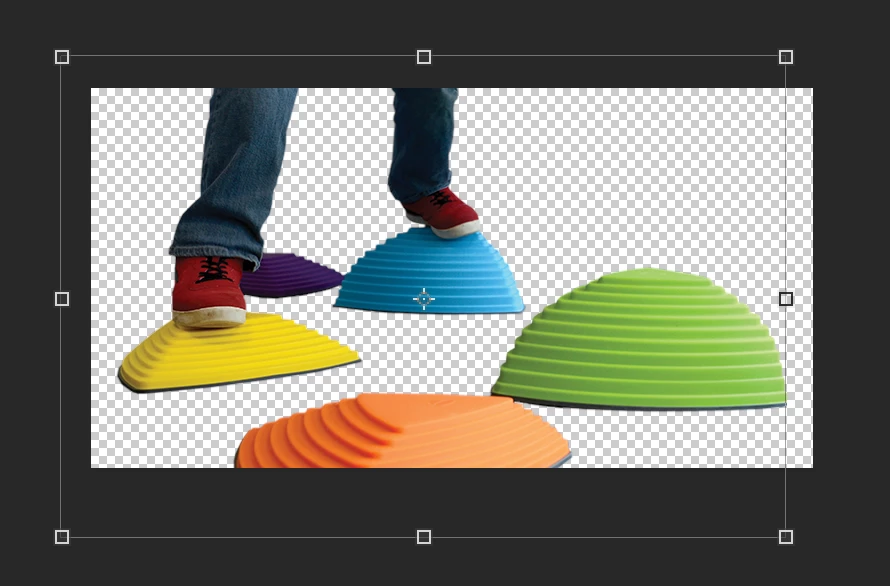
Photoshop CC is up to date, I've restarted the program multiple times, I've tried it with other photos, and it ONLY does it with this one. I'm in RBG 8 bit. Is it from the original photo, you think? Is there some setting somewhere to stop it from moving?
For now, I've used the "Save for Web (Legacy)" to get the correctly aligned png and finish my project, but I want to fix this issue/setting for the future!
 AdChoices