
Answered
Healing brush tool for fairly large object in tight space
Hello all,
I'm pretty new to Photoshop, have been learning the last few weeks with a Udemy course. I am very familiar with other Adobe software - have been using Premier Pro for years and Illustrator as well.
Anyways, I've got a picture I took of a car. I'm trying to remove some of the ugly background from it; mainly the hose roller on the left of the car, probably the blue tent as well.
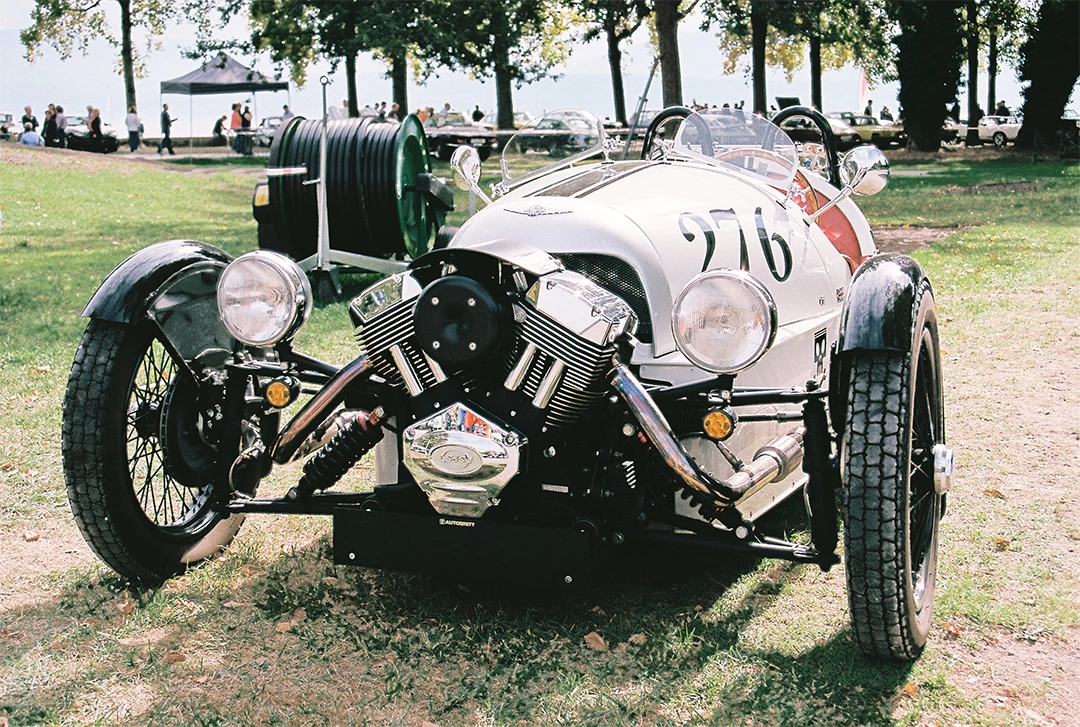
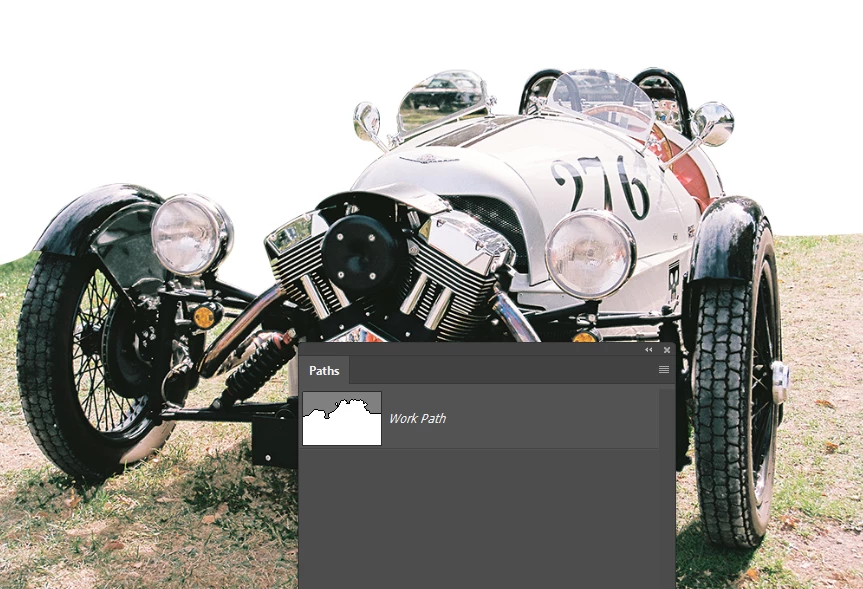
I made a mask of the upper left area of the picture, not including the car to allow me to work with the healing brush tool without affecting the car area but only the background.
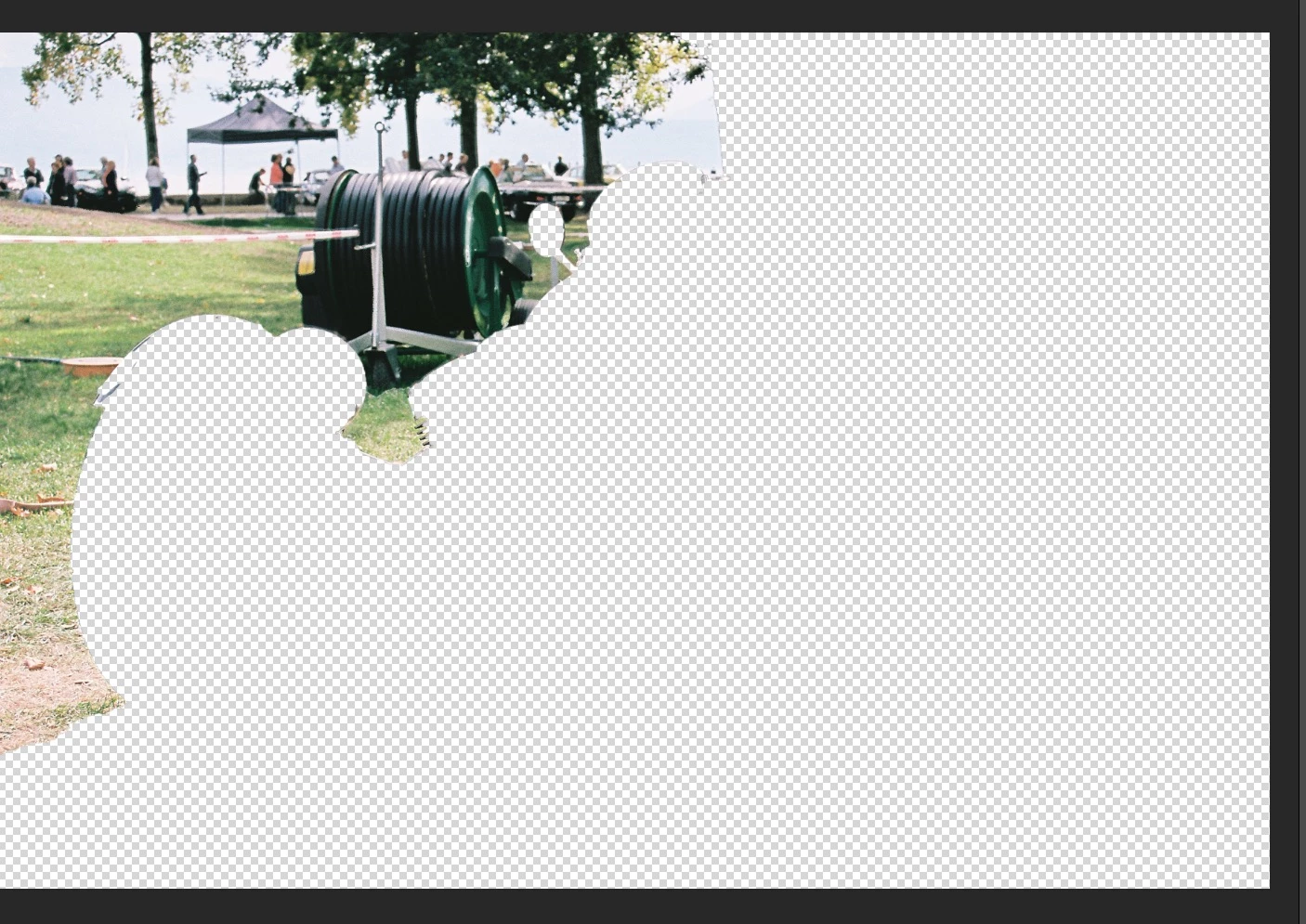
The issue I'm running into is that that black hose roller is large. When I try to sample areas at the left of it with the healing brush, I quickly find myself limited in the scope of material I can sample from. For example, I get a straight border of the left part of the image if I chose "Aligned" or eventually the wheel of the car start appearing.
How can I solve this ?
 AdChoices