Answered
Hello, for some reason my user interface is to large
For some reason my user interface went from a good size to a almost unusuable size taking up almost half the screen
Is there any way to change it back? 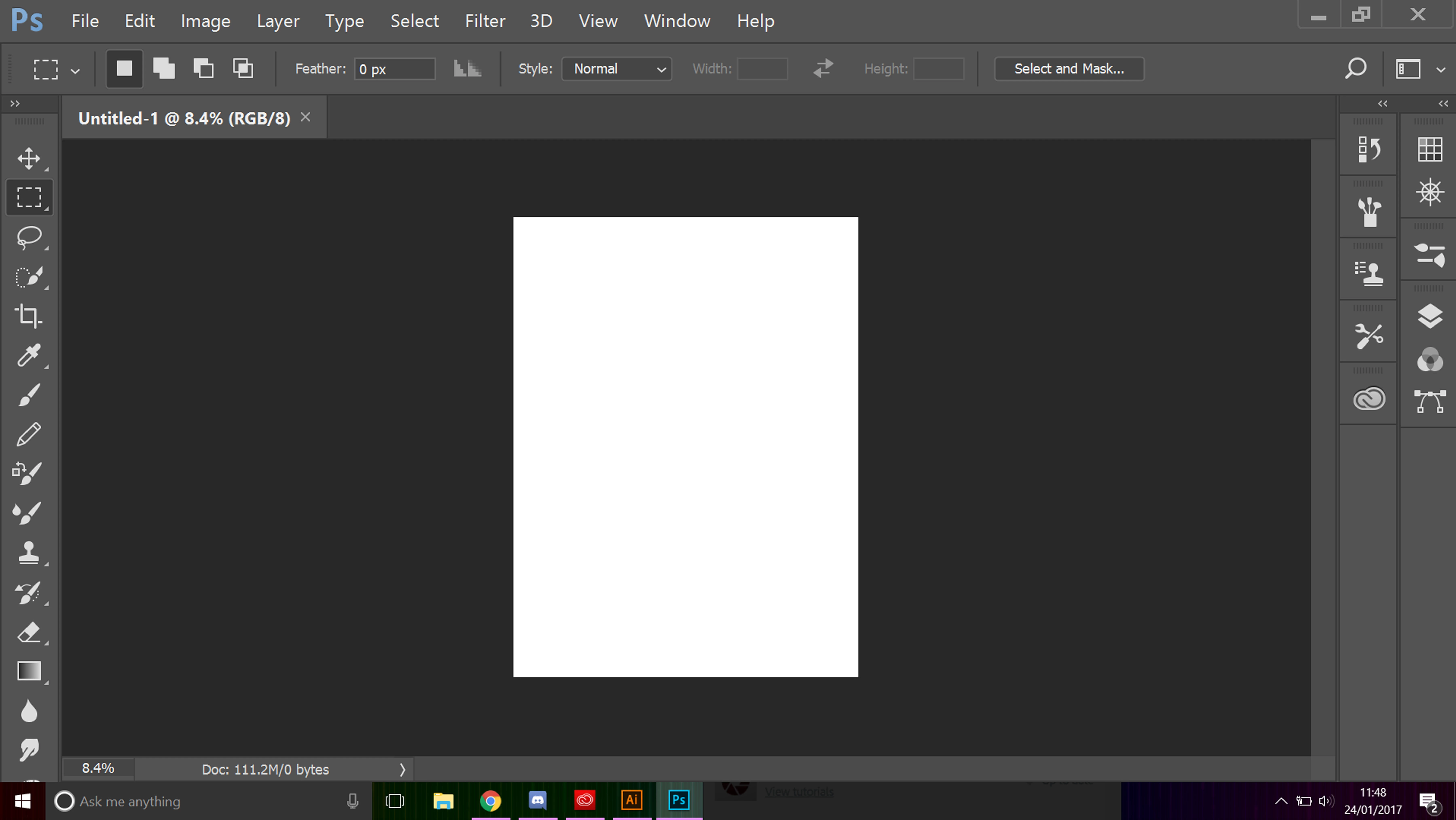

For some reason my user interface went from a good size to a almost unusuable size taking up almost half the screen
Is there any way to change it back?
Sounds like your interface scaling has been set to 200%
Go to Preferences - Interface - and set UI Scaling to 100%
You will need to restart Photoshop to see the change
Dave
Already have an account? Login
Enter your E-mail address. We'll send you an e-mail with instructions to reset your password.
 AdChoices