Inspiring
October 19, 2018
Answered

Help a beginner with masking / color correction

  • October 19, 2018
  • 5 replies
  • 1164 views

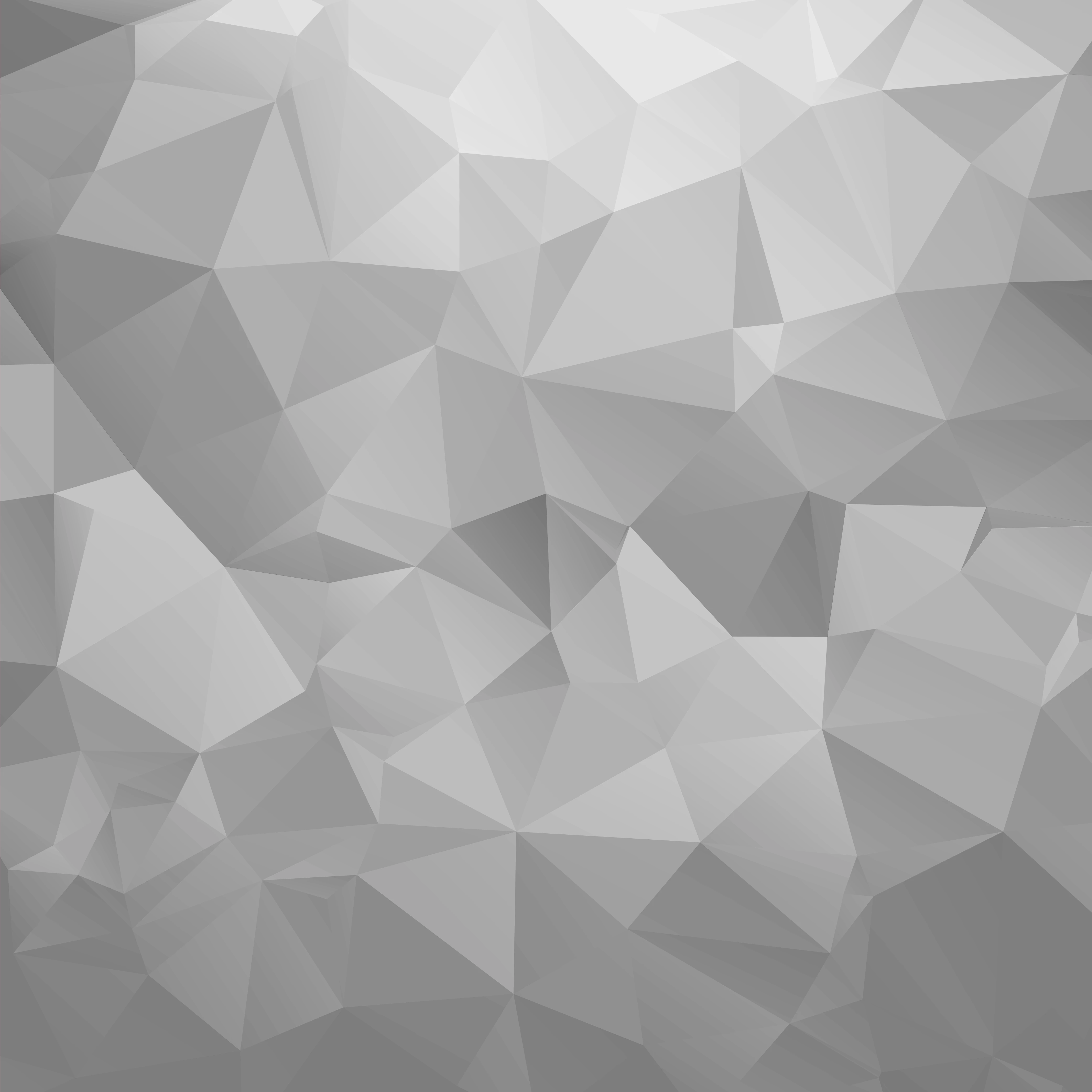
I'm struggling trying to remove/replace a color.  I have an image I've purchased for use on a sports team jersey and I want to do the following: (1) create striped section, (2) remove the red color from the striped sections without removing the 'pattern' underneath, and (3) lighten the bottom part of the image as it is too dark.

Can someone point me to a tutorial that goes through this?  I've tried a couple online and not having much luck with masking in general and this problem specifically  

I tried to load the PSD and EPS files but I'm getting error message that filetype is forbidden???? Attaching a PNG of the image. 

    This topic has been closed for replies.
    Correct answer dianer_macperson

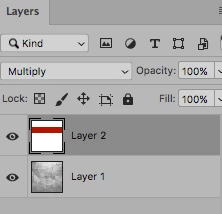
    in photoshop, you can use the rgb image (apply image>using the red channel to get the most contrast) , then use a layer of color set to multiply. or you can assemble the red multiply layer in illustrator and just use masks.

    You'll have to manually lighten the bottom though. use the pen tool to mask out the darker bottom half and lighten from curves or levels, or apply image using screen mode.  Hope that helps.

    5 replies

    dianer_macperson
    dianer_macpersonCorrect answer
    Inspiring
    October 19, 2018

    in photoshop, you can use the rgb image (apply image>using the red channel to get the most contrast) , then use a layer of color set to multiply. or you can assemble the red multiply layer in illustrator and just use masks.

    You'll have to manually lighten the bottom though. use the pen tool to mask out the darker bottom half and lighten from curves or levels, or apply image using screen mode.  Hope that helps.

    dianer_macperson
    Inspiring
    October 19, 2018

    in illustrator, place your grey image under your jersey line art. place red bars on top of grey image set to multiply and then use your jersey as a clipping mask for all the items. clipping mask must be on top of all items.

    Inspiring
    October 19, 2018

    Good morning all, I purchased image from vectorstock and image formats provided are AI, EPS, PDF and JPG. Sorry if that confused anyone, I wasn't able to upload the other file types.  I've gotten by the last few years making image edits in PS I have ZERO illustrator skills but I'm willing to give it a shot if someone could point me the right direction. ( Cringeworthy I know but don't mock me, you use what you know! )

    occulus.nigra
    Inspiring
    October 19, 2018

    My suggestions:

    1. You can import an AI file into PS. Do that at the size and resolution you need. You should be good to go.

    2. Open the file in AI... set the scale and res to what you need. Save out (export) as a .tif. Open in PS and do the needful.

    Are any of the above of any help?

    JJMack
    Community Expert
    Community Expert
    October 19, 2018

    I do not install AI or know how to use it.  But AI is the way to go with what was purchased.  If you place and AI file in Photoshop its a Smart Object layer with out and vector graphics.  Open an AI file in Photoshop I would think like SVG and EPS file are rasterized an AI file would also be resterized and again you have single layer ins Photoshop without and vectors.  You can not manipulate its components like you would be able to do in  Adobe Illustrator

    JJMack
    JJMack
    Community Expert
    Community Expert
    October 19, 2018

    RLymburner  wrote

    I tried to load the PSD and EPS files but I'm getting error message that filetype is forbidden???? Attaching a PNG of the image.
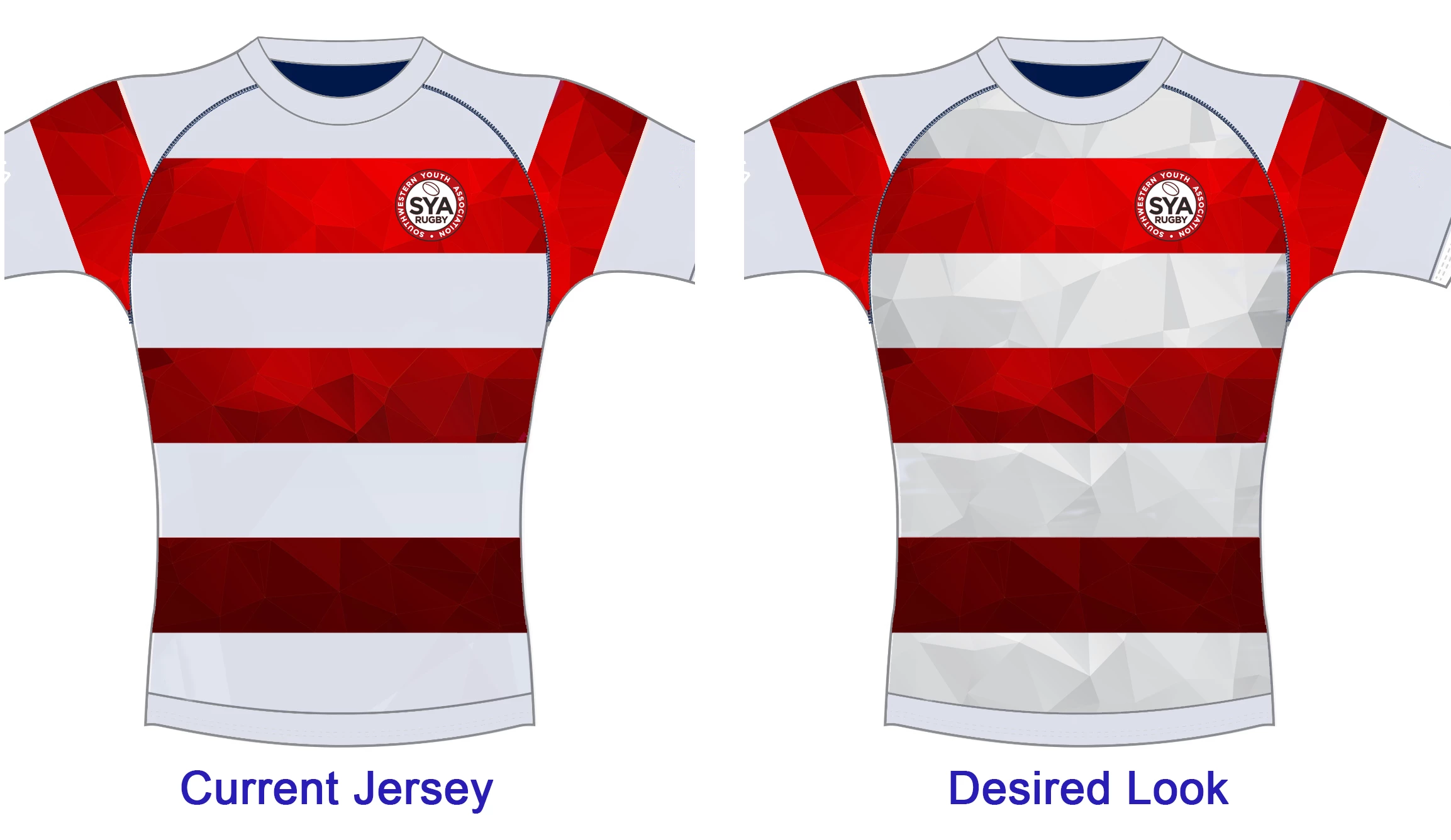

    Something is wrong there.  PSD or PSB would Photoshop Native file type. That filetype would not be forbidden.   While EPS file can be opened into Photoshop they are not open well they will be rasterized no Vector graphics will be in Photoshop.  You would not want that with that image. There seems to be many shapes in that image you would want a layered document with shape layers.

    Are you sure you have valid PSD and EPS files for that product?

    JJMack
    c.pfaffenbichler
    Community Expert
    Community Expert
    October 19, 2018

    I think the original poster was referring to the file formats which are allowed/forbidden to be posted on this Forum.

    JJMack
    Community Expert
    Community Expert
    October 19, 2018

    Then I wonder what they purchased.  Is it a template mockup or just a flat image.

    JJMack
    lambiloon
    Community Expert
    Community Expert
    October 19, 2018

    Yes  as  c.pfaffenbichler told edit in Adobe illustrator then all be good....Thanks

    Ali Sajjad / Graphic Design Trainer / Freelancer / Adobe Certified Professional
    c.pfaffenbichler
    Community Expert
    Community Expert
    October 19, 2018

    Looks like a vector illustration; if it is you should edit it in Illustrator, not Photoshop.