Amber259389605ic4
Participant
September 2, 2022
Question

Help Creating Transparent Text NOT in a Straight Line and over a black Graphic

  • September 2, 2022
  • 2 replies
  • 218 views

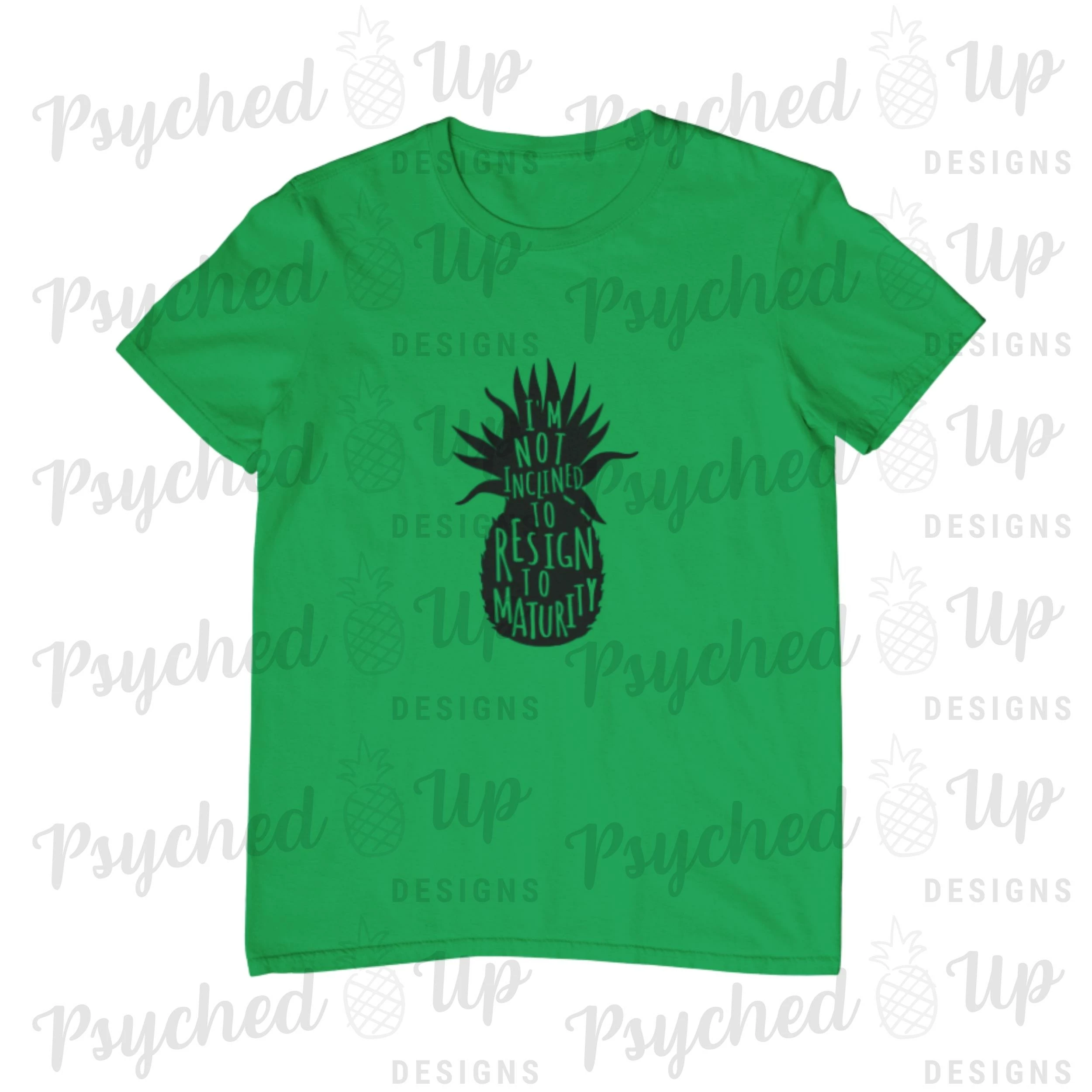
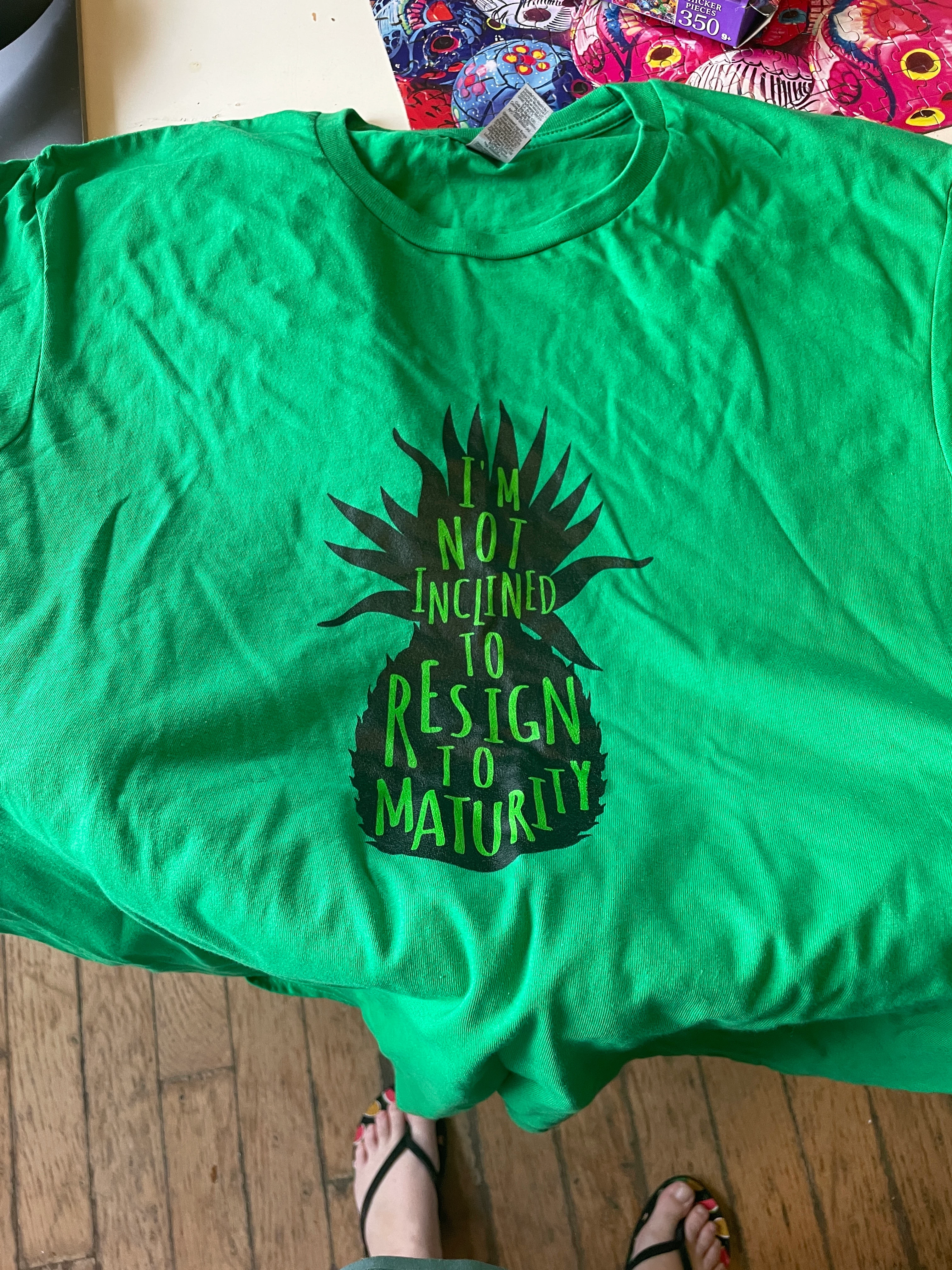
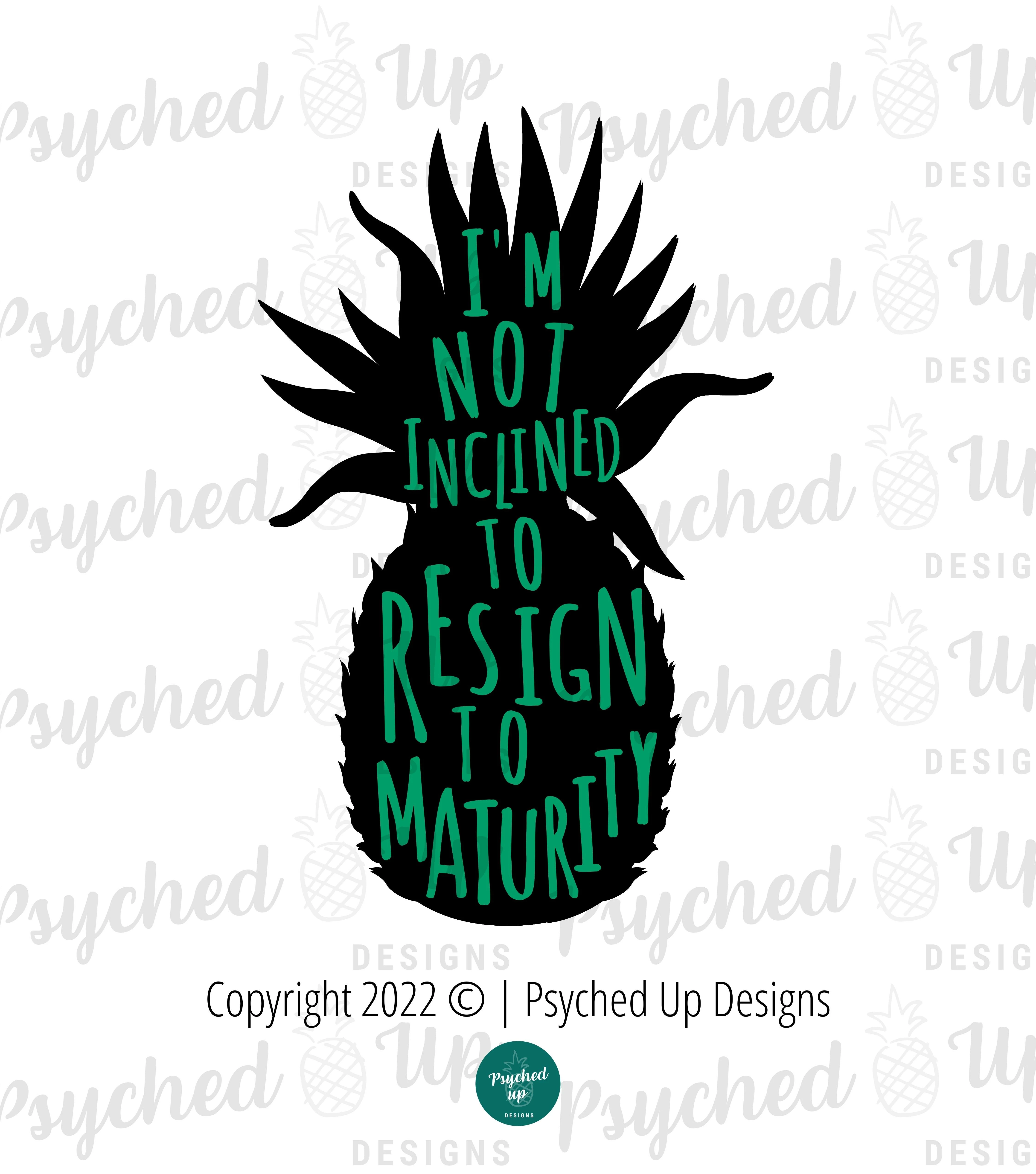
I am trying to create a black pineapple with letters filling the pineapple with a quote but having the letters transparent because I'm looking to put it on t-shirts and I want to use different coloured shirts and colour matching the text to each t-shirt is proving to be difficult. The letters need to be individually placed so that they fit; they are not in a straight line. Because of this, I need to see the text and the pineapple all at the same time, which I don't know how to do in PS, since I'm sure it would require layers, and possibly even a layer for each letter (hello, my worst nightmare). Is what I'm trying to accomplish even possible?


The current graphic I have, I created in Canva. I'm new to using Photoshop. Also, I'm using a MacOS.


I'm attaching the image I'm using now, and a mock up from my drop shipping company of what it *should* look like, along with a pic of the finished item. On my black tees its fine as the black is okay if it's off a little bit.


I appreciate any help anyone can give me.


Thank you!
    This topic has been closed for replies.

    2 replies

    barbara_a7746676
    Community Expert
    Community Expert
    September 3, 2022

    You would be much better off creating this artwork in Adobe Illustrator.

    However, if you must create it in Photoshop, you can put all letters on the same layer as long as you don't need to rotate them. Illustrator can rotate individual letters in a single piece of text, but Photoshop cannot. In Photoshop you can change the point size and move individual characters up or down, but rotate.

    John T Smith
    Community Expert
    Community Expert
    September 2, 2022

    You need to ask program questions in the forum for the program you are using
    To ask in the forum for your program please start at https://community.adobe.com/
    Moving from Using the Community (which is about the forums) to the correct forum

    Amber259389605ic4
    Participant
    September 2, 2022

    Can you just tell me which forum to post in based on my question? Looking at that list, I still have no idea which would be the right one to post in.