Participant
December 23, 2019
Answered

HELP!!! I can't select a transparent area around an item any more.

  • December 23, 2019
  • 2 replies
  • 1846 views

Hi!


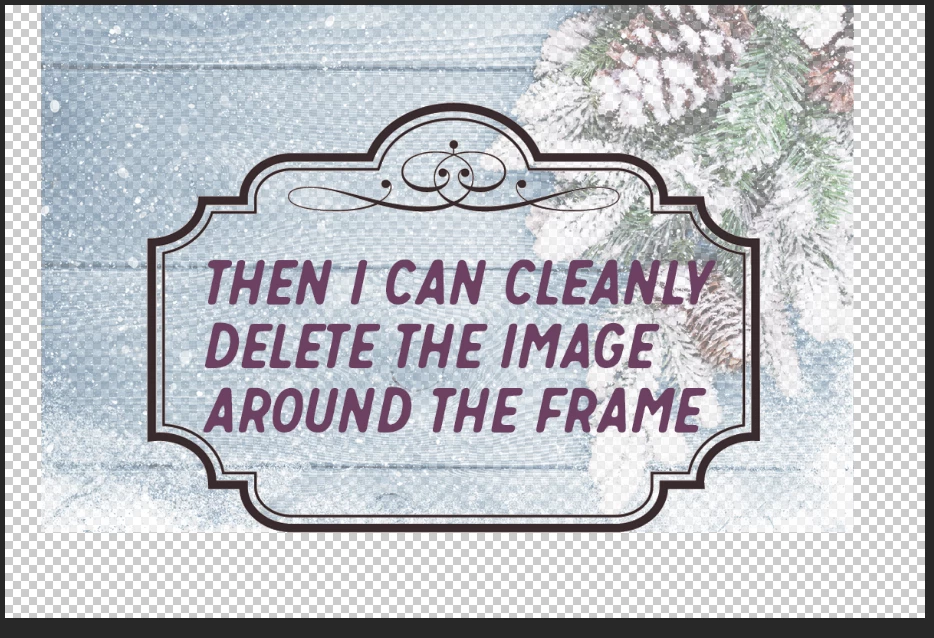
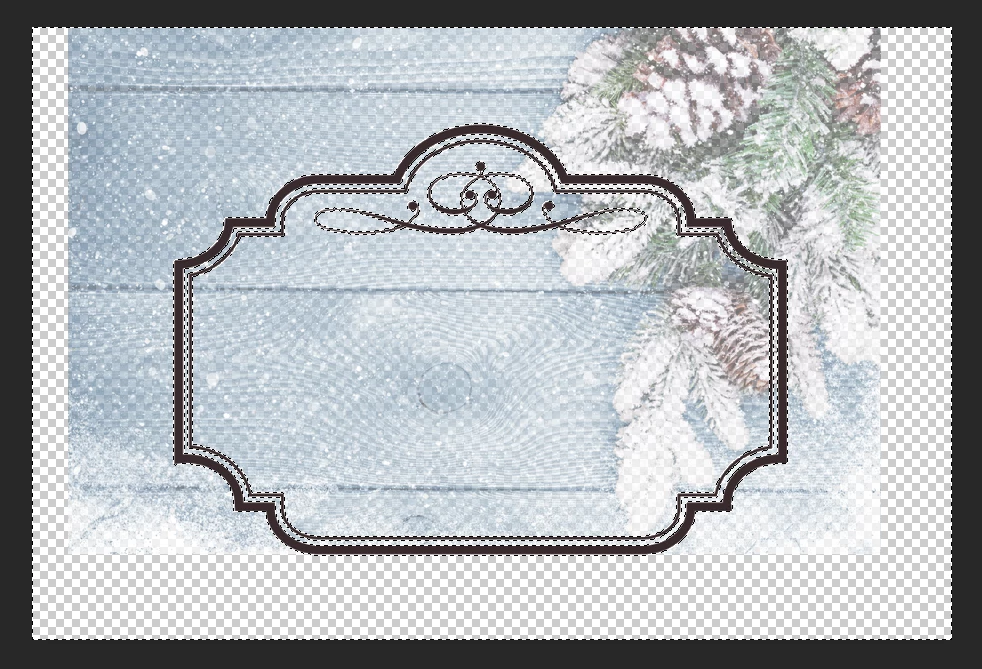
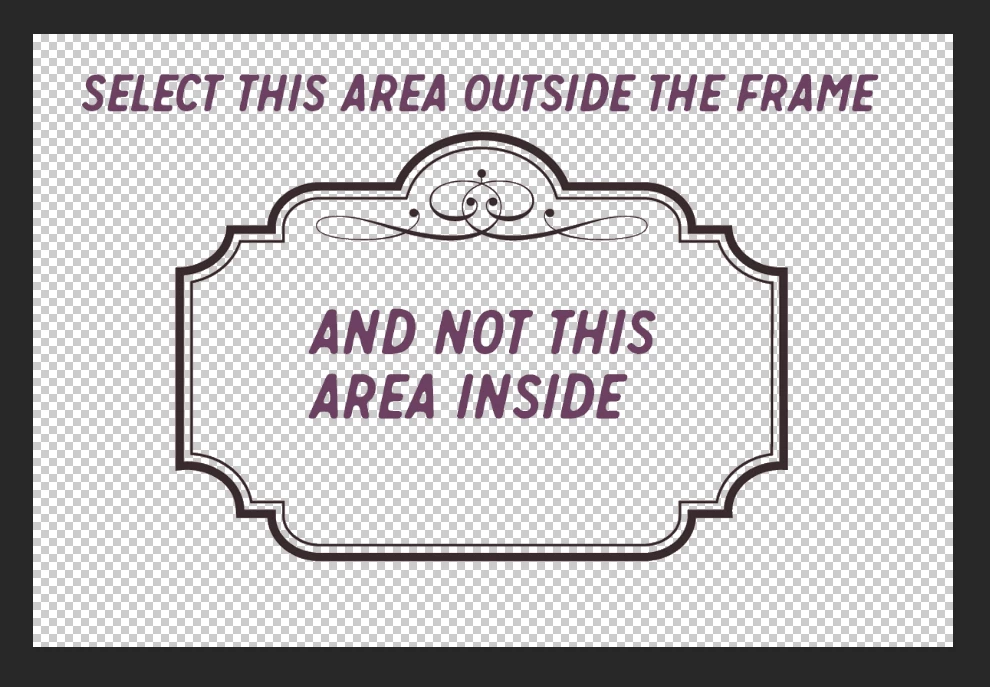
I used to be able to use the magic wand tool to select a transparent area around a item.  This would allow me to then easily delete "extras" from other layers.  See examples....  But, now the magic wand tool selects EVERYTHING that is of that color (or lack of color, in this case).  But, that will not allow me to retain the inside area of the image I want to keep inside. 

HELP?
This topic has been closed for replies.
Correct answer S_Gans

Hi. This looks like somehow a simple setting got changed. When you've selected the Magic Wand too, please make sure that "Contiguous" is checked. That way, it'll select only colors of the same kind that're touching each other (the black edge in the above image will delineate the change). If it's unchecked, it goes through the entire layer's info to find pixels within it's tolerance setting.
Hope this helps.

2 replies

Nancy OShea
Community Expert
Community Expert
December 23, 2019

What is your Magic Wand's Tolerance value?


Nancy O'Shea— Product User & Community Expert
S_Gans
Community Expert
S_GansCommunity ExpertCorrect answer
Community Expert
December 23, 2019

Hi. This looks like somehow a simple setting got changed. When you've selected the Magic Wand too, please make sure that "Contiguous" is checked. That way, it'll select only colors of the same kind that're touching each other (the black edge in the above image will delineate the change). If it's unchecked, it goes through the entire layer's info to find pixels within it's tolerance setting.
Hope this helps.

Adobe Community Expert / Adobe Certified Instructor
Participant
December 26, 2019

OMG! Thank you.  Thank you. Thank you.  I know this was a simple fix, but it has confounded me to the point of maddness.


WHEW!