February 13, 2020
Pergunta

Help inserting multiple GIFs into a PSD then saved it as GIF

  • February 13, 2020
  • 1 resposta
  • 1728 Visualizações

I want to insert these Gifs in the diagram bellow and transform them to match the respective empty rectangles locations/destination then save the whole thing  as a working animated GIF.

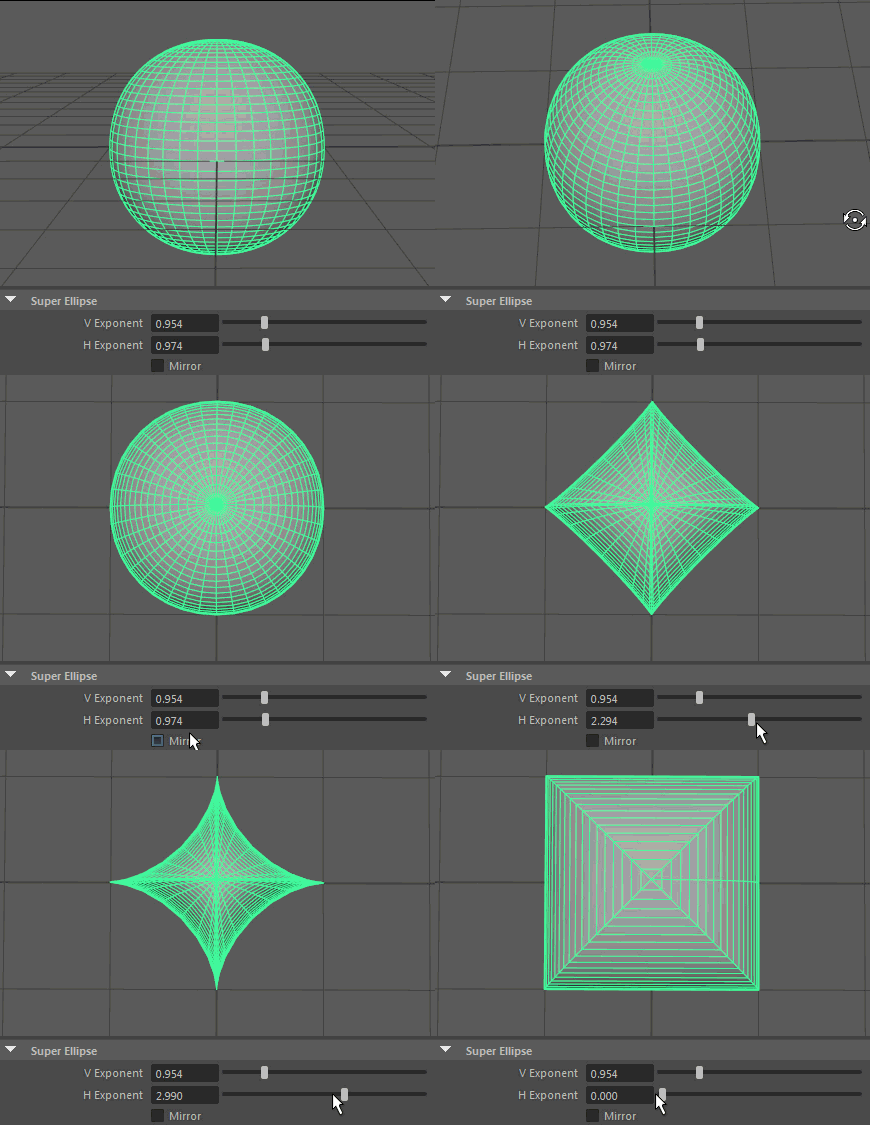
Super Ellipse

V Exponent
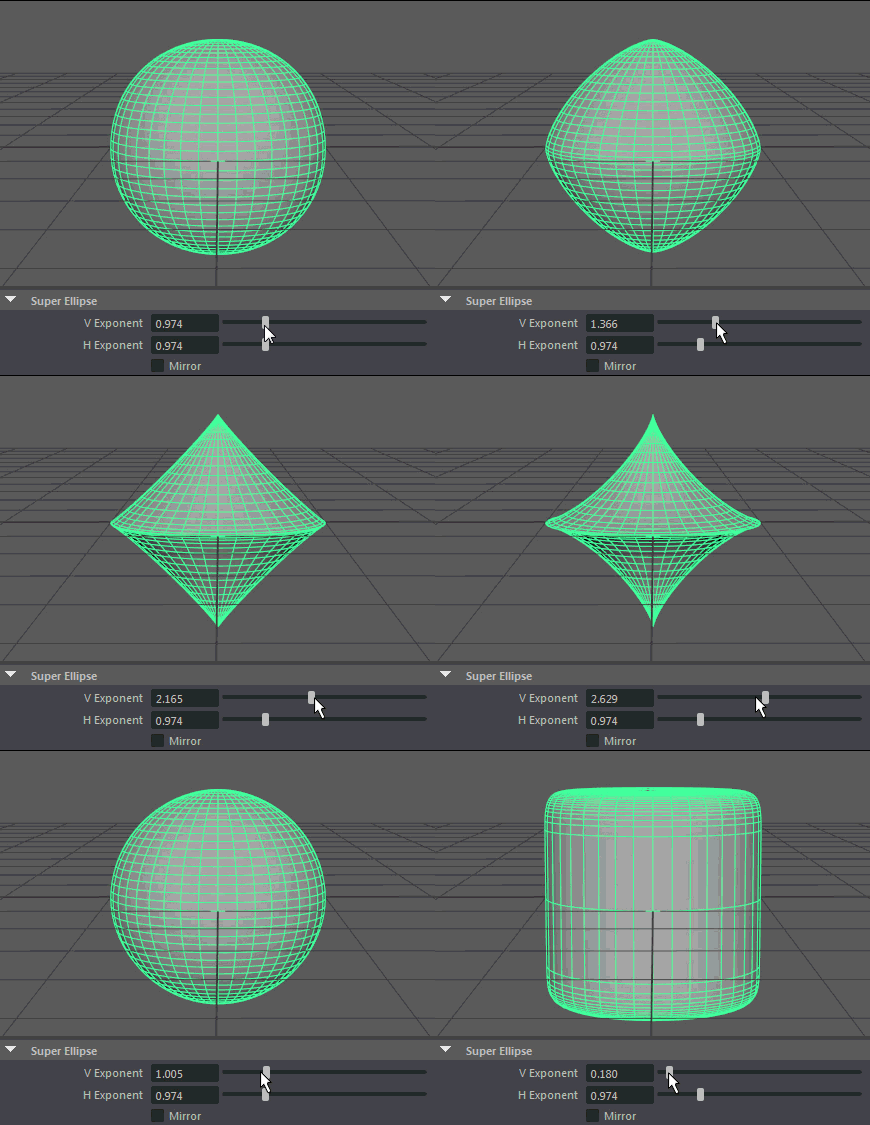
H Exponent
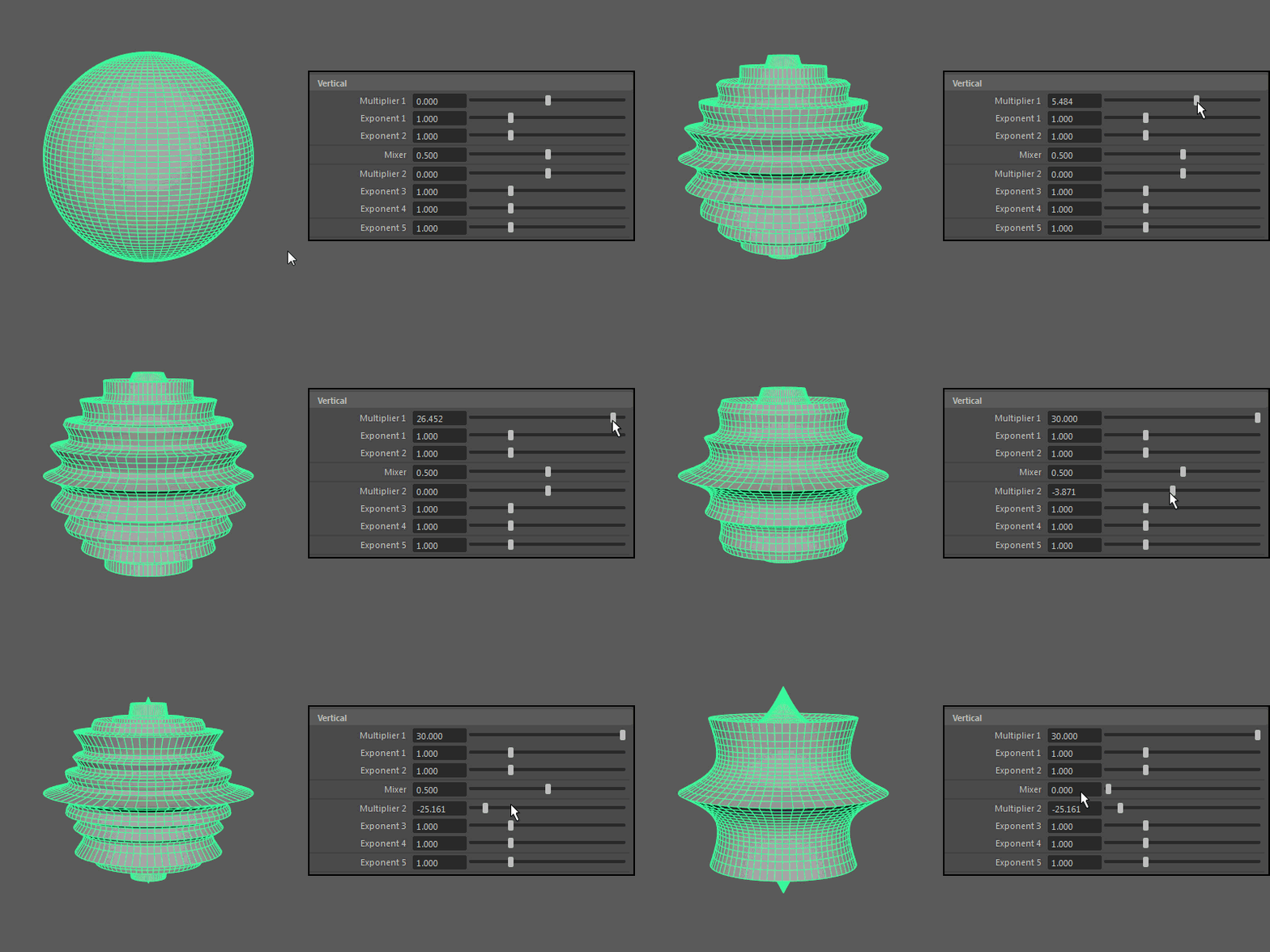
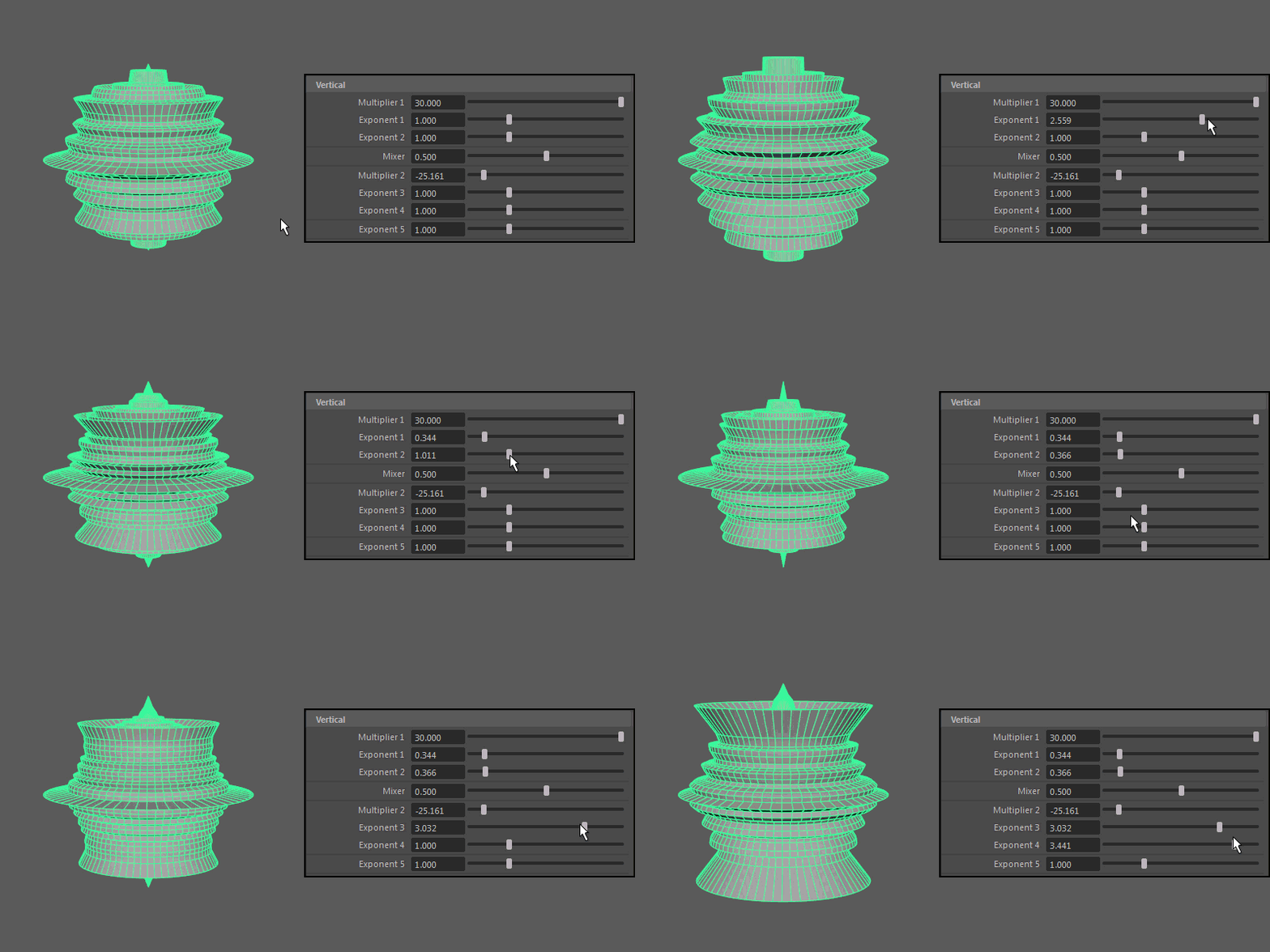
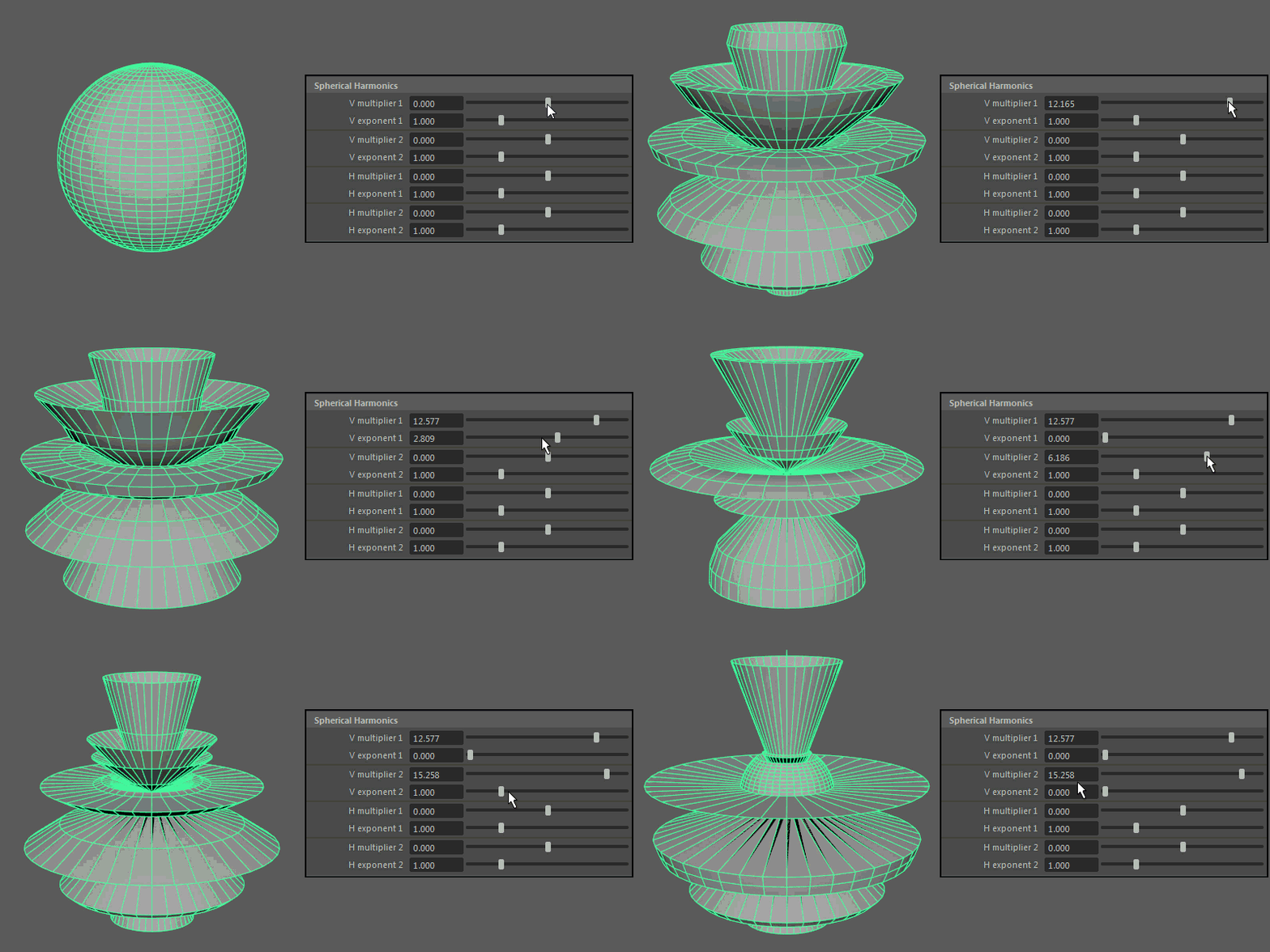
Spherical Harmonics

V multiplier, V exponent
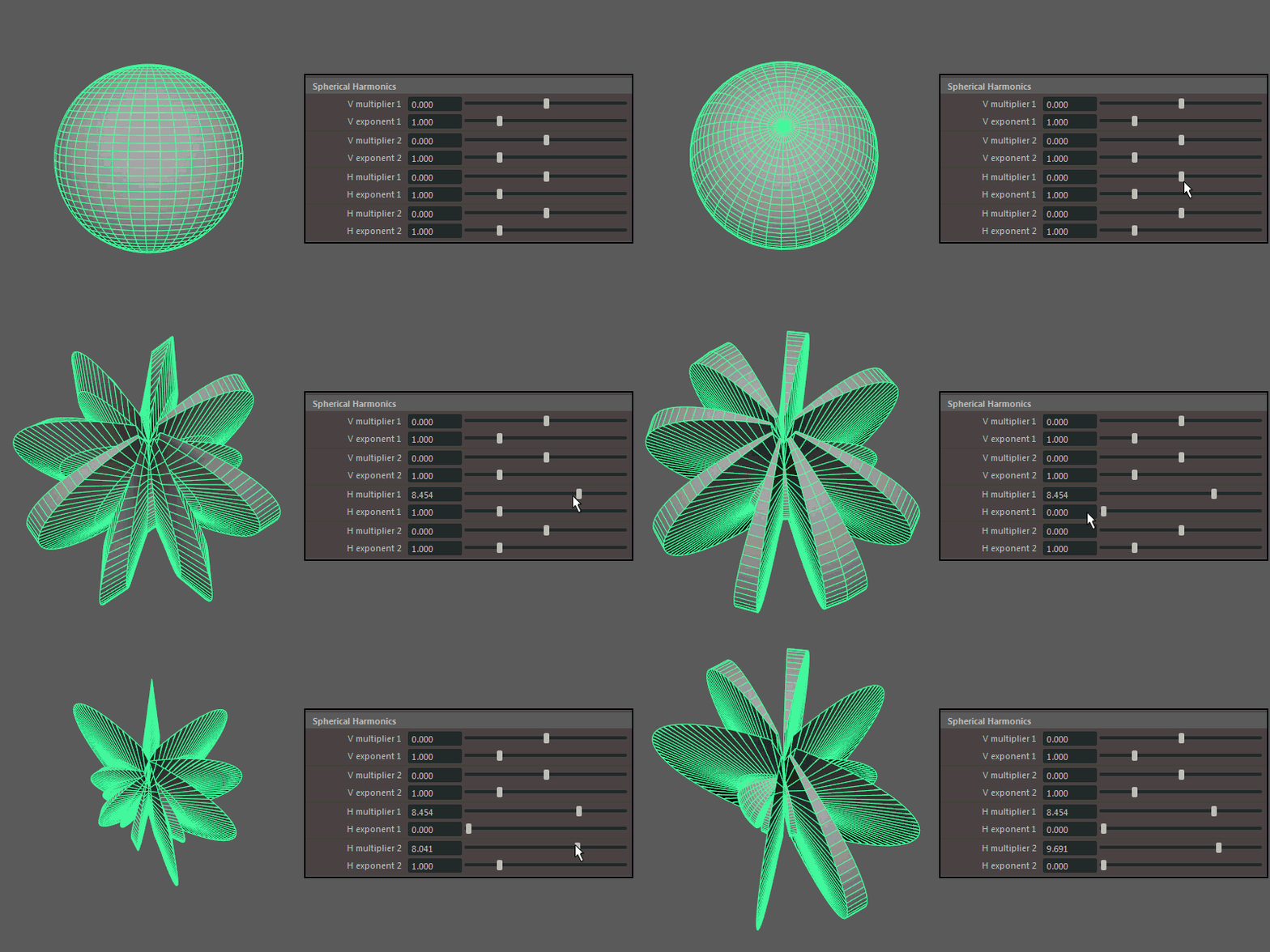
H multiplier, H exponent
Ultra

H Multiplier 1, Multiplier 2
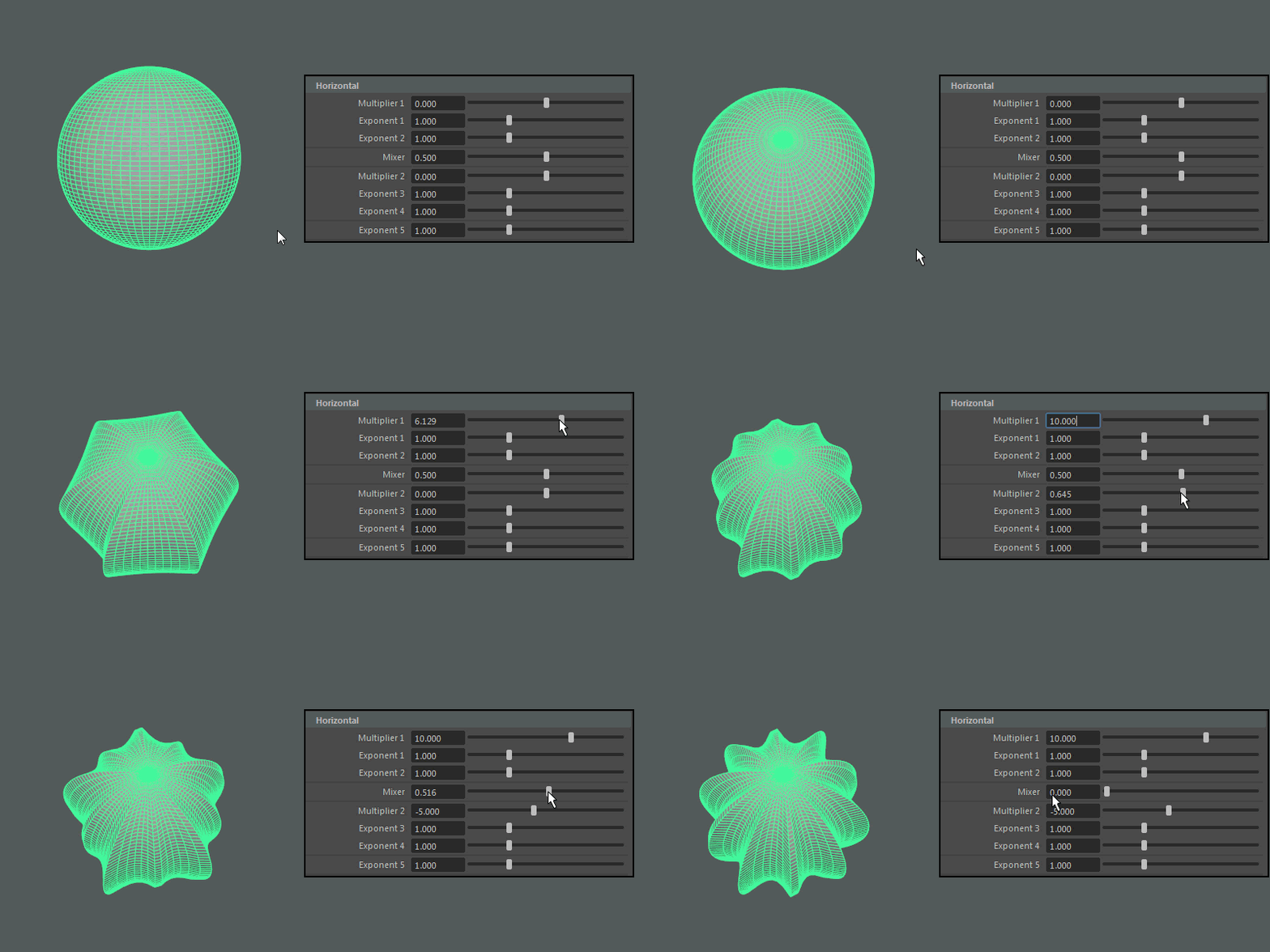
H Exponent 1Exponent 2Exponent 3Exponent 4

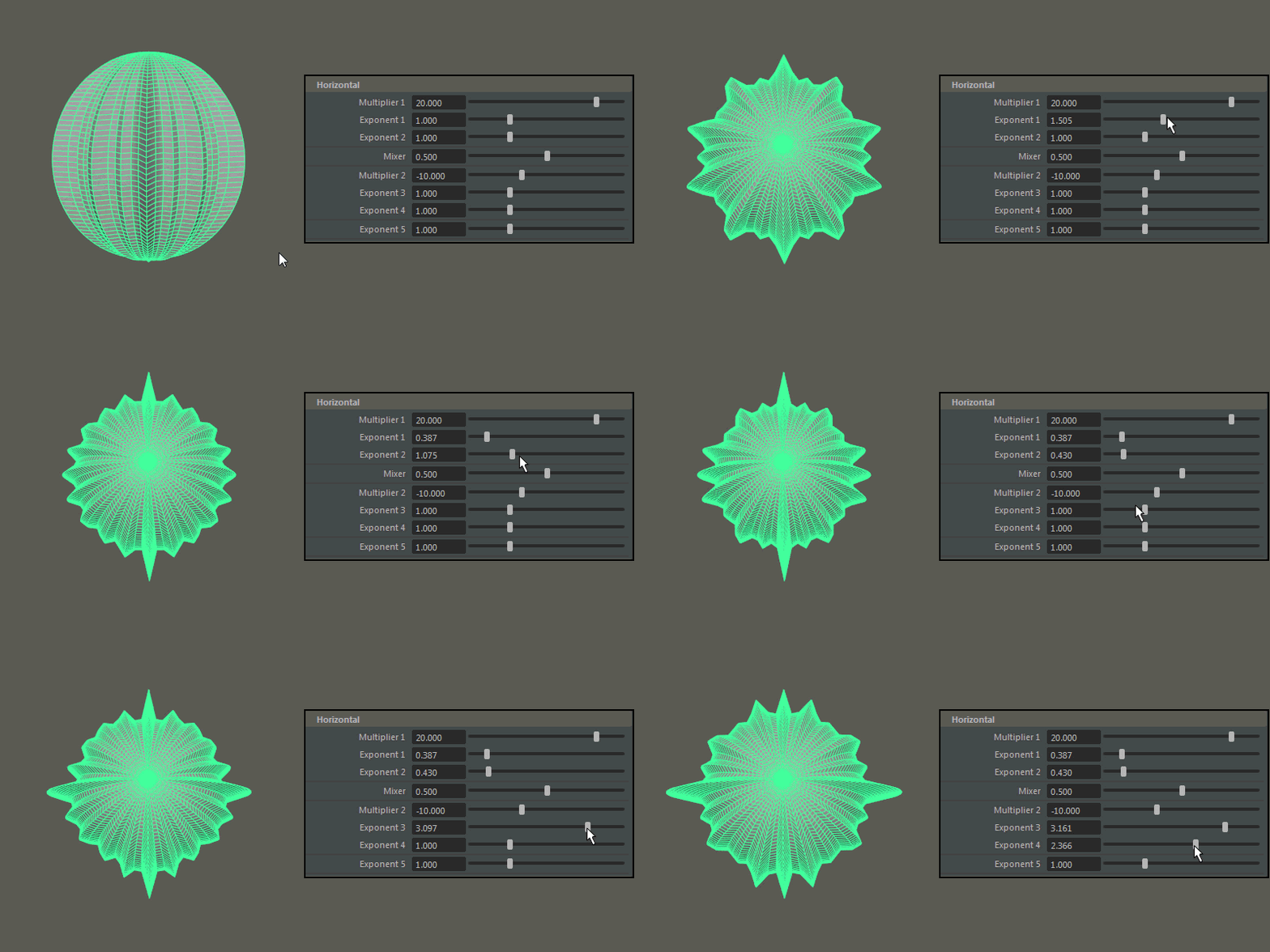
V Multiplier 1, Multiplier 2

V Exponent 1, Exponent 2, Exponent 3, Exponent 4
 

Diagram
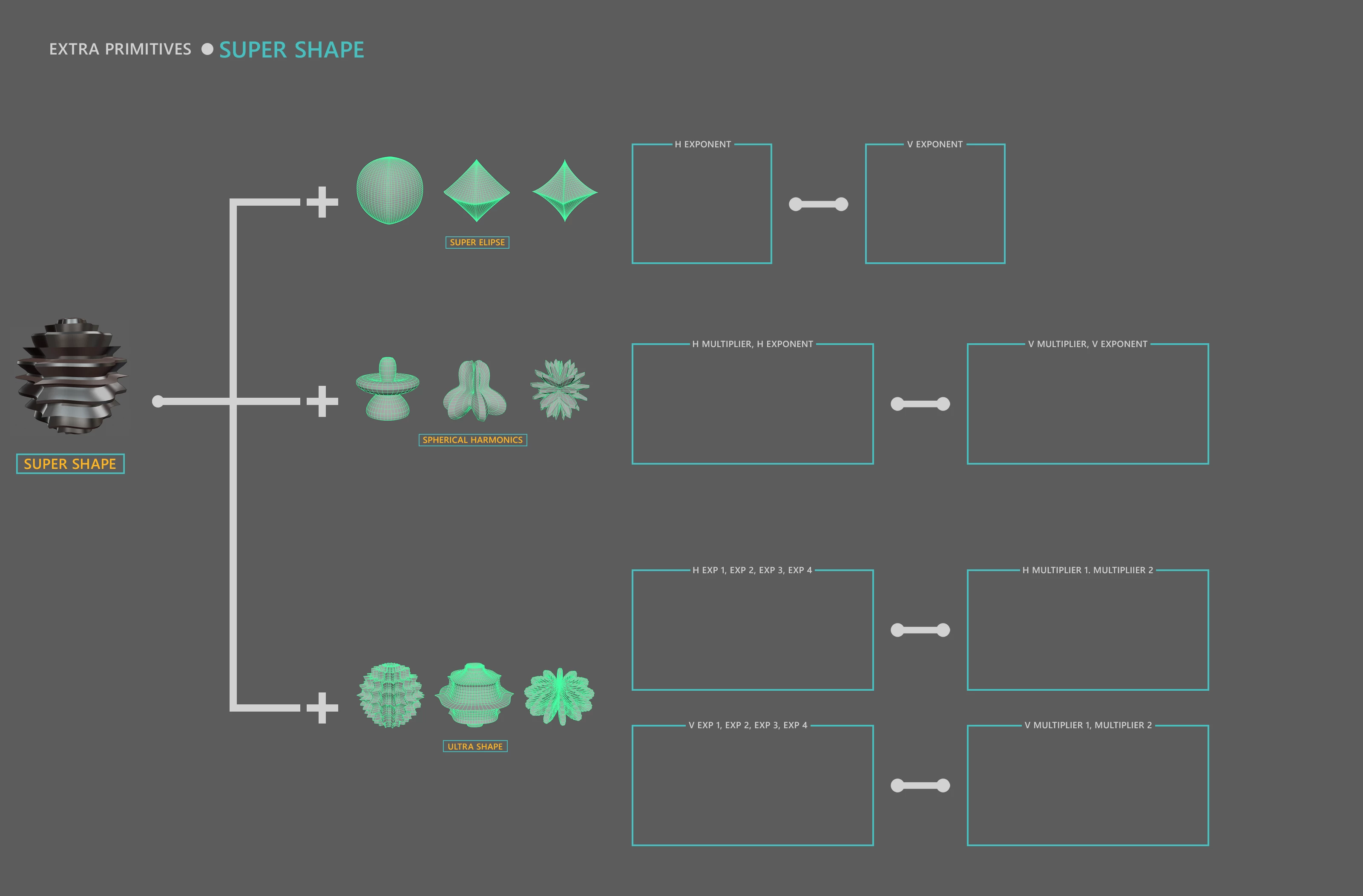


Ive tried this tutorial but I have trouble several troubles. One I cannot seem to get multiple GIFs into the same document  meaning they dont keep their position or their visibility, two I cannot use the export for web to export as GIF (have some error, maybe its my low end laptop) and three using the Export as give me a GIF that its not animated.


Resulting GIF (not animated)
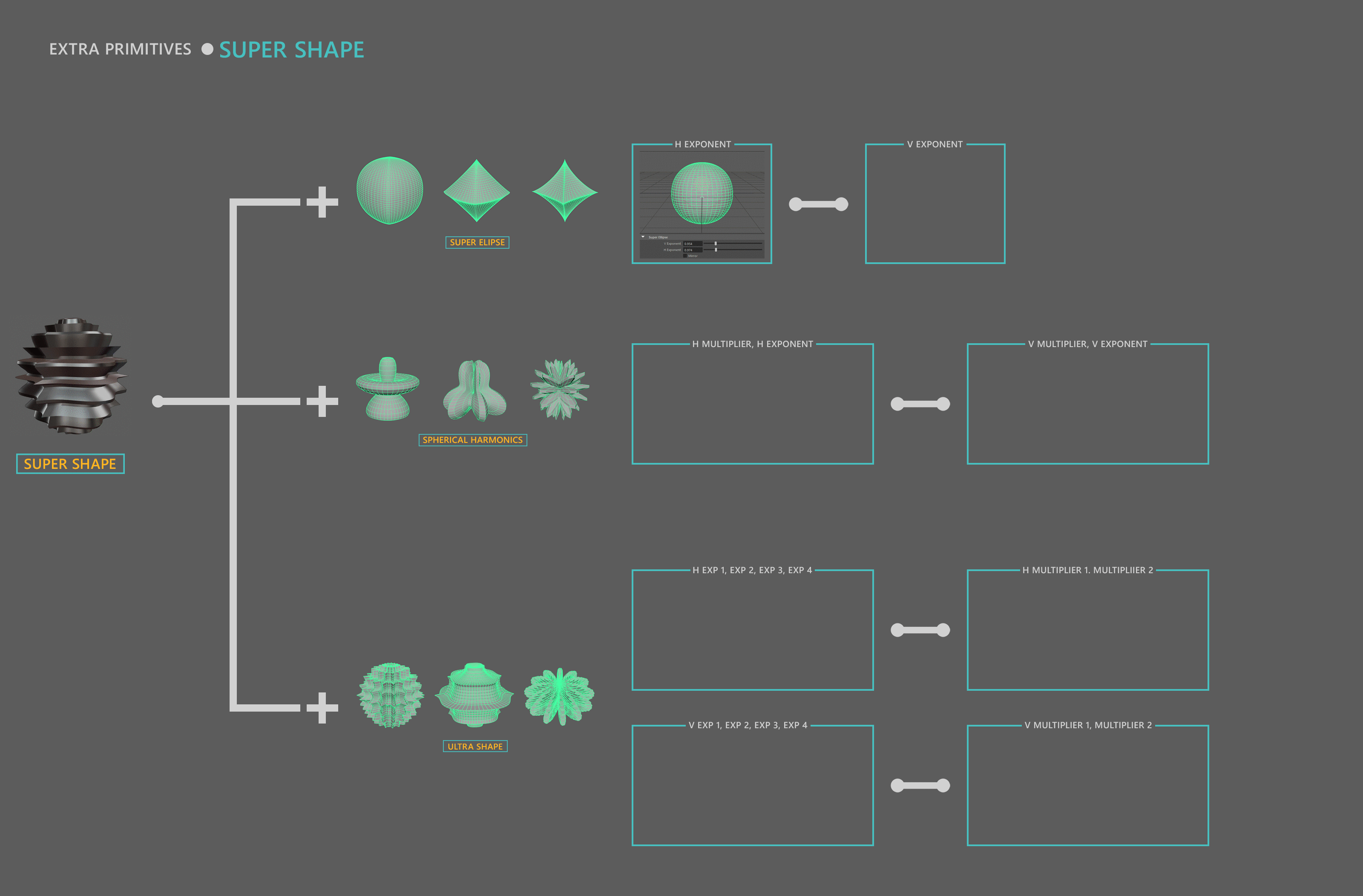
 

Can someone insert tthe GIFs into the image and save it as a working GIF for me pls !

Este tópico foi fechado para respostas.

1 Resposta

JJMack
Community Expert
Community Expert
February 13, 2020

No

Your Gif animations  have a different number of frames so different durations so it would be very difficult to play them concurrently in a Photoshop frame animation.  By the time I combined the first 4 into a new animation where they played in sequence  The layer palette had 1261 layers Photoshop 2020 was using 17GB of RAM moving one of the animation over its location over you chart was painful to do and 2020 took forever to perform the move and update all the frames involved with the animations layers.  I do not know if my workstation could handles adding the additional  4 animations.  Playing the animation concurrently would require too much work merging the frame in a Photoshop frame animation.   You should look for at other applications in your creative subscription like animator, after effects.  You could also export the frame animations as MP4 Videos then   combine the MP4 videos in a Video animation. You may even be able the export the combined video animation as an animated gif.  Photoshop Video Time Line has better features for animation then Photoshop Frame animation time line.  Combining your animations in a video time line would be the way to go if you only have Photoshop to work with.


Saving the video as a animated gif did not work the full length of the video was not saved.   Photoshop may limit animated gif to some number of frames. 

JJMack