Participant
July 7, 2022
Answered

HELP!!! Photoshop 23.4.1 Strange behavior, crashing and not pasting multiple images

  • July 7, 2022
  • 2 replies
  • 201 views

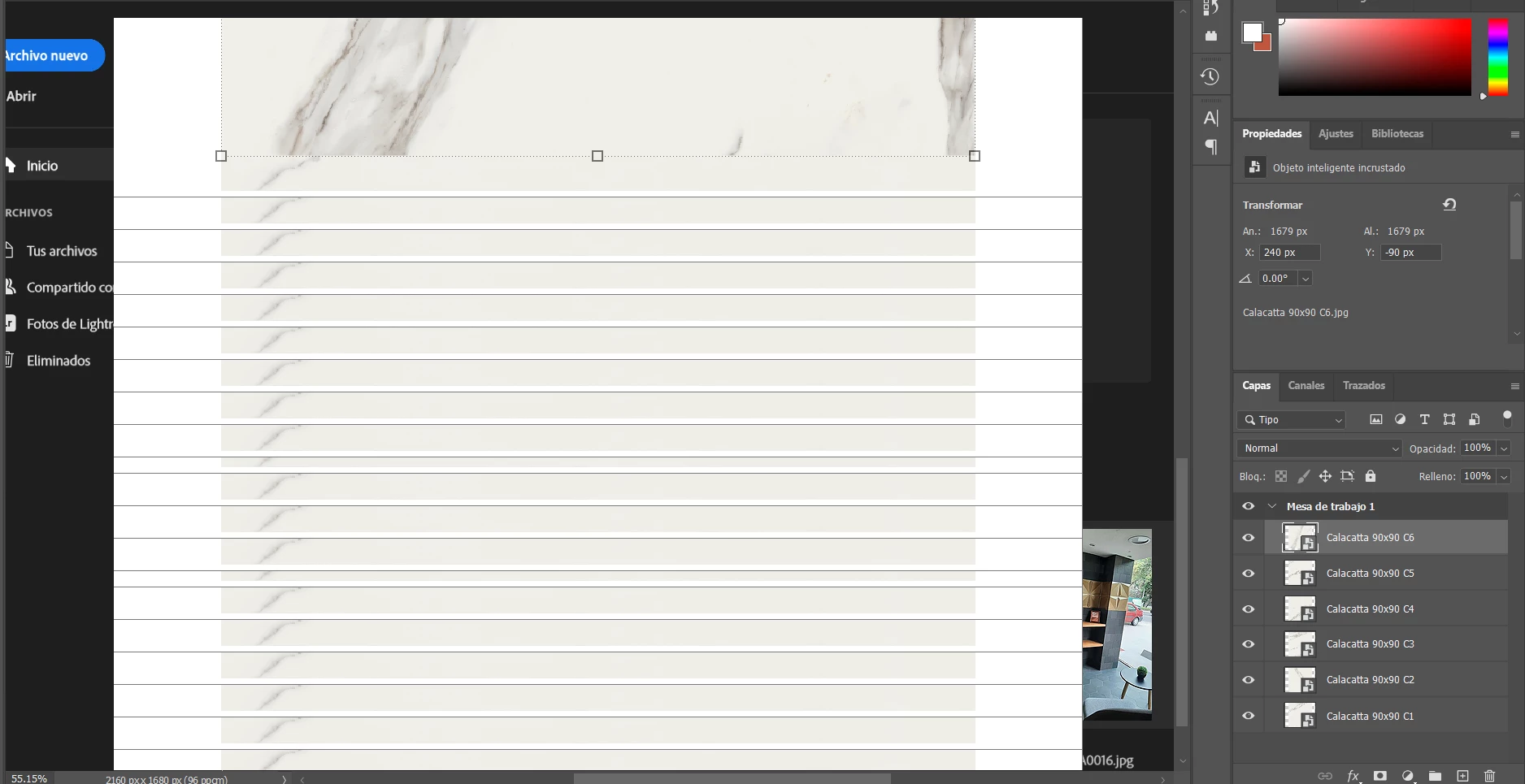
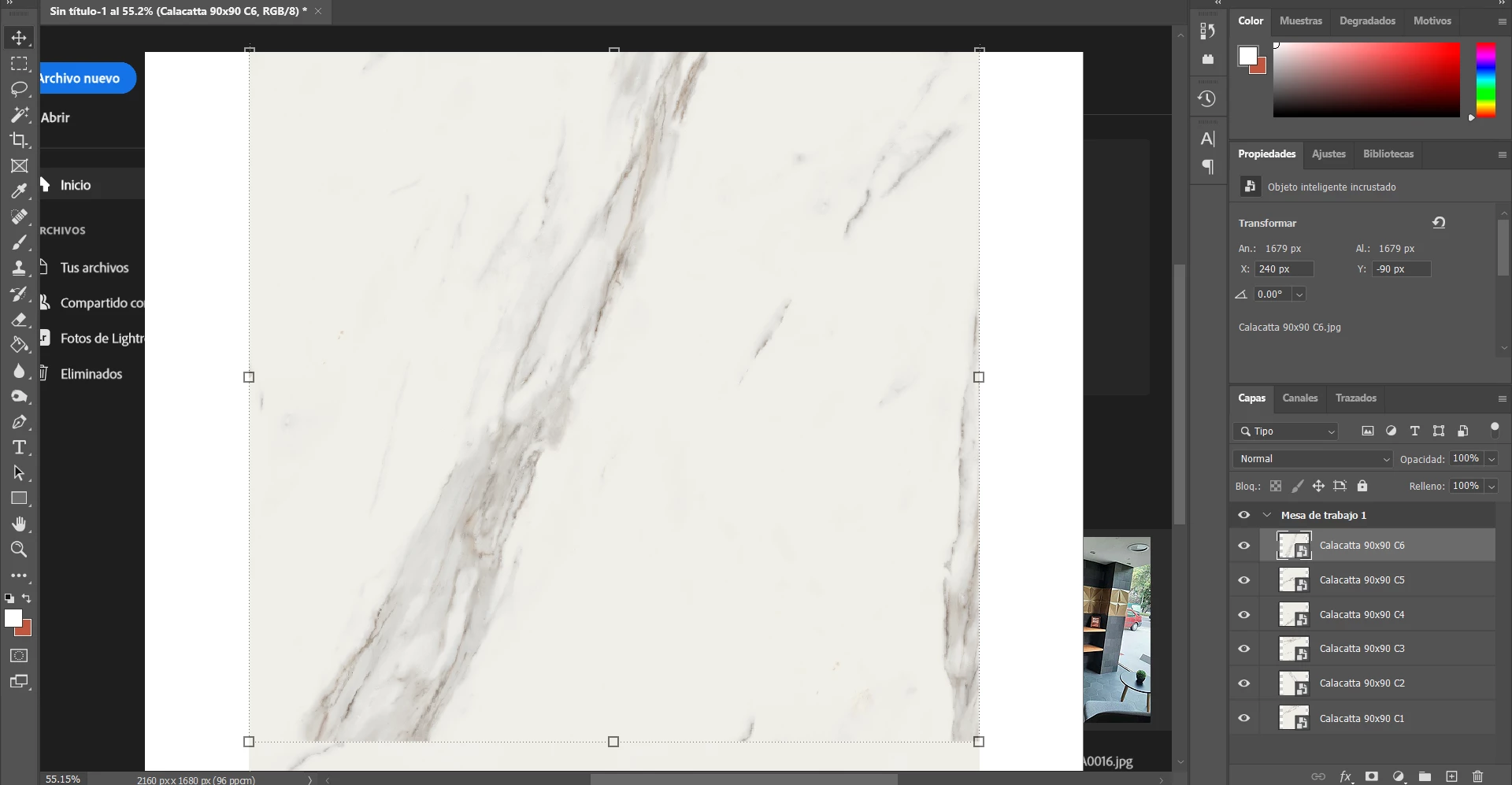
This is the firs time having this kind of issue, when I add multiple images in different layers it shows the opening window behind the workspace and then it goes in this kind of overlaping.


PLEASE HELP!

This topic has been closed for replies.
Correct answer c.pfaffenbichler

Does turning off »Use Graphics Processor« in the Performance Preferences (Photoshop > Preferences > Performance > Graphic Processor Settings) and restarting Photoshop have any bearing on the issue? 

Does turning on »Deactivate Native Canvas« (Photoshop > Preferences > Technology Previews) and restarting Photoshop have any bearing on the issue? 


What have you done for all-purpose trouble-shooting so far? 

Restoring Preferences after making sure all customized presets like Actions, Patterns, Brushes etc. have been saved might be a good starting point:

https://helpx.adobe.com/photoshop/using/preferences.html

https://helpx.adobe.com/photoshop/kb/basic-trouble-shooting-steps.html

2 replies

Participant
July 8, 2022

Am facing the same issue. Uninstall the software and re-install it but the problem didn't solved.


c.pfaffenbichler
Community Expert
Community Expert
July 8, 2022

see post 1


Also: Have you tried turning off Photoshop > Preferences > General > Auto Show the Home Screen? 

c.pfaffenbichler
Community Expert
c.pfaffenbichlerCommunity ExpertCorrect answer
Community Expert
July 8, 2022

Does turning off »Use Graphics Processor« in the Performance Preferences (Photoshop > Preferences > Performance > Graphic Processor Settings) and restarting Photoshop have any bearing on the issue? 

Does turning on »Deactivate Native Canvas« (Photoshop > Preferences > Technology Previews) and restarting Photoshop have any bearing on the issue? 


What have you done for all-purpose trouble-shooting so far? 

Restoring Preferences after making sure all customized presets like Actions, Patterns, Brushes etc. have been saved might be a good starting point:

https://helpx.adobe.com/photoshop/using/preferences.html

https://helpx.adobe.com/photoshop/kb/basic-trouble-shooting-steps.html
Circe5FF5Author
Participant
July 11, 2022

Thank you! It helped me a lot, actually I did resolve my problem.