
Frenchsinger
Known Participant
October 10, 2024
Question

help please

  • October 10, 2024
  • 2 replies
  • 199 views

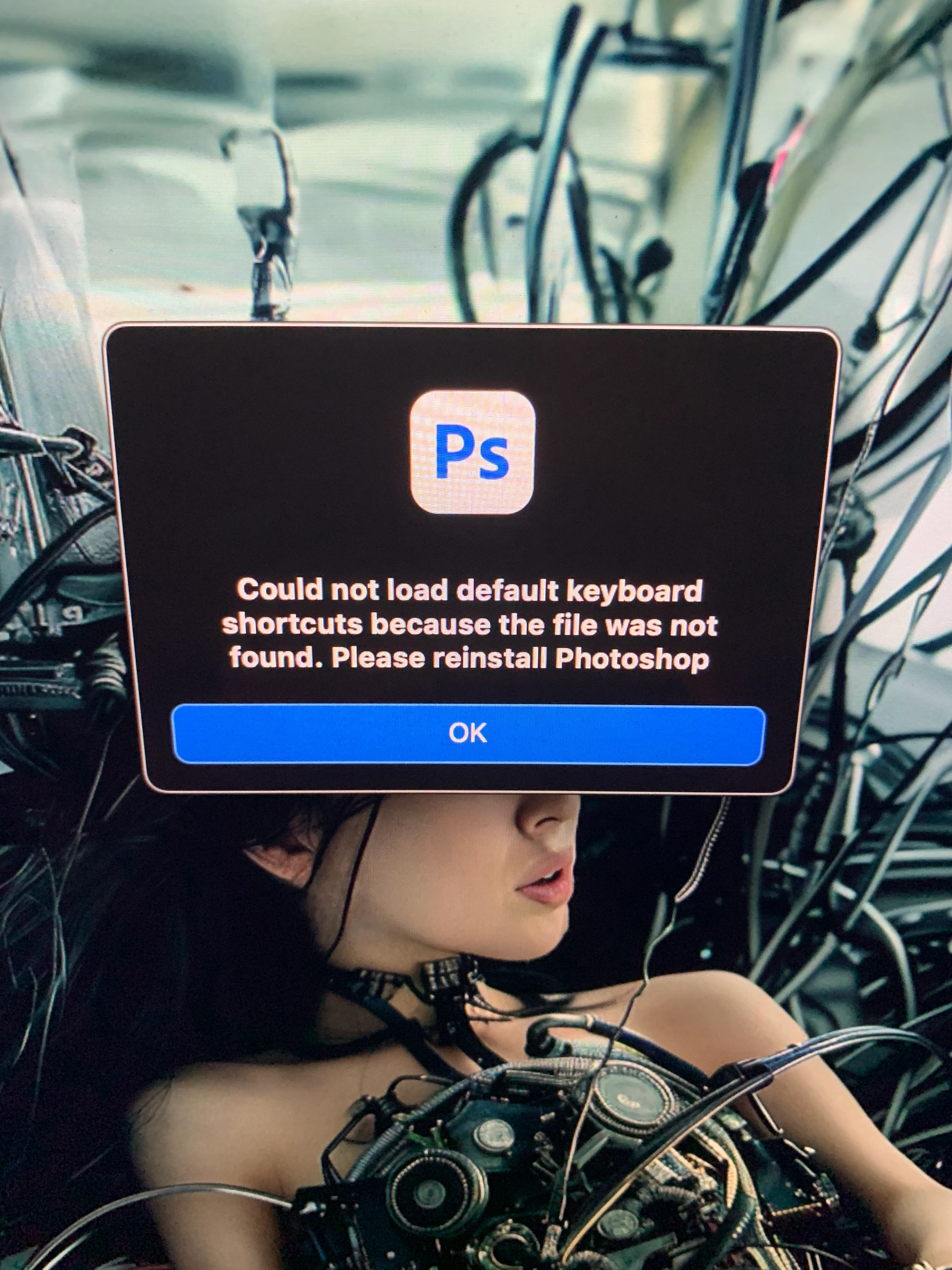
this popup always appears since i updated my macpro to Sequoia everytime i open Photoshop. And i don't have acess anymore to my Creative Cloud . Please help
This topic has been closed for replies.

2 replies

Peru Bob
Community Expert
Community Expert
October 10, 2024

Even though Sequoia is supposed to be compatible with many Adobe apps, there have been many issues reported.

You may want to roll back and wait a while before updating.

https://helpx.adobe.com/download-install/kb/macos-sequoia-compatibility-common-issues.html

Conrad_C
Community Expert
Community Expert
October 10, 2024

The message suggests reinstalling Photoshop. Have you tried that already, or are you unable to because you can’t find the Creative Cloud desktop app/installer?


If you can’t find the Creative Cloud desktop app, you can download it from here and reinstall it, then reinstall Photoshop:

Download Creative Cloud


Another way to approach this is to look where that default keyboard shortcuts file should be. The folder paths to most settings files are listed on this web page:

Preference file functions, names, locations | Photoshop


That page says the default keyboard shortcuts file should be at:

/Users/[user name]/Library/Preferences/Adobe Photoshop [version] Settings


Is the default keyboard shortcuts file present there, or missing? If you have trouble finding the Library folder, see:

Can't see user library files in macOS