This topic has been closed for replies.

1 reply

jane-e
Community Expert
Community Expert
August 7, 2020

Hi

It's unclear what you have done or are trying to do.


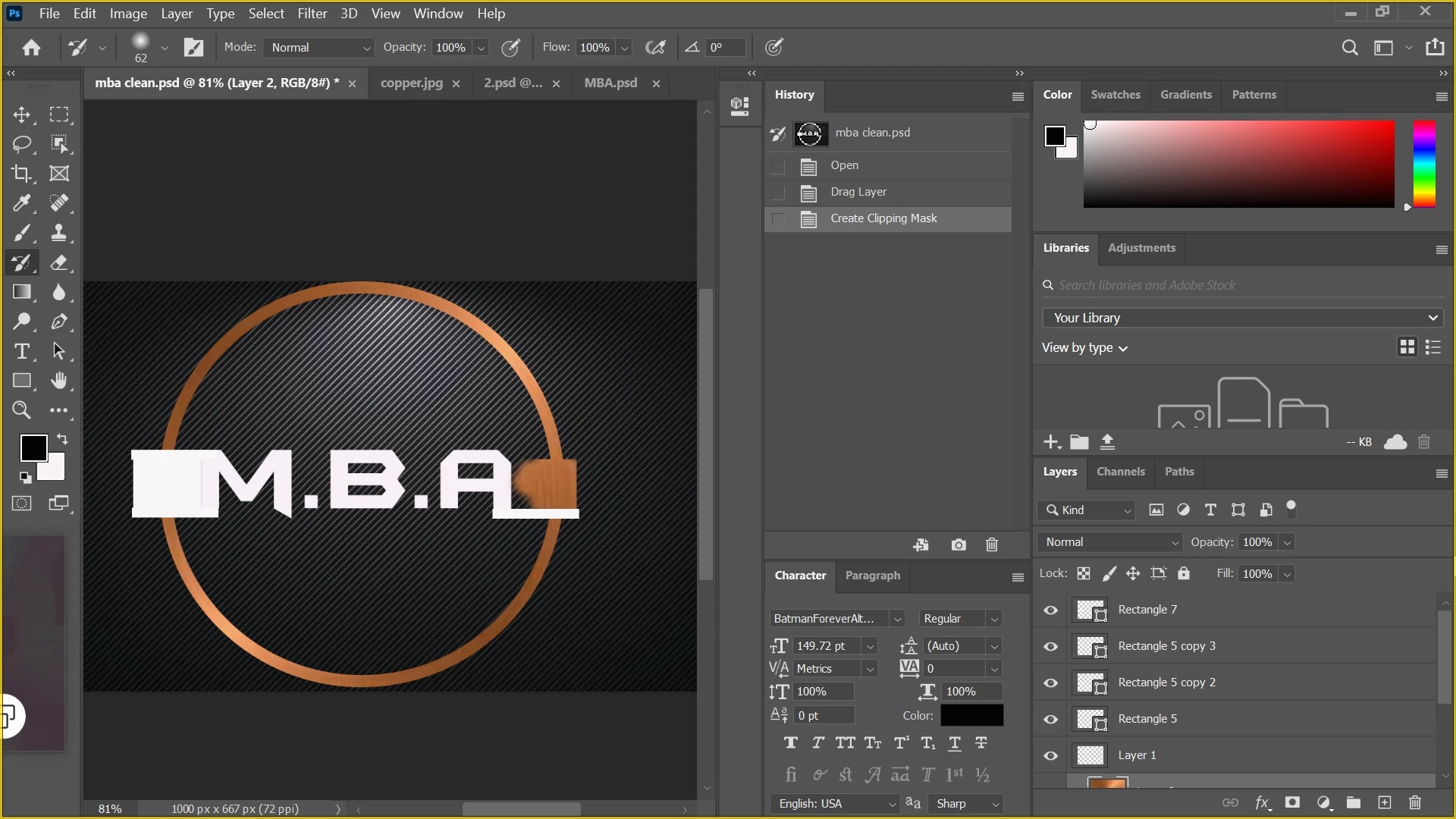
The History Brush will paint pixels back in from the selected history state.

https://helpx.adobe.com/photoshop/using/undo-history.html

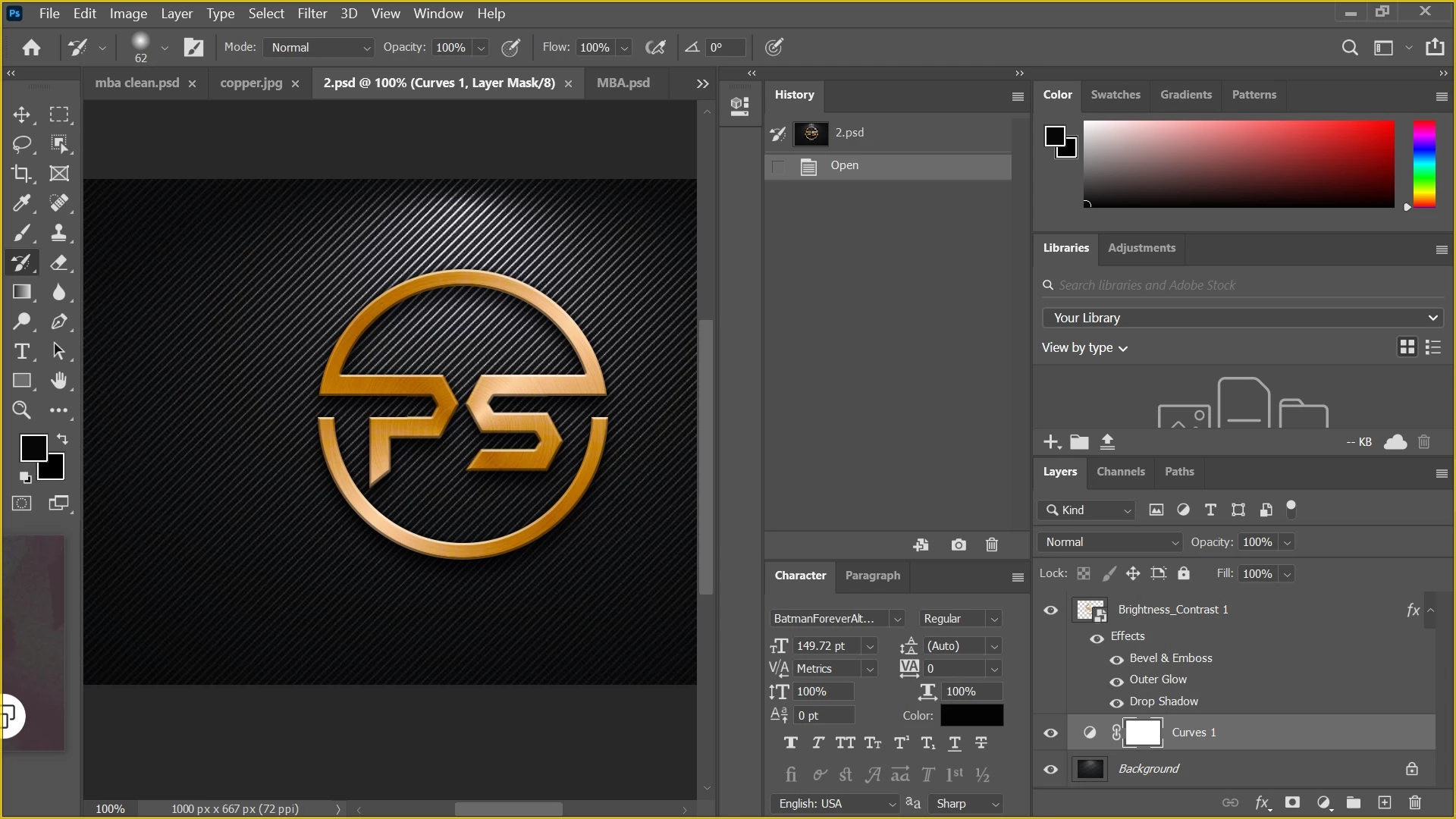
Your History panel only lists three steps: Open, Drag Layer, and Create Clipping Mask. The state you would be painting from is "mba clean.psd", but it does not say in your History panel that you have actually painted with the History Brush.


If you want the top photo to look like the bottom photo, would it work to copy the Curves and Brightness/Contrast Layers from the second photo to the first? If you need instructions, ask again.


~ Jane