
Participant
April 22, 2017
Répondu

Help required with the Brush tool in CS5

Hello everyone,

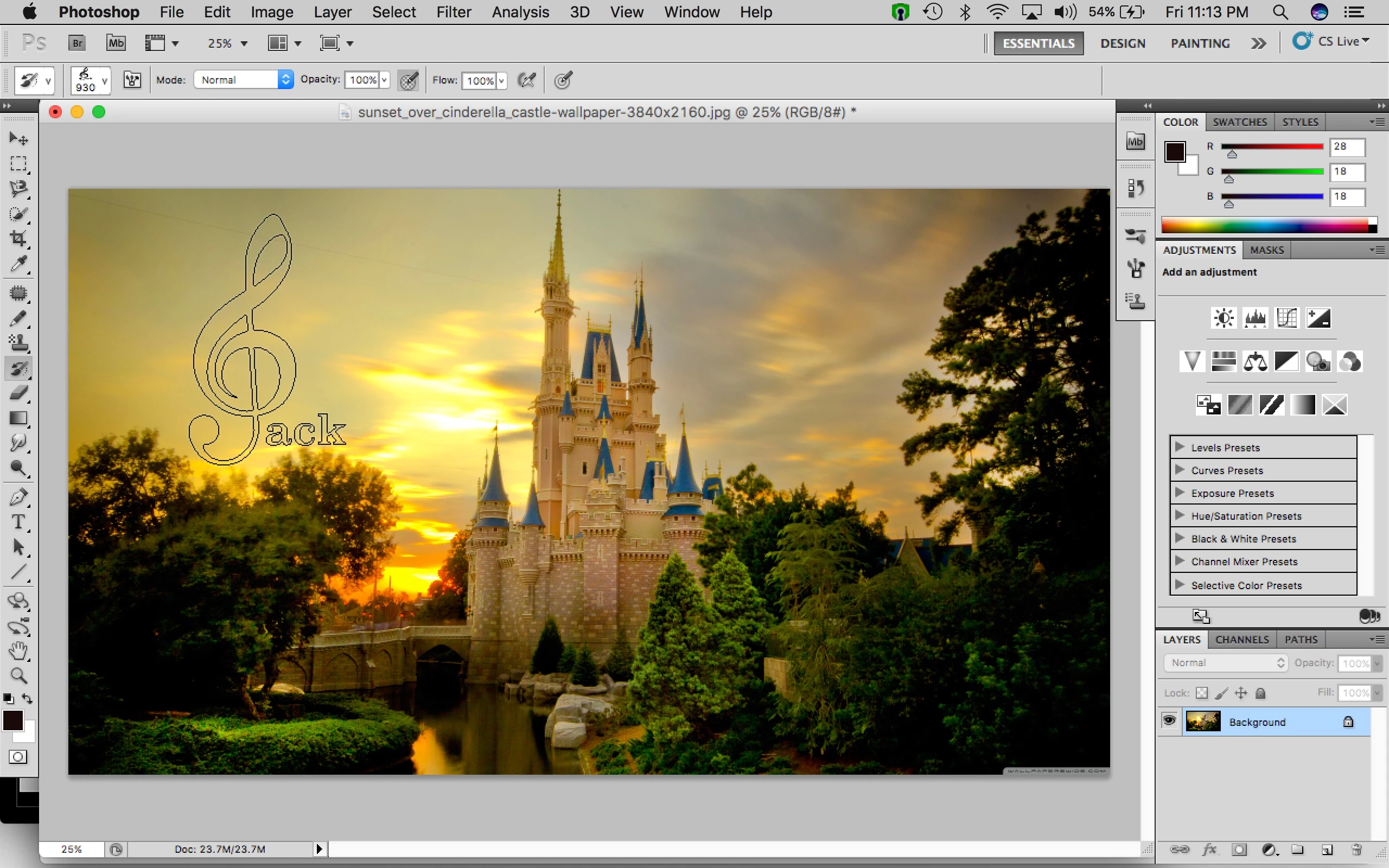
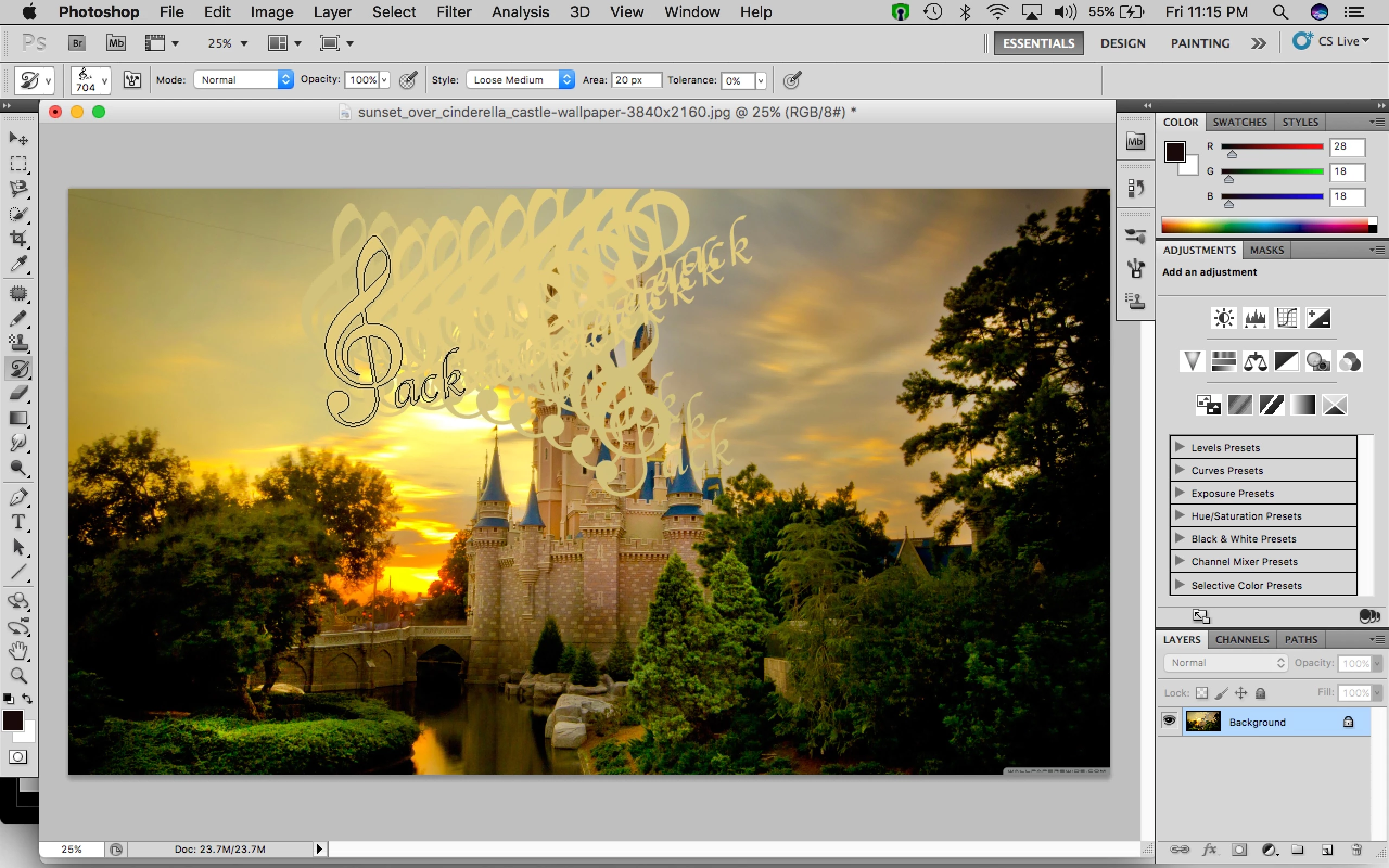
A newbie trying to learn by myself. My brush tool is behaving strange. I dont know if i have fiddled with some settings. I had made a signature preset with the brush tool and i was using it before. Recently when i am trying to use it, with the history brush tool and art history brush tool, its coming out transparent or with some effects. Don't know how to set it right. In the first image below, when i move the cursor, the outline appears, but i when i place it, its transparent. And in the second image with art history brush tool, it creates an effect.
Thanks

Jack
    Ce sujet a été fermé aux réponses.
    Meilleure réponse par gener7

    Well this is odd.  First off, go to File > Revert if you want to get your artwork back to the starting point or use the History panel to step back.

    The History brush does not "paint", rather it reverses the brush strokes much like the History panel, but you are just affecting the area you brushed. You use the normal brush tool to stamp your signature brush.

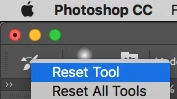
    Since you have a Mac, Ctrl + clicking on the brush icon like so and selecting Reset Tool should get it back to defaults.

    Also "experimenting" is not a good idea. Google the Tool you want to use and learn something about how it works.

    1 commentaire

    gener7
    Community Expert
    Community Expert
    April 22, 2017

    Right-click on the Brush icon in the top  "Option" bar and select "Reset Tool" from the context menu.

    It will set the tool back to the default. This works for all tools and is a lifesaver when you have unusual behavior with a tool and can't seem to remember what you changed

    Gene

    jack85Auteur
    Participant
    April 22, 2017

    Still nothing changed. thanks by the way.

    gener7
    Community Expert
    gener7Community ExpertRéponse
    Community Expert
    April 22, 2017

    Well this is odd.  First off, go to File > Revert if you want to get your artwork back to the starting point or use the History panel to step back.

    The History brush does not "paint", rather it reverses the brush strokes much like the History panel, but you are just affecting the area you brushed. You use the normal brush tool to stamp your signature brush.

    Since you have a Mac, Ctrl + clicking on the brush icon like so and selecting Reset Tool should get it back to defaults.

    Also "experimenting" is not a good idea. Google the Tool you want to use and learn something about how it works.