Participating Frequently
August 8, 2018
Question

Help! Unable to keep original 2D texture and color while creating a 3D layer

  • August 8, 2018
  • 4 replies
  • 721 views

Hey there, I've only been using 3D functions for a couple of weeks, so please forgive my inexperience.

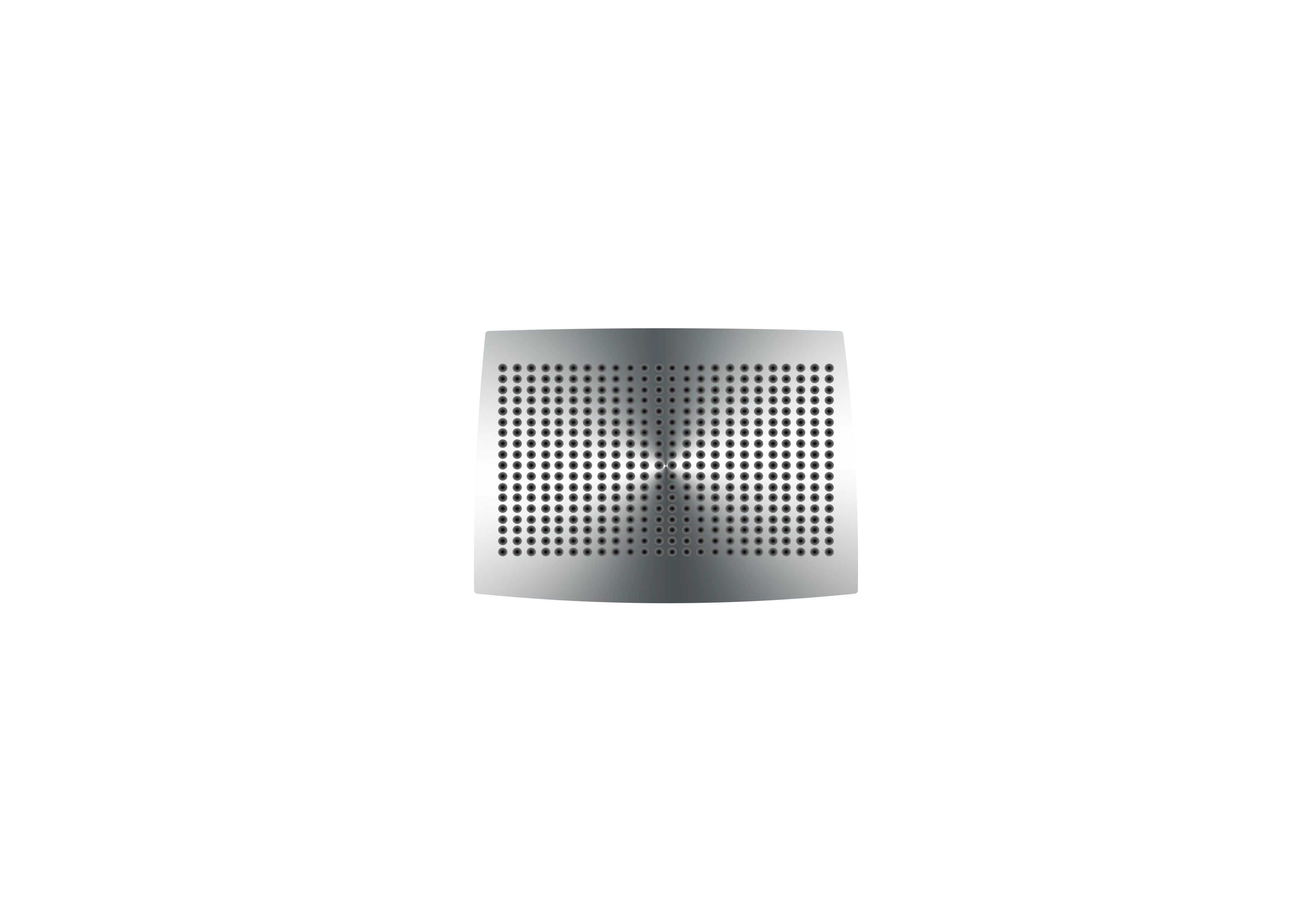
I am desperately trying to create a 3d-layer out of this original 2d layer, a vintage loudspeaker front
But all I get is this:
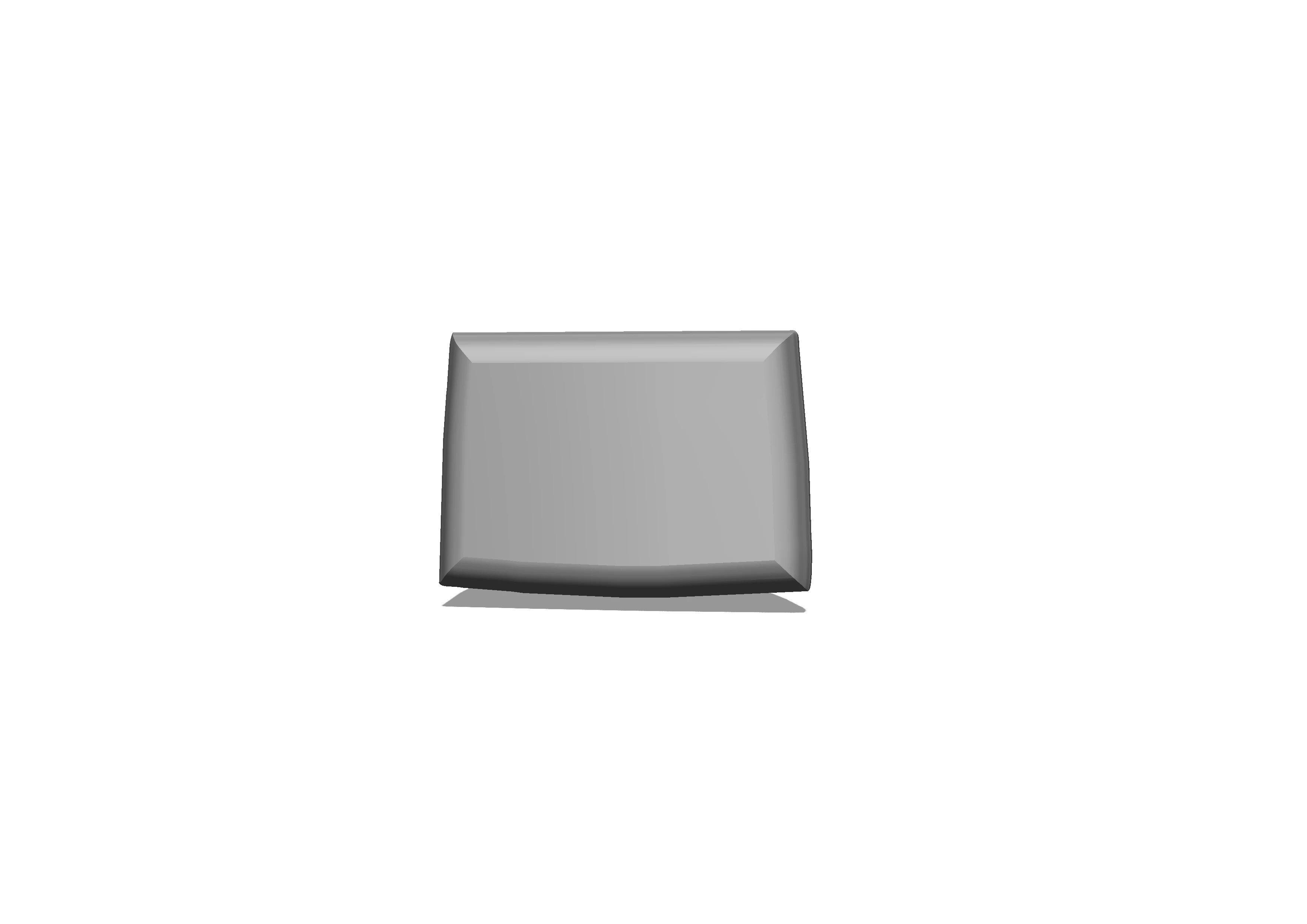
So I practically lost all the dots and the metal surface. I tried to fiddle around with the properties and controls: No way out - at least for me. Can anybody tell me what I am missing? Thanks

    This topic has been closed for replies.

    4 replies

    davescm
    Community Expert
    Community Expert
    August 9, 2018

    Hi

    If starting from scratch, Mike's method to make an extrusion from the shape is the easiest and will automatically put the texture on the front material.

    However, if you have already created your model, select the front face in the 3D panel and in properties click on the small folder next to Diffuse and then on Edit Texture (or New Texture if that is greyed).

    This will open a psb document with your model surface represented on a flat layer. The wireframe that you see is the UV map. You can add your texture as a new layer in that document and transform/warp it into position. Save the psb document and your 3D view will update.

    Dave

    Dalubo2Author
    Participating Frequently
    August 13, 2018

    Yes, sorry, all my fault. starting from scratch I figured it out. Somewhere along the way I made some basic errors. Thank you all. And thanks for all the hints.

    Mike_Gondek10189183
    Community Expert
    Community Expert
    August 13, 2018

    Thanks for following up and letting us know.

    Can you please mark the post correct the best helped you, even if your own. This will changed  the post color to green, so those trying to help others can best utilize their time.

    Sjaani
    Community Expert
    Community Expert
    August 9, 2018

    I wonder if while you were fiddling with properties and controls at some point you have turned off Texture visibility.

    Mike_Gondek10189183
    Community Expert
    Community Expert
    August 8, 2018

    What exactly did you do to get your result?

    For me I opened the image you posted and

    1. 3D >> New 3D Extrusion from selected layer
    2. Rotated to get an Isometric view

    Dalubo2Author
    Participating Frequently
    August 9, 2018

    Thank you Mike. Unfortunately, I can't show you the exact steps until next monday. But I got there by inflating. And using one of the preset shapes...

    Community Expert
    August 8, 2018

    I wish I could help you,  but I really haven't had too much experience in 3d layers