

Question
Help with Kyle's Screentones brushes 35 and 38
Hello,
I hope any of you can help me figure out how to fix an issue that i am having using Kyle's screentone brushes on Photoshop.
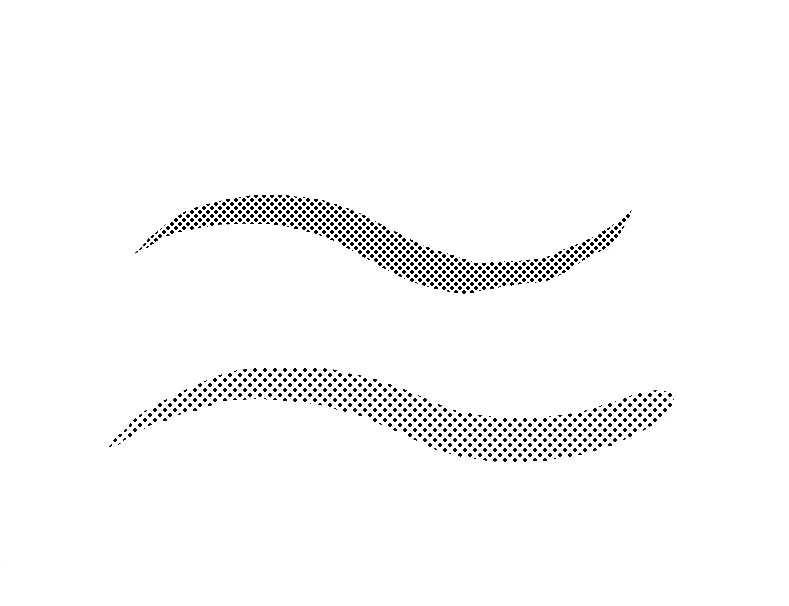
As i was working on some illustrations for a client i noticed that zooming in and out created a grid like pattern. I was not concerned at the moment since I thought this was just a bug of the graphic card when displaying at different sizes the small dots that make the screentone. Here are some pics to show you what i mean:
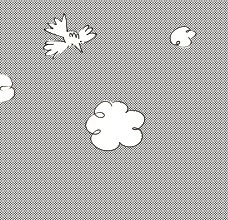
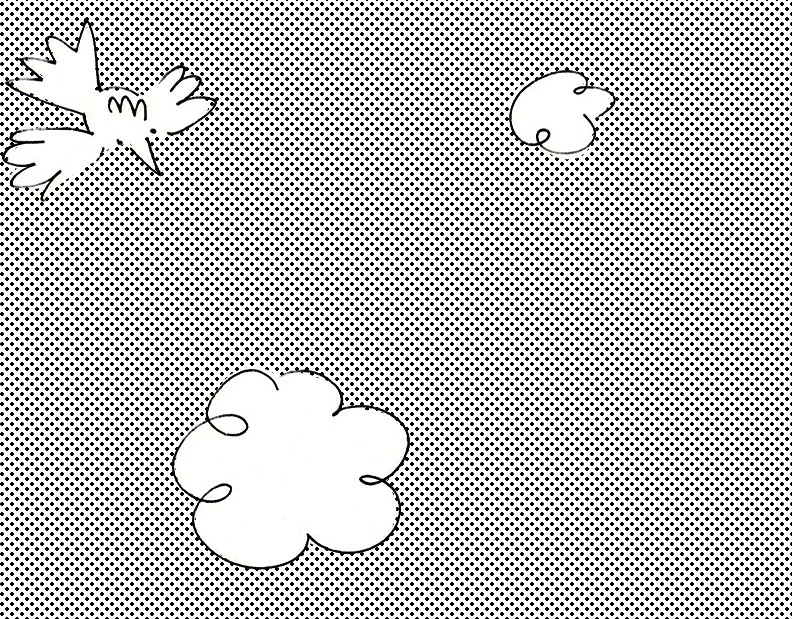
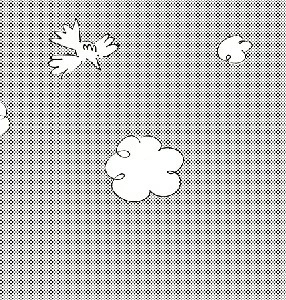
Now my client says that the grid appears on the printed product.
Instead of looking like a flat, textured mid-tone, it looks like all sorts of geometric grids and patterns.
It was concerning to hear that from her and I am not sure how to fix it.
Any ideas?
Thank you so much for your help.
 AdChoices