Participating Frequently
April 8, 2023
Question

Help with web PNGS

  • April 8, 2023
  • 2 replies
  • 770 views

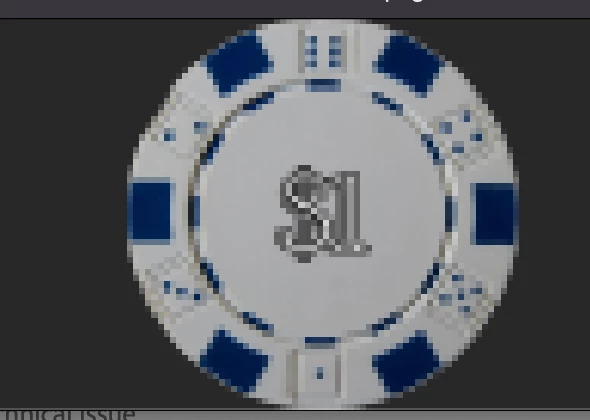
Hello I have a high-resolution large size JPEG file that I need to turn into PNGs for a website. The JPEG is 9612 × 1866 pixels and I need it to be resized as low as 64x64 pixels for each chip. It also needs to be a lower dpi for the website. Every time I shrink the size or export it at 72 dpi, it becomes extremely blurry and pixelated. I have tried optimizing and compressing the image but I am unsure if I am doing it right. I am new to web designs so any help would be useful. Below is the before and after when exporting the chip as a PNG-24. I have even tried converting these into vector images on illustrator. 



This topic has been closed for replies.

2 replies

Mylenium
Legend
April 8, 2023

That's old-fashioned "icon design" territory where you optimize the image pixel by pixel, regardless of what convoluted procedures you employ otherwise. That's just the way it is. In fact finding a icon design/ game sprite tool might be more efficient than mucking around in PS for this type of work...


Mylenium 

Participating Frequently
April 9, 2023

Thank you for your response, I ended up going that route instead of PS!

J E L
Community Expert
Community Expert
April 8, 2023

Hi, @Janette2930924801jk, you write, “The JPEG is 9612 × 1866 pixels.” So all the chips are in one very wide strip? It would help if you crop each chip out of the strip into a square shape, and then further reduce that shape to 64x64 pixels. Still, the output is small. Also, I used vector shapes to make this quick example, so if your original image is raster, the result may not be the same. Hope that's helpful!


Participating Frequently
April 8, 2023

Thank you for that demonstration! I have created vector images and they look clear when I create them, but the output is where I'm confused. I have to export it for web and every time I export they come out very blurry and pixelated as shown above. 

Here is the vector image after and before exporting. 

J E L
Community Expert
Community Expert
April 8, 2023

Okay, that png file is not scalable as a vector in Photoshop. You would be better to work from start to end in Illustrator including adding the $1 as a text layer. Plus, every time a JPEG image is saved, compression algorithms are run to reduce the file size so you are losing ground there, too. Did you create each chip in one .ai file and then export to jpg and/or png?