
Question
How can I align words vertically in different font sizes within a text box?
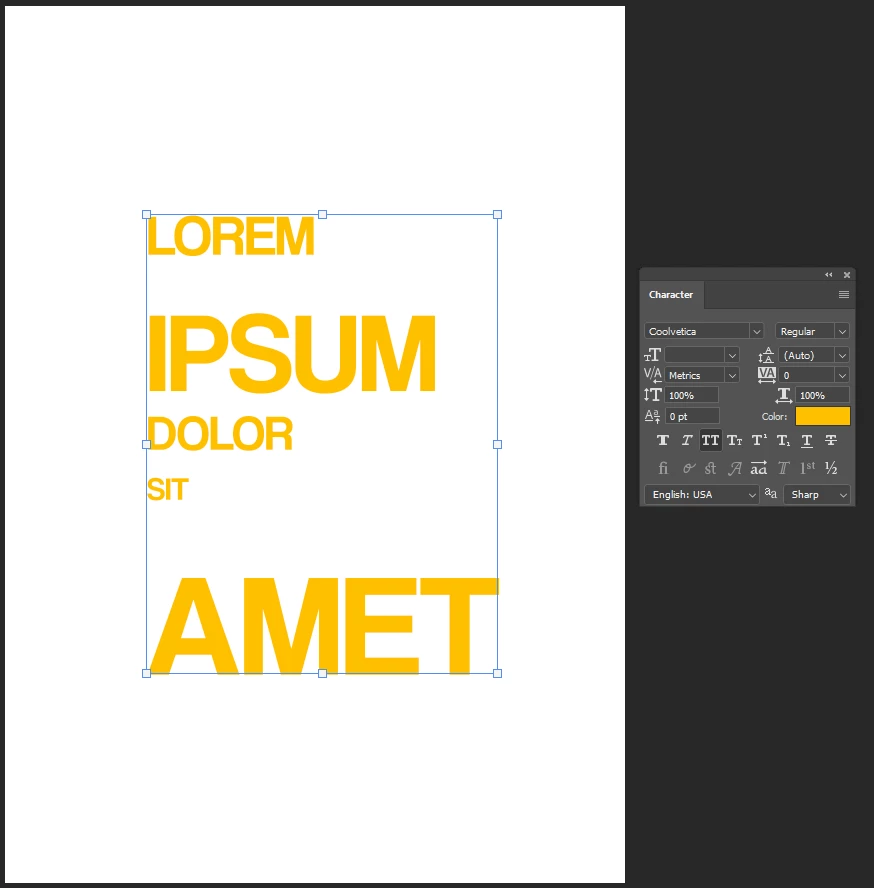
Here, ''Set the Leading'' is in Auto
And here, ''Set the Leading'' is in 60 pt
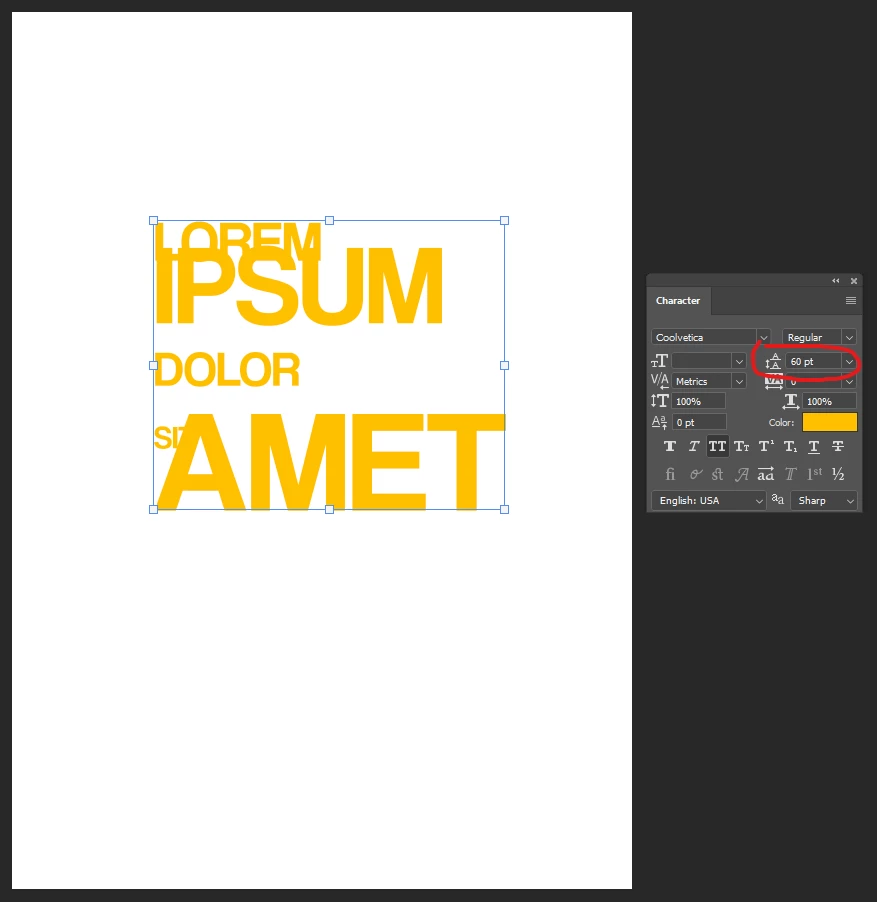
But I'm looking for a way to leave an equal vertical space between words, for example, 0.2 inches, the least laborious way possible
I need something like this:
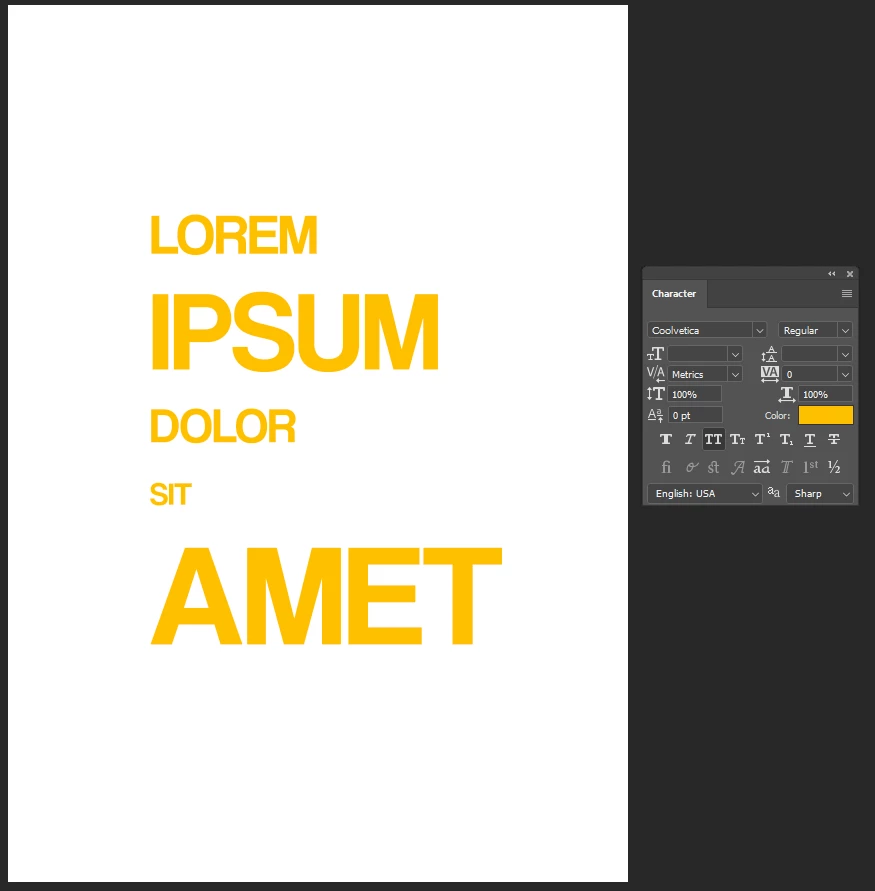
Any way to do this automatically?
 AdChoices