Participant
December 27, 2018
Answered

How can i change the crop tool to crop an exact pixel?

  • December 27, 2018
  • 1 reply
  • 3903 views

As the title above, me question is how can i get the crop tool from cropping in inch, to an exact pixel?

Because as you can see in the image, I can cut half a pixel, and every time i need to line up the crop tool with the grid, and it's so annoying.
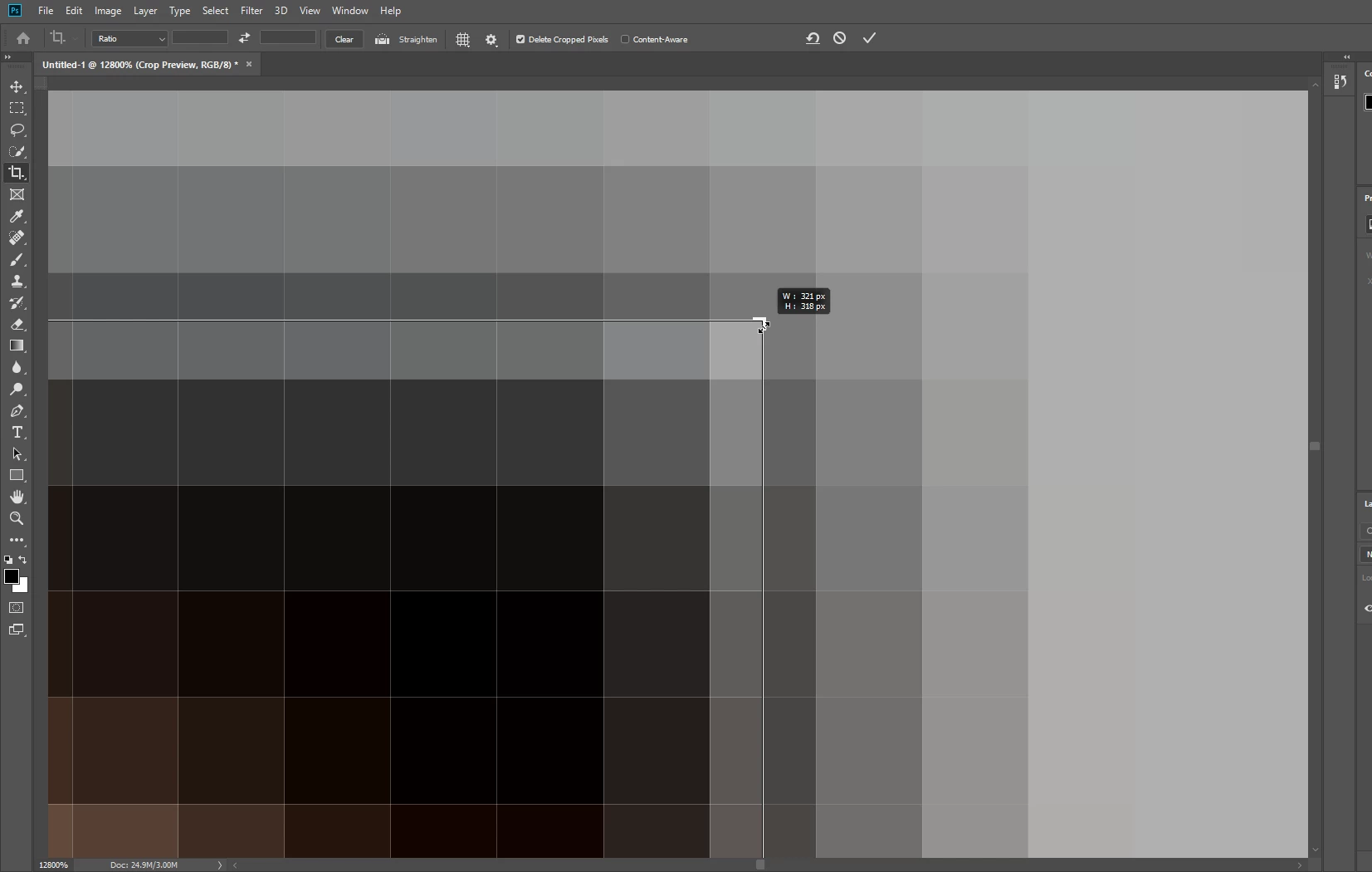
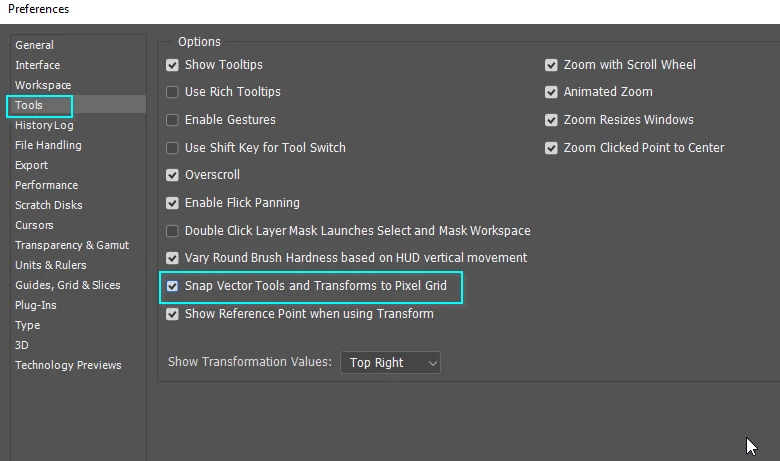
Is there any way to make the crop tool snap exactly at the pixel? Thanks guys!
This topic has been closed for replies.
Correct answer Trevor.Dennis

One thing comes straight to mind

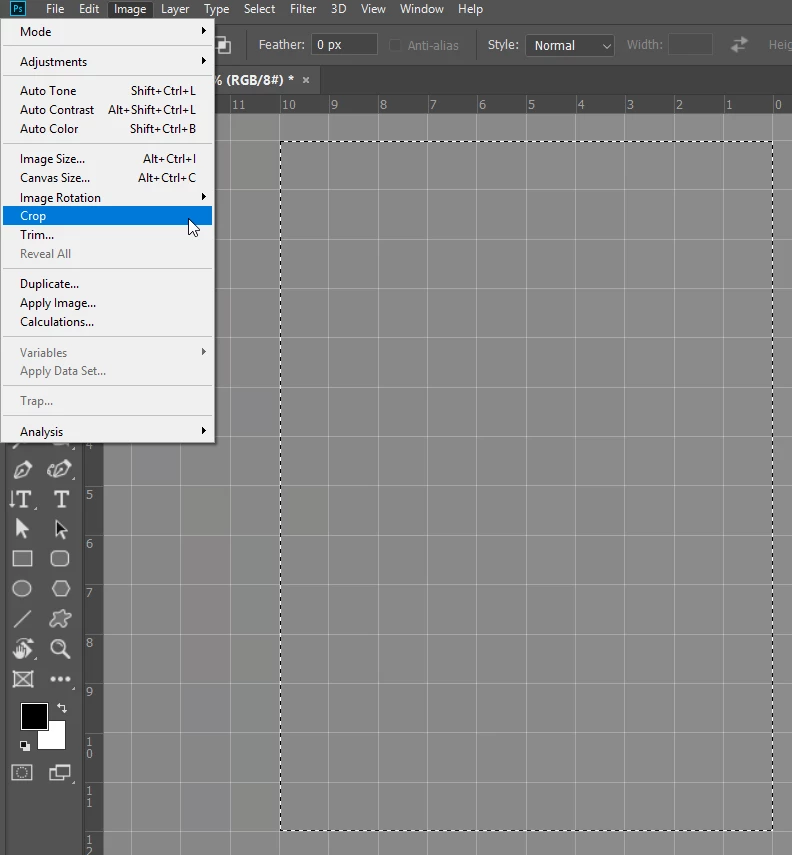
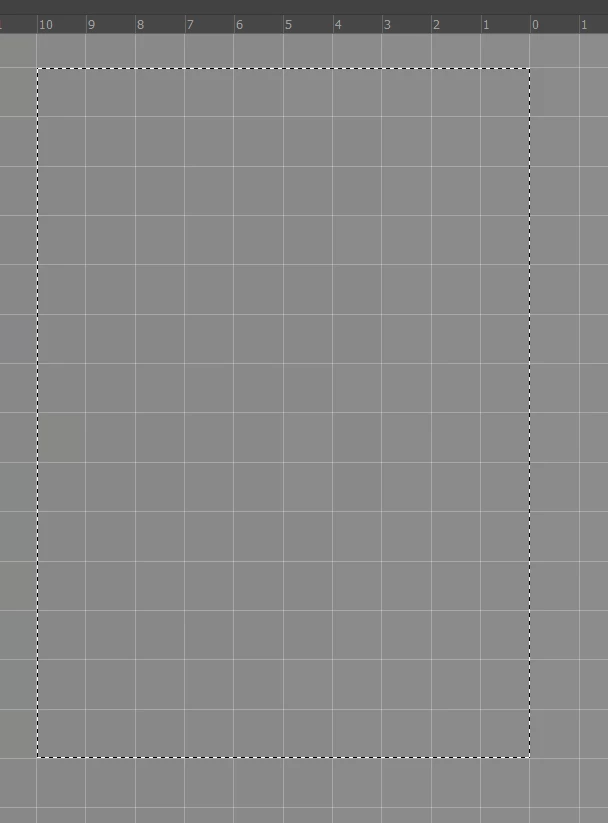
Guides don't snap to the pixel grid, but selections do.  Note I have dragged the grid zero point to align with the selection.  I can see that might be useful  at times.

With a selection in place, you can go Image > Crop and it will crop precisely to the selection

1 reply

Trevor.Dennis
Community Expert
Trevor.DennisCommunity ExpertCorrect answer
Community Expert
December 27, 2018

One thing comes straight to mind

Guides don't snap to the pixel grid, but selections do.  Note I have dragged the grid zero point to align with the selection.  I can see that might be useful  at times.

With a selection in place, you can go Image > Crop and it will crop precisely to the selection

xAceRPGAuthor
Participant
December 27, 2018

Thanks! I'll try that.

Trevor.Dennis
Community Expert
Community Expert
December 27, 2018

I probably should have mentioned that you  need to make sure Snap is turned on from the ​View ​menu.