danielo33771543
Known Participant
July 8, 2019
Question

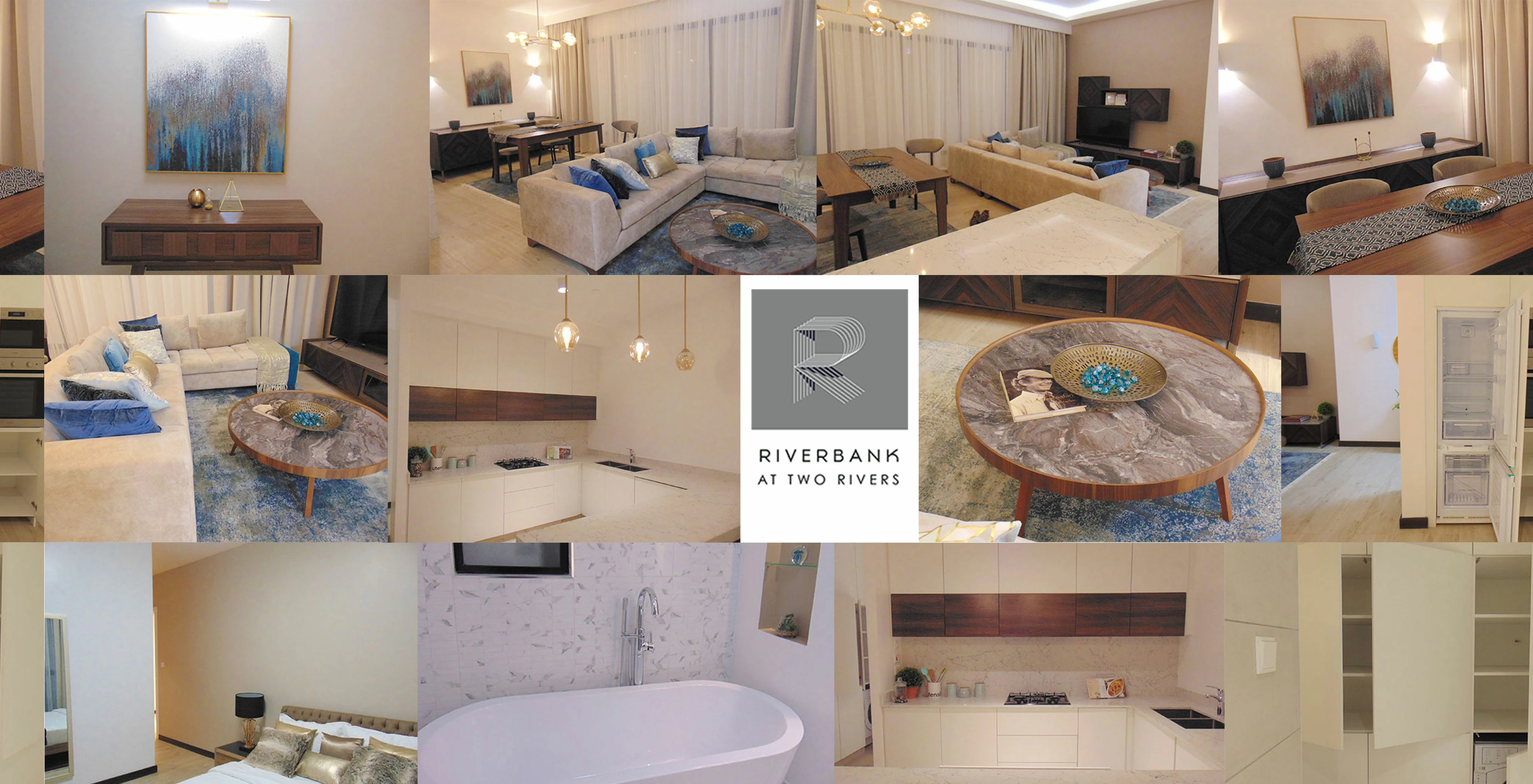
How can i generate such a image for my demo.
  • July 8, 2019
  • 3 replies
  • 410 views

How can i make this image to look like the one below. The bewlo image looks like it has some concave effect to achieve the 360 effect.
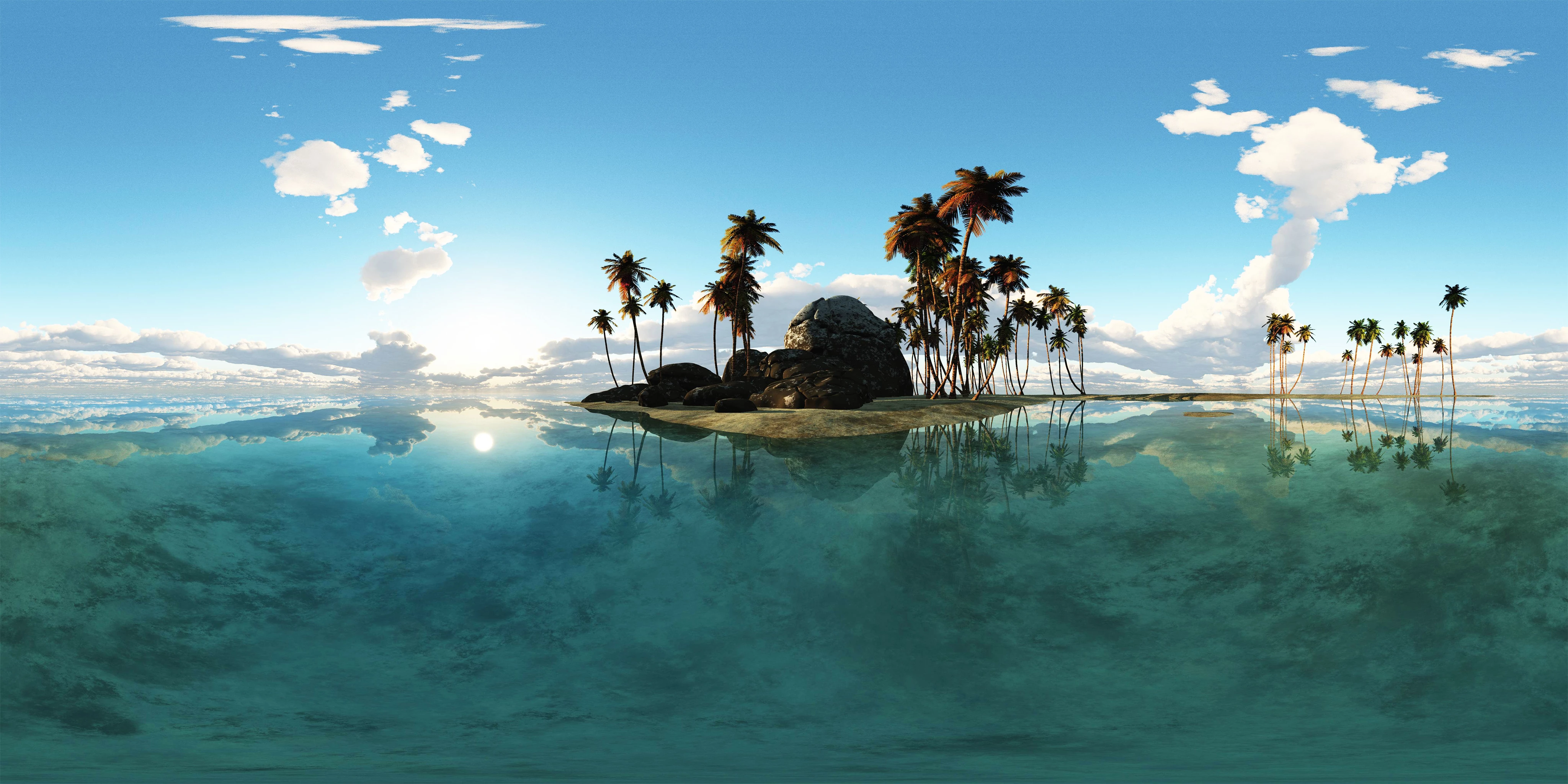
this to host it as 360 degree banner any help would be appreciated

This topic has been closed for replies.

3 replies

davescm
Community Expert
Community Expert
July 8, 2019

You cannot stitch the images that make up your first image into a 360 panorama like your second image. The images have to be taken for a panorama.   I'm puzzled by the reference to the first image as "your demo" when those images appear on the website for a property developer.

Dave

JJMack
Community Expert
Community Expert
July 8, 2019

When I open that Image in Photoshop I see it has a 2:1 Aspect ratio and look like it could be a 360 Spherical panorama projection.  And when I load it as as 3d Spherical projection it pans like a 360 Pano so  I would say that image  is a stitched 360 Panorama.

JJMack
Akash Sharma
Legend
July 8, 2019

hi danielo,

Could you please take a look at the below article and let us know if that helps?

Use the Adaptive Wide Angle filter in Photoshop

https://www.techwalla.com/articles/how-do-i-bend-or-curve-an-image-in-photoshop

Thanks,

Akash