Participant
November 30, 2024
Question

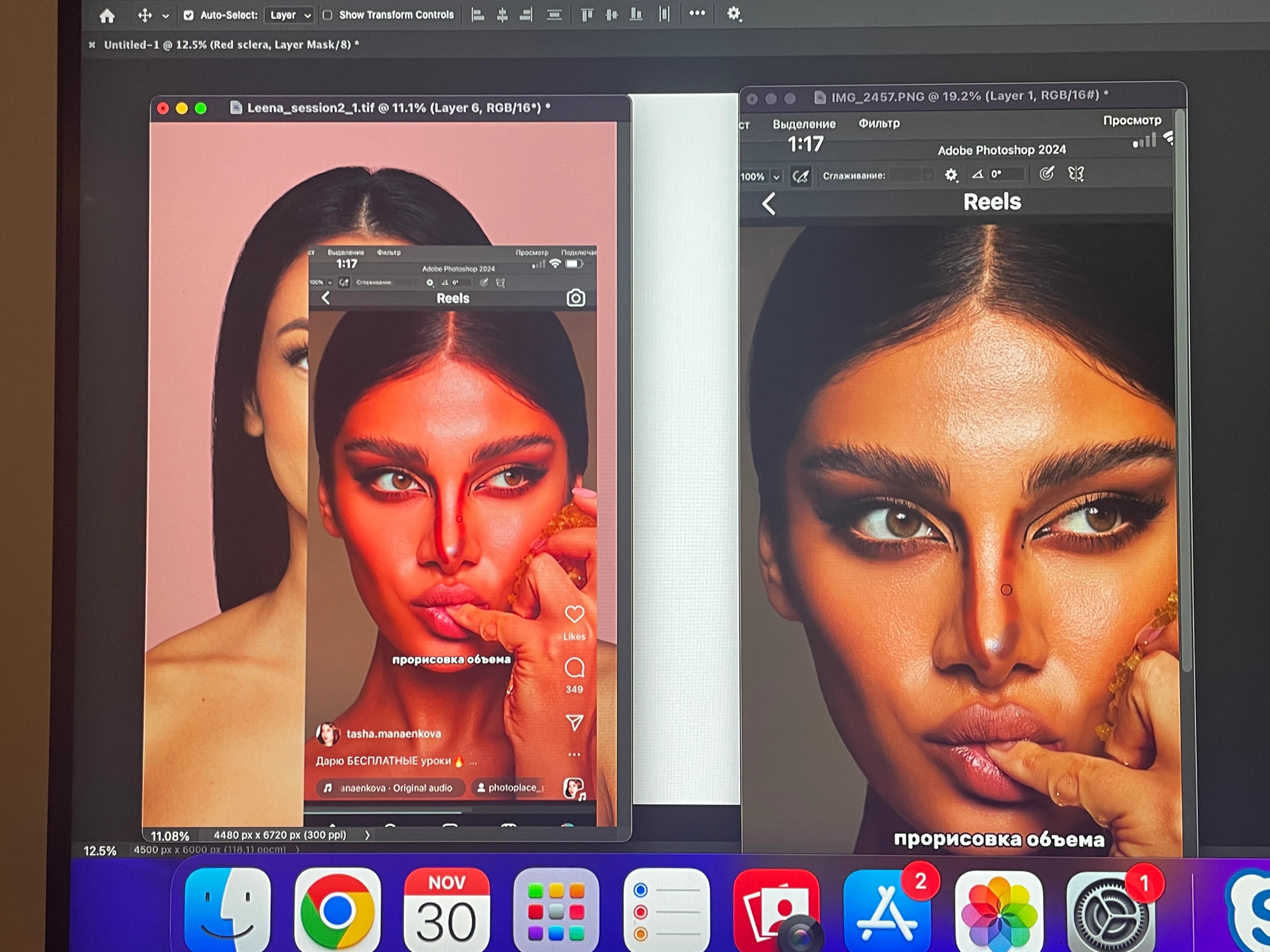
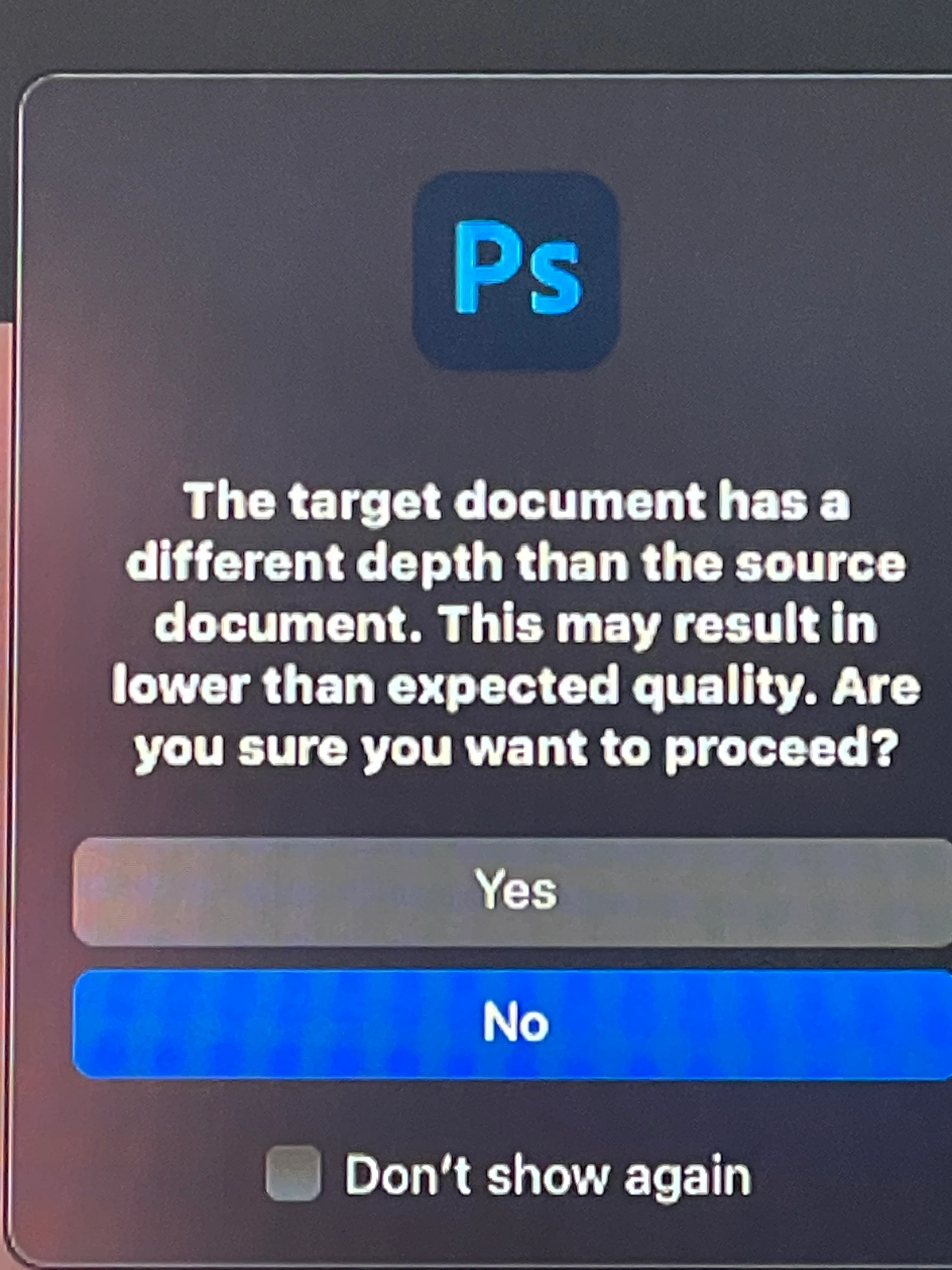
How can I match the depth, so I will get the same color?
  • November 30, 2024
  • 1 reply
  • 240 views

Both of them are in RGB 16 bits. When  transfer right image to left by dragging and dropping, the colour of image changes to red. 

Ehat can I do to not have the color changes?

1 reply

D Fosse
Community Expert
Community Expert
November 30, 2024

The color change is because one of your files is untagged, it doesn't have an embedded color profile. Always make sure there is an embedded profile.


The message about bit depth is just for information. It has nothing to do with the color change.

HphotogAuthor
Participant
November 30, 2024

How can I make a file embedded profile when the left image is a jpg image that is just floating around on Internet??

D Fosse
Community Expert
Community Expert
November 30, 2024

You assign one. If it's from the internet a safe assumption is that it was originally created in sRGB, so that's what you assign.


I assume you're aware that any image is copyrighted to whoever made it (unless specifically Creative Commons-licensed) so you can't actually use it for anything.