Answered
how can I merge these photos - I made an error and one photo is blurry
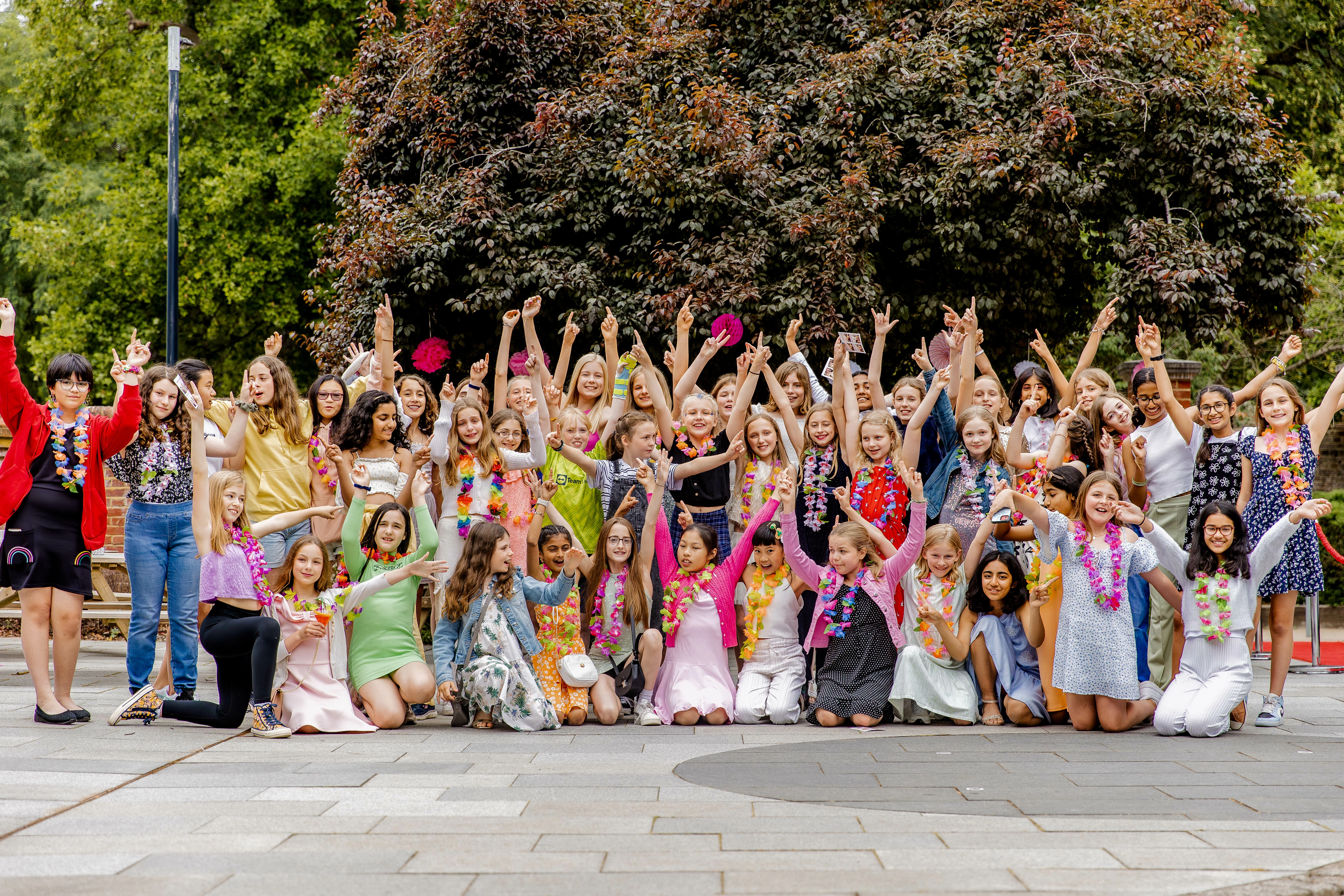
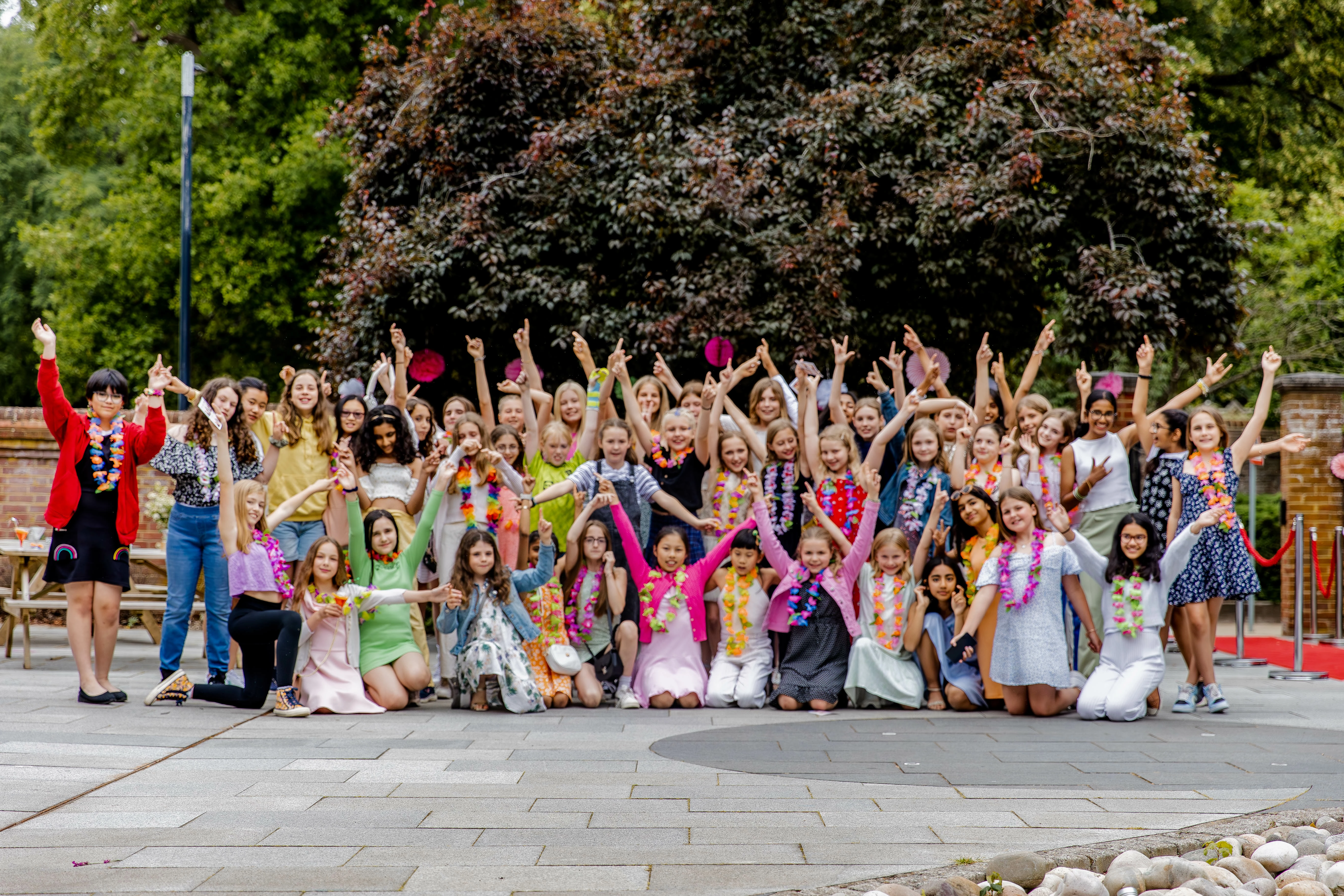
Drop one photo on top of the original on a second layer. Then unlock the first layer.
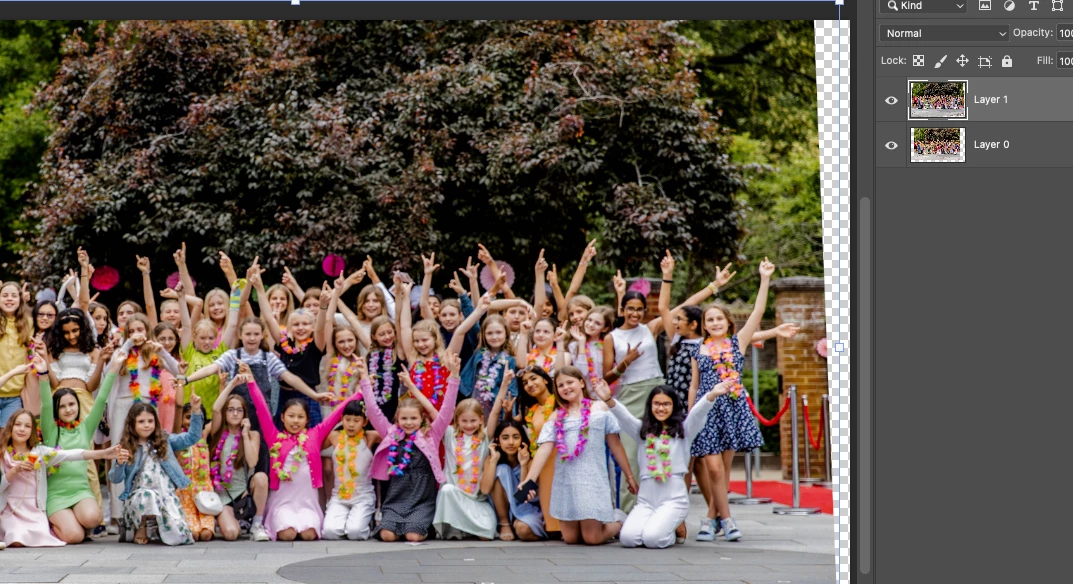
Select both layers and go to Edit>Auto Align Layers first - this will try to align the images based on comparing pixel data.
From there you can mask out the top layer image and edit in the arms, etc that you want to replace.
Already have an account? Login
Enter your E-mail address. We'll send you an e-mail with instructions to reset your password.
 AdChoices