
Answered
How can i move a handle in warp tool without moving the handles around it?
I was using the new warp tool featured in Adobe Photoshop CC 2020, but i can't seen to move only one handle without distorting the other around.
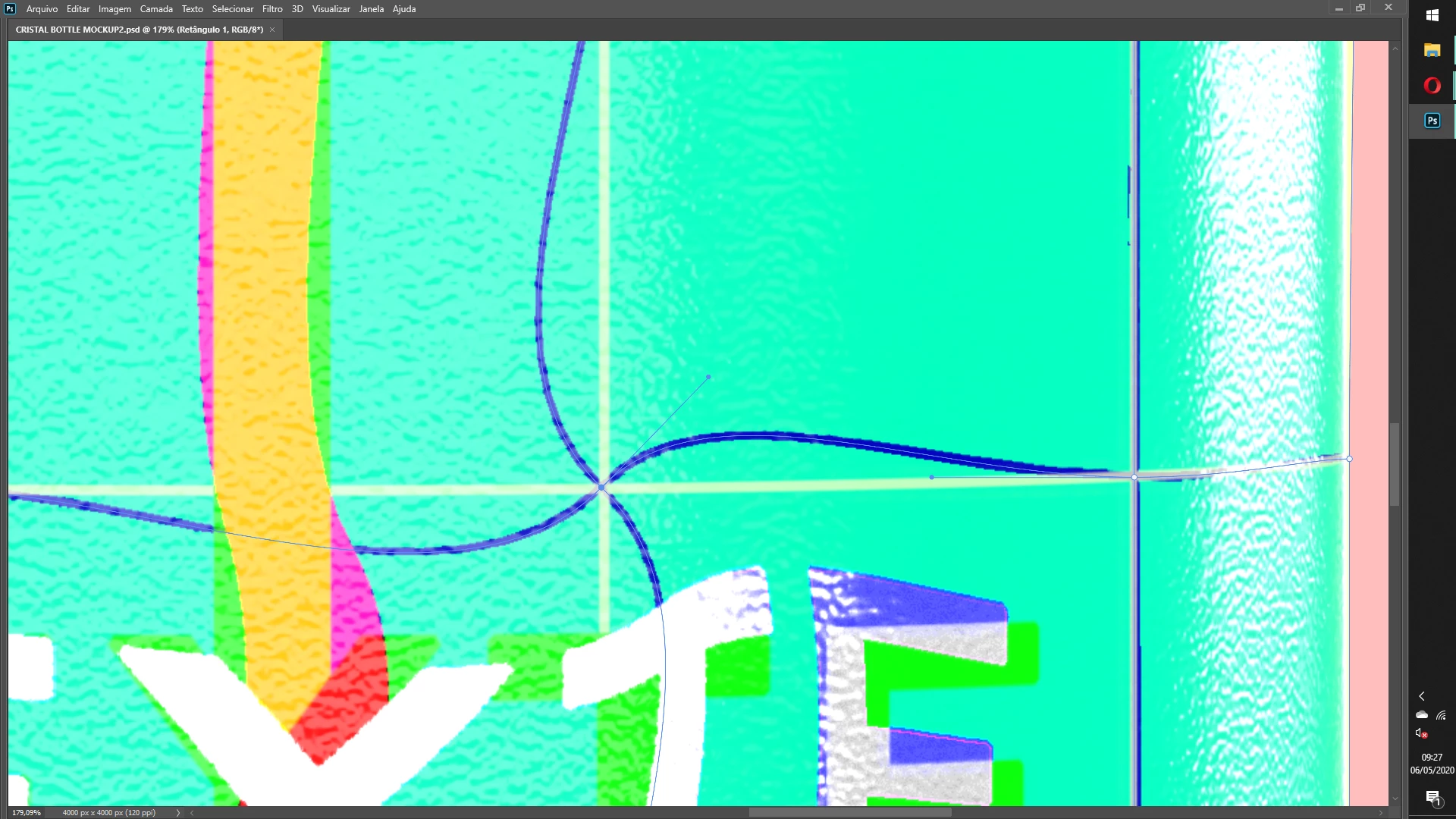
See, when i try to move the right randle, automatically all other handles "twist" around it.
 AdChoices