Answered
How can I recreate this texture with Photoshop
Hi,
I'm wondering if I can recreate something similar to this texture with Photoshop:
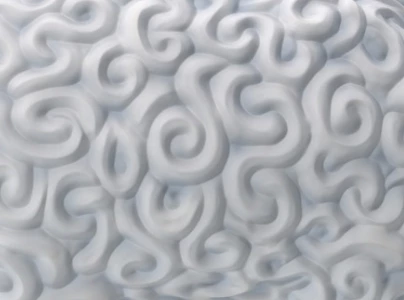
What would be a good way of doing this?
If I can't do it with Photoshop, with what program can I do it?

Hi,
I'm wondering if I can recreate something similar to this texture with Photoshop:
What would be a good way of doing this?
If I can't do it with Photoshop, with what program can I do it?
Hi
Try this - my scrolls are far from perfect but hopefully you get the idea.
1. Start with a square - I used 1024 x 1024.

2. Draw on some scrolls - avoiding the edges and using a soft brush with spacing set to minimum (1%)
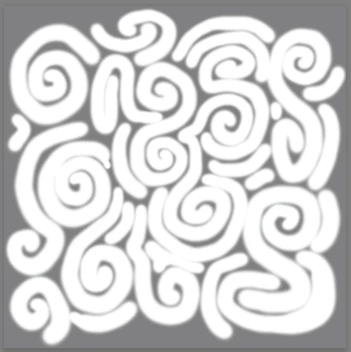
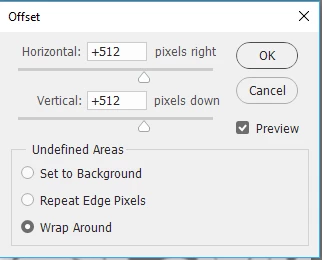
3. Use Filter - Other Offset - set to half the width and height (in my case 512px and check wrap around)
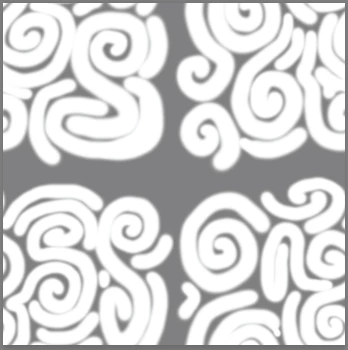
4. Extend/add scrolls to cover the mid section without touching the outer edges

5. Add a curves layer set so output values are between 128 and 135 - this will keep the depth of the map low
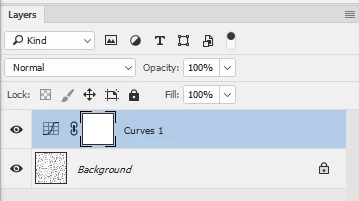
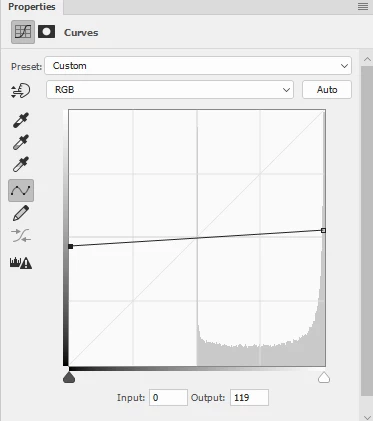
6. Make the curves and scroll layer into a smart object and add a slight gaussian blur ( I used 9 pixels)
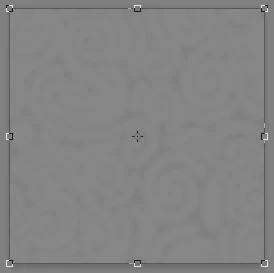
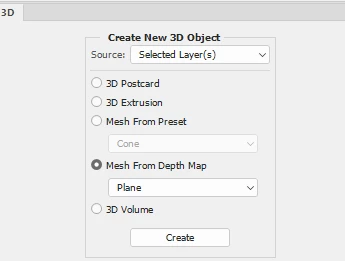
7. Go to 3d and make Mesh from 3D depth map
8. Adjust the camera so the "peak" edges just touch the edge of the frame (don't worry about the tiny gaps) and adjust the light to give the shadows you want
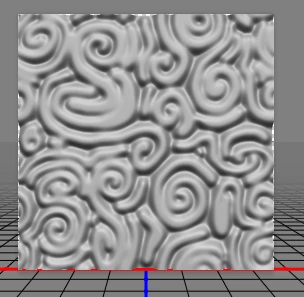
9 Render the 3D layer
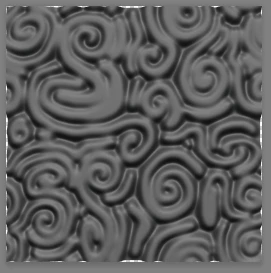
10. Add a new empty layer and Merge Visible - you now have a tile on a single layer but those tiny gaps at the edges will stop it if used as a pattern so :
Use Filter Other Offset to move it 512 pixels
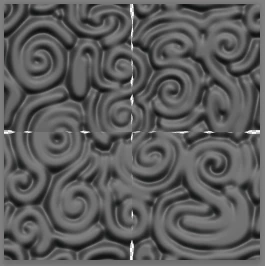
11. Use a brush and clone tool to fill those gaps and you will have a scroll texture that will tile

I hope that helps to get you started
Dave
Already have an account? Login
Enter your E-mail address. We'll send you an e-mail with instructions to reset your password.
 AdChoices