Participant
January 19, 2018
Answered

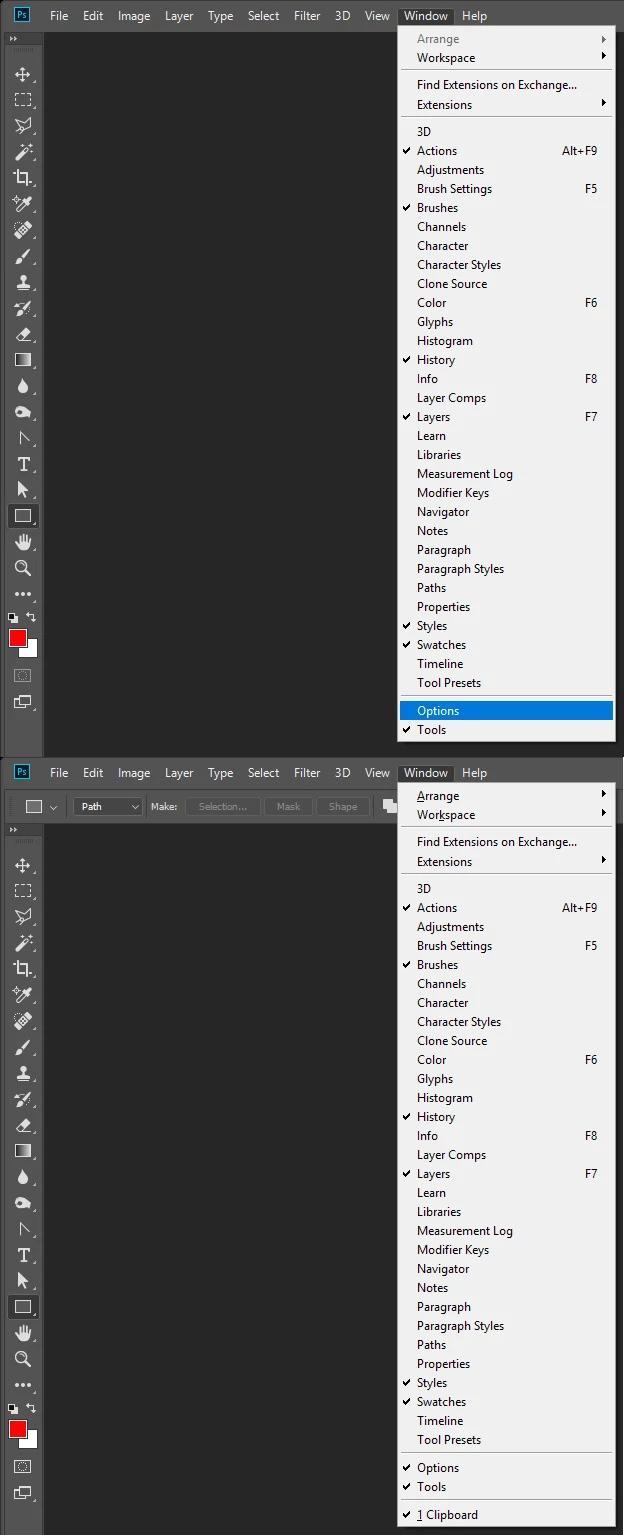
How can I reset this?
  • January 19, 2018
  • 3 replies
  • 531 views

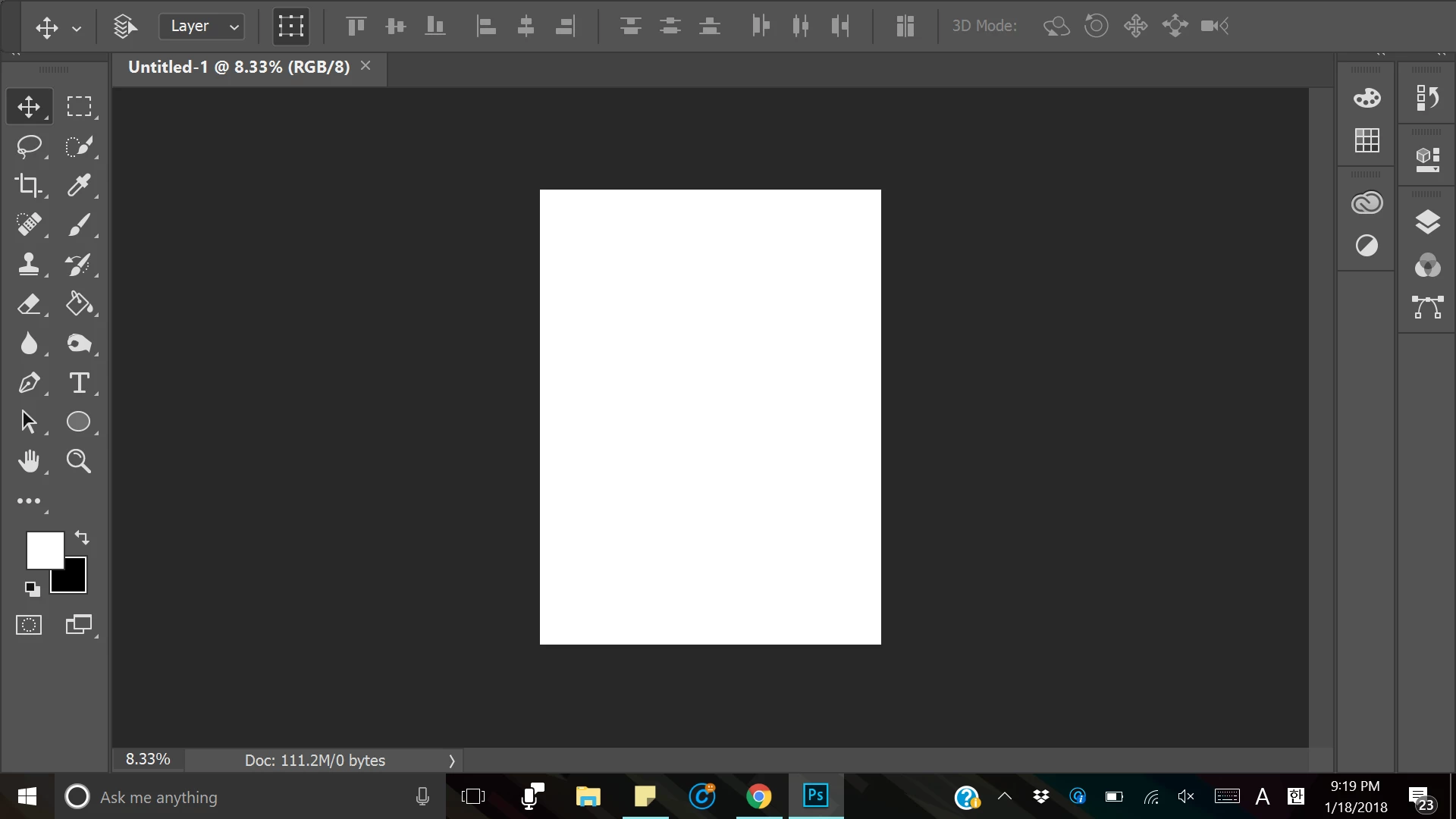
Hello. My tool bar(?) on the top disappeared. How can I bring the tool bar back? Thank you

    This topic has been closed for replies.
    Correct answer JJMack

    3 replies

    JJMack
    Community Expert
    JJMackCommunity ExpertCorrect answer
    Community Expert
    January 19, 2018

    JJMack
    priyankas72354167
    Adobe Employee
    Adobe Employee
    January 19, 2018

    Hi

    We need to reset the preferences of Photoshop

    To restore preferences quickly using a keyboard shortcut: Press and hold Alt+Control+Shift (Windows) or Option+Command+Shift (Mac OS) as you start Photoshop. You are prompted to delete the current settings. The new preferencesfiles are created the next time you start Photoshop

    Regards

    Priyanka

    Chuck Uebele
    Community Expert
    Community Expert
    January 19, 2018

    Go to the PS icon at the bottom of the screen, make the PS image come up by hovering over the icon. Right-click on the image of the PS screen and select Maximize.