Known Participant
August 25, 2022
Answered

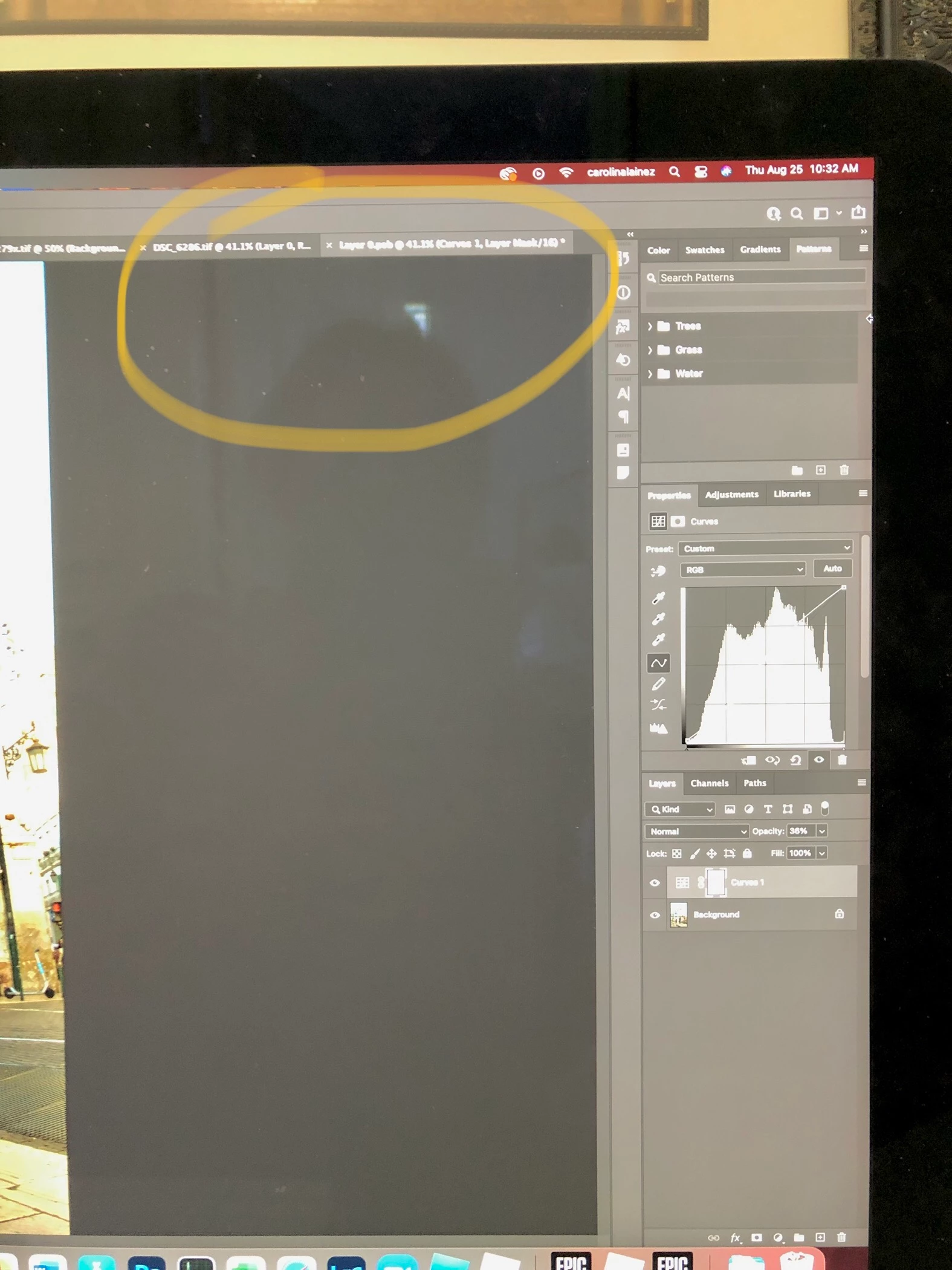
how did I get a Layer 0. psb

  • August 25, 2022
  • 1 reply
  • 531 views

I was editing a photo, when done, I tried saving it, but noticed that my edits were not on the phote, they were on a separate tab (Layer 0. psb).  How can I fix this?
 

This topic has been closed for replies.
Correct answer c.pfaffenbichler

Please take a look at this: 

https://www.take-a-screenshot.org


Save »Layer 0.psb«, check if the SO updated in »DCS_6286.tif«; if so close »Layer 0.psb« and save »DCS_6286.tif«. 

1 reply

c.pfaffenbichler
Community Expert
Community Expert
August 25, 2022

https://www.take-a-screenshot.org


Did you convert Layer 0 to a Smart Object, then open the SO and edit there? 

Could you please post screenshots with the pertinent Panels (Toolbar, Layers, Options Bar, …) visible of the image you thought you were working in? 


Known Participant
August 25, 2022

Thank for replying!


I watched a youtube video, tried following steps mentioned there on how to create a vignette using a smart object I believe.  I didn't notice I was working on a copy of the photo I was trying to edit.


c.pfaffenbichler
Community Expert
c.pfaffenbichlerCommunity ExpertCorrect answer
Community Expert
August 25, 2022

Please take a look at this: 

https://www.take-a-screenshot.org


Save »Layer 0.psb«, check if the SO updated in »DCS_6286.tif«; if so close »Layer 0.psb« and save »DCS_6286.tif«.
