

Answered
How do I change the color of metals without losing the shininess?
Hello,
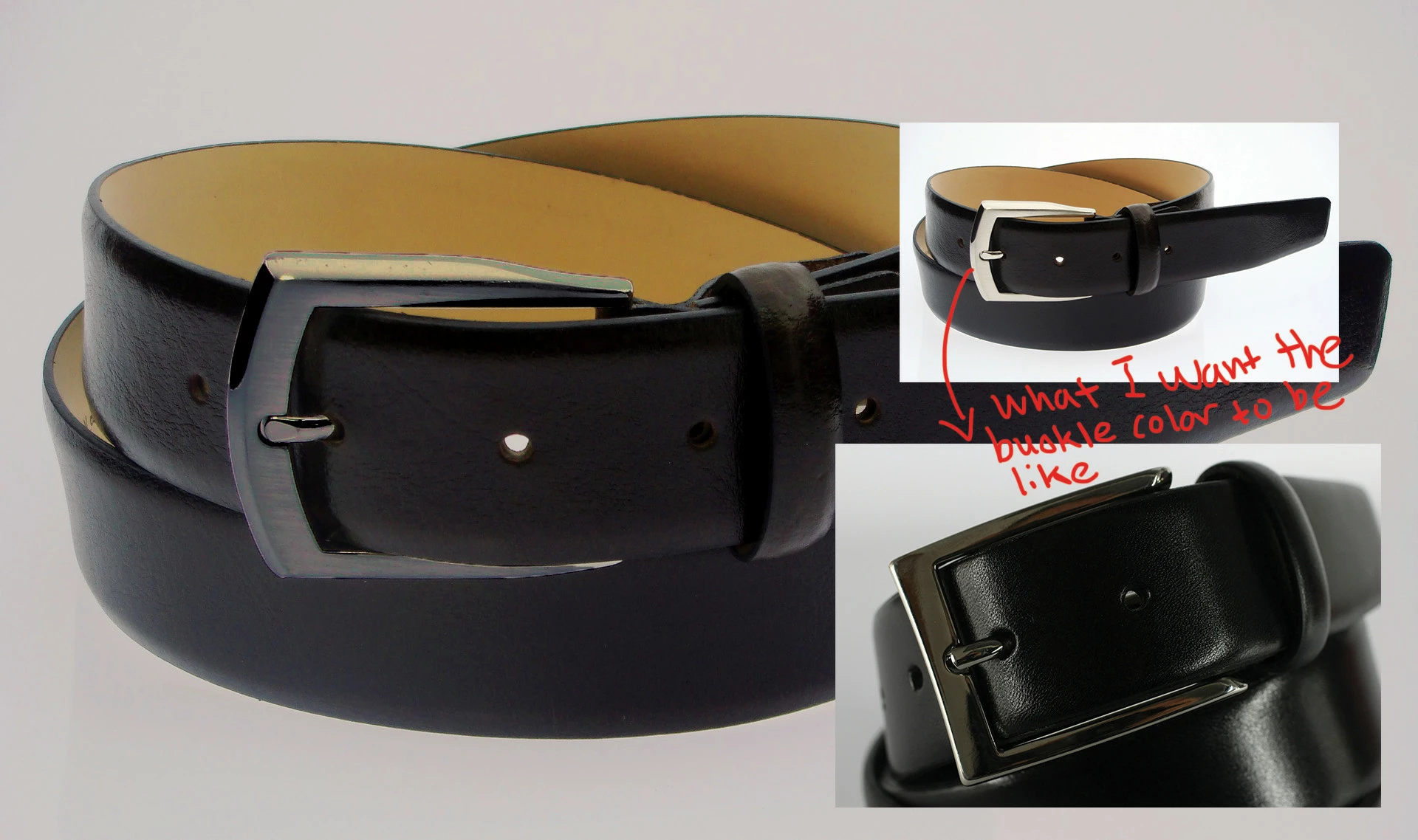
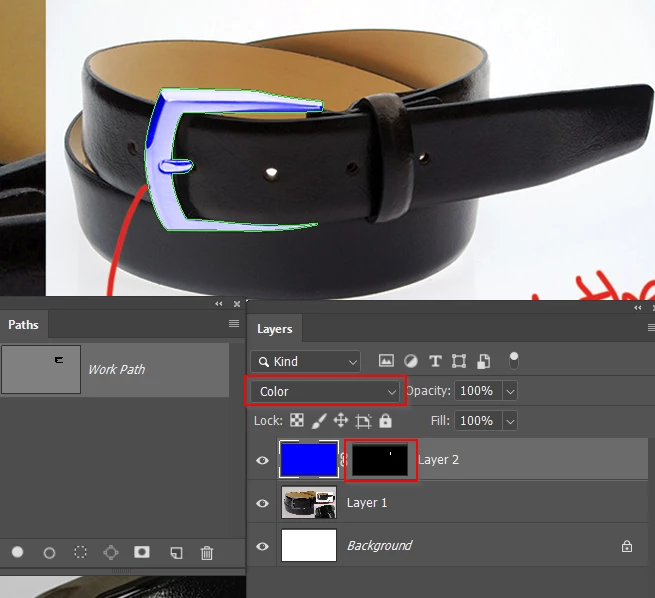
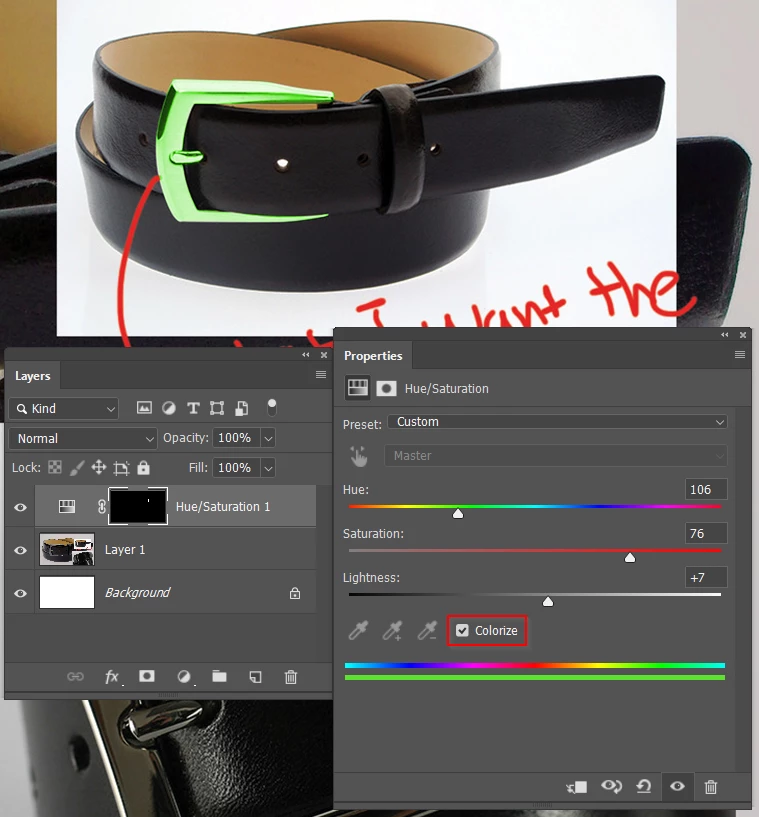
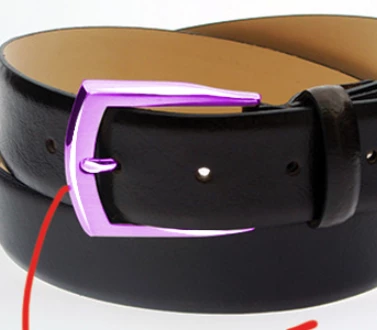
I want to change the color of the belt buckle as shown in the attached image below. I'm a relative beginner so I know my basic way around Photoshop, but I haven't found any tutorials or other methods to change the color of metal. I attempted, but it doesn't look near what I need. I did a crude selection on the image I attached as an example and played with the CMYK and Hue and Saturation levels to get it where it is. The result I want is the image on the bottom right-hand corner, where the buckle color is dark, yet shiny. I have no idea how to do this. I would seriously appreciate any advice or instruction on how to do this - hopefully, it's not too time-consuming or complicated.
Thanks for reading!
 AdChoices