Participant
February 14, 2022
Pregunta

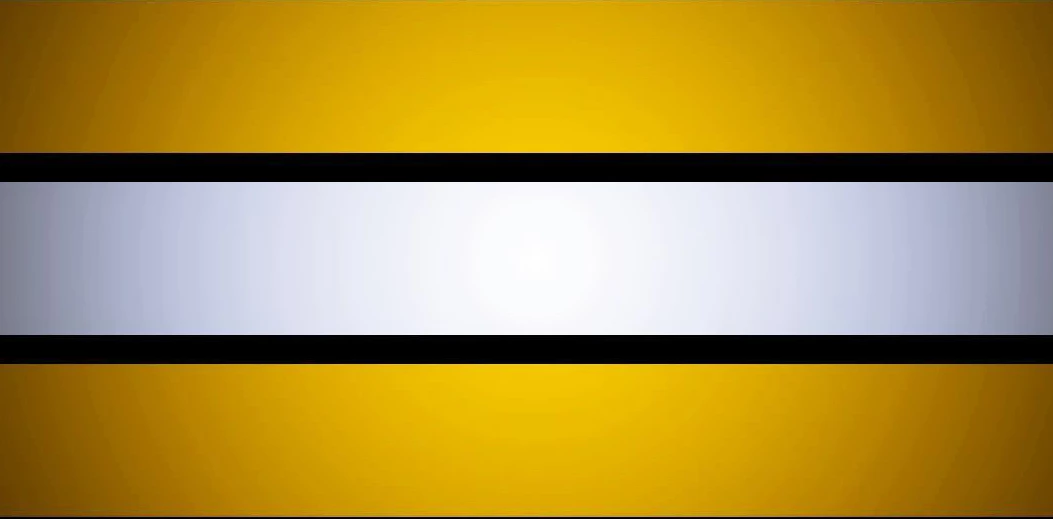
How do I change the color of this yellow border ?

  • February 14, 2022
  • 2 respuestas
  • 401 visualizaciones

Hello everyone, I have this image down below as you can see, I want to know how can I change that yellow border from both top and bottom to red color ? Thanks in Advance 
Este tema ha sido cerrado para respuestas.

2 respuestas

MarekMularczyk
Community Expert
Community Expert
February 14, 2022

If you want the top and bottom to be just red, you can just use Rectangular Marquee tool to select both top and a bottom (because they're just rectangles) and then fill them with red. Or, you could, after making a selection, add a Hue/Saturation adjustment layer to colourise the gradient to red.


Adobe Community ExpertAdobe Certified Professional
Myra Ferguson
Community Expert
Community Expert
February 14, 2022

Here's one way to change the color using the Hue Saturation adjustment layer and target only the gold colors:

  1. Go to Layer > New Adjustment Layer > Hue/Saturation... (or click on the black & white cookie icon at the bottom of the Layers panel and select Hue/Saturation...)
  2. If there are other layers that you don't want to be affected, place the Hue/Saturation adjustment layer directly above the striped gold image layer and go to Layer > Create Clipping Mask (or Alt/Option + click between the adjustment layer and the image)
  3. With the Hue/Saturation adjustment layer (and not its layer mask) selected, go to the Properties panel
  4. Click the finger slider below Preset (an eyedropper will appear when your cursor is over the image)
  5. Drag the eyedropper over the gold portion only
  6. Drag the Hue slider to the left until the golds turn into reds