
Participant
January 21, 2017
Question

How do I change the new document window?

  • January 21, 2017
  • 3 replies
  • 1722 views

Hi Guys,

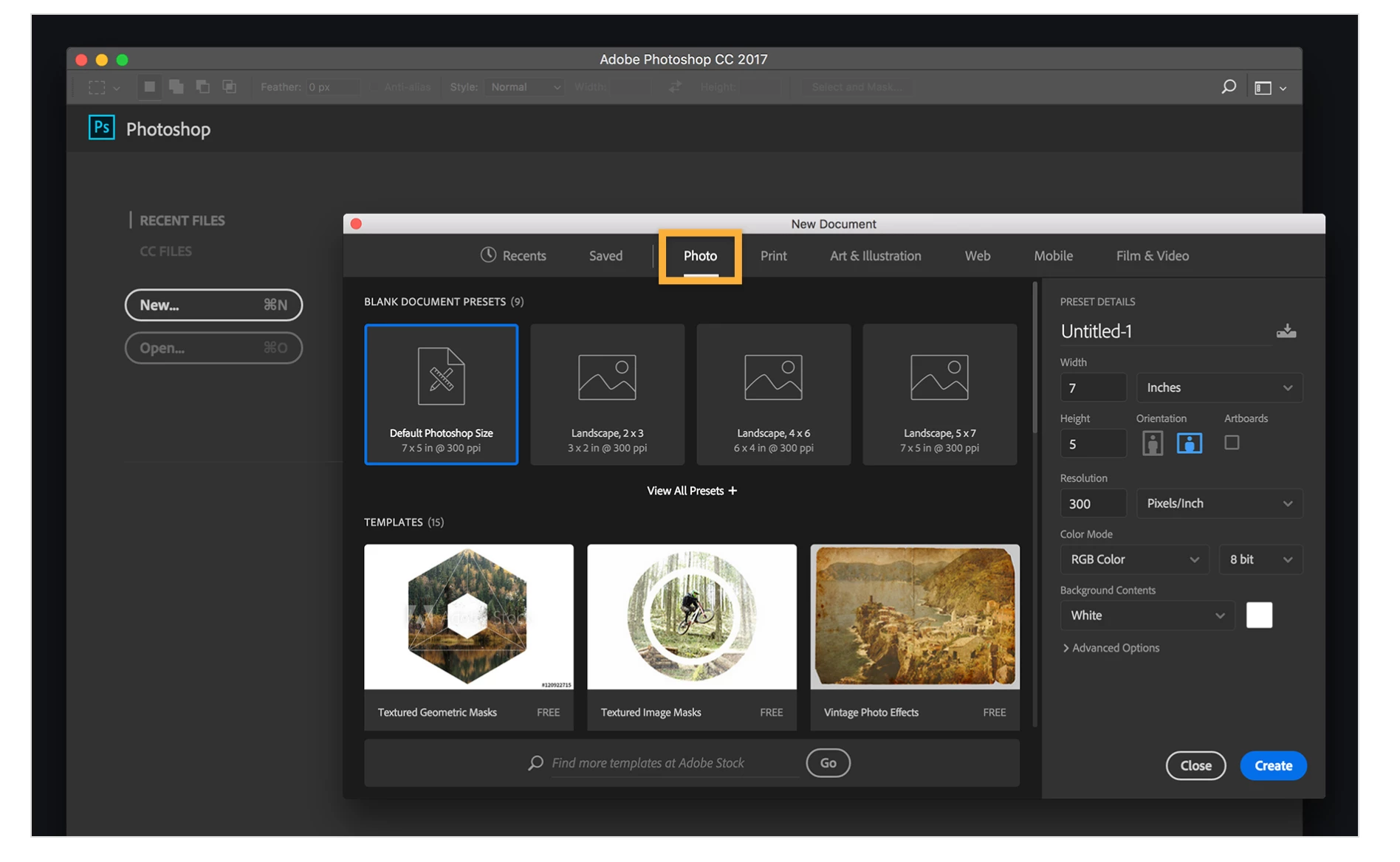
I can't seem to access the start menu that looks like this...
I can only get this...
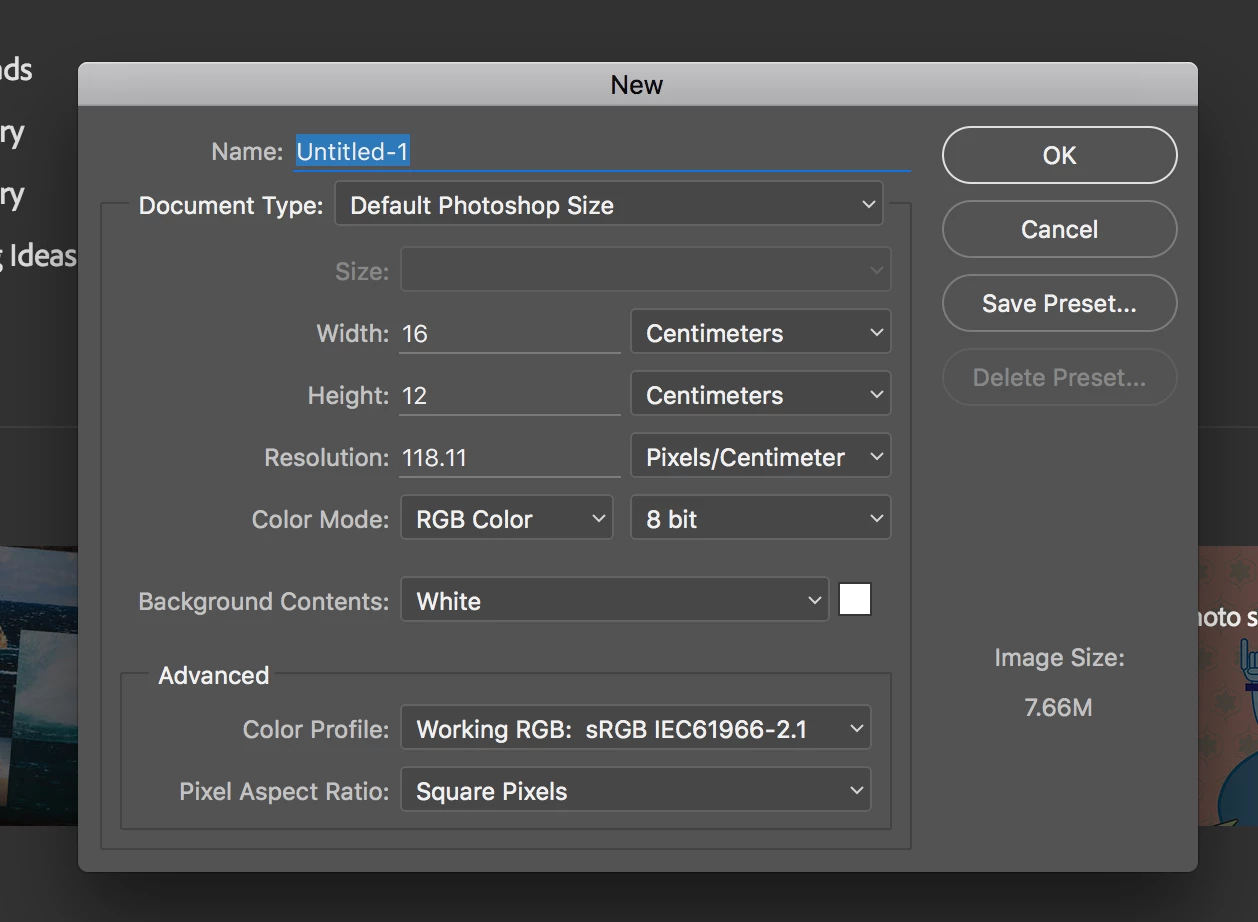
I have tried the preferences menu as I read somewhere that there is an 'open with legacy' option i may need to switch off but I can't seem to find that, it is not in my General settings area where it should be

Any help would be awesome!

It is the same in all my apps.

Cheers,

Caroline

This topic has been closed for replies.

3 replies

Barb Binder
Community Expert
Community Expert
January 22, 2017

Hi Caroline—

What version, exactly, of Photoshop are you using? (Mac: Photoshop > About Photoshop or Win: Help > About Photoshop).

I can see the Start Workspace in the background of the 2nd screen shot, so that's not the issue. If you are on CC 2015, it's not an option. If you are on CC 2017, choose Dave's answer of deselecting Use Legacy New Document Interface.

it is not in my General settings area where it should be

Prefs > General in CC 2015

Prefs > General in CC 2017

~Barb at Rocky Mountain Training
josephlavine
Community Expert
Community Expert
January 22, 2017

In Photoshop Preferences click on the Show "Start" Workspace option

davescm
Community Expert
Community Expert
January 21, 2017

Hi Caroline - it should be here :

If not, try "Reset preferences on Quit" and restart Photoshop

Dave