
tylerw46243558
Participant
September 24, 2019
Question

How do I combine images with the same composition into one?

  • September 24, 2019
  • 3 replies
  • 661 views

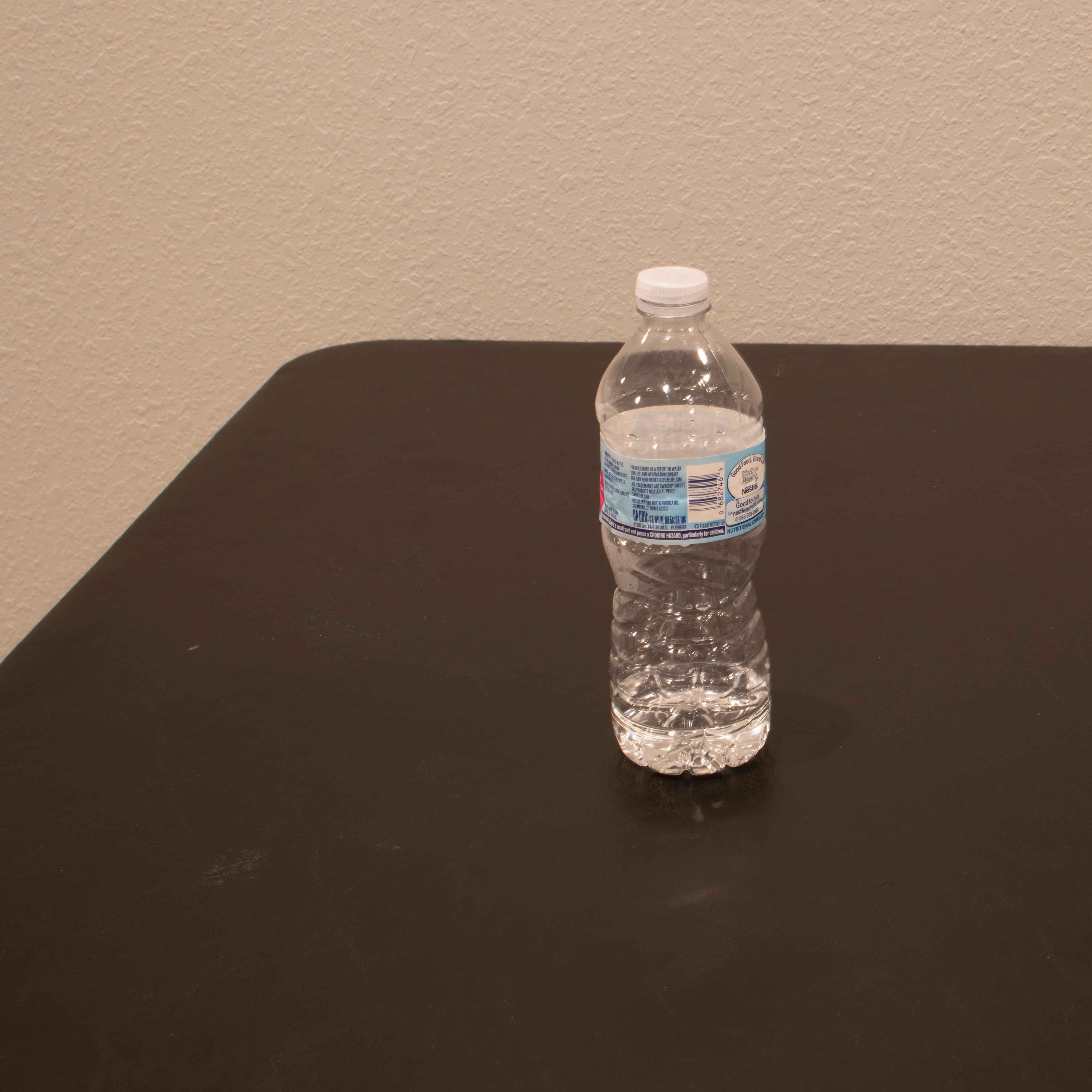
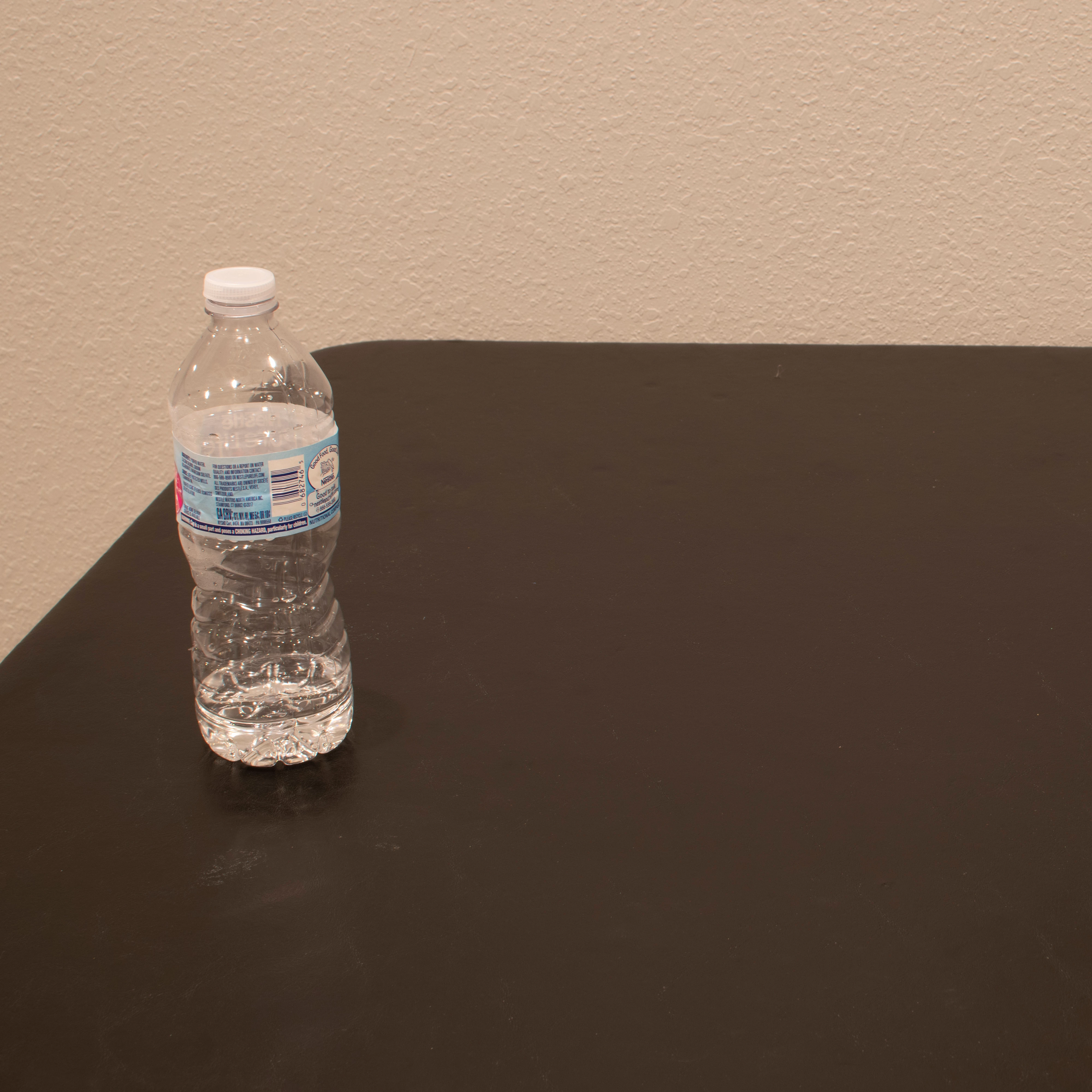
These are example images, but how would I combine these two images into one image with the same composition? Is it possible to do this automatically without masking? I would like to do this in Photoshop.
    This topic has been closed for replies.

    3 replies

    LucienSchilling
    Known Participant
    September 25, 2019

    With Lighten and no mask!

    Norman Sanders
    Legend
    September 24, 2019

    No mask.

    LucienSchilling
    Known Participant
    September 25, 2019

    Sorry Norman, but that's only half of the truth. Layer1 still contains a mask, but contrary to my solution, your mask is destructive. 🙂 A solution without mask would be with multiply layers or a different layer arithmetic. I found that Lighten works quite well in this case...


    LucienSchilling
    Known Participant
    September 24, 2019

    I'ts not possible without masking, but the effort is quite limited:

    I loaded one image, added the second one to a new layer (drag/drop) and marked a selection. As the tones (light?) on the 2 images are not the same, I blurred the mask, so that the transition from one image to the other is not hard. You could in addition try to get both images in the same mood so that the blur does not need to be that strong.