
Participant
January 30, 2018
Answered

How do I copy a shape

  • January 30, 2018
  • 2 replies
  • 5281 views

Photoshop question: I have made a selection of a small shape on a layer, and filled it with colour. Now I want to reproduce that shape multiple times on the same layer. I would be grateful if someone could tell me how to do this. Thank you.
    This topic has been closed for replies.
    Correct answer c.pfaffenbichler

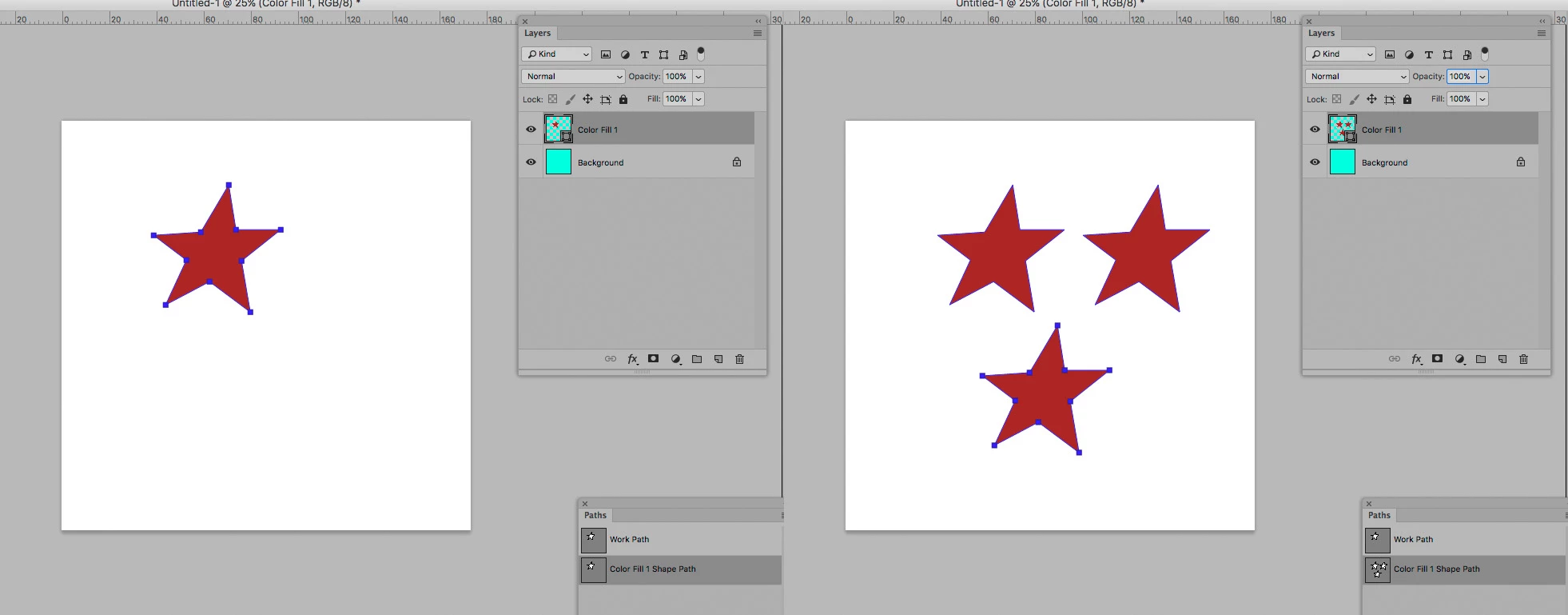
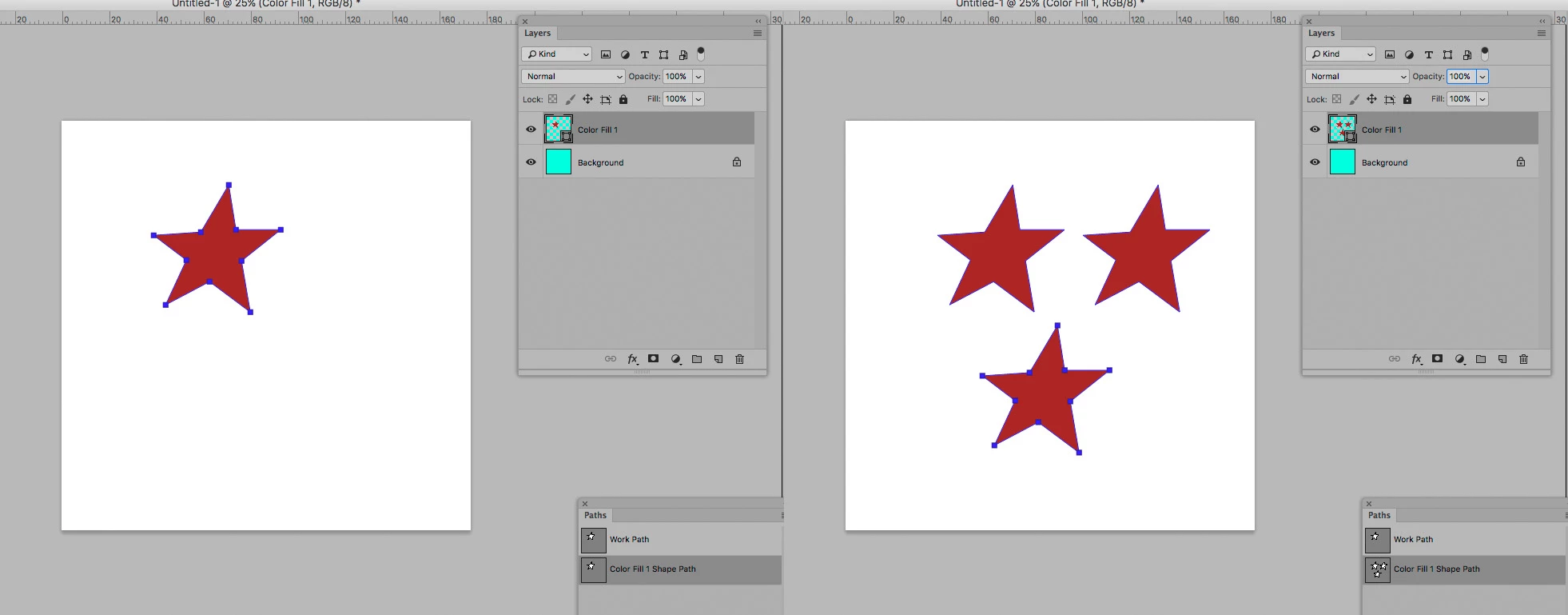
    You could create the shapes as Paths and use them as Vector Masks on Shape Layers.

    The Paths can be easily duplicated by cmd-alt-dragging.

    But to me it seems you might not be using Photoshop efficiently by trying to get all the instances onto one Layer, once again: Using Smart Objects is likely a more prudent approach.

    2 replies

    c.pfaffenbichler
    Community Expert
    Community Expert
    January 30, 2018
    I have made a selection of a small shape on a layer, and filled it with colour.

    If the shape is the only thing on that Layer you could convert it to a Smart Object and duplicate and transform it as needed; as instances of the same Smart Object the resulting Layers can all be updated simultaneously if changes to the object should become necessary.

    Participant
    January 30, 2018

    Hi, thanks for your help. I could select it, or de select it. I could make it with the lasso tool or any of the tools for selecting if that makes it easier. I hoped there might be a simple way of reproducing this shape easily many times, and dragging them around, arranging them in a sequence on the layer. I don't know how to convert something into a smart object.. Best wishes.

    c.pfaffenbichler
    Community Expert
    c.pfaffenbichlerCommunity ExpertCorrect answer
    Community Expert
    January 30, 2018

    You could create the shapes as Paths and use them as Vector Masks on Shape Layers.

    The Paths can be easily duplicated by cmd-alt-dragging.

    But to me it seems you might not be using Photoshop efficiently by trying to get all the instances onto one Layer, once again: Using Smart Objects is likely a more prudent approach.

    c.pfaffenbichler
    Community Expert
    Community Expert
    January 30, 2018

    Good day!

    How did you create the Selection?

    Have you deselected already or is the Selction still active?

    Regards,

    Pfaffenbichler