Evergreen7
Participant
January 4, 2017
Answered

How do I correct old photos that have MAJOR yellowing?

  • January 4, 2017
  • 6 replies
  • 4621 views

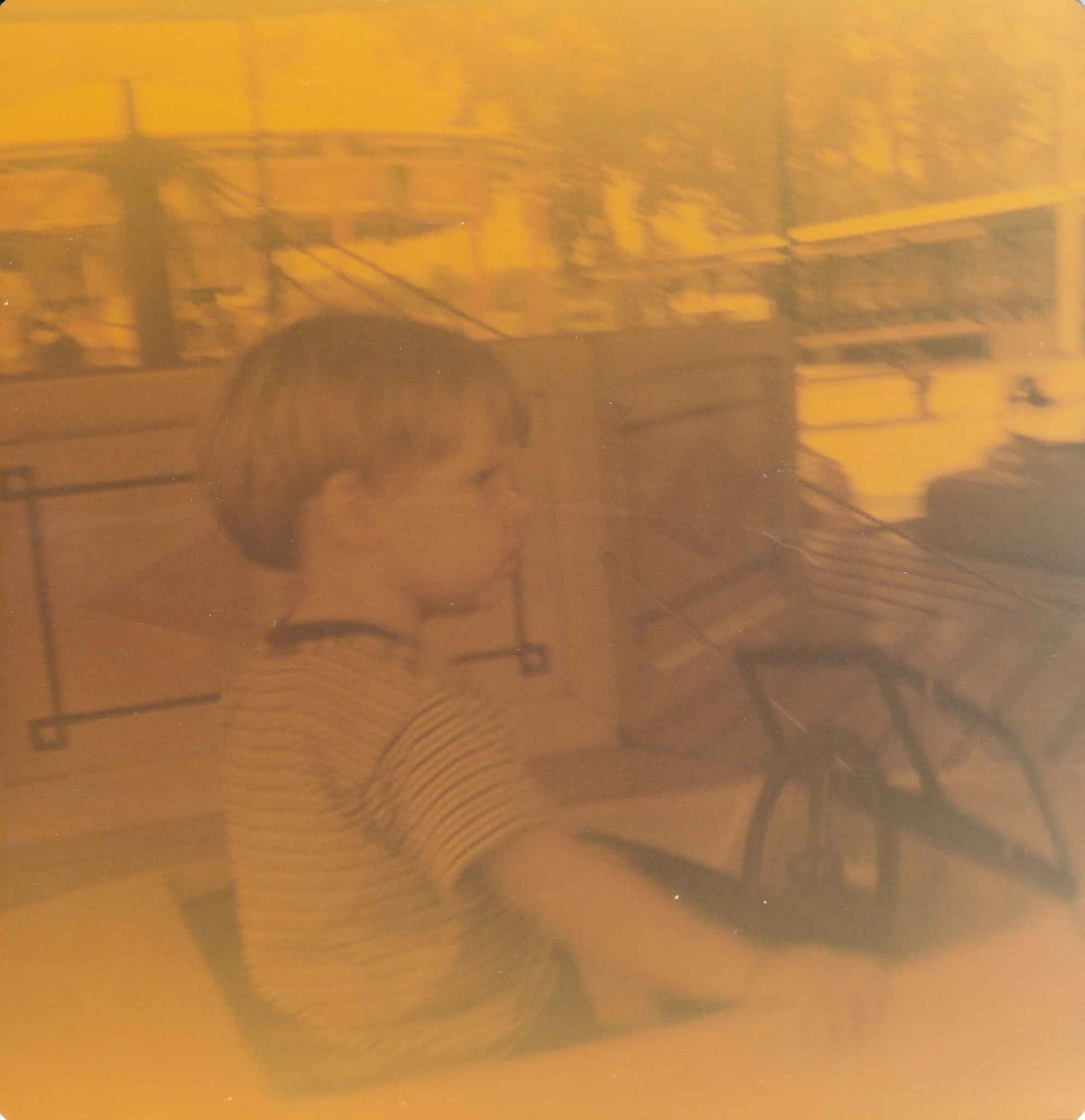
I have a stack of very old photos that all have the same yellowing issue.  I've tried adjusting the red, yellow and green levels individually and it helped but I'm thinking there is probably a better way?  I've attached an example.  Can anyone give me the steps to apply to get this photo looking somewhat normal? 

Thanks for any help!
    This topic has been closed for replies.
    Correct answer Terri Stevens

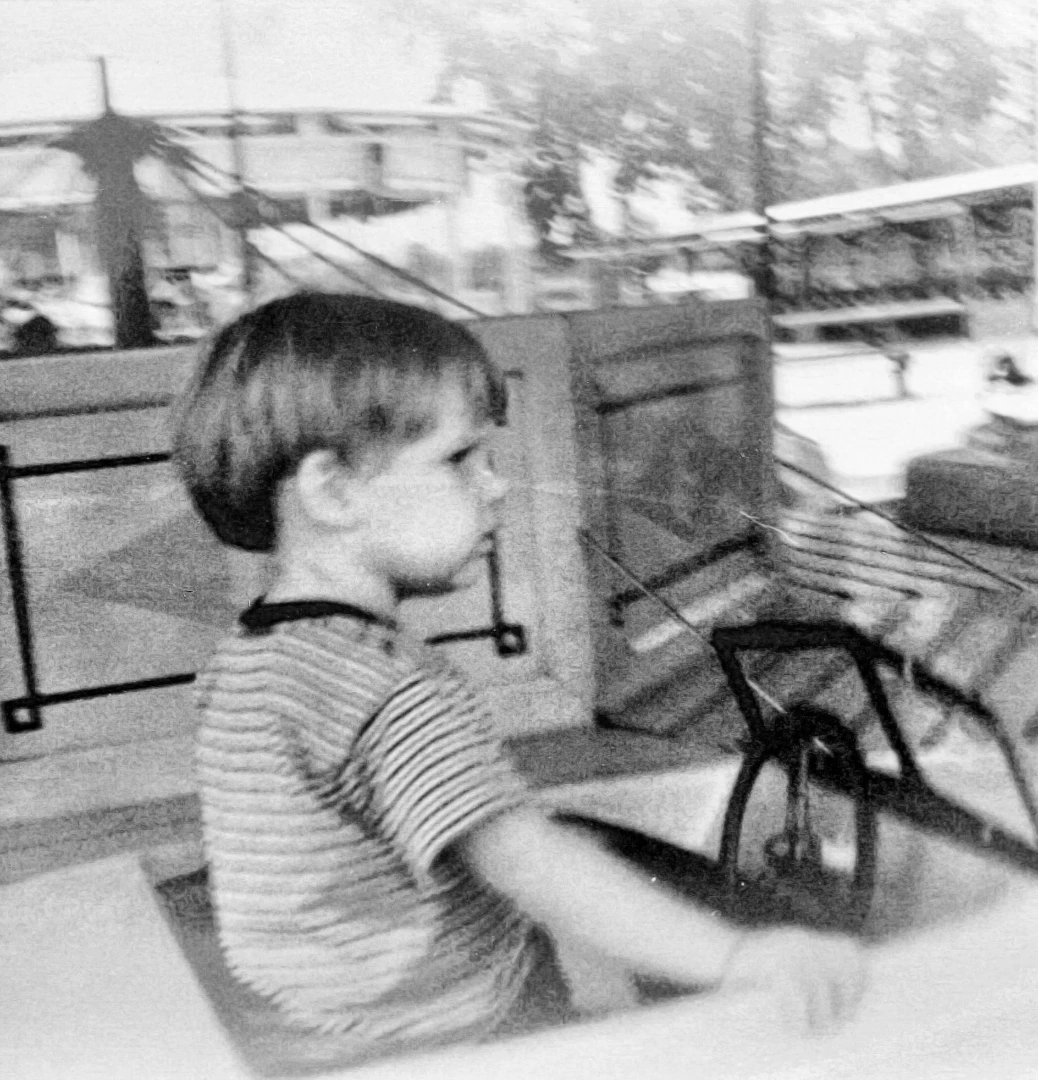
    It think you would fair better creating a B/W image and if required try tinting with color by hand.

    6 replies

    Evergreen7
    Participant
    January 4, 2017

    Thank you!  I appreciate the feedback!  I'm going to give it a shot with b/w and maybe hand painting.  Thanks again!

    davescm
    Community Expert
    Community Expert
    January 4, 2017

    Like Terri said

    When the colour has gone as much as this I would go for black and white or a hand coloured - black and white approach

    Dave

    Terri Stevens
    Legend
    January 4, 2017

    That is extremely good Dave. Who would believe the original could be turned into that?

    davescm
    Community Expert
    Community Expert
    January 4, 2017

    Cheers Terri - bit rough and ready to be honest as I was in a rush.

    I also realised I did not post how..... so, it was:

    A black and white conversion

    Then a new layer above with blending mode set to colour.

    Then paint away .......

    Dave

    Participating Frequently
    January 4, 2017

    Like has been said already your best bet is B&W. I did this using a ton of adjustment layers...

    Terri Stevens
    Terri StevensCorrect answer
    Legend
    January 4, 2017

    It think you would fair better creating a B/W image and if required try tinting with color by hand.

    K´mo
    Participating Frequently
    January 4, 2017

    Yes the colors are mostly gone and perhaps BW or some toning with it gives more pleasant results. I took the method to use Camera Raw filter, first I made the image a smart object. I came with this with a quick tryout

    You can see big difference between different areas and those could be processed further. But like this you get some colors

    ACR settings:

    I also had a mild levels-layer with previous image so the result is not identical but this gives you my idea.

    Mohammad.Harb
    Community Expert
    Community Expert
    January 4, 2017

    One way :

    First , Apply   image -> Auto Tone   ) ctrl + shiftt + L , you will get this result

    then convert it to sepia toning , from Hue/ saturation  ( ctrl + U )

    hope this will Help,