harshadamarne
Known Participant
April 14, 2019
Answered

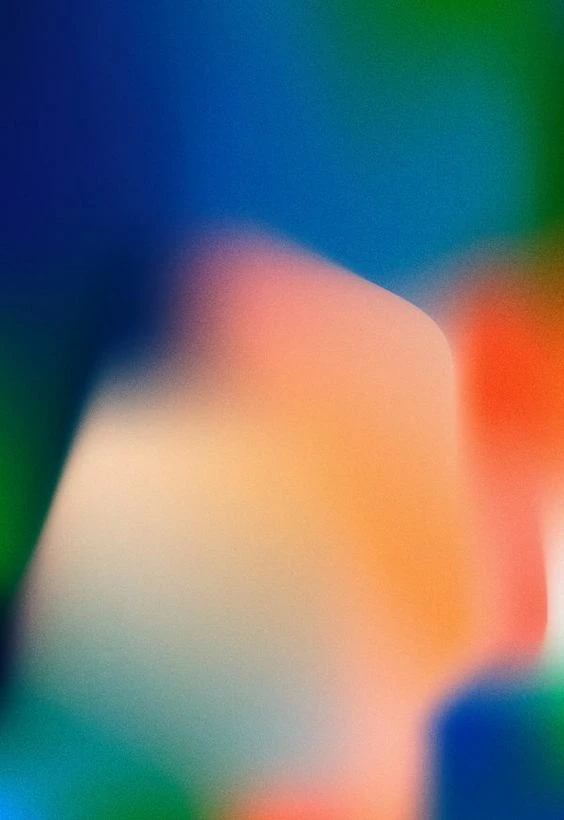
How do I create this effect in photoshop?
  • April 14, 2019
  • 2 replies
  • 677 views

Can anyone tell me how to create the above image? I have tried the mixer brush tool and even gradients...created my own brush as well. However I am unable to get the exact effect ...please help!

This topic has been closed for replies.
Correct answer c.pfaffenbichler

2 replies

c.pfaffenbichler
Community Expert
c.pfaffenbichlerCommunity ExpertCorrect answer
Community Expert
April 14, 2019

harshadamarne
Known Participant
April 14, 2019

Thanks!...This was really helpful!

c.pfaffenbichler
Community Expert
Community Expert
April 14, 2019

You’re welcome.

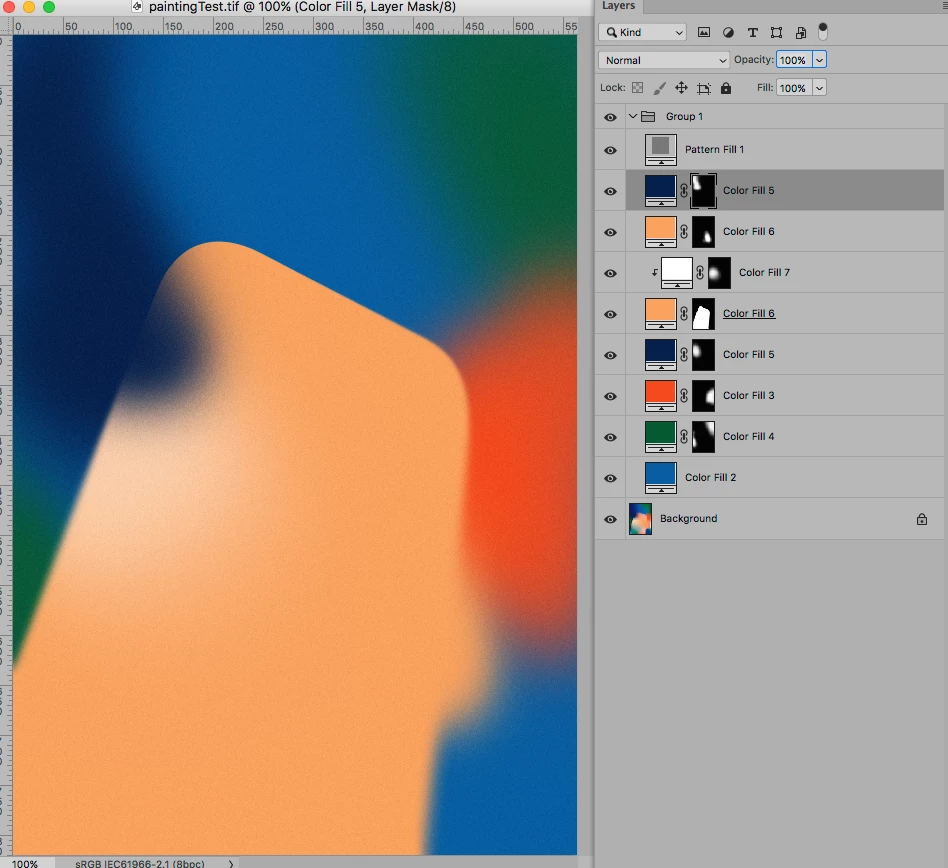
If you need to have several Layers of the same Color and you may need to change that Color later on you could create a Smart Object and Clipping Mask that to all the affected (Solid Color) Layers.

That way you could change the Color in the SO and all the instances would update on saving it; admittedly not very convenient but still …

As for the slight noise I added a Pattern Layer (based on 50% gray with Filter > Noise > Add Noise applied) set to Blend Mode Linear Light.

c.pfaffenbichler
Community Expert
Community Expert
April 14, 2019

I suppose such an image could be created by plain painting and a couple of Layers (with Layer Masks possibly), so what exactly are you trying to do?