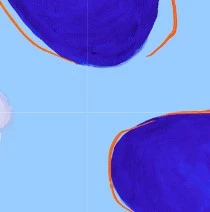
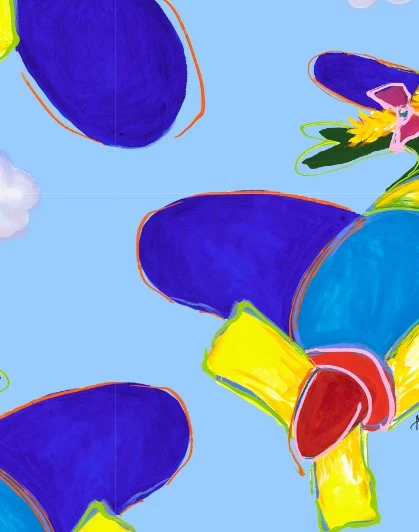
Participant
May 28, 2023
Answered

How do I eliminate thin lines between pattern tiles & create a truly seamless pattern in Photoshop?

  • May 28, 2023
  • 2 replies
  • 4141 views

Help!!! I'm creating "seamless" patterns in Photoshop, but I keep ending up with slender gaps / white lines when I try setting up a tiled pattern on POD products. What's the solution to get rid of these lines?

This topic has been closed for replies.
Correct answer davescm

I literally open the file as I received it, resize it, then copy and paste it into a new tile to create a seamless pattern.....and this happens.

How have I created this when I do not touch any settings anywhere and a few months ago I never had this problem it has started happening out of nowhere and I can not figure out how to make it stop.


Damien

You said '....I received it, resize it, then copy....'


Resizing to alter the number of pixels is re-sampling. Hence c.pfaffenbichler's comment on what happens when you resample using automatic on a layer that is not a background layer. If you have not seen it in the past either you were using a different resampling method or you were working with a background layer.


Dave

2 replies

c.pfaffenbichler
Community Expert
Community Expert
May 28, 2023

Please provide th eimage you use to create the Pattern. 

Is it possible you scaled it down before defining the Pattern – thus introducing Anti-aliasing on a non-Background Layer? 

DamienKeffyn
Participating Frequently
June 9, 2023

I have this problem also when I am manually trying to place tiles after scaling down....it doesn't matter what I do. There is always a thin line between the tiles/layers and even flattening the image doesn't get rid of them.

Stephen Marsh
Community Expert
Community Expert
June 9, 2023

@DamienKeffyn 


A sample file of the tile used for the repeating pattern would be helpful.


Participant
May 28, 2023

I've been making patterns that I thought would be seamless, but they always seem to end up with a white line (slender gap) between the tiles when I try creating POD products. What am I doing wrong? Is there a way to eliminate those gaps? (Note: I'm not adding guidelines when I design the patterns)