debraj31303290
Participant
April 13, 2018
Question

How do I embed elements of one image into another?

  • April 13, 2018
  • 2 replies
  • 176 views

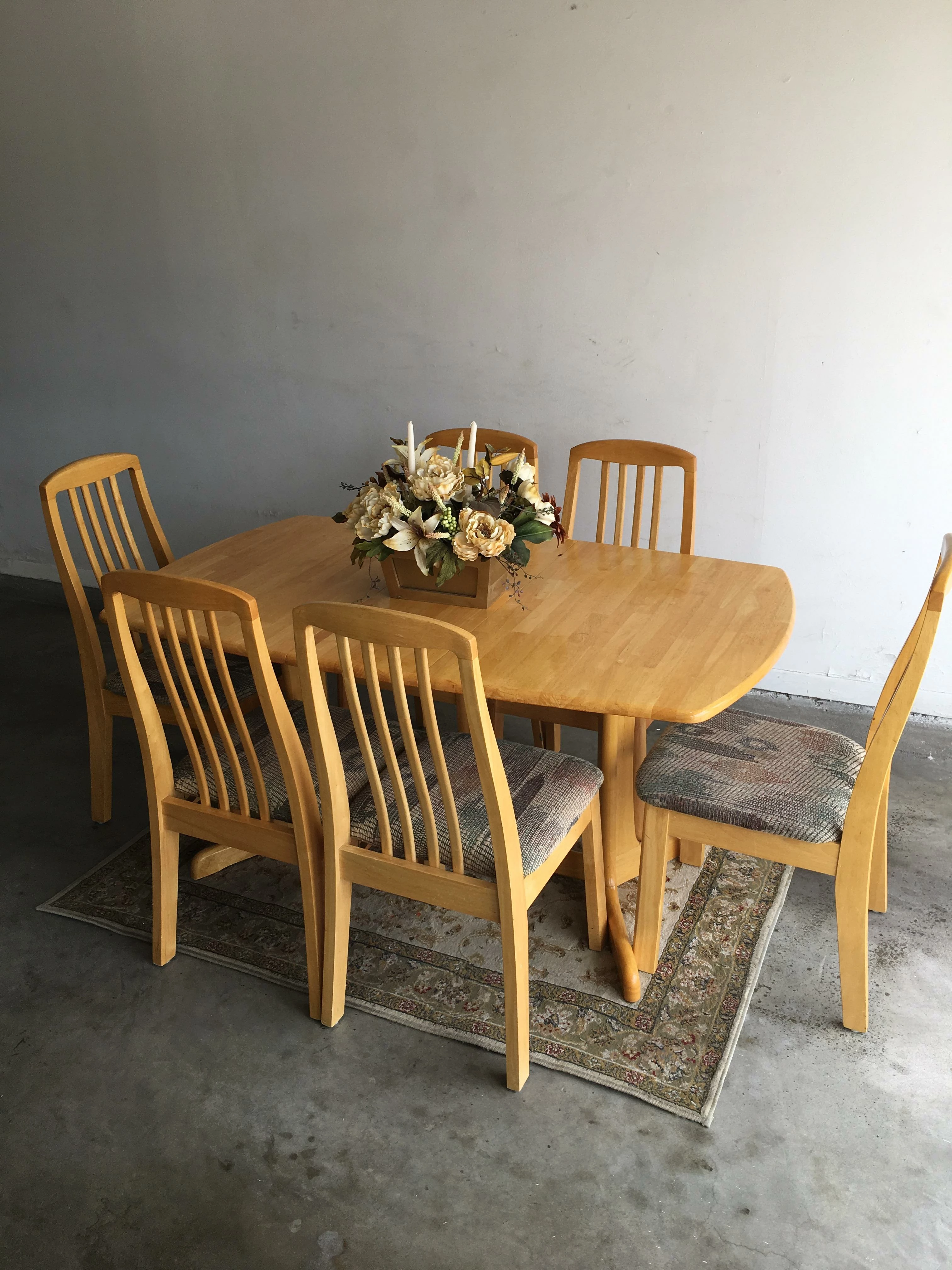
How would I replace the dark colored 4- chair dining set in the first photo with the oak colored 6 chair dining set in the second photo while keeping the same background in the first photo?  I only have the latest version of Photoshop CC.

    This topic has been closed for replies.

    2 replies

    c.pfaffenbichler
    Community Expert
    Community Expert
    April 13, 2018

    It breaks down to three major steps, I guess:

    • Remove the objects in image 1

    • Clip the objects in image 2

    • Place the clipped objects in image 1 and use Adjustments (or rather Adjustment Layers) to adjust color and brightness and simulate the shadow 

    c.pfaffenbichler
    Community Expert
    Community Expert
    April 13, 2018

    For starters the two images do not seem to be a good fit perspective.wise.

    Secondly: Removing the set from image 1 may prove quite troublesome.

    Have you looked at masking tutorials yet?

    Search results