Participant
December 22, 2020
Question

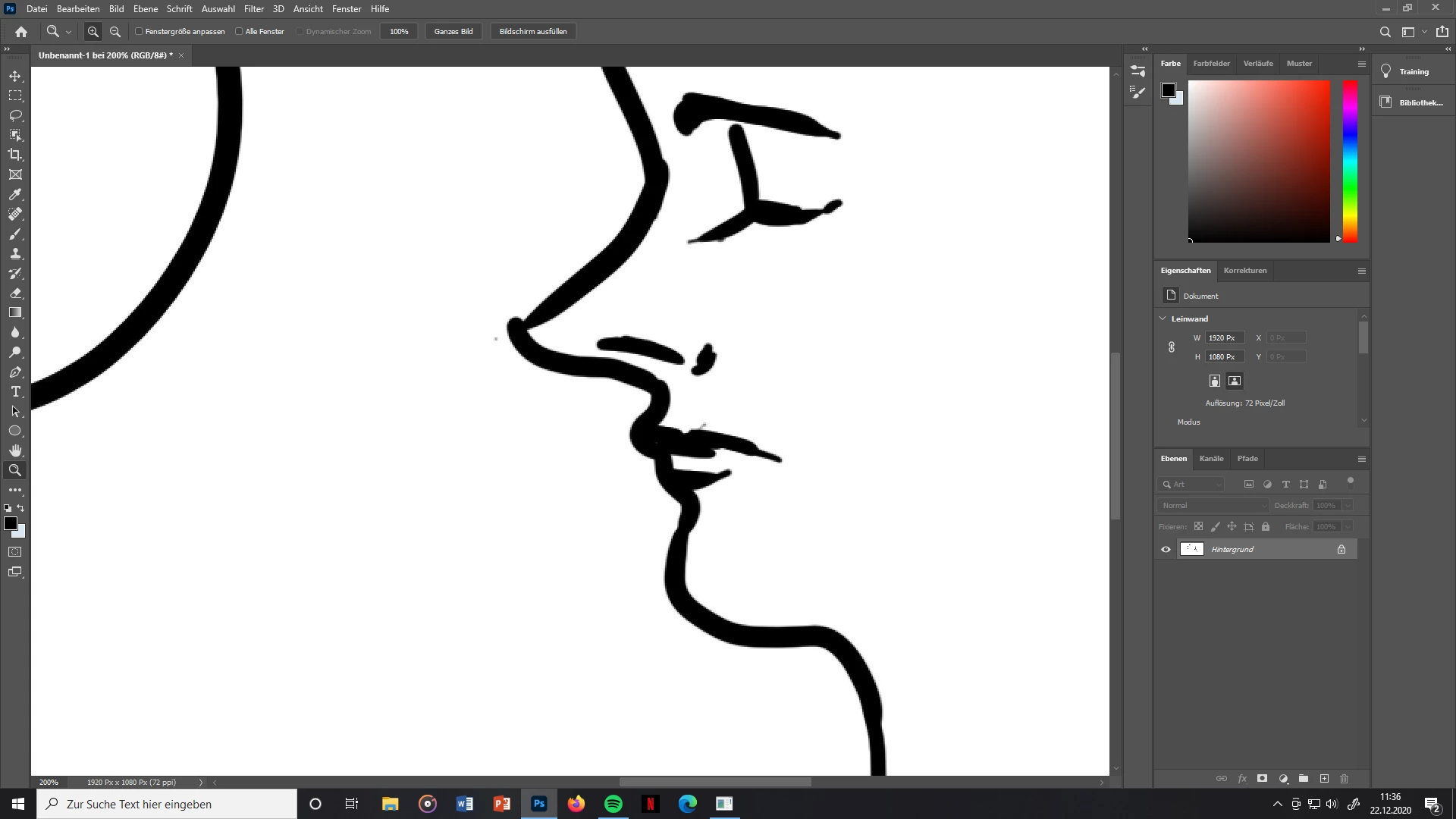
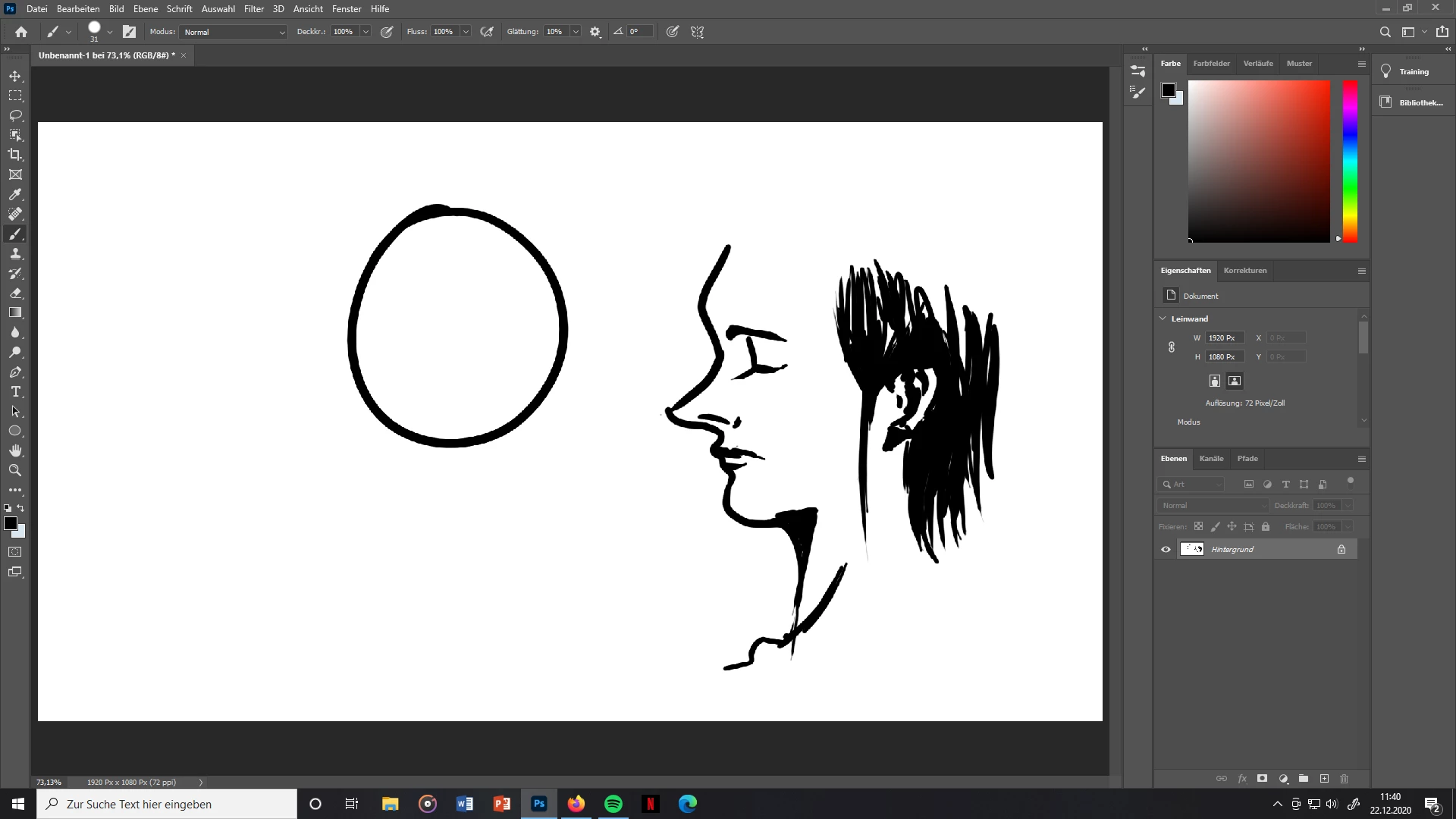
How do I fix those blurry and pixelated lines in PS?

  • December 22, 2020
  • 2 replies
  • 3300 views

I want to work on professional art pieces and yet have to deal with those blurry, pixelated looking lines.

I have zero clue where they are coming from and that's why I added some screenshots. Thought it might help solve the problem, since you have better insight then.

I appreciate your help!
This topic has been closed for replies.

2 replies

Participating Frequently
December 22, 2020

Davescm is right! 
I would ad 2 more things:
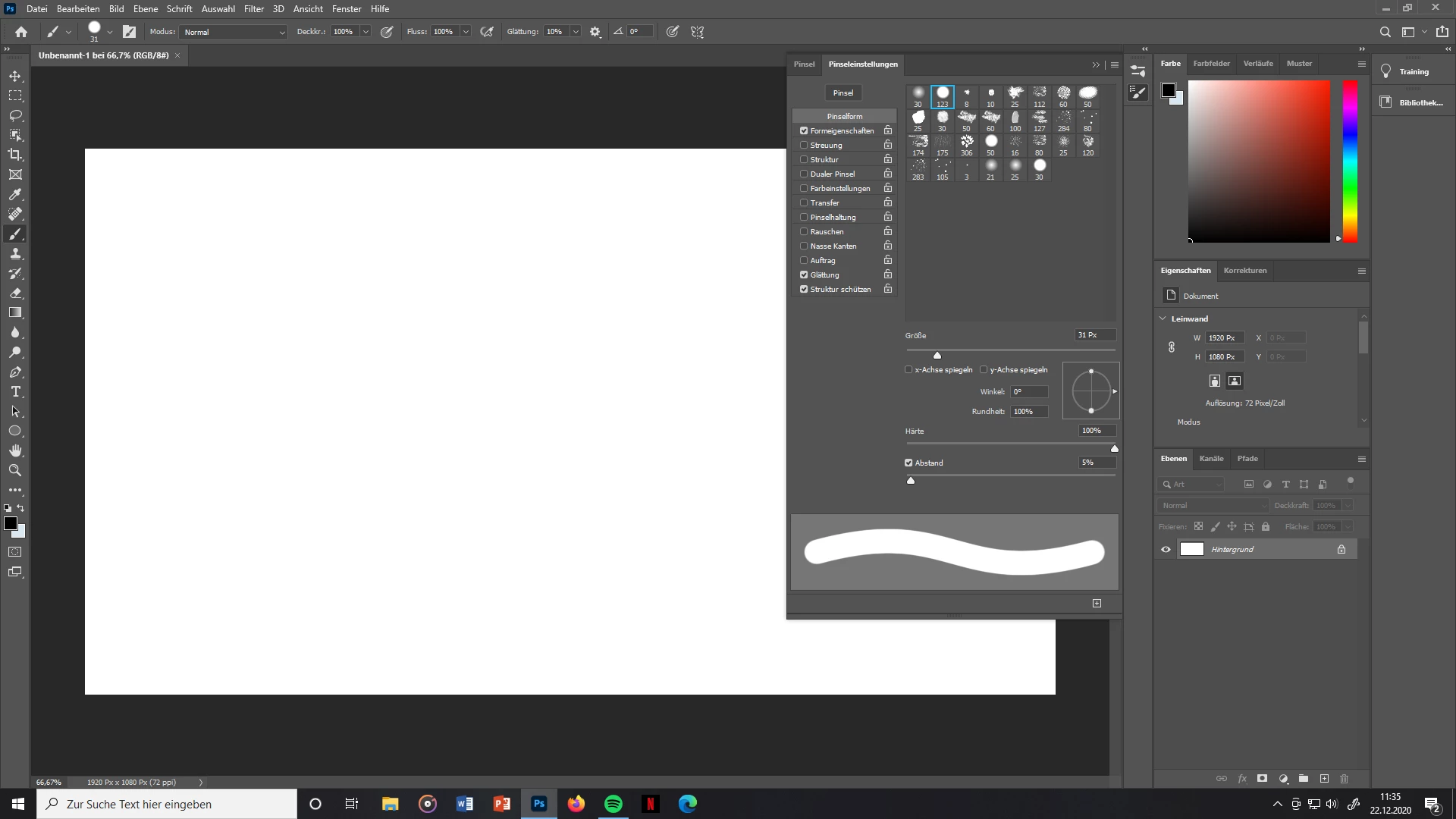
- In the brush panel you have the "abstand" set to 5%, put it to 1% it will create less steps
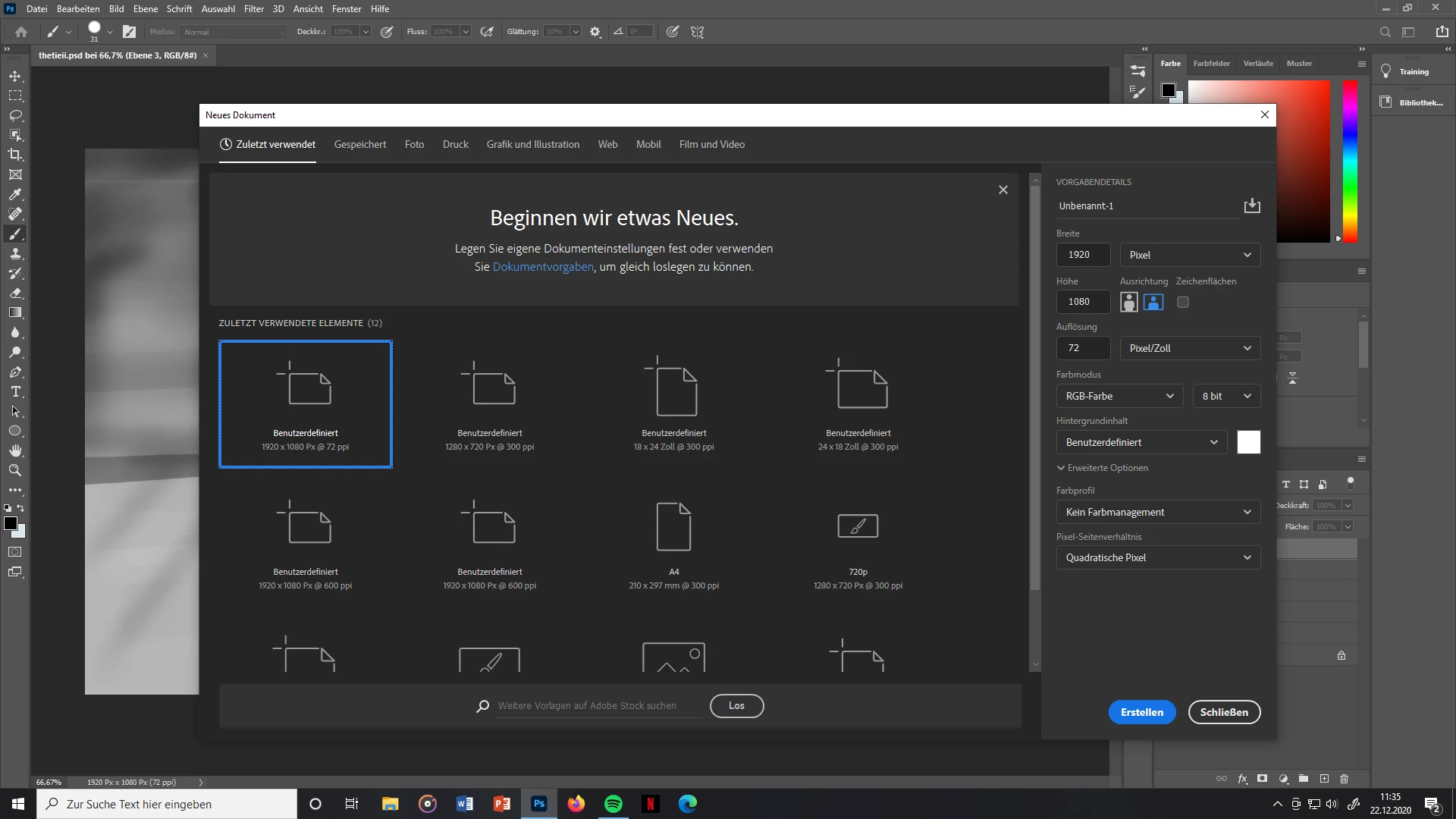
- Not realy relevant for screen work, but you should also create a 300ppi file instead of 72ppi

davescm
Community Expert
Community Expert
December 22, 2020

The slight softness when zoomed in more than 100% (your screenshot shows 200%) is antialiasing on a brush. It is used to prevent stepping of pixels on angled lines. If you don't want it at all, then use the pencil tool instead of the brush tool.

As for the pixelation when zoomed out, check in Preferences > General that Image Interpolation is NOT set to Nearest neighbour.


Dave