
Beantwortet
How do I get rid of this color box
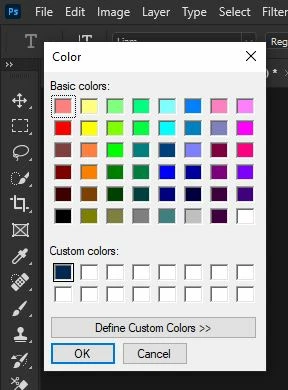 Photoshop just updated on me or something and now I can't change my text color without this color box popping up instead of the eyedropper and usual color picker. I can't figure out how to change this, please help. Thanks.
 AdChoices