Participant
July 23, 2022
Question

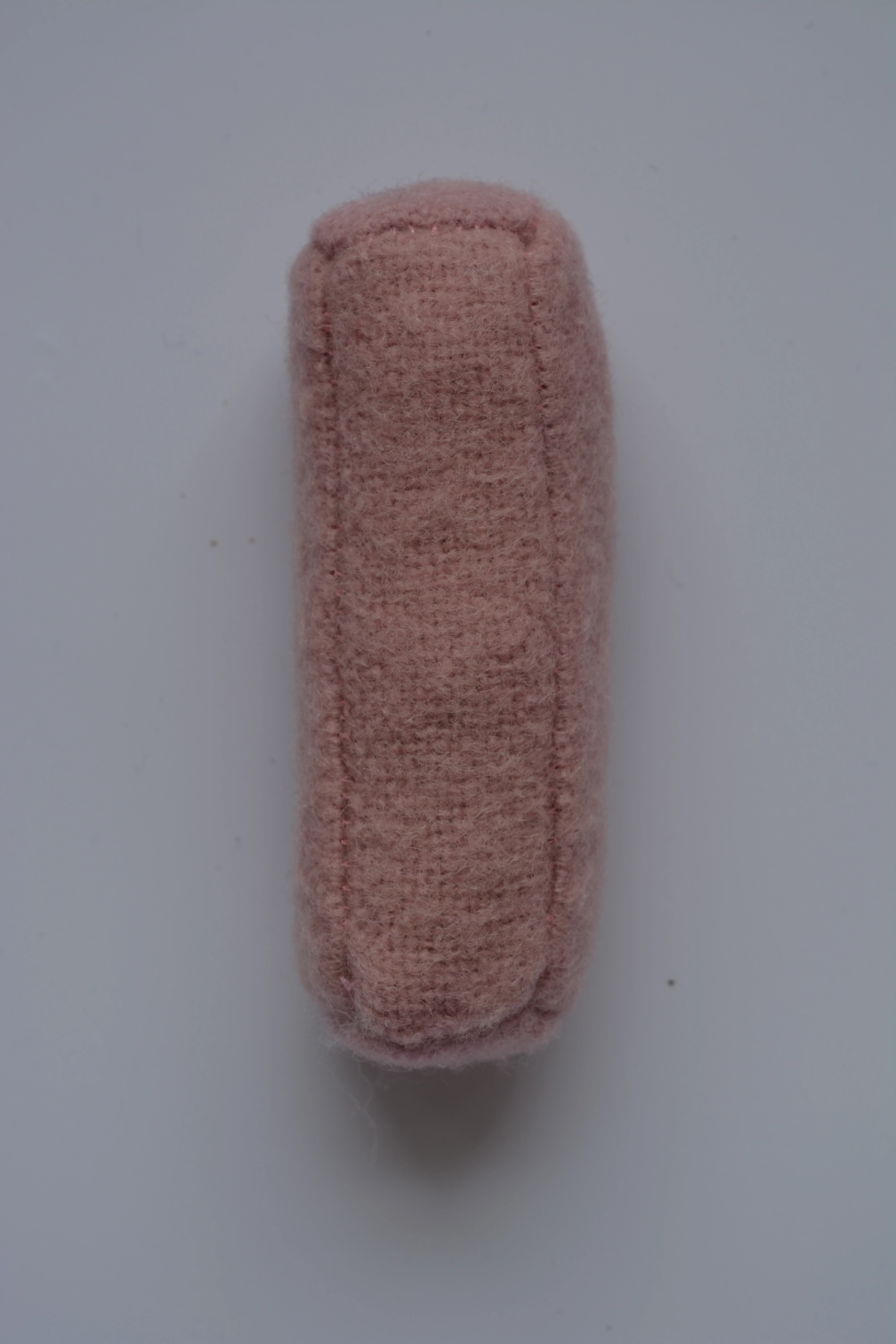
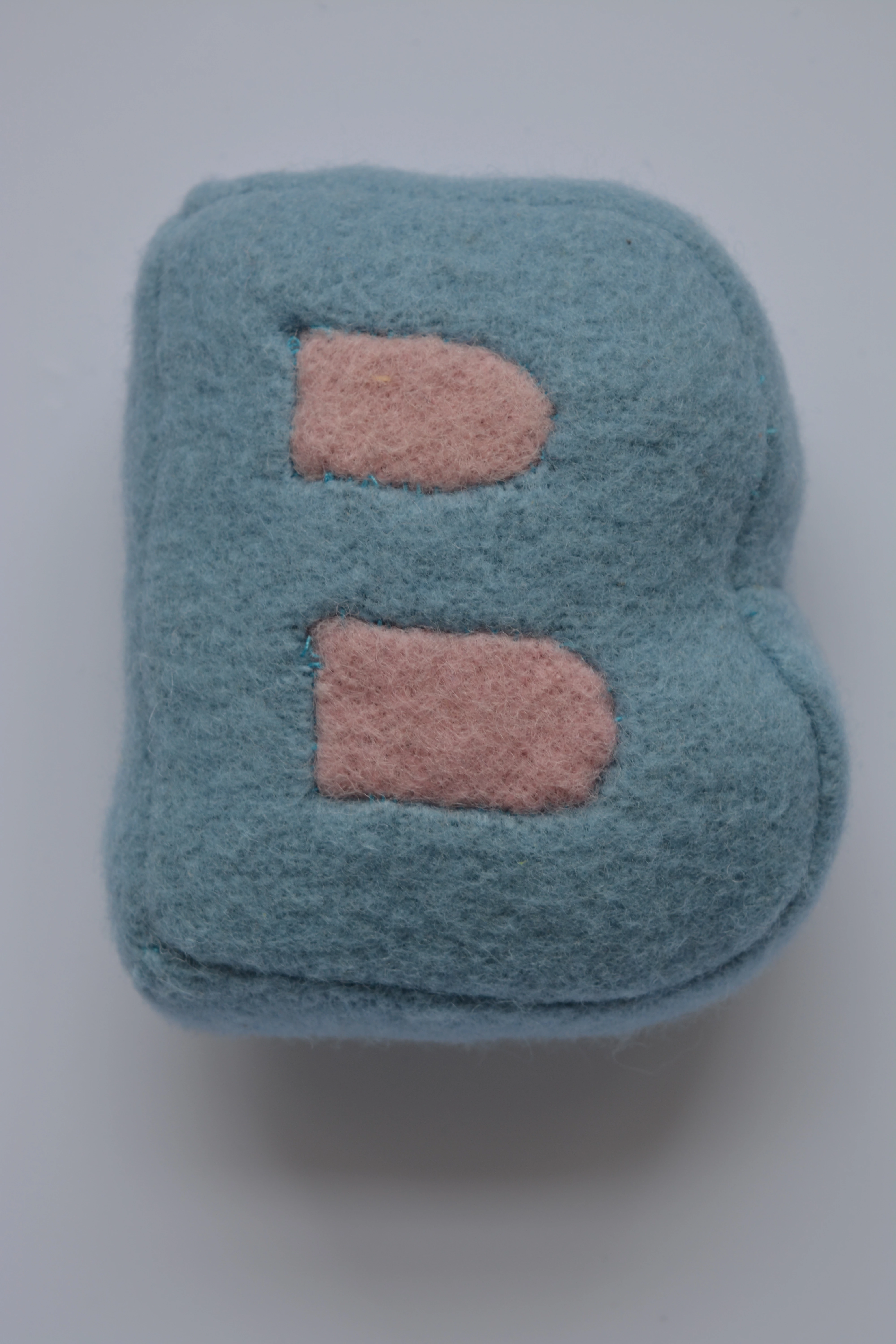
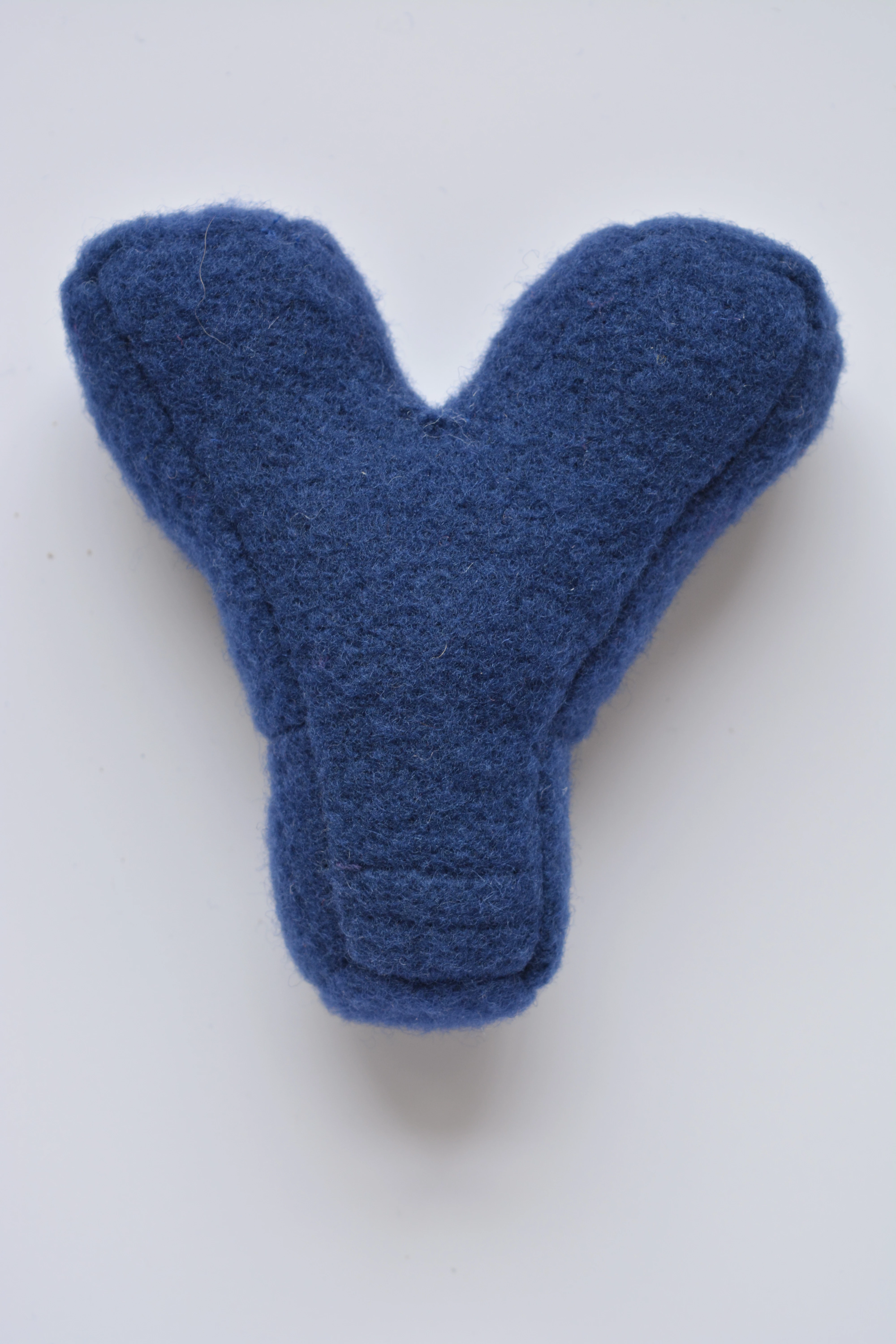
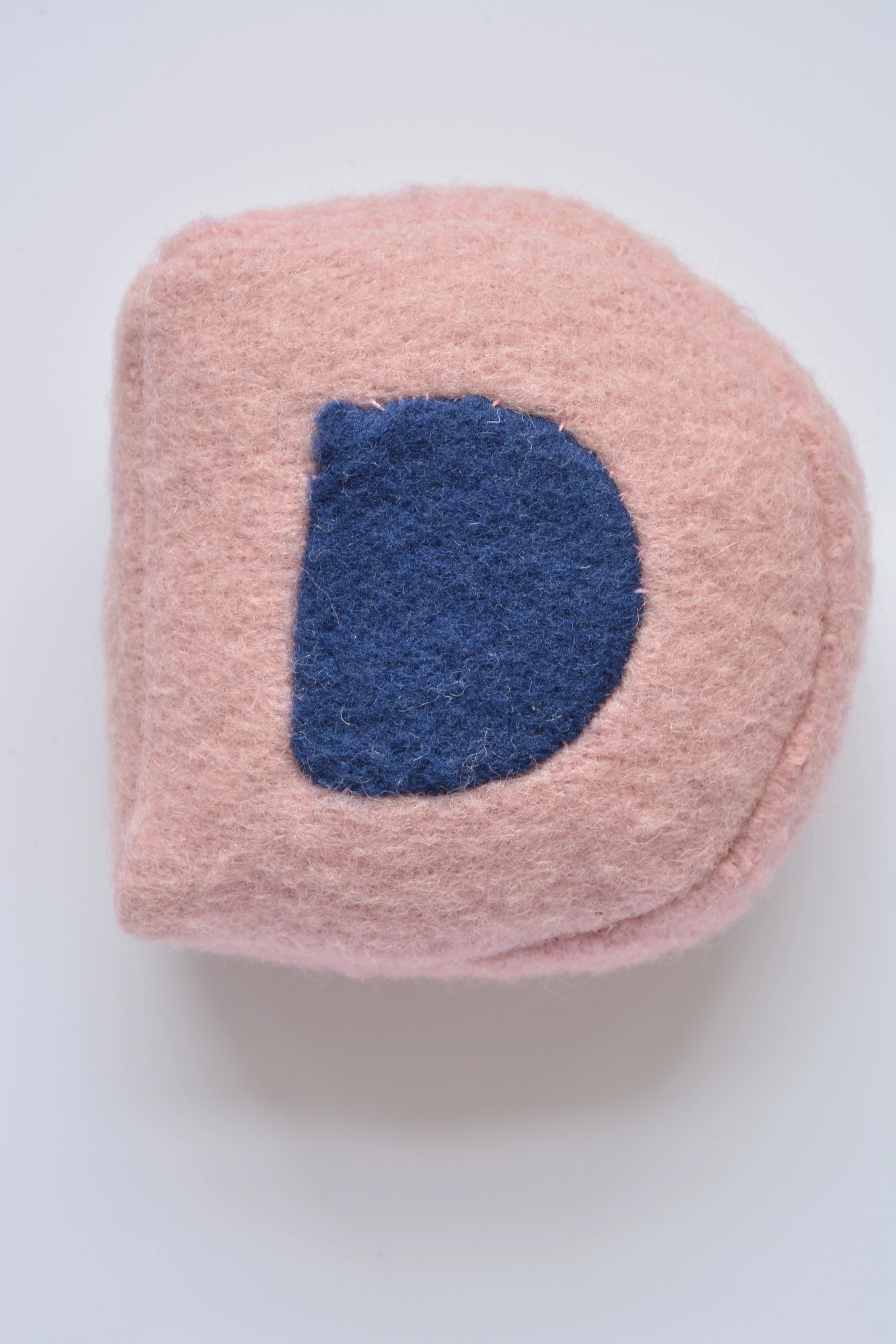
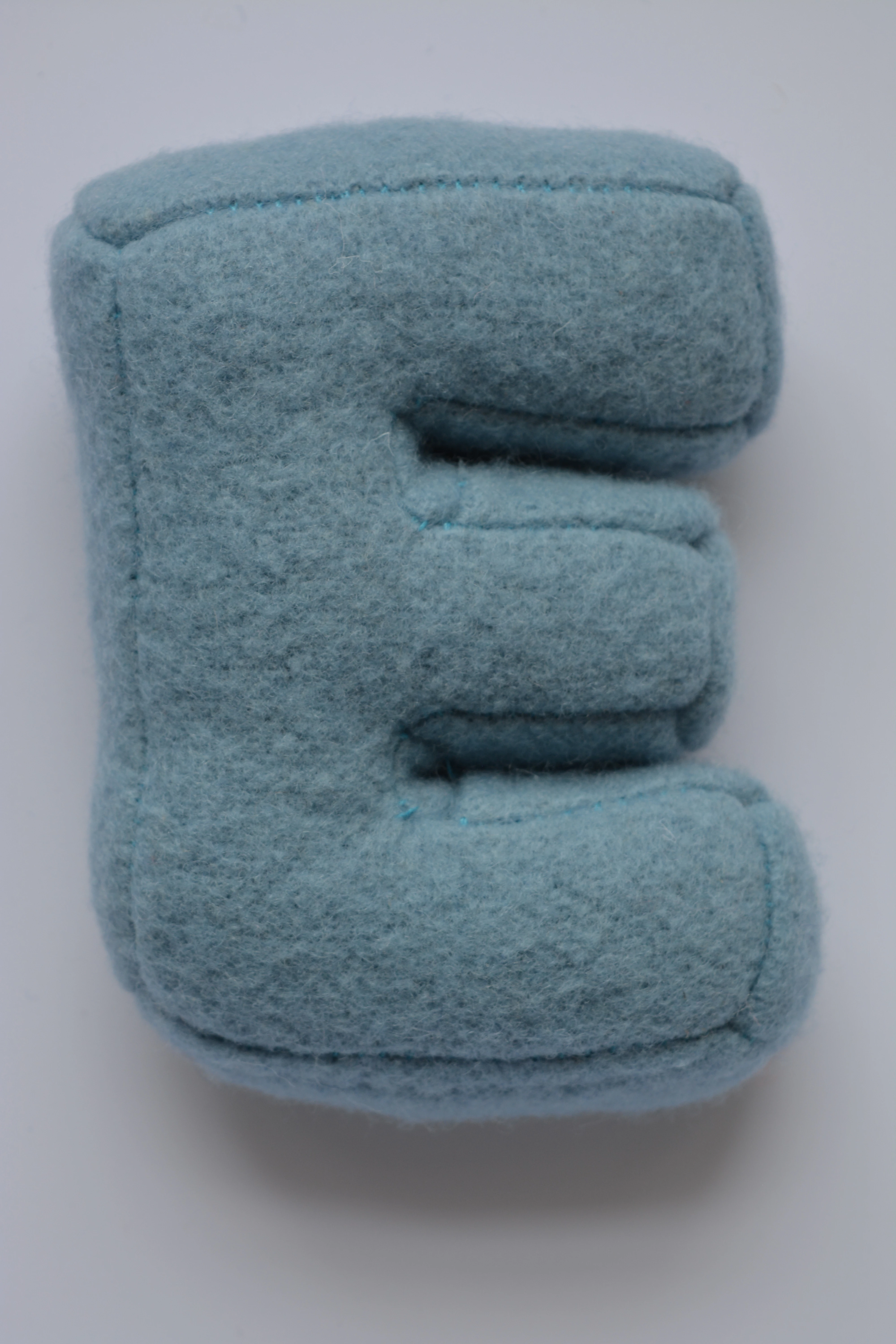
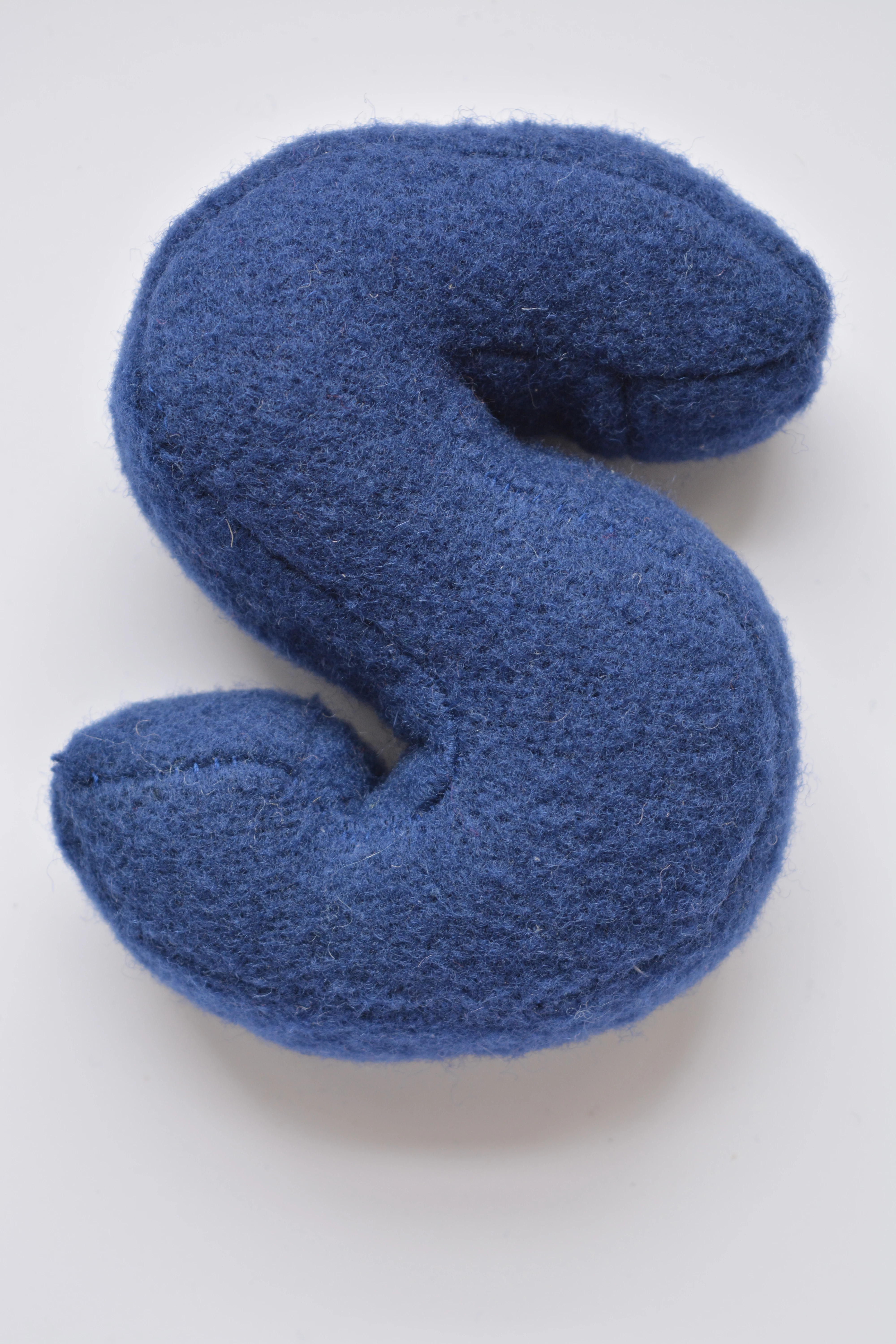
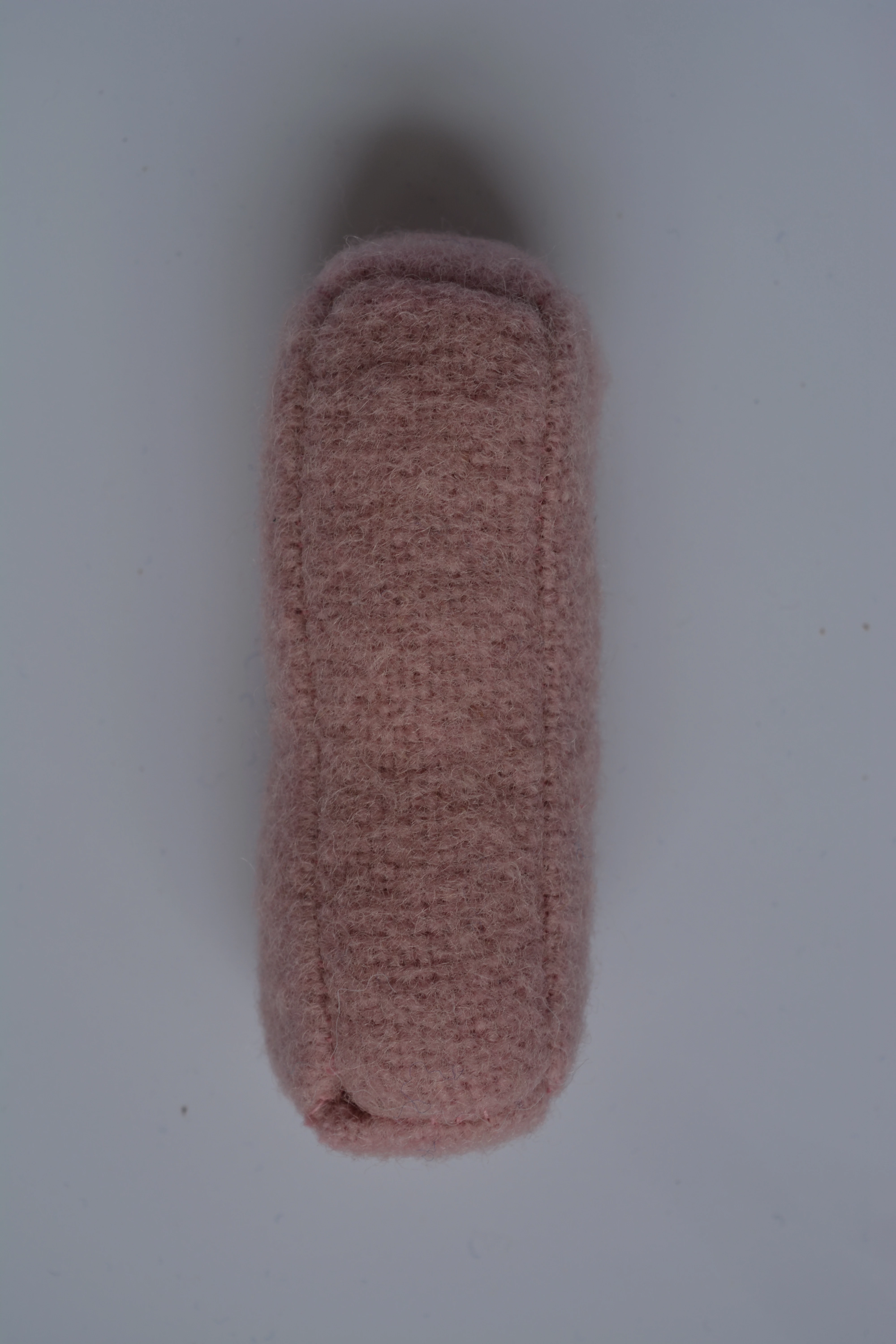
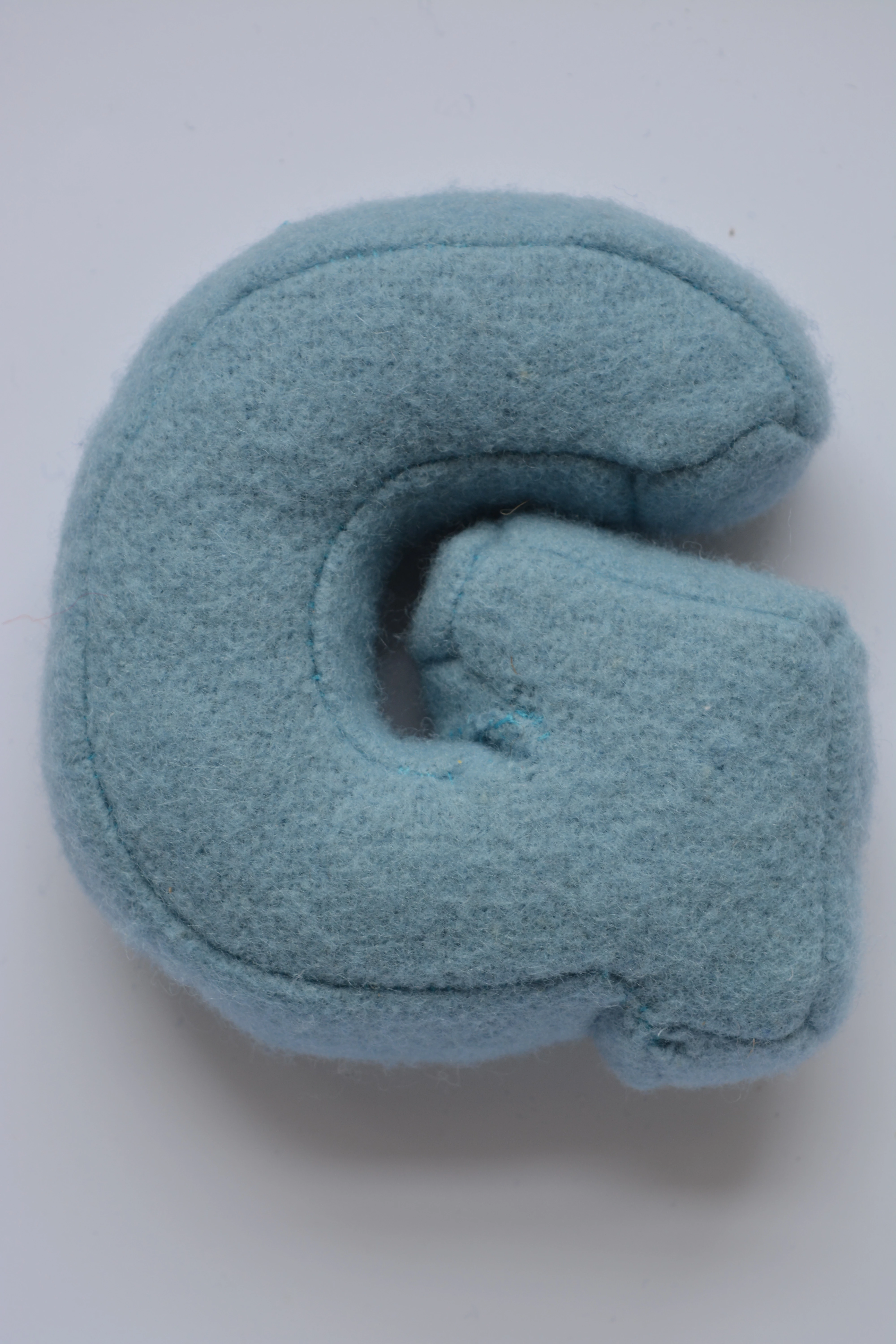
How do I give these images a white background? Making product shots for wooly items

  • July 23, 2022
  • 2 replies
  • 447 views

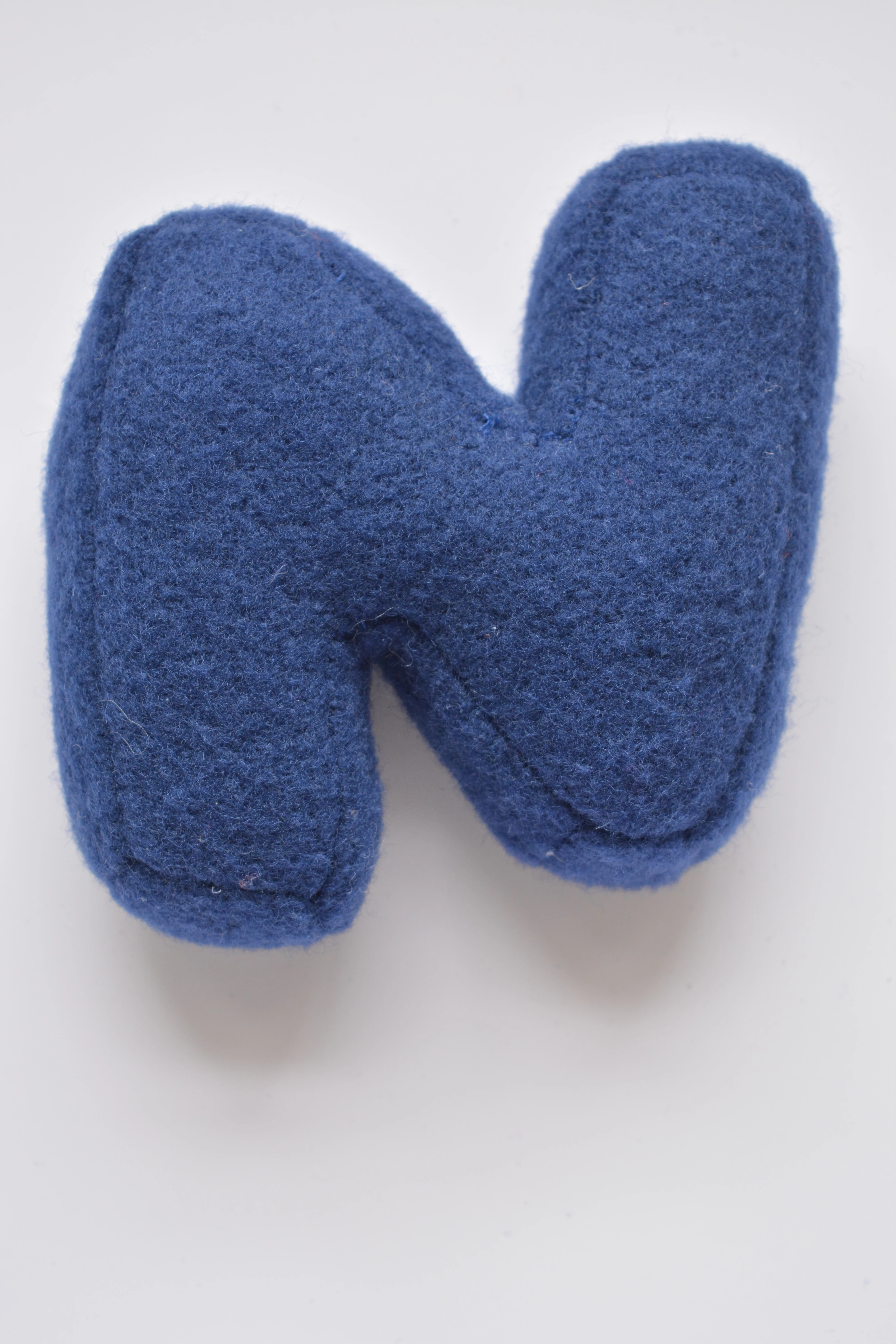
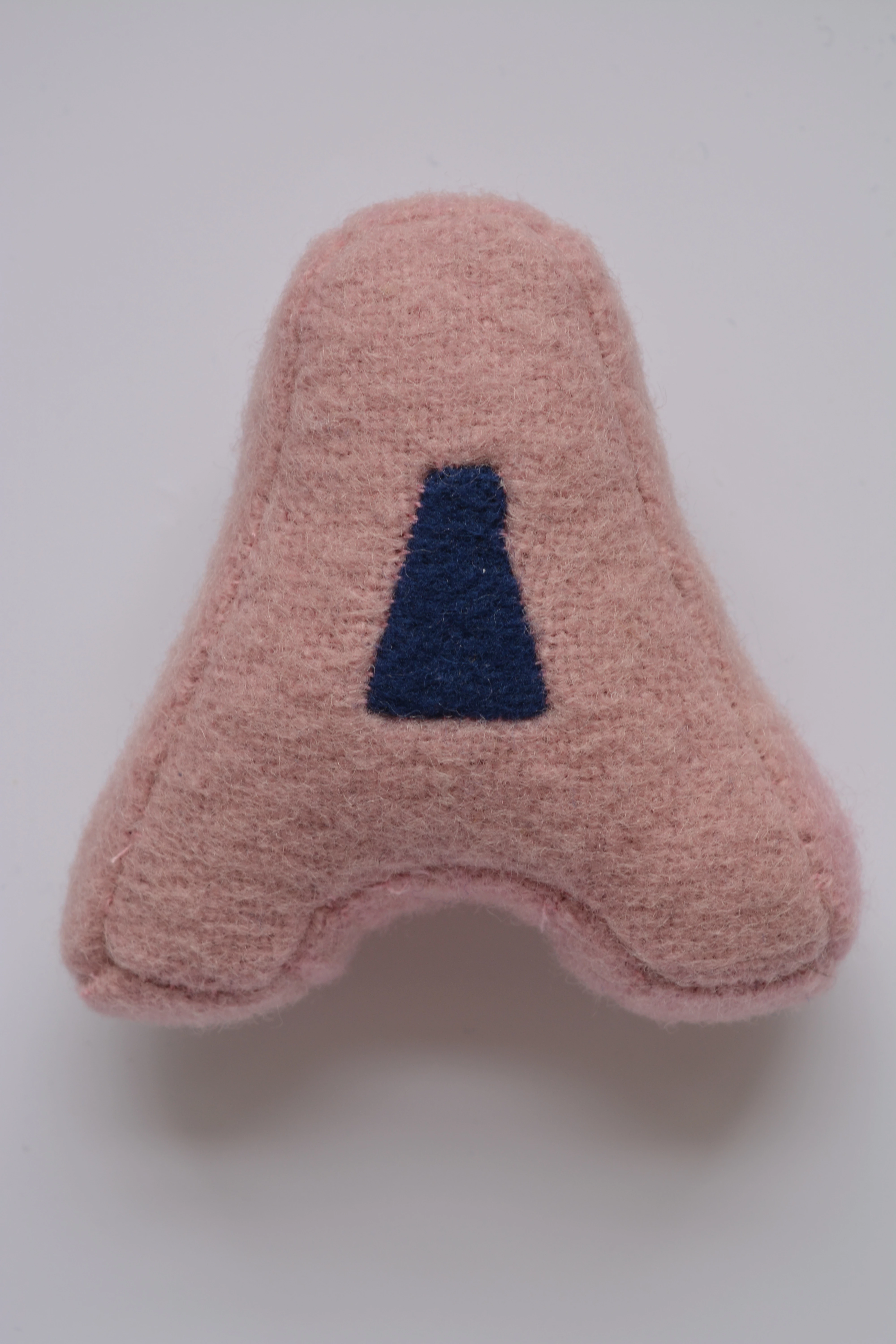
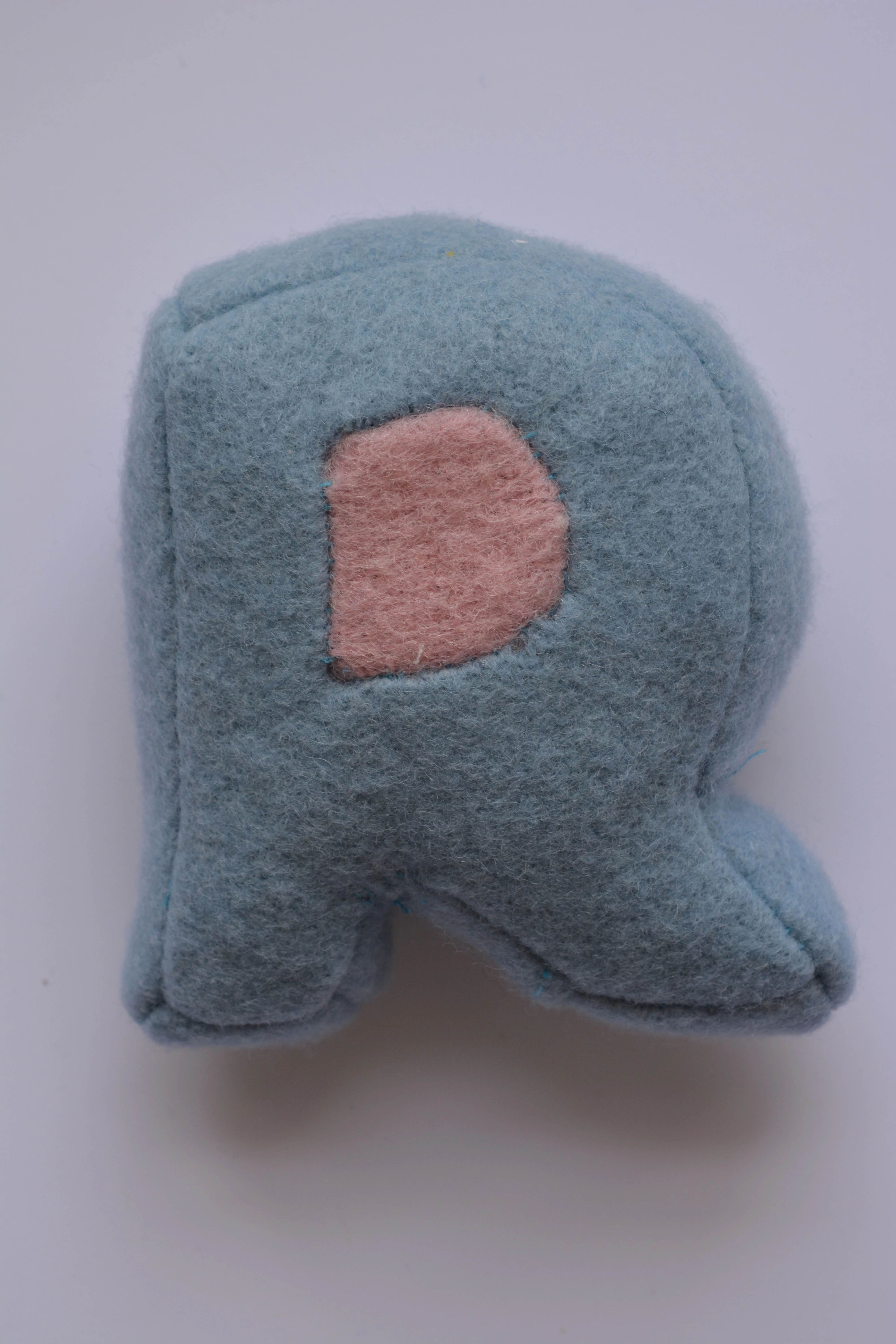
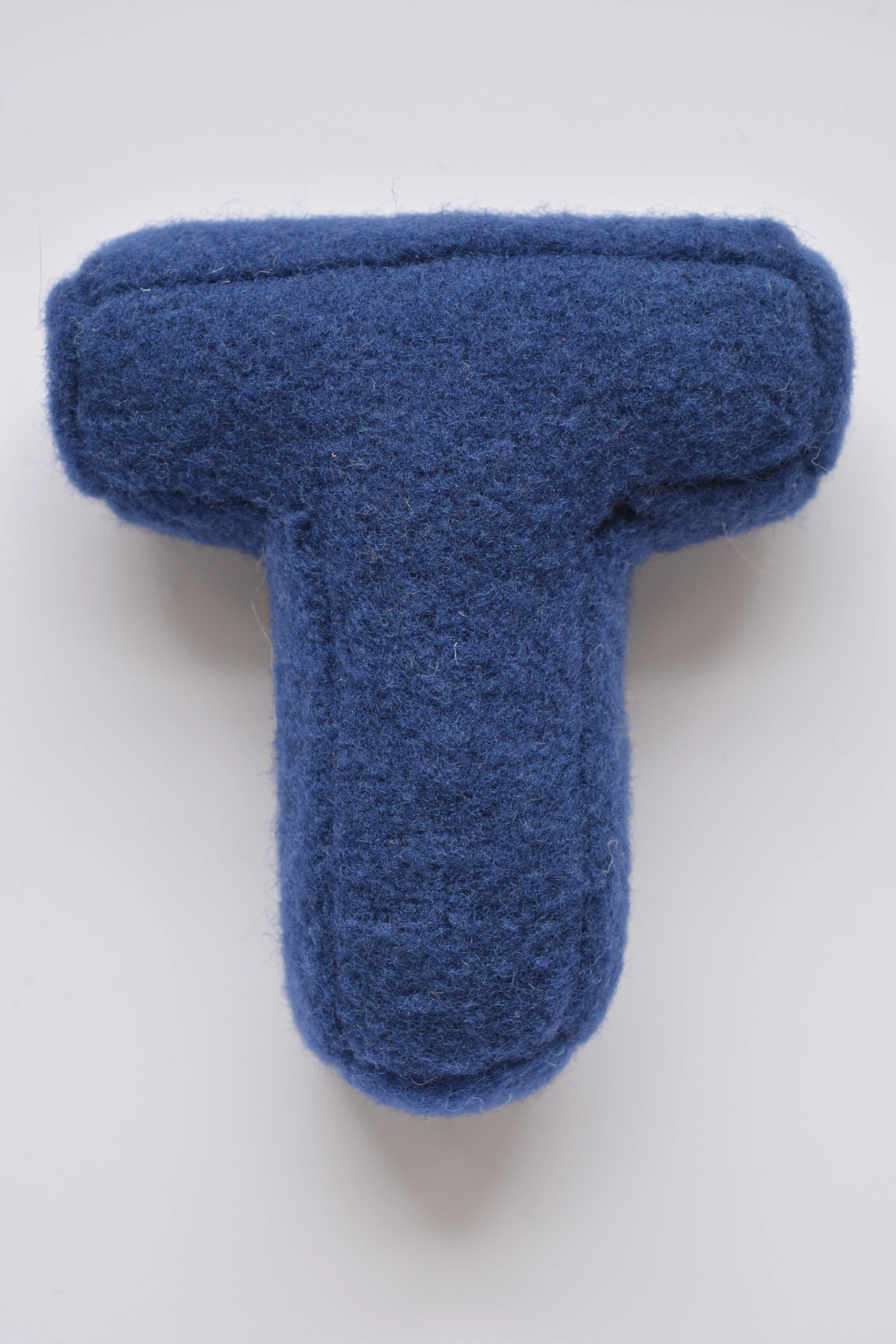
I've made some plush toys out of a wool fabric that I am making product shots for. They need a fully white background, but the fine details of the wool keep getting lost when I use the magic wand tool.


I'm intending to make the final image a banner for my website advertising my services (freelance toy designer so these need to look really good!). It's the first thing that the customer will see on my website, so I'm trying to make as good a first impression as possible. How do I give these a transparent / white background that picks up the fine details of the edges and doesn't look too "toothy"? Is my photography suited to doing this? The background is quite grey as opposed to white, so I'm wondering if that's going to pose a problem.
This topic has been closed for replies.

2 replies

Legend
July 25, 2022

I do product photography for a living and my advice would be to hire someone qualified to reshoot these and maybe teach you how to do them. With a small light table and correct lighting, these will look MUCH better.

c.pfaffenbichler
Community Expert
Community Expert
July 24, 2022

To be blunt: The photographs are fairly far from good. 

Just look at the waste in the Histogram for this one. 


Anyway, the Magic Wand Tool alone is not a proper Tool for the task. 

You could try Select > Subject, then use Select & Mask and use the Refine Edge Brush Tool. (But this example seems an admittedly fairly easy one.) 


The old-school approach would be looking in the Channels for the best separation and using and combining those manually. 

Jumpenjax
Community Expert
Community Expert
July 24, 2022

https://youtu.be/9YjrRsIQFtY

I would brighten the photo a bit first. Then watch the YouTube video to see how to select object quickly. This shows what c.pfaffenbichler is saying for select and mask.

Lee- Graphic Designer, Print Specialist, Photographer