Answered
How do I make background transparent if layer is locked?
I have a layer that says is "partially locked". Is there a way for me to use the magic wand tool on it and make the selection transparent?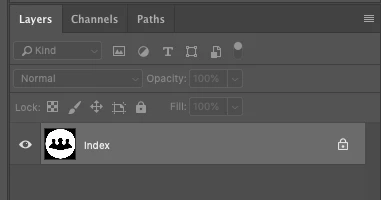

I have a layer that says is "partially locked". Is there a way for me to use the magic wand tool on it and make the selection transparent?
You are using Indexed color mode. Change it to RGB in Image >Color Mode
Dave
Already have an account? Login
Enter your E-mail address. We'll send you an e-mail with instructions to reset your password.
 AdChoices