Answered
How do i mirror the logo from right side to left side ?
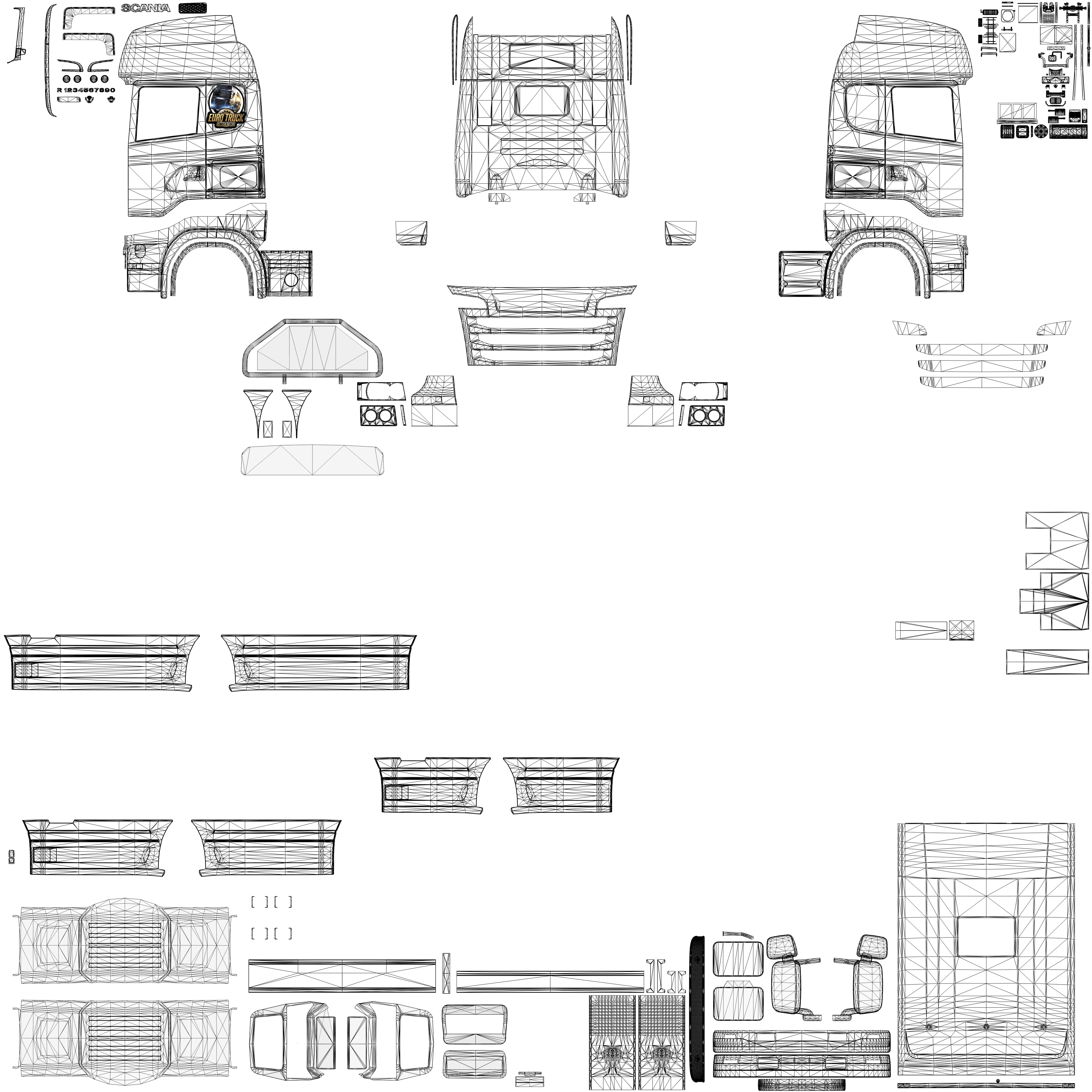
Hello, Is there a way to make the ets2 logo (on the left side) appear on the right side exactly where the logo is one the left side ?
Hello, Is there a way to make the ets2 logo (on the left side) appear on the right side exactly where the logo is one the left side ?
Yes, I can do that but i want it to be exactly at the same position as it is on the left. Like in this image it would be hard to place the red logo on exaclty the same place but on the right hand side.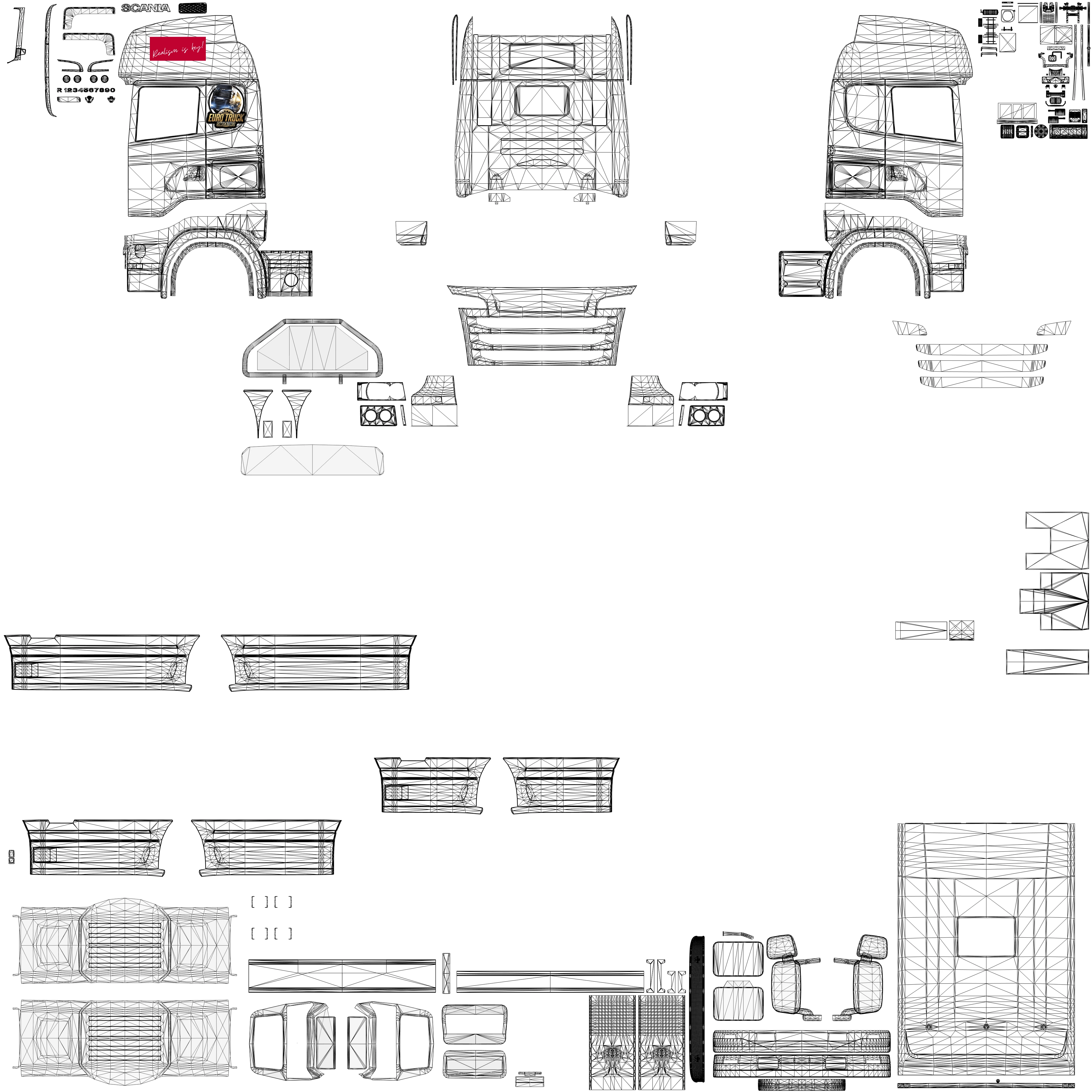
You can duplicate the polygon mesh-layer with the logo Layer, reduce its opacity, then flip them both and use the mesh to position it.
Already have an account? Login
Enter your E-mail address. We'll send you an e-mail with instructions to reset your password.
 AdChoices