Hello,
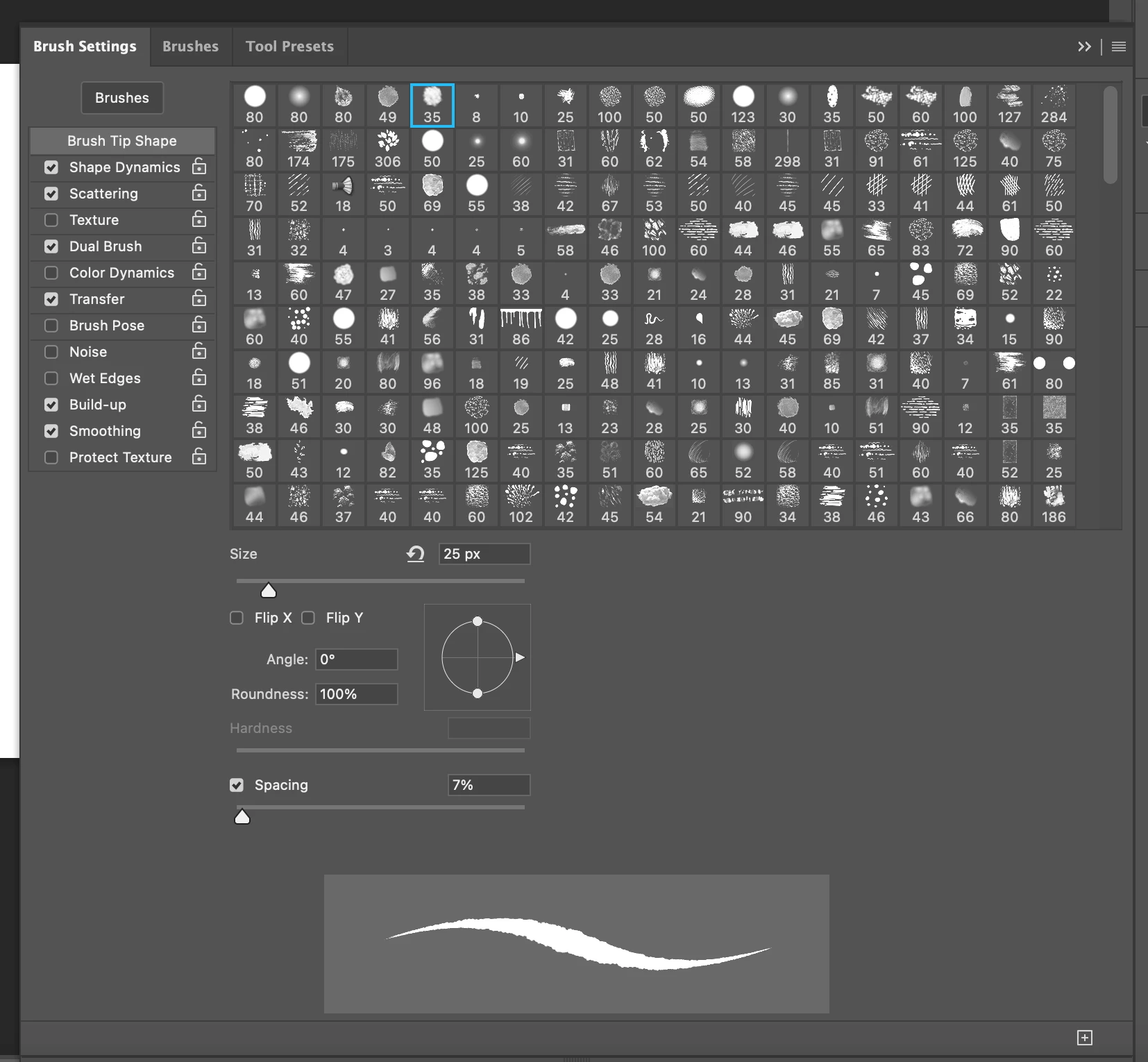
I'm not really having a problem with saving new presets or grouping, my issue is I'm trying to figure out how to organize the Brush Tip Shape section so it's not a seemingly random and unorganized mess so it's way easier to navigate when I want to edit/create brushes.
The big issue is that there are multiples of the same Brush Tip Shape in there, but the settings (like size) are different. As I mentioned, a Brush Tip Shape (not an actual Brush preset) called "Grut - PT Pebbles 03" is 30 spots away from "Grut - PT Pebbles 02", and if they were organized alphabetically, they'd at least be beside each other so I could navigate my options better.
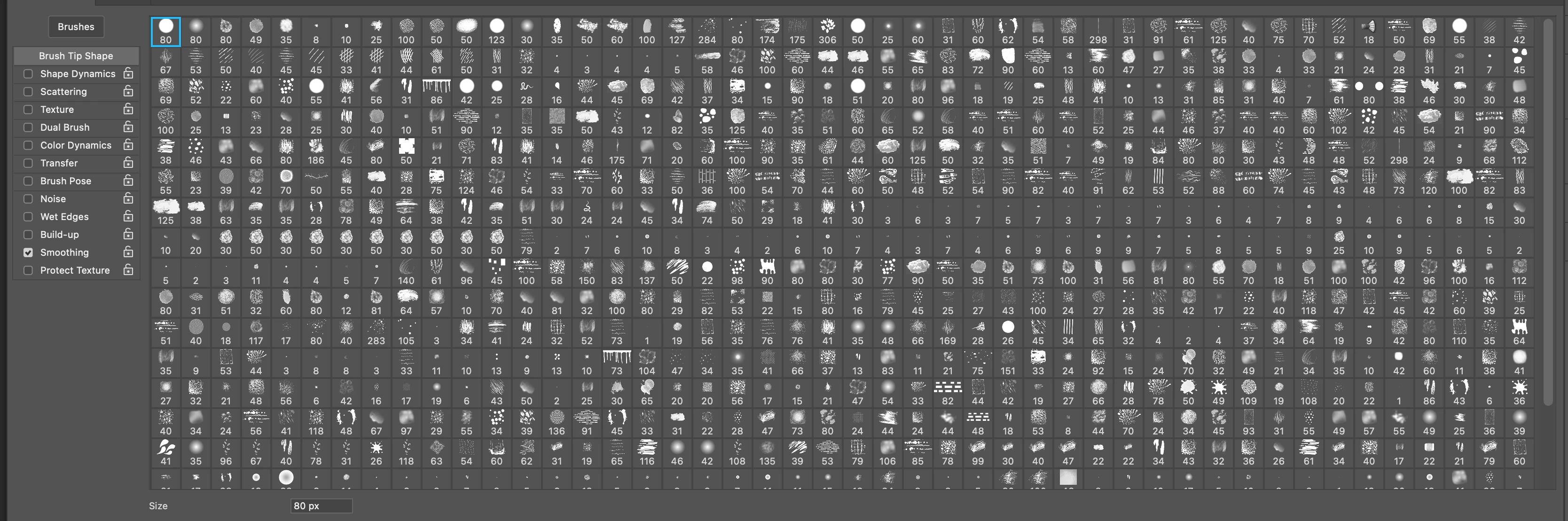
You can see from this picture here, the scroll bar still has more! There are multiple Brush Tip Shapes called "rec strip" and they are not beside each other. It just makes browsing them almost impossible.
I'm guessing that you put that huge group together?
You are not exactly making life easy foryourself having so many presets in the same group, and you don't have all available labling information enabled. You know that you can rename presets, and drag them to change the order they appear in the groups?
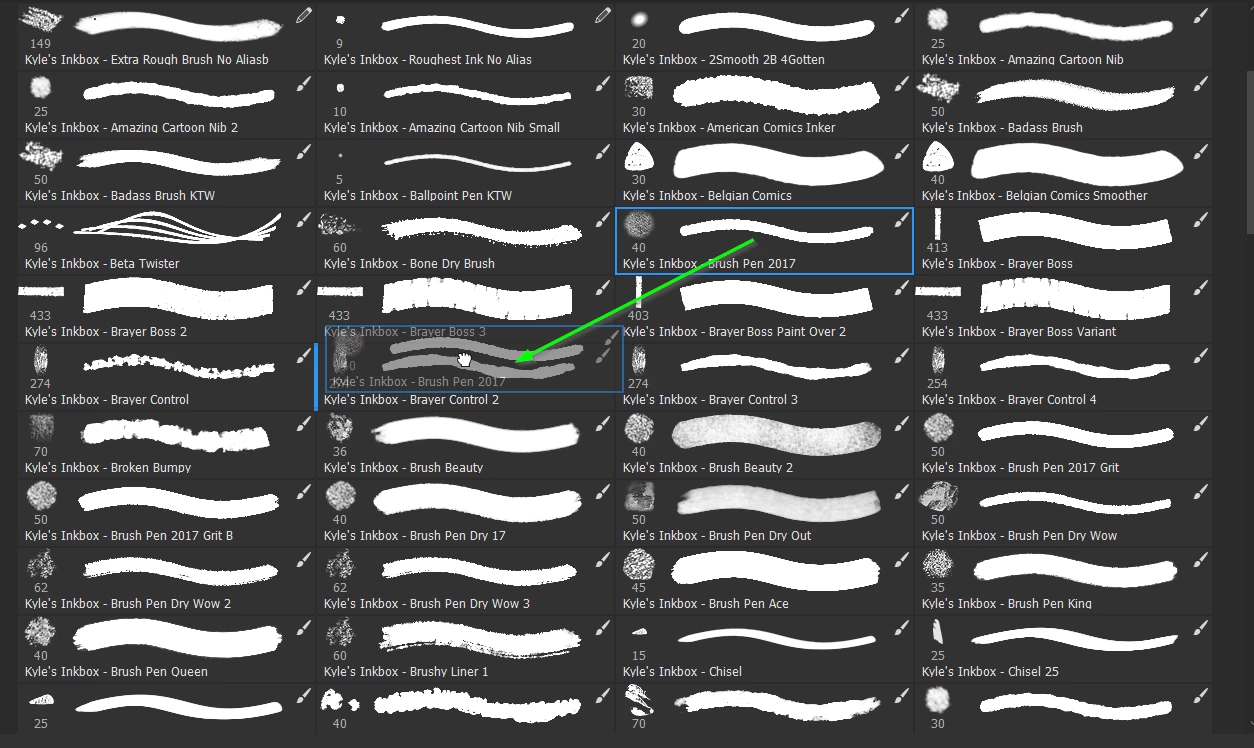
The problem with something like Kyles Megapac is that it contains something like 700 presets. There are some excellent, and useful, presets among them, but it can be a case of not finding the wood for the trees. So it makes sense to create your own favourites groups. Dragging a preset from its original to a new group makes it disappear from the original group, but if you delete and reopen that group, all of its presets will be there. The only way to change that is to export out the .abr file again.
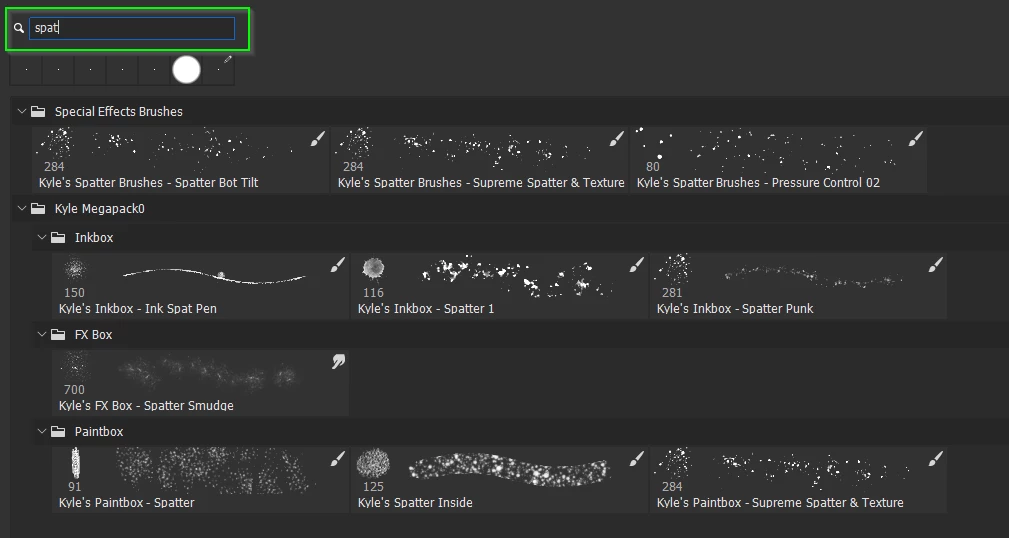
I'd like to help, so if you can be very specific then someone might have an idea or two, but my first thought is that you might want to create some favourite groups. Arrange the presets to suit, and (re)name them. You can then use the right click search tool.

 AdChoices